Siirry pääsisältöön ↓

The Best CRM For Travel Agencies: Simplify Lead Management And Grow Your Business


Travel agency lead management transformation from chaotic spreadsheets to organized CRM pipeline

Between coordinating team bookings, tracking leads across scattered email chains, and managing client preferences in multiple tools, travel agents often spend precious hours on administrative work instead of selling trips and building relationships. Inevitably, leads start slipping through the cracks.

Last-minute bookings are increasingly common, with 44% of leisure travelers now planning and booking within this timeframe—creating operational challenges that require better systems to manage. Without a proper CRM, you’re essentially running your business on institutional knowledge and luck. The right CRM transforms this chaos into organized, predictable revenue; the wrong one wastes both your time and money.

We compared 9 leading CRM solutions to find the best fit for travel agencies—evaluating ease of use, lead loss prevention, affordability, travel-specific features, implementation speed, and mobile accessibility. Our goal was simple: identify which CRMs actually work for small to mid-sized travel agencies trying to grow without complexity.

Best CRMs for travel agencies at a glance

  1. Nutshell (4.5/5): Best all-in-one CRM for teams who prioritize affordability and lead loss prevention
  2. Zoho CRM (4.2/5): Best for feature-rich customization
  3. Tern Travel (4.1/5): Best for travel-specific workflows and integrations
  4. TravelJoy (3.9/5): Best for travel-ready templates
  5. Travefy (3.8/5): Best for itinerary management and client collaboration
  6. HubSpot CRM (3.7/5): Best for teams needing a free plan to start out
  7. Salesforce (3.6/5): Best for enterprise scale/massive teams
  8. Pipedrive (3.5/5): Best for Sales Pipeline Focus
  9. Monday.com CRM (3.3/5): Best for project-based workflows

How we selected the best CRM for travel agencies

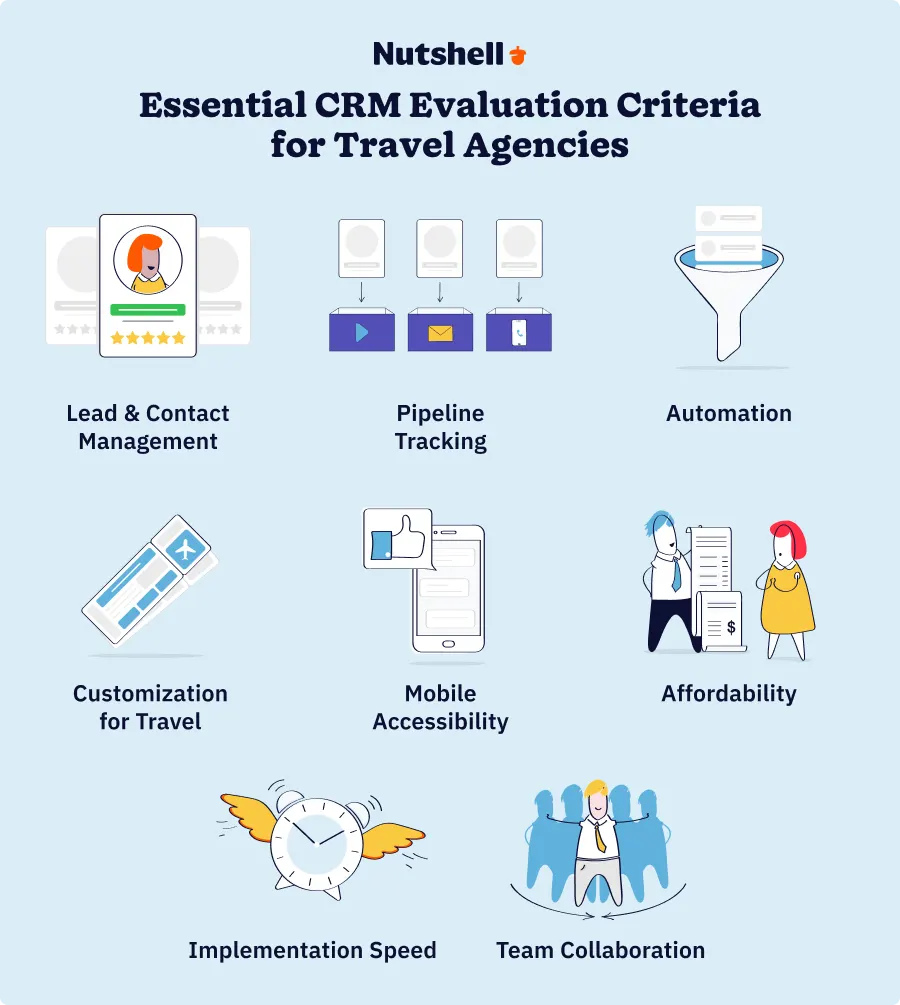
eight CRM evaluation criteria for travel agencies: lead management, pipeline tracking, automation, customization, mobile access, affordability, implementation speed, and team collaboration

We tested each CRM through the lens of a real travel agency owner or manager—someone juggling 3-50 team members, limited IT budget, and zero tolerance for complexity.

Here’s what we evaluated:

  • Lead and contact management: Can you track every client interaction in one place? Will you lose leads if someone leaves the team?
  • Pipeline tracking: Can you see where deals stand at a glance? Can your team instantly identify the next action for each prospect?
  • Automation capabilities: Will the CRM automatically send follow-up reminders so nothing falls through the cracks? Can you automate routine tasks?
  • Customization for travel preferences: Can you store destination preferences, budget ranges, travel dates, and repeat customer history?
  • Mobile accessibility: Can your team update bookings, log calls, and collaborate from the road?
  • Affordability: Does pricing scale reasonably as your team grows?
  • Implementation speed: Can you go live in 30 days or less?
  • Team collaboration: Can your reps see each other’s notes? Can managers track team performance?

We prioritized ease-of-use and lead loss prevention—the two pain points travel agencies cite most. We also focused on solutions serving the SMB segment (1-50 person teams) with budget constraints, excluding enterprise-only platforms where a single license costs what a small agency spends on payroll.

Why travel agencies lose leads (and how a CRM prevents it)

Lead loss between team members is the silent revenue killer for travel agencies. Here’s how it happens:

Sarah emails a prospect interested in a Bali trip on Tuesday. She gets busy with client calls and doesn’t follow up Wednesday or Thursday. Meanwhile, another team member sees a similar inquiry from the same prospect and doesn’t realize it’s the same person—duplicate work, mixed messaging, and confused clients.

Or worse: a prospect submits an inquiry at 3 PM Friday. Nobody assigns it. Nobody follows up. Monday morning rolls around and the prospect has already booked with a competitor.

The impact is staggering. With proper CRM follow-up automation, travel agencies see +25-40% conversion improvement. That’s not a marginal gain—that’s revenue transforming from “maybe” to “definitely.”

Here’s why CRM prevents lead loss:

  • Centralized visibility: Every team member sees every lead in one place
  • Automatic reminders: With CRM reminders, your team automatically gets notified about crucial follow-ups
  • Task assignment: CRM automatically assigns follow-up tasks to specific team members
  • Next-action visibility: Nutshell’s signature “next-action” system does something most CRMs don’t: it automatically identifies which prospects need attention next
  • Activity tracking: Every interaction gets logged—calls, emails, meetings, notes. When a client calls with a question, your team sees the complete history instantly
  • Time-sensitive booking capture: In an industry centered on seasons and timing, CRM automation catches time-sensitive prospects and ensures they don’t slip away.

CRM isn’t fancy software. It’s the operational discipline that prevents leads from falling through the cracks between team members. Without it, you’re relying on individual memory and hope.

Key features every travel agency CRM should have

Not all CRM features matter equally for travel agencies. Some are table stakes; others are nice-to-haves. Here’s what actually moves the needle, ranked by priority:

  1. Lead and contact management (⭐⭐⭐⭐⭐): Store unlimited contacts, track every interaction (calls, emails, meetings)
  2. Pipeline tracking and next-action identification (⭐⭐⭐⭐⭐): You need visibility into where each deal stands
  3. Automated follow-ups and task reminders (⭐⭐⭐⭐⭐): Send automatic email reminders, assign tasks to specific team members, and log interactions without anyone manually typing
  4. Customizable fields and records (⭐⭐⭐⭐): Track destination preferences, travel dates, trip types (adventure, relaxation, family, etc.), repeat customer history, and commission structures
  5. Mobile app with full functionality (⭐⭐⭐⭐): Log calls, update bookings, and collaborate from anywhere
  6. Reporting and analytics (⭐⭐⭐⭐): A CRM that turns data into insights helps you identify what’s working and where to improve
  7. Task management and team collaboration (⭐⭐⭐): See shared notes, comment on bookings, and know who’s doing what
  8. Multi-channel communication (⭐⭐⭐): Beyond email, your CRM should be able to log calls, track text messages, and integrate with booking platforms

Comparison table: 9 Best travel agency CRMs

CRM NameStarting PriceEase of UseLead ManagementAutomaatioMobile AppBest ForRating
Nutshell$13 per user/monthExcellentExcellentExcellentStrongAffordable simplicity + lead loss prevention4.5
Zoho CRM$14 per user/monthGoodExcellentExcellentStrongFeature-rich customization (steeper learning curve)4.2
Tern Travel$35 per user/monthExcellentExcellentVery GoodStrongTravel-specific workflows and integrations4.1
TravelJoy$19 per user/monthVery GoodExcellentVery GoodExcellentTravel templates and lead scoring3.9
Travefy$39/monthVery GoodVery GoodGoodExcellentItinerary management and client collaboration3.8
HubSpot CRM$9/user/month; Free tier availableExcellentGoodFairGoodFree starting point for lead tracking3.7
Salesforce$25 per user/monthFairExcellentExcellentStrongEnterprise scale (overkill for SMB)3.6
Pipedrive$14 per user/monthVery GoodGoodVery GoodGoodSales-pipeline focus (less travel-optimized)3.5
Monday.com$99-299GoodFairGoodFairProject-based workflows (not travel-specific)3.3

Best CRM software for travel agencies: Detailed reviews

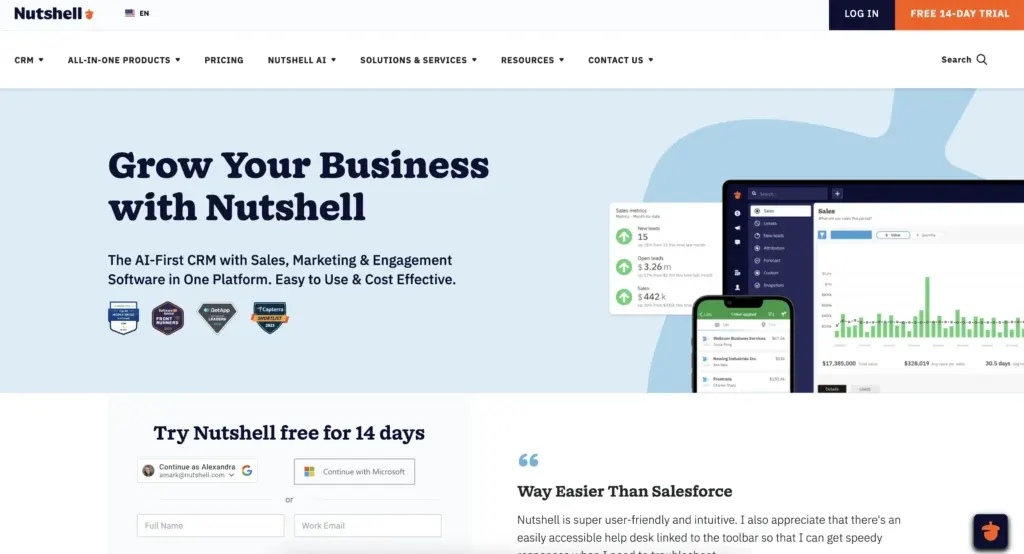
1. Nutshell

Rating: 4.5 out of 5
Best for affordable, simple travel agency CRM with lead loss prevention

nutshell crm for email marketing

Quick summary

Nutshell is built specifically for small to mid-sized sales teams who need to prevent lead loss without complexity or bloat. The interface is clean, the learning curve is minimal, and the signature “next-action” system automatically identifies which prospects need attention next—solving the #1 problem travel agencies face.

Tärkeimmät ominaisuudet

  • Next-action system
  • Custom fields for travel data
  • Automated follow-ups
  • Full-featured mobile app
  • Built for non-technical users

Plussaa

  • Simple, intuitive interface
  • Next-action system directly prevents lead loss
  • Affordable pricing that scales
  • Fast implementation and onboarding
  • Excellent customer support

Miinukset

  • No free plan
  • Not travel-specific

Hinnoittelu

From $13 per user/month (annual pricing), with a 14-day free trial available

Tarvitsetko käyttäjäystävällistä CRM:ää myynnin ja tiimin tehokkuuden lisäämiseksi?

Tutustu opastetulle kierroksellemme Nutshell'n uskomattomiin ominaisuuksiin!

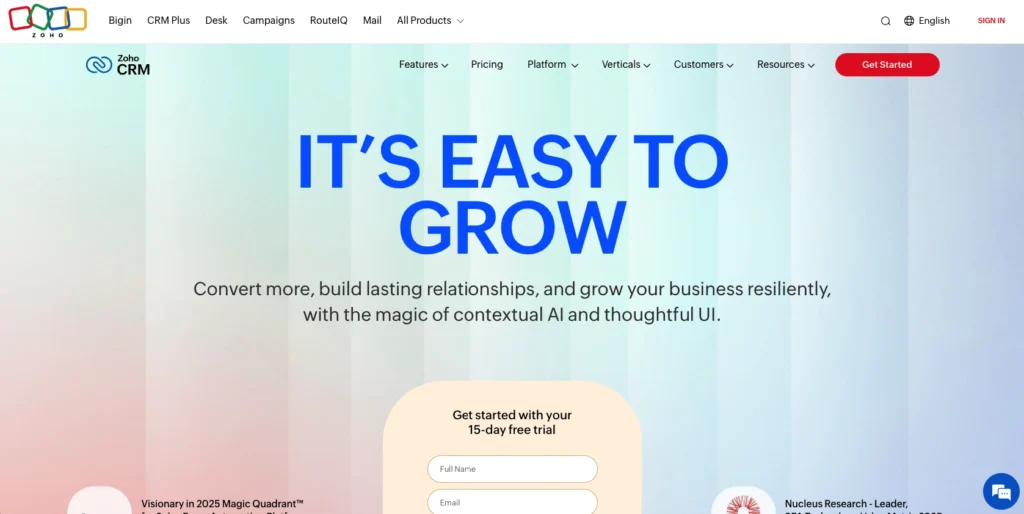
2. Zoho CRM

Rating: 4.2 out of 5
Best for feature-rich customization but steeper learning curve

    zoho crm for email marketing

    Quick summary

    Zoho CRM is a powerful, highly customizable platform that can do almost anything—if you’re willing to invest time in setup and training. But it’s overkill for simple lead tracking and will slow down small teams with unnecessary complexity.

    Tärkeimmät ominaisuudet

    • Extensive customization
    • Powerful automation
    • Raportointi ja analytiikka
    • Lead scoring

    Plussaa

    • Highly customizable
    • Strong documentation and large community
    • Good for agencies that will invest in proper setup and training

    Miinukset

    • Jyrkkä oppimiskäyrä
    • Requires technical knowledge or consulting investment for custom workflows
    • Hidden costs in customization and training services

    Hinnoittelu

    Zoho CRM starts at $14/month per user for the Standard plan with annual pricing

    3. Tern Travel

    Rating: 4.1 out of 5
    Best for travel-industry-specific workflows and integrations

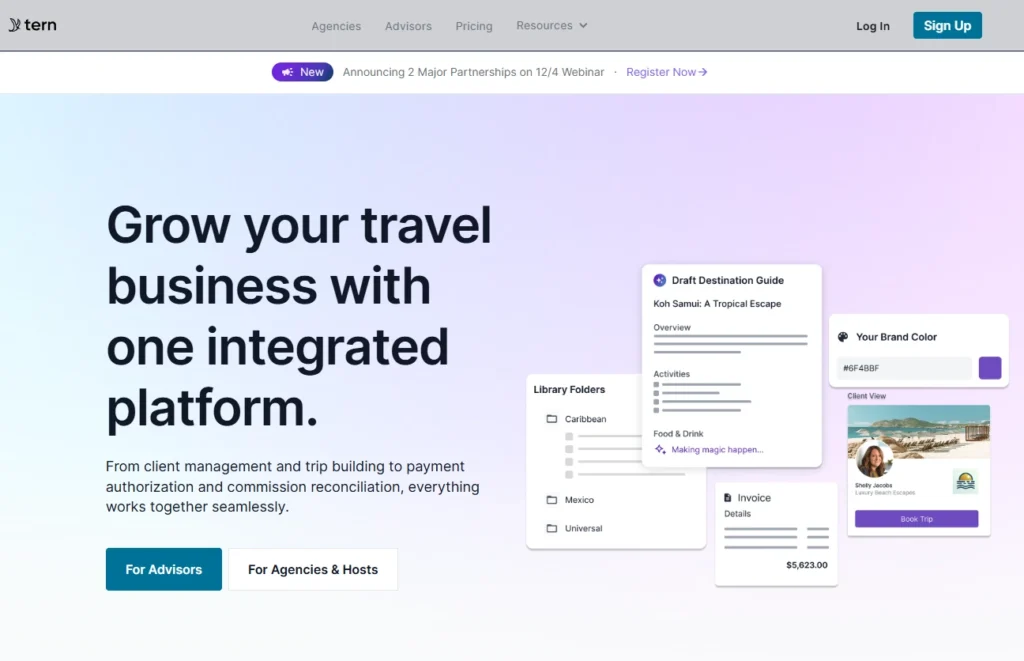
      Homepage of Tern Travel a CRM for travel agencies

      Quick summary

      Tern Travel is purpose-built for travel agencies—The platform includes pre-built fields for destinations, trip types, and travel-specific automation. The trade-off is that it’s less flexible outside travel workflows and somewhat pricier than generic alternatives.

      Tärkeimmät ominaisuudet

      • Travel-specific data fields
      • Booking platform integrations
      • Client preference tracking
      • Itinerary collaboration

      Plussaa

      • Industry-specific
      • Strong integrations
      • Quick implementation for travel-specific use cases
      • Industry-tailored best practices included

      Miinukset

      • Higher starting price
      • Less flexible for non-travel workflows
      • Fewer third-party integrations
      • Rajoitettu räätälöinti

      Hinnoittelu

      Starting at $35 per user/month with annual pricing

      4. TravelJoy

      Rating: 3.9 out of 5
      Best for agencies wanting travel-specific templates and lead scoring

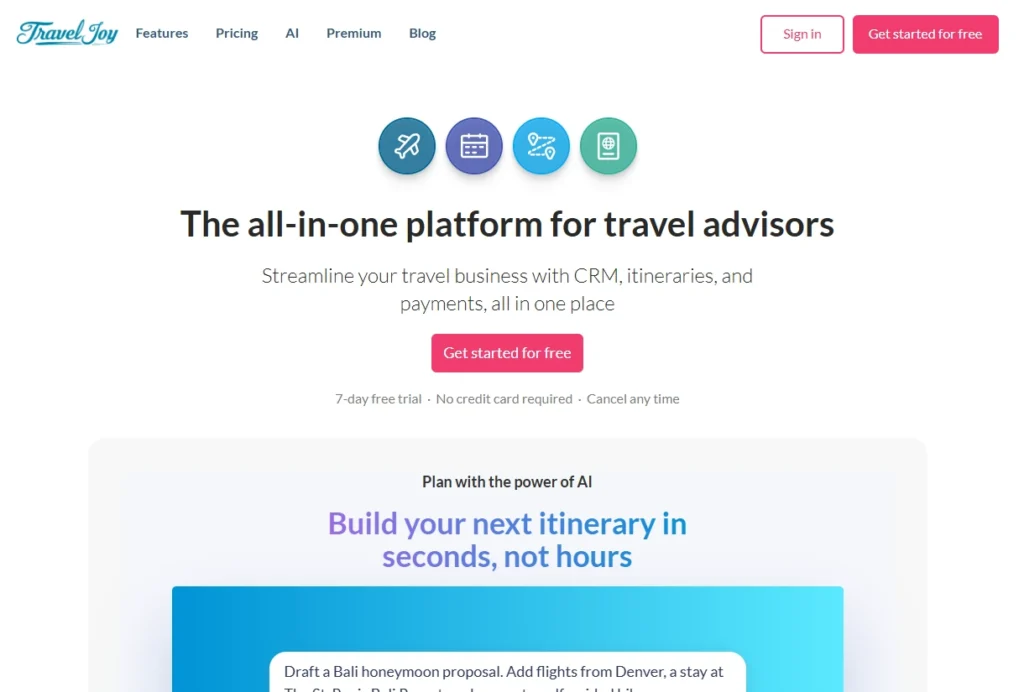
        Homepage of TravelJoy a CRM for travel agencies

        Quick summary

        TravelJoy offers travel-specific templates and lead scoring designed to help agencies prioritize high-value prospects. It’s a middle ground between generic CRMs and travel-only platforms—travel-optimized without being too specialized.

        Tärkeimmät ominaisuudet

        • Lead scoring for travel intent
        • Pre-built travel workflows
        • Destination tracking
        • Sähköpostimallit

        Plussaa

        • Lead scoring
        • Travel-specific templates
        • Affordable mid-range pricing
        • Käyttäjäystävällinen käyttöliittymä

        Miinukset

        • Lead scoring algorithm isn’t customizable
        • Limited feature set
        • Smaller ecosystem of integrations

        Hinnoittelu

        Starting at $19 per user/month with annual pricing

        5. Travefy

        Rating: 3.8 out of 5
        Best for itinerary management and client collaboration features

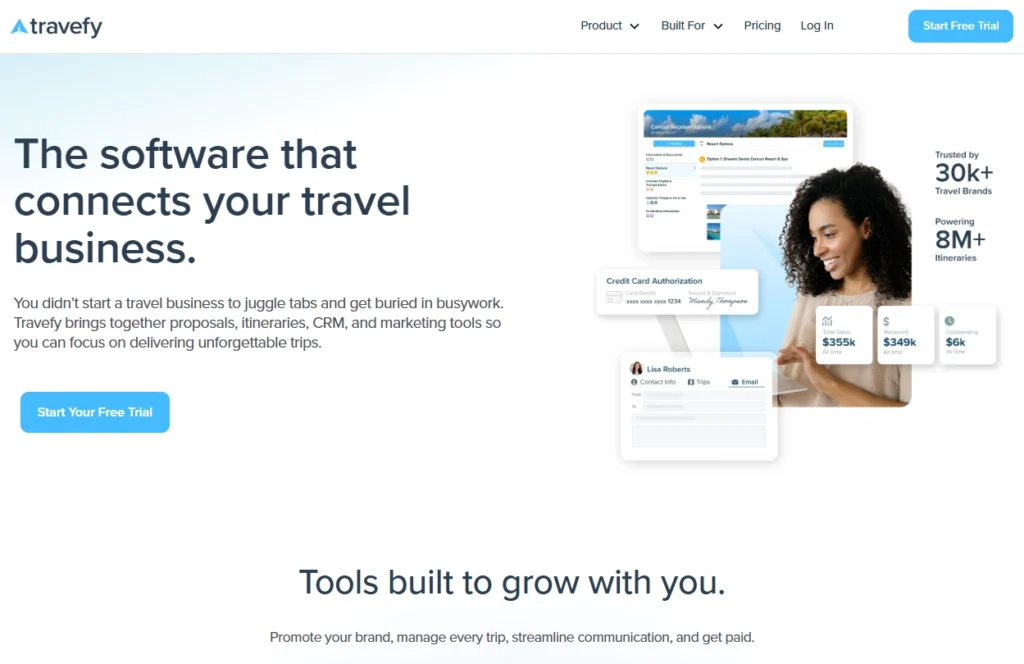
          Travefy homepage a CRM for travel agencies

          Quick summary

          Travefy is less of a traditional CRM and more of an itinerary management platform that happens to have CRM features. For pure lead management and follow-up tracking, it’s weaker than dedicated CRMs.

          Tärkeimmät ominaisuudet

          • Itinerary builder and sharing
          • Client porta
          • Activity tracking
          • Tiimiyhteistyö
          • Mobile app

          Plussaa

          • Client collaboration and itinerary sharing
          • Strong mobile app
          • Intuitive interface
          • Good for agencies with complex, multi-destination trip planning

          Miinukset

          • Weaker lead management
          • Limited automation capabilities
          • Smaller reporting and analytics features

          Hinnoittelu

          Starting at $39/month with annual pricing

          6. HubSpot CRM

          Rating: 3.7 out of 5
          Best for free starting option but limited travel-specific features

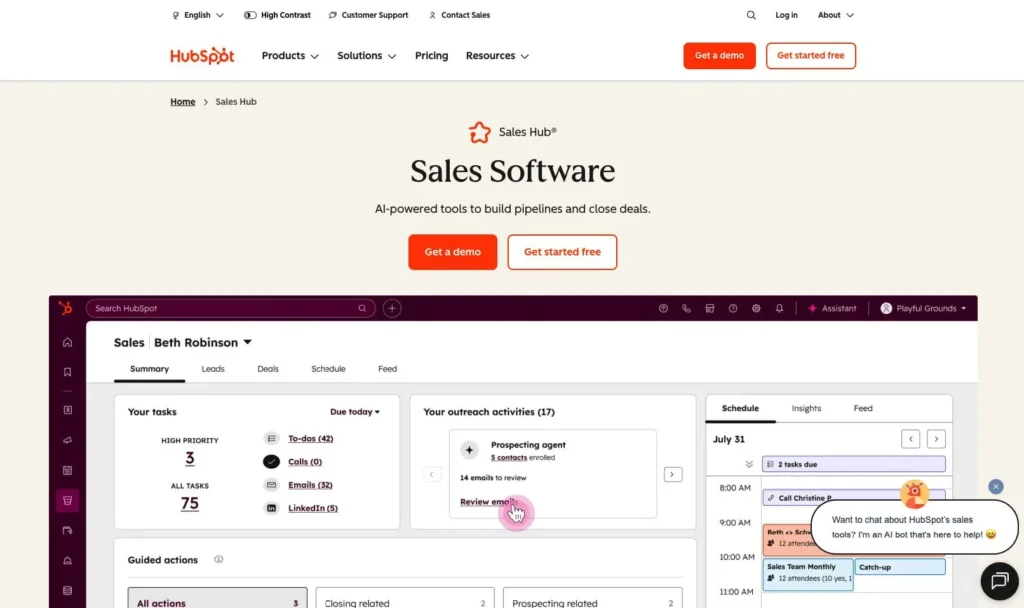
            hubspot crm for email marketing

            Quick summary

            HubSpot’s free CRM is one of the best starting points if you’re CRM-skeptical or working with a minimal budget, but it’s limited for travel workflows and you may quickly outgrow it.

            Tärkeimmät ominaisuudet

            • Yhteyksien hallinta
            • Tehtävien hallinta
            • Email integration
            • Basic reporting

            Plussaa

            • Free tier available
            • Extensive academy resources
            • Strong user community and documentation

            Miinukset

            • Free tier too limited for lead management
            • Paid tier had limited travel-specific features
            • Expensive as you add paid features

            Hinnoittelu

            HubSpot CRM free tier includes basic features and the paid plans start from $9/user/month for the Sales Hub Starter plan

            7. Salesforce

            Rating: 3.6 out of 5
            Best for enterprise-scale operations but overkill for SMB agencies

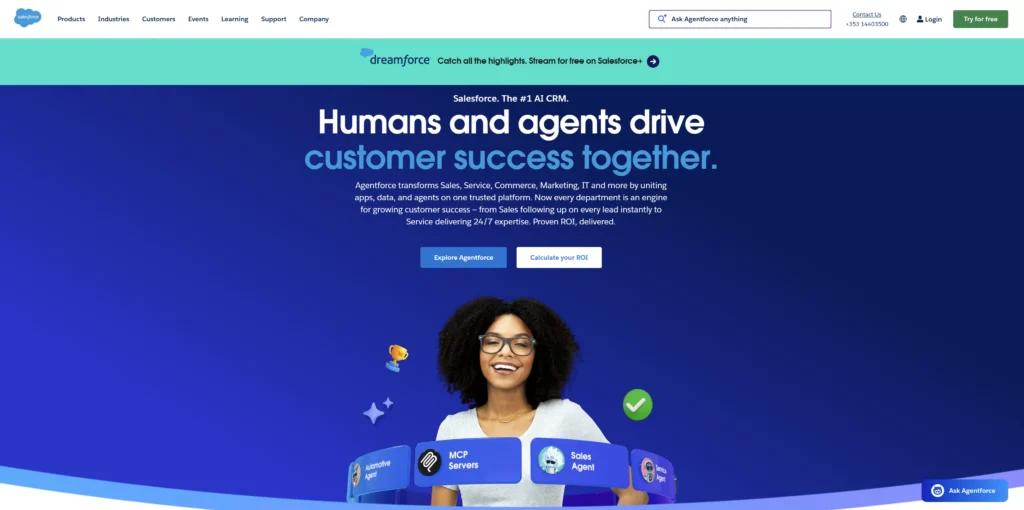
              A screenshot of Salesforce's website homepage

              Quick summary

              Salesforce is the most powerful CRM on the market—and the most complex. If you’re a 100+ person organization with deep IT resources, Salesforce delivers enterprise-grade capabilities. But this CRM may be overkill for small and mid-sized agencies.

              Tärkeimmät ominaisuudet

              • Unlimited customization
              • Advanced automation
              • Enterprise reporting
              • Global scalability

              Plussaa

              • Powerful CRM platform
              • Excellent for very large enterprises
              • Industry-specific solutions available
              • Proven stability and security at enterprise scale

              Miinukset

              • Expensive
              • Jyrkkä oppimiskäyrä
              • Overkill for SMB travel agencies
              • Requires dedicated Salesforce admin or consultants

              Hinnoittelu

              Starting at $25/month per user for Essentials; implementation costs and consulting fees often exceed the software price.

              8. Pipedrive

              Rating: 3.5 out of 5
              Best for sales-pipeline-focused teams but less travel-specific

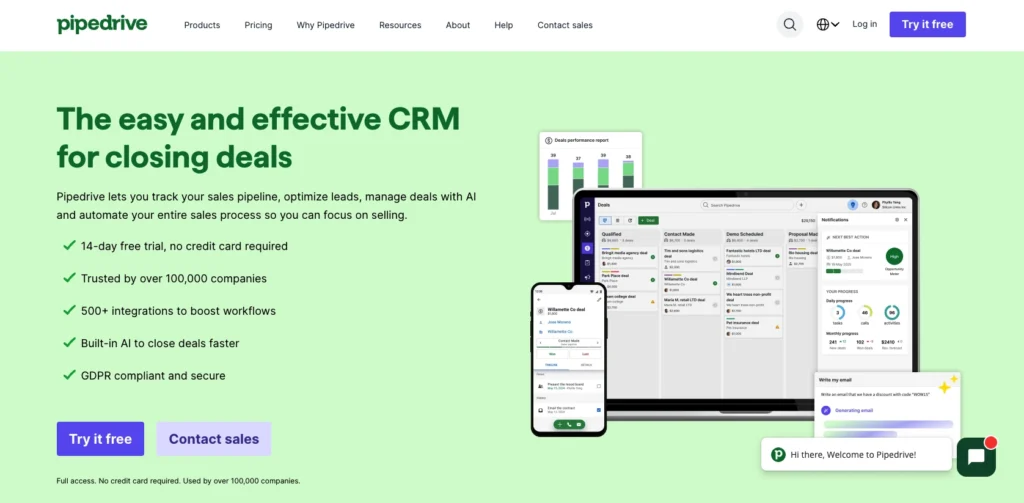
                pipedrive crm for email marketing

                Quick summary

                Pipedrive is a pipeline-centric CRM focused on visual sales management and deal tracking. If your team is obsessed with pipeline management and visual deal flows, Pipedrive delivers. It’s a solid generic CRM—just not optimized for travel workflows.

                Tärkeimmät ominaisuudet

                • Visual pipeline management
                • Activity tracking
                • Lead scoring and prioritization
                • Raportointi
                • Mobile app

                Plussaa

                • Strong pipeline visualization
                • Fast implementation
                • Good for teams that focus on pipeline metrics

                Miinukset

                • No travel-specific features
                • Rajoitettu räätälöinti
                • Smaller ecosystem of integrations

                Hinnoittelu

                Pipedrive starts at $14//user/month for basic plan

                9. Monday.com CRM

                Rating: 3.3 out of 5
                Best for project-based workflow management but not travel-optimized

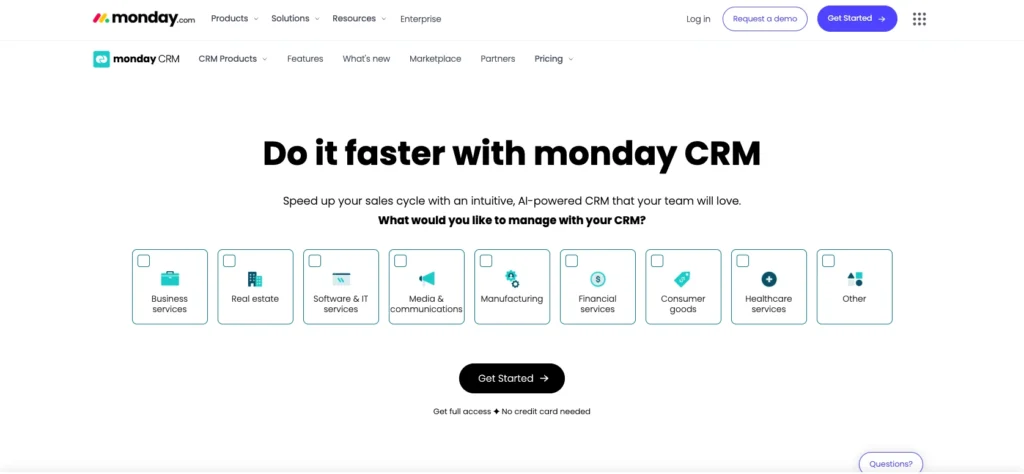
                  Monday.com Homepage

                  Quick summary

                  Monday.com is a project management platform with CRM capabilities bolted on. It’s designed for teams managing multiple projects simultaneously with complex workflows and dependencies.

                  Tärkeimmät ominaisuudet

                  • Project workflow management
                  • Tiimiyhteistyö
                  • Custom automations
                  • Reporting and dashboards

                  Plussaa

                  • Great for project-based work
                  • Highly visual interface
                  • Flexible automation builder
                  • Strong team communication features

                  Miinukset

                  • Not designed as a CRM; lead management is secondary
                  • No travel-specific features or templates
                  • Limited contact/lead management capabilities

                  Hinnoittelu

                  Starting at $12/user/month (minimum 3 users required), billed annually

                  Travel agency CRM implementation best practices

                  One of the biggest objections travel agencies have about CRM is implementation time. “Don’t these things take 90 days?” you’re thinking. Not if you plan well.

                  Here’s how to implement a CRM in 30 days or less:

                  Week 1: Planning and setup (5 days)

                  • Choose your CRM platform
                  • Import your existing contacts from email, spreadsheets, and existing tools
                  • Create custom fields for travel-specific data (destination preferences, travel dates, trip types, budget ranges)
                  • Set up your team members in the system with appropriate permission levels

                  Week 2: Automation and workflows (7 days)

                  • Configure automated follow-up sequences
                  • Set up email templates for common scenarios (first inquiry response, quote follow-up, booking confirmation)
                  • Create task workflows so leads automatically get assigned to team members
                  • Build basic reports for tracking pipeline and team performance

                  Week 3: Training and soft launch (7 days)

                  • Train your team on the CRM (Nutshell implementations are especially fast here because the interface is intuitive—most reps learn in 10 minutes)
                  • Start using the CRM with real leads while still using your old system as backup
                  • Identify any workflows that need adjustment

                  Week 4: Full launch and optimization (7 days)

                  • Go live fully
                  • Retire your old system (spreadsheets, email as primary contact store, etc.)
                  • Run weekly team check-ins to identify friction and optimize workflows
                  • Celebrate the fact that you’re live

                  The need for speed

                  The longer your CRM sits unused, the more your team forgets why you bought it. Fast implementation creates momentum. Your team sees lead loss preventing, admin time dropping, and client follow-up improving within the first 30 days. That builds trust and adoption.

                  Save time. Close deals. Get Nutshell  

                  • Fast Setup: Go live in days, not weeks.
                  • Less Busywork: Auto-logging and 1-click follow-ups.
                  • More Connected: Seamlessly integrate data

                  Grow your business with the time-saving CRM

                  Mobile-first CRM: Managing travel bookings from anywhere

                  The travel industry doesn’t run from desks. Your team is meeting clients at coffee shops, attending industry events, managing remote teams, and increasingly working from home or “workstations” around the world.

                  Workcations are increasingly popular, with a significant percentage of Americans combining work and leisure travel, which means your team needs a CRM that works as well on their phone as it does on their laptop.

                  The essential features you need for your mobile CRM include:

                  • Full functionality, not read-only: Good mobile CRM apps let you log calls, update lead status, add notes, assign tasks, and send emails from your phone. During a client call, you should be able to update the CRM in real-time.
                  • Offline access: Quality mobile CRMs work offline and sync automatically when you reconnect.
                  • Push notifications: Time-sensitive reminders come through on your phone. A prospect books a last-minute trip and you get an instant notification. You follow up immediately instead of checking your email an hour later.
                  • Remote team coordination: A rep in Miami is closing a deal while another rep in Seattle is handling a client call. The CRM’s mobile app keeps everyone synchronized. You all see the same lead status, notes, and next steps in real-time.
                  • On-the-go booking updates: A client calls your rep while they’re at an industry conference. The rep logs the call, updates the booking status, and sends a follow-up email—all from their phone. By the time they get back to the office, the deal is already moving forward.

                  The best travel agency CRMs (Nutshell, Tern Travel, TravelJoy, Travefy) all have full-featured mobile apps that treat your phone like a portable office, not a read-only dashboard.

                  Choose the right CRM and transform your travel business

                  Lead loss between team members. Spreadsheet chaos. Forgotten follow-ups on time-sensitive bookings. Manual admin work consuming 30-40% of your team’s time. Sound familiar?

                  The right CRM transforms all of that. Your team stops managing spreadsheets and starts managing leads. Leads stop falling through cracks. Follow-ups happen automatically. Your reps spend more time selling and less time administrating. Clients get personalized service even as your team scales.

                  For most travel agencies seeking the balance of simplicity, affordability, and lead loss prevention, Nutshell is the clear choice. The next-action system prevents leads from getting lost between team members. The intuitive interface means your team learns the system in 10 minutes, not 40 hours. The pricing, from $13 per user/month scales affordably from 2-person teams to 50+ person agencies.

                  Ready to transform your travel business? Start your free trial with Nutshell today and see how the next-action system prevents lead loss and saves your team 10+ hours per week.

                  Katso Nutshell toiminnassa!

                  Kokeile Nutshell ilmaiseksi 14 päivän ajan tai anna meidän esitellä paikkoja ennen kuin sukellat sisään.

                  Usein kysytyt kysymykset

                  • 1. Will a CRM work for my small 2-3 person travel agency?

                    Absolutely. CRM scales from solopreneurs to 50+ person teams. A 2-person agency benefits most because even one lost lead is significant. When you have 3 people and leads get lost between team members, CRM prevents that immediately. Nutshell specifically designs for small teams—you won’t overpay for features you don’t need, and you won’t outgrow it as you add your fourth, fifth, or tenth person.


                  • 2. How long does CRM implementation typically take?

                    30 days or less with the right platform. Nutshell teams go live in 3-4 weeks. Salesforce and complex Zoho implementations can take 90+ days.


                  • 3. Can I integrate my CRM with my existing booking system?

                    Most modern CRMs offer integrations with popular travel booking platforms. Before choosing a CRM, verify it integrates with your current tools. Check integration marketplaces (Zapier, native API integrations, etc.). Create an integration checklist of your current tools and verify compatibility before committing.


                  • 4. What if my team isn’t tech-savvy?

                    Choose a CRM built for non-technical users. Nutshell, HubSpot, and Pipedrive have intuitive interfaces that non-tech teams learn quickly. Avoid Salesforce and complex Zoho implementations unless you have IT resources. Your team should be productive in the CRM within 10-30 minutes of training. If training takes 40+ hours, you’ve chosen wrong.


                  • 5. How do I track agent commissions in a CRM?

                    Use custom fields plus reporting features. Create a “Commission Rate” field for each client/deal. Your CRM’s reporting tools calculate commissions by agent. For example: deals closed by Agent A in July × commission rate = Agent A’s commission. Most CRMs (Nutshell, Zoho, Salesforce) handle this natively. Some require custom formulas. Ask the CRM vendor for commission tracking examples before committing.


                  • 6. Is a CRM expensive for a small travel agency?

                    Nutshell’s pricing starts at $13/month per user—significantly cheaper than enterprise CRMs costing $300+/month. Free options like HubSpot CRM exist, but you’ll outgrow the limitations quickly and pay more in the long run.


                  • 7. Can I customize fields for travel-specific data like destinations and preferences?

                    Yes. Every quality CRM (Nutshell, Zoho, Tern Travel, TravelJoy) lets you add custom fields. Create fields for: destination preferences, trip types (adventure, relaxation, family, luxury), budget ranges, travel dates, repeat customer status, passport expiration, travel companions, special requests, and anything else unique to your business. You shouldn’t be forced to use generic “Company” and “Contact” fields that don’t fit travel workflows.


                  • 8. What’s the best CRM if I only need basic lead tracking?

                    HubSpot CRM’s free tier includes basic lead tracking and email integration. But here’s the reality: once you add automation, reporting, and travel-specific features, you’re paying more than Nutshell while getting a less travel-optimized product. Nutshell’s paid tier (From $13 per user/month) is better value. You get simpler setup, faster implementation, better automation, and mobile features out of the box.


                  BACK TO TOP

                  Liity yli 30 000 muun myynnin ja markkinoinnin ammattilaisen joukkoon. Tilaa Sell to Win -uutiskirjeemme!