Saltar para o conteúdo principal ↓

Best Microsoft CRM for 2025: Top Solutions for Microsoft 365 Users

With 3.7 million companies using Microsoft 365 globally, the need for a CRM that integrates seamlessly with your existing Microsoft tools has never been more critical. Yet many organizations struggle with the same frustrating problems: data silos between Microsoft tools, tool sprawl that kills productivity, and the complexity of pricey enterprise solutions like Dynamics 365. 

If you’re a Microsoft 365 user searching for an affordable, easy-to-use CRM that actually works with your ecosystem, you’re in the right place.

We’ve analyzed eight leading CRM solutions to help you find the perfect fit for your business. Whether you’re a small business owner, sales operations leader, or IT director evaluating alternatives to Dynamics 365, this guide will show you exactly how each CRM stacks up on Microsoft integration, ease of use, pricing, and more. Let’s find the best Microsoft CRM for your team.

Best Microsoft CRMs at a glance

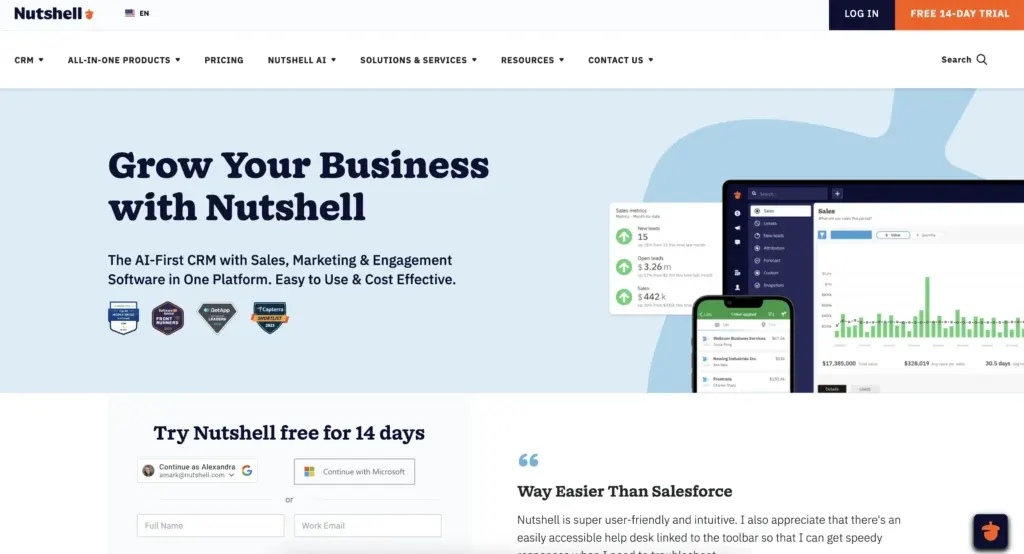
  1. Nutshell (4.7⭐️/5): Best for Microsoft 365 users seeking affordable, easy-to-use CRM
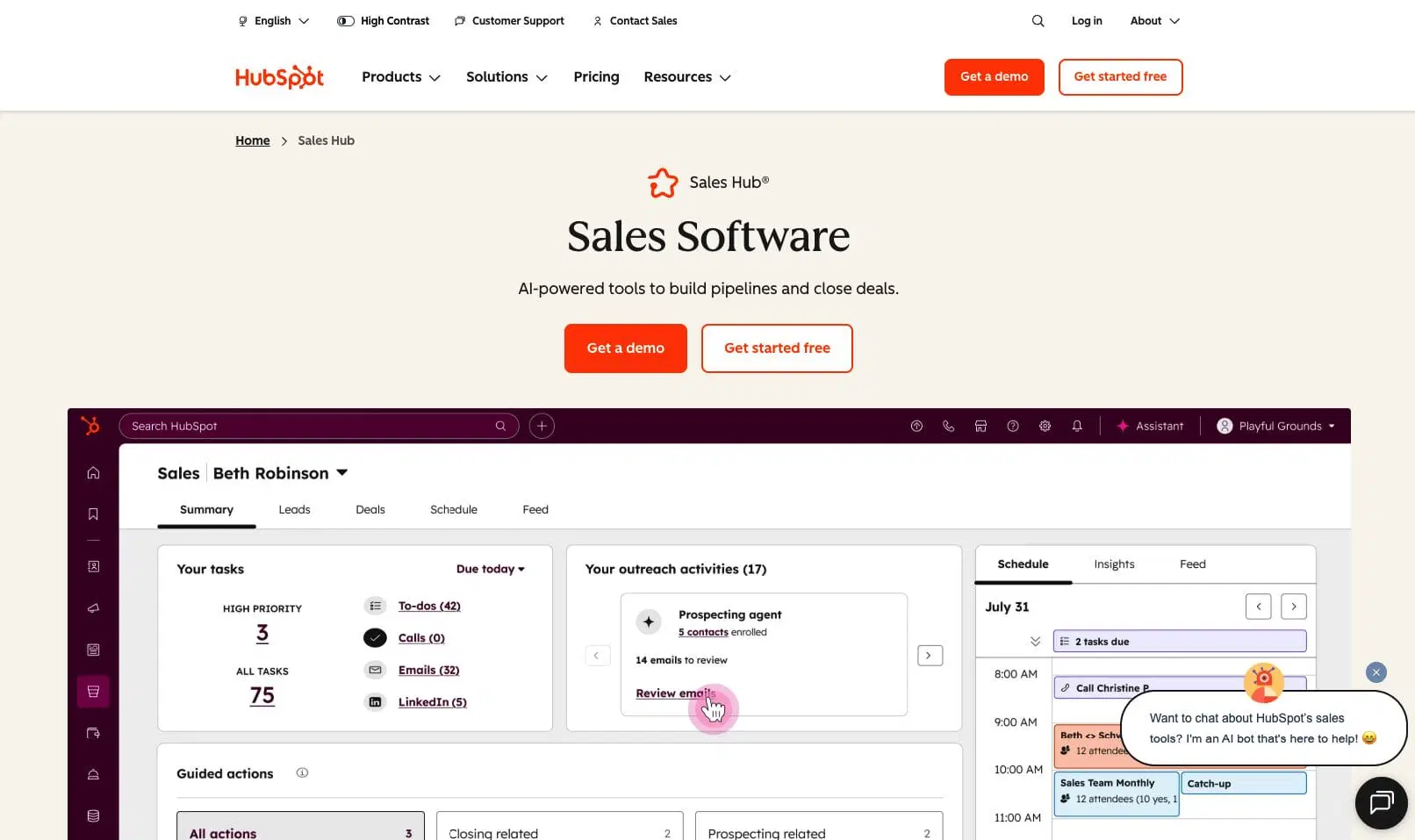
  2. HubSpot (4.5⭐️/5): Best for marketing-focused teams and SMBs
  3. Salesforce (4.4⭐️/5): Best for enterprise sales teams needing advanced customization
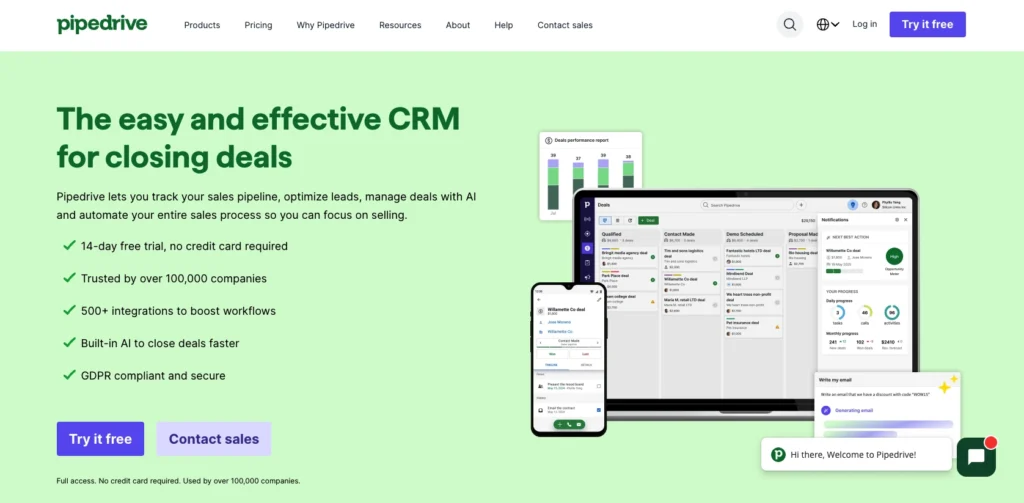
  4. Pipedrive (4.2⭐️/5): Best for sales teams prioritizing pipeline management
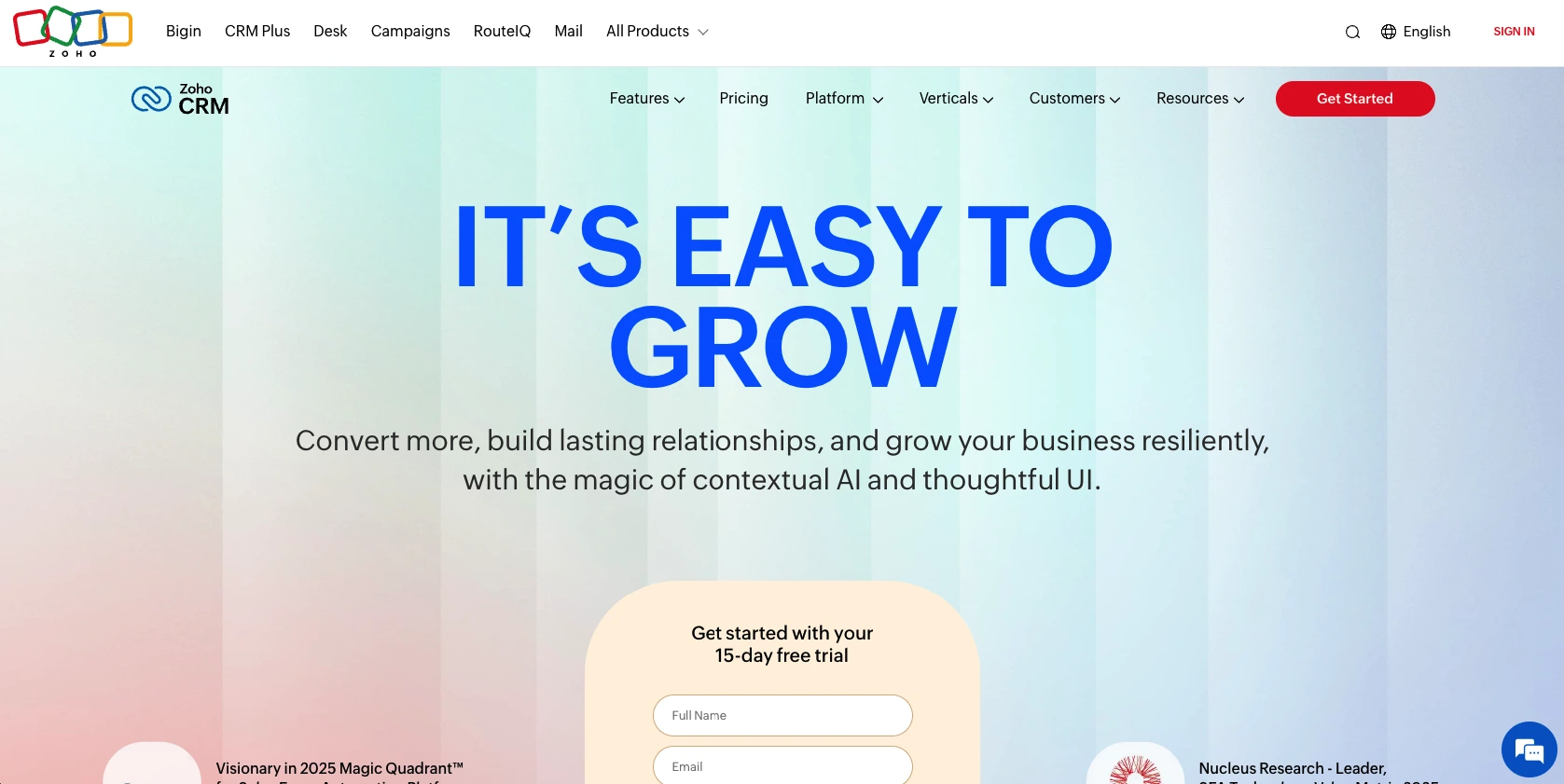
  5. Zoho CRM (4.1⭐️/5): Best for budget-conscious SMBs seeking feature-rich solution
  6. Freshsales (3.9⭐️/5): Best for small teams needing AI-powered sales features
  7. Monday.com CRM (3.8⭐️/5): Best for remote and collaborative teams preferring visual workflows
  8. Microsoft Dynamics 365 (3.7⭐️/5): Best for large enterprises with complex requirements

How we selected the best Microsoft CRMs

We evaluated each CRM independently based on eight critical criteria that matter most to Microsoft 365 users. Here are the key criteria we examined:

  • Microsoft integration: How well does it integrate with Microsoft 365, Outlook, Teams, and SharePoint?
  • Ease of use: How quickly can users get productive without extensive training or IT expertise?
  • Pricing & value: What’s the cost-effectiveness for the features provided?
  • Feature completeness: Does it include essential CRM features like sales automation, reporting, email sync, pipeline management, and lead scoring?
  • Implementation & support: How quickly can it be implemented? What’s the quality of customer support?
  • Mobile experience: How good is the mobile app? Does it support mobile-first functionality for remote teams?
  • AI & automation: Does it include AI features, automation capabilities, and intelligent insights?
  • Scalability: Can it grow with your business from SMB to mid-market or enterprise?

In answering these key questions, we’ve narrowed our search down to eight CRM solutions for Microsoft users, ranked by how much of a good-fit they may be for small- to medium-sized businesses.

Now that you understand our evaluation criteria, let’s explore the key features that make a CRM effective for Microsoft 365. These are the capabilities you should prioritize when comparing solutions.

Key features every Microsoft CRM should have

When evaluating a CRM for your Microsoft 365 environment, look for these six essential features:

Native Microsoft 365 integration

Why it matters: Eliminates manual data entry, reduces tool-switching friction, and improves productivity. 72% of sales time is wasted on manual data entry, so native integration is critical.

What to look for: Two-way Outlook sync, Teams integration, SharePoint access, and automatic activity logging. The best solutions capture data automatically without requiring manual entry.

Ease of use & quick implementation

Why it matters: Faster adoption means lower training costs and quicker ROI. Complex CRMs require IT expertise and months to implement.

What to look for: Intuitive interface, minimal IT requirements, and quick setup measured in days, not months.

Sales automation & pipeline management

Why it matters: Reduces manual work, improves visibility, and accelerates deals through your pipeline.

What to look for: Custom pipeline stages, email automation, lead scoring, and deal tracking with visual pipeline management.

Relatórios e análises

Why it matters: Data-driven decision-making, forecasting accuracy, and performance visibility across your team.

What to look for: Real-time dashboards, customizable reports, forecasting tools, and team performance metrics.

Mobile access & collaboration

Why it matters: Remote and hybrid work enablement, team collaboration, and on-the-go access for distributed teams.

What to look for: Mobile app quality, Teams integration, collaboration tools, and offline access.

AI & automation

Why it matters: Productivity gains, intelligent insights, and competitive advantage in a crowded market.

What to look for: AI agents, predictive analytics, ChatGPT/Claude integration, and intelligent recommendations.

Precisa de um CRM de fácil utilização para aumentar as vendas e a eficiência da equipa?

Faça a nossa visita guiada para explorar as incríveis características do Nutshell!

Microsoft CRM integration: What you need to know

Microsoft integration is critical for CRM selection because it eliminates data silos, reduces tool-switching friction, and improves productivity. 72% of sales time is wasted on manual data entry, so native integration that captures data automatically is essential.

What “native” integration means

Native integration means two-way sync where data flows automatically in both directions without manual entry. Real-time updates keep your CRM and Microsoft tools synchronized. This is fundamentally different from basic API connections that require manual data entry or one-way sync.

Nutshell’s native integration is included in all plans, meaning automatic activity logging with no additional fees. Teams report up to 30% more activity captured compared to basic integrations, which translates directly to better visibility and faster deal cycles.

Nutshell CRM native integration with Microsoft 365 tools showing two-way sync with Outlook, Teams, SharePoint, and OneDrive

Key integration points to evaluate

  • Outlook integration: Email sync captures all correspondence automatically. Calendar sync ensures meeting scheduling is seamless. Contact sync creates a unified contact database. Nutshell advantage: Two-way sync with automatic activity capture means no manual data entry.
  • Teams integration: Meeting scheduling and transcription keep your team aligned. Collaboration features enable real-time communication. Activity notifications keep everyone informed. Nutshell advantage: Deep Teams integration allows work within Teams without switching apps.
  • SharePoint integration: Document management and file sharing enable collaboration. Nutshell advantage: SharePoint access for document management and collaboration.

The best CRMs for Microsoft users make integration seamless and automatic. If a CRM requires manual data entry or charges extra for integration, it’s not truly optimized for Microsoft 365 users.

Best Microsoft CRM comparison table

CRMRatingBest ForStarting PriceMicrosoft Integration
Nutshell4.7/5Microsoft 365 users$13/user/monthNative
HubSpot4.5/5Marketing-focused teamsGrátisGood
Salesforce4.4/5Enterprise sales teams$25/user/monthLimitada
Pipedrive4.2/5Sales pipeline focus$14/user/monthBásico
Zoho CRM4.1/5Budget-conscious SMBsGrátisGood
Freshsales3.9/5AI-powered insights$9/user/monthLimitada
Monday.com CRM3.8/5Collaborative teams$12/user/monthBásico
Microsoft Dynamics 3653.7/5Large enterprises$165/user/monthNative

Best CRM software for Microsoft users: Detailed reviews

1. Nutshell 

Rating: 4.7/5.0 
Best for Microsoft 365 users seeking an affordable, easy-to-use CRM

Quick summary

Nutshell is a comprehensive CRM solution purpose-built for Microsoft 365 users. It combines native Outlook and Teams integration with an affordable price point (starting at $13/user/month when billed annually) and a simple, intuitive interface.

Key features for Microsoft users

  • Two-way Outlook email and calendar sync
  • Native Microsoft Teams integration
  • AI agents and ChatGPT/Claude integration
  • Sales automation, pipeline management, and comprehensive reporting
  • Free world-class support included in all plans

Prós

  • Most affordable option at $13/user/month for Foundation plan
  • Native Microsoft 365 integration (Outlook, Teams, SharePoint)
  • Simple, intuitive interface requiring no IT expertise
  • Free support included in all plans
  • AI features included in all plans (not premium-only)

Contras

  • Smaller ecosystem of third-party integrations
  • Less advanced customization features
  • Best suited for SMB to mid-market

Preços

Starting from $13/user/month (paid annually), 14-day free trial available; All plans include Microsoft 365 integration and free support

The CRM for Microsoft that Saves Time and Money

Nutshell is the easy-to-use CRM that works well with Outlook and Microsoft 365. Emails, meetings, and contacts sync automatically—no copy-paste, no busywork.

Check out our native Microsoft 365 integration or start your free trial today!

2. HubSpot 

Rating: 4.5/5.0 
Best for marketing-focused teams and SMBs

Quick summary

HubSpot is a popular platform combining CRM and other sales tools. Known for its user-friendly interface and free tier, it has good Microsoft integration. However, it’s not native and is more marketing-focused than sales-focused.

Key features for Microsoft users

  • Outlook integration with email and calendar sync
  • Basic Teams integration
  • Marketing automation
  • Sales automation and pipeline management
  • Contact management and lead scoring

Prós

  • Free tier available (good for startups and small teams)
  • Very user-friendly interface
  • Strong marketing automation features
  • Good mobile experience
  • Excellent customer support

Contras

  • Limited native Microsoft integration
  • Pricing increases significantly at higher tiers
  • More marketing-focused than sales-focused

Preços

Free tier for basic CRM, starting at $9/user/month for Sales Hub Starter Plan

3. Salesforce 

Rating: 4.4/5.0 
Best for enterprise sales teams needing advanced customization

Quick summary

Salesforce is the market leader in CRM, known for its powerful customization capabilities and extensive ecosystem. However, it’s expensive, has a steep learning curve, and offers limited native Microsoft integration.

Key features for Microsoft users

  • Basic Outlook integration with email sync
  • Limited Teams integration
  • Advanced customization and configuration
  • Powerful reporting and analytics
  • Mobile app

Prós

  • Extensive ecosystem
  • Powerful customization 
  • Excellent mobile app
  • Scales to enterprise
  • Large community and resources

Contras

  • Expensive at $25-175+/user/month
  • Steep learning curve and complex interface
  • Limited native Microsoft integration

Preços

Starting at $25/user/month

4. Pipedrive 

Rating: 4.2/5.0 
Best for sales teams prioritizing pipeline management

Quick summary

Pipedrive is a sales-focused CRM known for its visual pipeline management and ease of use. Good value for SMBs, though Microsoft integration is limited compared to Nutshell.

Key features for Microsoft users

  • Basic Outlook integration with email and calendar sync
  • Email tracking and automation
  • Visual pipeline management
  • Sales automation and forecasting
  • Mobile app for on-the-go access

Prós

  • Excellent visual pipeline interface
  • Very user-friendly and easy to learn
  • Affordable pricing at $14-99/user/month
  • Good mobile experience
  • Good customer support

Contras

  • Limited native Microsoft integration
  • Smaller feature set
  • Limited marketing automation

Preços

Starting from $14/user/month

5. Zoho CRM 

Rating: 4.1/5.0 
Best for budget-conscious SMBs seeking feature-rich solution

Quick summary

Zoho CRM is an affordable, feature-rich solution ideal for budget-conscious SMBs. While it has good Microsoft integration, it’s not native and is part of the larger Zoho ecosystem.

Key features for Microsoft users

  • Good Outlook integration with email and calendar sync
  • Basic Teams integration
  • Sales automation and pipeline management
  • Relatórios e análises
  • Zoho ecosystem integration (Zoho Mail, Zoho Books, etc.)

Prós

  • Affordable pricing
  • Good customization options
  • Zoho ecosystem integration
  • Good mobile app
  • Good customer support

Contras

  • Limited native Microsoft integration
  • Steeper learning curve
  • Smaller support community

Preços

Starting at $14/user/month

6. Freshsales 

Rating: 3.9/5.0 
Best for small teams needing AI-powered sales features

Quick summary

Freshsales is an affordable CRM with strong AI-powered insights and sales features. It’s ideal for small teams seeking intelligent sales automation. However, Microsoft integration is limited.

Key features for Microsoft users

  • Basic Outlook integration with email sync
  • Email tracking and automation
  • AI-powered sales insights
  • Gestão de condutas
  • Mobile app

Prós

  • Affordable pricing
  • Interface de fácil utilização
  • Good mobile experience
  • Good customer support
  • Freshworks ecosystem integration

Contras

  • Limited native Microsoft integration
  • Smaller feature set than enterprise CRMs
  • Limited customization options

Preços

Starting at $9/user/month for Growth plan

7. Monday.com CRM 

Rating: 3.8/5.0 
Best for remote and collaborative teams preferring visual workflows

Quick summary

Monday.com CRM is a modern, collaboration-focused platform with visual workflows. It’s ideal for remote and distributed teams. However, it’s less feature-complete than traditional CRMs and has limited Microsoft integration.

Key features for Microsoft users

  • Basic Outlook integration
  • Visual workflow management
  • Team collaboration features
  • Automation and custom workflows
  • Mobile app

Prós

  • Modern, visual interface
  • Good for team collaboration
  • Customizable workflows
  • Good mobile experience
  • Great for remote teams

Contras

  • Limited native Microsoft integration
  • Smaller CRM-specific feature set
  • Limited reporting capabilities

Preços

Starting at $12/user/month (minimum 3 users required)

8. Microsoft Dynamics 365 

Rating: 3.7/5.0 
Best for large enterprises with complex requirements

Quick summary

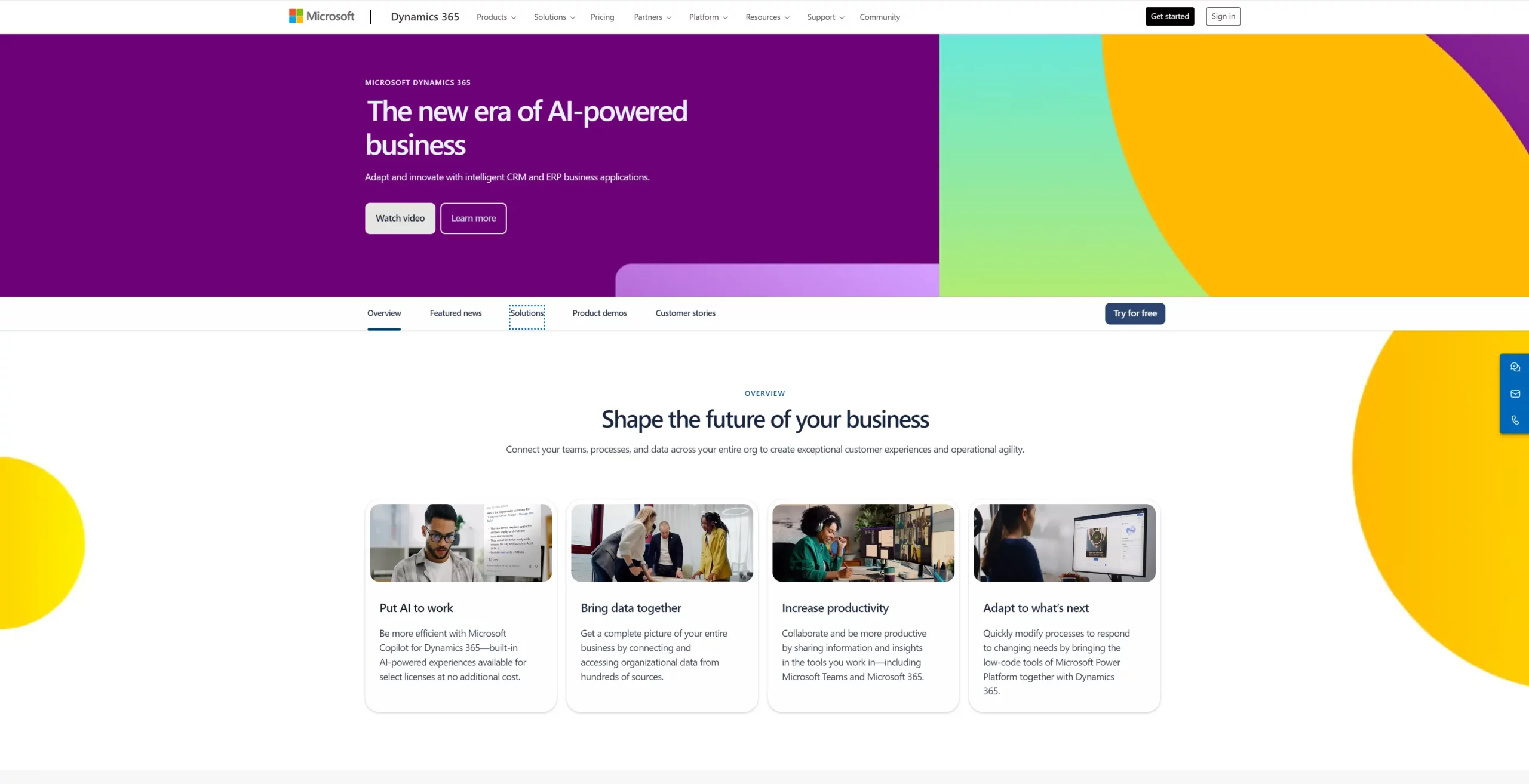
Microsoft Dynamics 365 is the official Microsoft CRM solution with native integration into the Microsoft ecosystem. It’s designed for large enterprises with complex requirements and advanced customization needs. However, it’s expensive, complex to implement, and has a steep learning curve—making it less suitable for SMBs and mid-market companies.

Key features for Microsoft users

  • Native Microsoft 365 integration (Outlook, Teams, SharePoint)
  • Advanced customization and configuration
  • Comprehensive feature set
  • Enterprise-grade security and compliance
  • AI and Copilot integration

Prós

  • Native Microsoft integration (official product)
  • Comprehensive feature set
  • Enterprise-grade security and compliance
  • Strong AI/Copilot features
  • Scales to large enterprises

Contras

  • Very expensive at $165+/user/month
  • Complex interface and steep learning curve
  • Requires IT expertise and consultants

Preços

Sales Professional plan starts at $165/user/month

Implementation timeline: How quickly can you get started?

Implementation speed directly impacts time to value and ROI. Here’s how the eight CRMs compare:

Implementation timeline comparison

CRMTimelineComplexityIT Required?Notas
NutshellDiasLowNãoQuick setup, no IT expertise needed
HubSpotDays-WeeksLowNãoQuick setup, good onboarding
PipedriveDays-WeeksLowNãoVisual setup, quick learning
Zoho CRMWeeksMediumMinimalMore configuration needed
FreshsalesDays-WeeksLowNãoQuick setup, good support
Monday.com CRMDays-WeeksLowNãoVisual setup, quick learning
SalesforceWeeks-MonthsHighSimComplex setup, requires IT
Dynamics 365MonthsVery HighSimComplex setup, requires consultants

Factors affecting implementation time

  • Data migration complexity: Factors such as the amount of historical data you need to import 
  • Customization requirements: More custom fields and workflows mean longer implementation 
  • Integration needs: Connection to essential tools 
  • Team size: The number of team members correlates with training needs, impacting the adoption timeline
  • Availability of IT resources: Affects speed of implementation

Nutshell implementation advantage

Nutshell’s quick setup requires no IT expertise. Most teams are productive within 1-2 weeks. Free onboarding support is included and the typical implementation process takes just days:

  • Create account (minutes)
  • Import contacts (hours)
  • Configure pipeline stages (hours)
  • Set up email/calendar sync (minutes)
  • Train team (1-2 days)
  • Start selling (ready to go)

Learn more: CRM Planning and Implementation for Small Businesses

Conclusion

Choosing the right CRM is critical for sales success. We’ve reviewed eight leading solutions, and the data is clear: Nutshell is the best CRM for Microsoft 365 users.

Nutshell combines native Microsoft integration with affordability and ease of use. Starting at $13/user/month, it’s 87% cheaper than Dynamics 365. Fast setup means you can start selling in a matter of days, and free support is included in all plans. 

Moreover, Nutshell’s AI features are included in all plans, allowing you to save time, automate workflows, and keep deals moving forward.

If you use Microsoft 365, Nutshell is the best CRM for your business. You get the same Microsoft integration as Dynamics 365, but with superior ease of use, faster implementation, and dramatically lower cost. Experience the difference of a CRM built for Microsoft 365.

See Nutshell in action. No credit card required

Perguntas frequentes

  • 1. Does Microsoft 365 include a built-in CRM?

    Yes, Microsoft offers Dynamics 365 as its native CRM solution. However, Dynamics 365 is expensive ($165+/user/month) and complex to implement. Many Microsoft 365 users choose third-party CRMs like Nutshell for better value and ease of use.

  • 2. What’s the difference between Nutshell and Microsoft Dynamics 365?

    Both have native Microsoft integration, but key differences matter:

    • Price: Nutshell costs $13−$89/user/month versus Dynamics 365 at $165+/user/month (87% cheaper)
    • Ease of Use: Nutshell boasts a simpler interface and user experience
    • Implementation: Nutshell is built for a quick setup that takes days, while Dynamics 365 could take you weeks or months to implement
    • Support: Nutshell comes with free support, Dynamics 365 charges extra
    • Best For: Nutshell is best for SMBs/mid-market and Dynamics 365 is best for enterprises
  • 3. Can I use Nutshell with Google Workspace instead of Microsoft 365?

    Yes, Nutshell works with Google Workspace. However, Nutshell is optimized for Microsoft 365 users. Google Workspace integration is available but not as deep as Microsoft integration. If using Google Workspace, consider HubSpot or other Google-friendly CRMs.

  • 4. How long does it take to implement Nutshell?

    Nutshell can be implemented in days, not weeks or months. No IT expertise is required. Quick setup process:

    • Create account (minutes)
    • Import contacts (hours)
    • Configure pipeline (hours)
    • Set up email/calendar sync (minutes)
    • Train team (1-2 days)
    • Start selling (ready to go)

    Free onboarding support is included. Most teams are productive within 1-2 weeks.

  • 5. What support does Nutshell offer?

    Free world-class support is included in all plans. Support channels include live chat, email, and phone. Knowledge base and video tutorials are available. Onboarding support is provided for new customers. Ongoing support is available for all customers.

  • 6. Is Nutshell suitable for enterprise companies?

    Nutshell scales well for SMBs to mid-market (50-500 employees). For large enterprises (500+ employees), Dynamics 365 or Salesforce may be better. However, many mid-market companies successfully use Nutshell.

  • 7. How does Nutshell compare to HubSpot for Microsoft users?

    Both are user-friendly and affordable, but Nutshell has advantages for Microsoft 365 users:

    • Native Microsoft integration
    • Sales Focus: Nutshell is more sales-focused while HubSpot is marketing-focused
    • Support: Nutshell offers free support, but for HubSpot support is a paid option at higher tiers
    • Pricing: Comparable at lower tiers, Nutshell better value for sales teams

    Nutshell is better for sales teams using Microsoft 365.

  • 8. What industries does Nutshell serve best?

    Nutshell serves businesses across 40+ industries including B2B, professional services, manufacturing, tech, construction, and home services. Nutshell is particularly strong for:

    • Professional services firms
    • Manufacturing and distribution
    • Construction and home services
    • Technology companies
    • B2B sales organizations

    Nutshell’s affordability and ease of use make it ideal for SMBs and mid-market across all industries.

VOLTAR AO TOPO

Junte-se a mais de 30.000 outros profissionais de vendas e marketing. Subscreva a nossa newsletter Sell to Win!