Best CRM with Live Chat for Sales Teams in 2026

-

Quick answer: What is the best CRM with live chat?
The best CRM with live chat connects every website conversation directly to your sales pipeline, so leads and context don’t get stranded in a separate chat tool. Nutshell stands out for SMBs by combining native live chat, affordable pricing, AI-powered next-action selling, and fast implementation, while HubSpot, Zendesk, Intercom, and Podium are also strong contenders.
The key is choosing a tool that integrates chat deeply with your CRM rather than one that simply captures conversations in isolation.
A lead reaches out through your website’s live chat with a specific question about your product. Your support agent answers instantly—but then what? The conversation ends, and critical context about that lead gets trapped in your chat logs while your sales team works in a completely separate system. You’ve captured the lead, but lost the opportunity to connect their interest to your pipeline, automate follow-up, or track deal progress. This disconnect wastes time, fragments customer data, and costs you deals.
This scenario plays out thousands of times daily for SMBs still relying on chat-only tools. The problem isn’t live chat itself—it’s that chat-only platforms capture conversations but lack the CRM context needed to actually move deals forward.
When you integrate live chat with a CRM, something transformational happens: every conversation becomes actionable intelligence within your sales pipeline. Research shows that proactive sales conversations driven by unified customer data generate a 305% ROI increase, while businesses investing in CRM systems see $8.71 in return for every $1 spent.
Key Takeaways
- Live chat + CRM integration eliminates tool-switching and connects customer conversations directly to your sales pipeline, reducing manual data entry by 3-5 hours per rep per week on average
- The ROI is proven and substantial: 305% increase from proactive sales, $8.71 per $1 invested in CRM, and 27% improvement in customer retention
- SMBs can go live in 2-4 weeks, not months—Nutshell’s implementation speed is 3-4x faster than enterprise competitors like Salesforce or HubSpot
- Seven core features matter most: real-time customer data access, unified inbox, lead capture automation, chat transcript logging, pipeline integration, analytics, and intuitive implementation
- Your migration path is proven: thousands of teams have successfully transitioned from chat-only tools to integrated CRMs without losing productivity
- Nutshell stands out for SMBs combining affordable pricing, native live chat integration, AI-powered task prioritization (next-action selling), and quick implementation
- Success depends on choosing the right fit, not the most features—focus on ease of use, integration depth, and support quality over enterprise complexity
Table of Contents
- Why live chat and CRM integration matters
- Live chat to CRM: Your migration roadmap
- What to look for in a CRM with live chat
- Comparison table: CRM live chat solutions at a glance
- Best CRM software with live chat: Detailed reviews
- Key features every live chat user should demand
- Nutshell’s next-action sales approach: Why it matters
- Implementation checklist & getting started
- Frequently asked questions
Why live chat and CRM integration matters
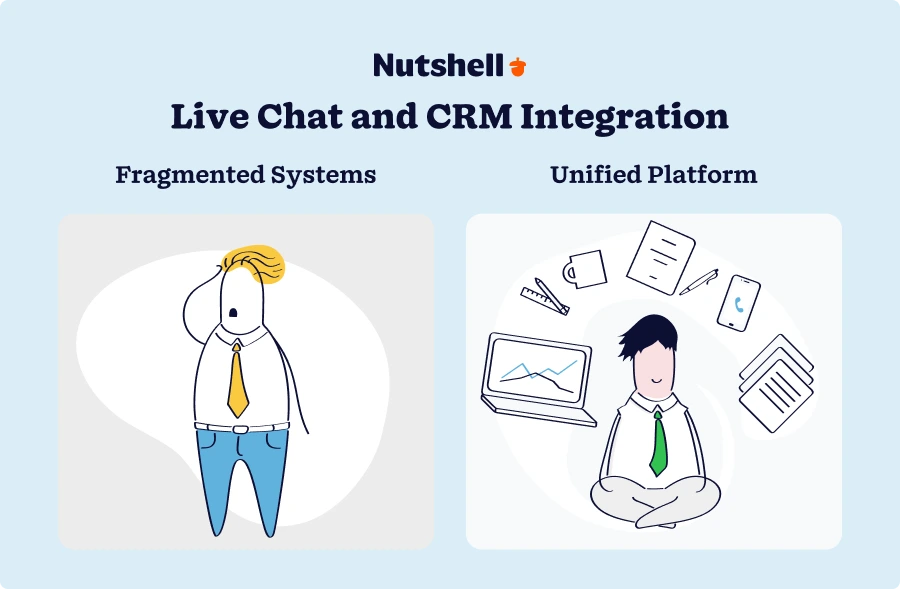
Your live-chat tool does one job incredibly well—it captures real-time conversations with leads and customers. But that’s the problem: once the chat ends, the context stays isolated. Your sales rep doesn’t see chat history. Your manager can’t track which conversations converted to deals. Your team repeats questions because information isn’t centralized. You’re paying for multiple subscriptions that don’t talk to each other, and you’re losing hours to manual data entry and context-switching.
Here’s what changes: Chat conversations now live alongside email history, phone calls, deal stage, pipeline position, and engagement timeline—all in one place. Your sales rep can see exactly what the lead said in chat, their complete purchase history, and what action matters most right now. Support escalations automatically create leads in your pipeline. Chat transcripts become searchable intelligence. Task creation and follow-up become automatic rather than manual.
The business case is clear: 91% of companies with 11+ employees now use CRM systems, and those that integrate live chat with their CRM see dramatic improvements in sales velocity, customer retention, and operational efficiency. Companies investing in CRM generate 8.71 in return for every 1 spent, and when you combine that with proactive, conversation-driven sales engagement, the ROI jumps to 305%.
Live chat only vs. live chat + CRM: side-by-side
Capability Live Chat Only Live Chat + CRM Customer History Visibility Limited to chat logs only Full 360° view (chat, email, calls, deals, activity) Lead Qualification Manual; requires separate CRM entry Automatic; chat triggers lead creation and scoring Sales Pipeline Integration No connection; requires manual update Direct connection; escalations create/update deals automatically Follow-up Automation Manual; email or task creation separate Automatic; tasks, reminders, and next-actions generated from chat context Response Time & Context Agent must search previous conversations Instant customer history appears during chat Reporting & Analytics Chat metrics only (response time, volume) Full funnel visibility (chat→lead→opportunity→deal→revenue) Data Consolidation Multiple subscriptions; fragmented data Single platform; unified data; reduced SaaS spend Onboarding Time Days to weeks 2-4 weeks for full integrated setup (vs. months for enterprise CRMs) Why this matters for your business
Faster Deal Closure: When your sales team has full customer context during conversations, they can qualify, address objections, and move deals forward in real-time instead of waiting for separate follow-up conversations.
Reduced Manual Work: Chat transcripts auto-log, lead qualification happens automatically, and follow-up tasks generate themselves. You eliminate 5+ hours per rep per week of data entry and tool-switching.
Better Lead Quality: Chat interactions reveal intent and interest. Your CRM captures this context and uses it to prioritize which leads get attention first—eliminating the “how important is this?” guessing game.
Improved Retention: When every team member (support, sales, ops) sees the complete customer journey, you catch at-risk customers before they leave and identify upsell opportunities you’d otherwise miss.
Cost Consolidation: One integrated platform replaces two or three separate subscriptions. Cheaper than multiple tools, and you actually use it more because it’s simpler.
Live chat to CRM: Your migration roadmap
You’re probably worried about disruption, team resistance, and implementation headaches. Here’s the good news: the transition is manageable. Thousands of SMBs have done it successfully. Here’s the proven five-step process to migrate smoothly from live-chat tools to an integrated CRM.
Step 1: Define success metrics (before you choose)
Before selecting a CRM, define what success looks like for your organization. This prevents you from choosing based on features you don’t need and gives your team clear targets for the transition.
Metrics to define:
- Support efficiency targets: What response time improvement do you want? (60% of customers expect a response within 10 minutes)
- Sales conversion improvements: How much faster should deals move through your pipeline? (Target: 20-30% faster)
- Cost consolidation goals: How much should your total SaaS spend decrease? (Integrating tools typically saves 30-40% on subscriptions)
- Team adoption rate: What adoption percentage is success? (Target: 85%+ within 60 days)
- Revenue impact: How much pipeline growth or win-rate improvement do you expect? (Conservative: 10-15%)
Write these metrics down. They become your decision framework and your ROI measurement baseline after implementation.
Step 2: Prepare your data (2 weeks before launch)
Before switching platforms, you need to understand what data you’re working with and prepare it for migration.
Data audit checklist:
- ☐ Export all chat history: Download complete chat transcripts from your current platform; organize by date range
- ☐ Clean customer records: Identify and merge duplicate contacts in your current system
- ☐ Map custom fields: Document which fields in your chat tool need to transfer to the CRM (customer name, email, phone, company, etc.)
- ☐ Identify high-priority conversations: Flag recent chats with active leads that your sales team needs immediate visibility into
- ☐ Check data quality: Look for incomplete records, inconsistent formatting, or missing critical fields; fix them now, not during migration
- ☐ Plan retention strategy: Decide how long chat history needs to stay searchable (compliance requirements vary by industry)
This step prevents data loss and ensures a clean transition. It’s tedious but essential—garbage data in means garbage data out.
Step 3: Set up integrations (2 weeks before launch)
Your new CRM needs to connect to the tools your team already uses. Most modern CRMs offer native integrations, which is why choosing a platform with strong integration support matters.
Core integrations to establish:
- Email: Connect your email system so incoming emails appear in CRM; sent emails auto-log
- Phone: Set up phone integration so calls record and log to customer records automatically
- SMS: If you use SMS marketing or communication, integrate it so SMS conversations appear in unified inbox
- Calendar: Connect calendar so meeting scheduling and reminders sync with CRM tasks
- Slack or Teams: Integrate so important CRM updates notify your team without switching apps
- Your website or form tools: Connect contact forms so submissions auto-create leads in CRM
Most of these integrations take 30 minutes to set up. Your CRM vendor should provide step-by-step guidance. If setup is complicated, that’s a red flag about the platform’s ease of use.
Step 4: Train your team (1 week before + ongoing)
The most common reason CRM implementations fail isn’t the software—it’s adoption. Your team resists using a new tool because it feels slower initially or they don’t understand why it matters. Address this with clear, accessible training.
Training approach:
- Create a quick-reference guide: One-page walkthrough of how to create a lead, log a chat, update a deal, send a follow-up. Laminate it; post it at desks
- Record short training videos: 3-5 minute videos showing the exact workflows your team will use (how to answer chat and log it, how to escalate to sales, how to close a deal)
- Hold live group training: Walk through the system together; let team members ask questions in real-time
- Assign peer champions: Identify one super-user per team who becomes the “go-to” person for questions
- Create a feedback loop: Ask your team what’s confusing and fix it immediately (your first week will surface issues)
Research shows teams trained with hands-on guidance adopt CRM systems 67% faster than those given documentation alone. Invest in training; it pays dividends in adoption speed.
Step 5: Monitor and optimize (ongoing, first 90 days)
Your first 90 days in the new CRM are critical. Don’t launch and disappear. Actively monitor adoption, gather feedback, and adjust processes based on what you learn.
Monitoring checklist:
- Track adoption metrics daily: How many team members are actively using the system? Celebrate milestones (50% adoption, 75% adoption)
- Watch for bottlenecks: What workflows are slowing teams down? Which features are underused?
- Gather weekly feedback: Ask your team “What’s working? What’s not?” and make quick fixes
- Measure impact against targets: Are you hitting your success metrics? If not, why? Adjust processes, not the tool
- Coach underperformers quietly: If someone isn’t adopting, find out why one-on-one (technology skills, time constraints, resistance to change) and address it
- Document best practices: As you discover what works, codify it so new team members learn the same way
By day 90, adoption should be strong, your team should feel confident, and you should be seeing measurable improvements in response times, deal velocity, or cost metrics.
What to look for in a CRM with live chat
Choosing the right CRM with live chat isn’t about finding the product with the most features—it’s about finding the right fit for how your team actually works. Here are seven core capabilities that matter most for SMBs transitioning from live-chat tools to integrated CRM.
Feature #1: Real-time customer data access
Why it matters: During a live-chat conversation, your agent should instantly see the customer’s complete history. This includes previous conversations, purchase timeline, current deal stage, support tickets, and any outstanding issues. This context transforms every conversation from generic to personalized and dramatically accelerates problem-solving and deal progression.
Without this: “Hi, what’s your question?” (Agent doesn’t know they’re a long-time lead or that they’re evaluating a premium plan.)
With this: “Hi Sarah! Great to see you—I saw you were exploring our enterprise features last week. Let me help you with that.” (Personalized, informed, faster resolution.)
What to look for: CRM should display customer data instantly when chat opens; chat should be queryable by customer name or history; integrations with email, phone, and other channels should populate automatically into customer record.
Feature #2: Unified inbox / Omnichannel support
Why it matters: Your leads don’t stick to one channel. They email, chat, text, call, and message on social media. Your team shouldn’t have to bounce between five different apps to respond. A unified inbox brings every incoming message (chat, email, SMS, social) into one dashboard so your team can manage everything from one place.
Without this: Agent checks chat, then email, then Slack—losing context and time with each switch.
With this: All messages arrive in one place. Agent responds to all channels without leaving the dashboard.
What to look for: True omnichannel support (not just “chat + email lite”); automatic message routing based on agent availability or expertise; ability to see conversation history across all channels in one thread; ability to escalate between channels (chat to email to phone) without losing context.
Need a user-friendly CRM to boost sales and team efficiency?
Take our guided tour to explore Nutshell’s incredible features!

Feature #3: Lead capture & automation
Why it matters: Every chat conversation represents an opportunity to qualify and capture a lead. When a lead reaches out with a specific question, your CRM should automatically capture it, score their interest level, and route them to the right rep or automation workflow. Manual data entry here kills both time and leads.
Without this: Chat conversation ends. Someone manually enters it into CRM later (if at all), and the lead’s intent signal decays while waiting for follow-up.
With this: Chat ends → lead auto-created → scored based on interaction → added to automated nurture sequence → sales rep notified with context → follow-up triggered automatically.
What to look for: Pre-chat forms that qualify visitors before chat starts; automatic lead creation from chat conversations; lead scoring based on chat content and behavior; integration with email automation workflows; ability to define custom routing rules (e.g., “route enterprise leads to this rep”).
Feature #4: Chat transcript logging & search
Why it matters: Every chat conversation should be automatically logged into the customer’s CRM record and searchable for compliance, training, and context purposes. When a customer says “I mentioned this three weeks ago,” your team should be able to find that exact conversation in 10 seconds, not hunt through email and chat logs.
Without this: Chat history lives only in the chat tool; old conversations are invisible to new team members; compliance requires manual audit trails.
With this: Every chat auto-logs with timestamp and agent name; searchable by keyword or customer; accessible to any authorized team member; full compliance trail.
What to look for: Automatic transcript logging (not manual); searchable chat history tied to customer record; ability to view chat transcripts in customer timeline alongside email and calls; access controls (who can view which transcripts); compliance features like retention policies.
Feature #5: Sales pipeline integration
Why it matters: A chat conversation that qualifies a lead should immediately trigger a deal creation in your pipeline, not sit in a separate system waiting for manual entry. Your sales rep should be able to see which deals originated from chat, track their progress, and automate follow-up based on deal stage.
Without this: Chat→lead, but lead exists separately from opportunities; sales rep manually creates deal; context is scattered between chat and CRM.
With this: Chat qualifier results in deal creation automatically; deal is linked to original conversation; sales rep sees full context; pipeline reporting includes chat-sourced deals.
What to look for: One-click deal creation from chat (or automatic); link between original chat and resulting opportunity; ability to update deal stage directly from CRM without switching tools; reporting that shows chat-to-deal conversion rate; automation rules based on deal stage (e.g., “send proposal email when deal moves to ‘proposal’ stage”).
Feature #6: Analytics & reporting
Why it matters: You need to know: Are chats converting? How fast? What’s the average response time? Which agents are most effective? Where are leads dropping off? Without this visibility, you can’t optimize what’s working or fix what isn’t.
Without this: Chat metrics exist in chat tool; CRM metrics exist in CRM; no clear picture of chat’s impact on pipeline or revenue.
With this: Single dashboard shows chat volume, response times, conversion rates, average deal value from chat-sourced leads, and agent performance—all tied to revenue outcomes.
What to look for: Pre-built reports on chat volume, response times, resolution rates, conversion rates; ability to create custom reports; integration of chat metrics with CRM pipeline metrics; agent performance dashboards; ability to slice data by time, agent, channel, or customer segment.
Feature #7: Easy implementation & responsive support
Why it matters: The best CRM in the world doesn’t matter if it takes six months to implement and your team resists using it. Look for vendors that prioritize ease of setup, intuitive interfaces, and responsive onboarding support. SMBs don’t have dedicated IT teams—you need a solution that your team can actually adopt quickly.
Without this: 4-6 month implementation; custom integrations required; extensive training needed; adoption struggles; ROI delayed.
With this: 2-4 week implementation; plug-and-play integrations; intuitive interface; quick training; team adopts naturally; ROI arrives faster.
What to look for: Clear, straightforward onboarding process (not weeks of consulting); responsive customer support during setup; intuitive UI that doesn’t require extensive training; pre-built integrations with tools you use (email, phone, etc.); detailed documentation and video training; dedicated onboarding specialist or team.Comparison table: CRM live chat solutions at a glance
Solution Rating Best For Native Chat Starting Price Live Chat CRM Nutshell 4.7 SMBs seeking affordable integrated CRM + chat Yes $13/user/mo ⭐⭐⭐⭐⭐ ⭐⭐⭐⭐⭐ HubSpot Service Hub 4.5 All-in-one platform with marketing + sales + service Yes Free or $15/user/mo ⭐⭐⭐⭐ ⭐⭐⭐⭐⭐ Zendesk 4.4 Enterprise omnichannel support with high volume Add-on $19/user/mo ⭐⭐⭐⭐⭐ N/A Zoho CRM 4.2 Budget-conscious teams needing comprehensive features Yes $14/user/mo ⭐⭐⭐⭐ ⭐⭐⭐⭐ Intercom 4.1 Product-focused companies prioritizing messaging Yes $29/user/mo ⭐⭐⭐⭐ ⭐⭐ Freshdesk 3.9 Growing support teams with affordable omnichannel Add-on $15/user/mo ⭐⭐⭐⭐ ⭐⭐ Podium 3.8 Local businesses managing multiple locations Yes Custom pricing ⭐⭐⭐⭐ ⭐⭐ ActiveCampaign 3.7 Marketing automation with CRM + chat Yes $15/mo ⭐⭐⭐ ⭐⭐⭐⭐ Top 8 CRMs with live chat: Detailed reviews
We evaluated eight leading CRM platforms specifically for their live-chat integration strength, affordability, and fit for SMBs. Our criteria included: native or seamless chat integration, ease of implementation, team adoption potential, pricing transparency, customer support quality, and total cost of ownership. Here’s how they stack up.
1. Nutshell
Rating: 4.7
Best for SMBs seeking affordable CRM + live chat with sales focus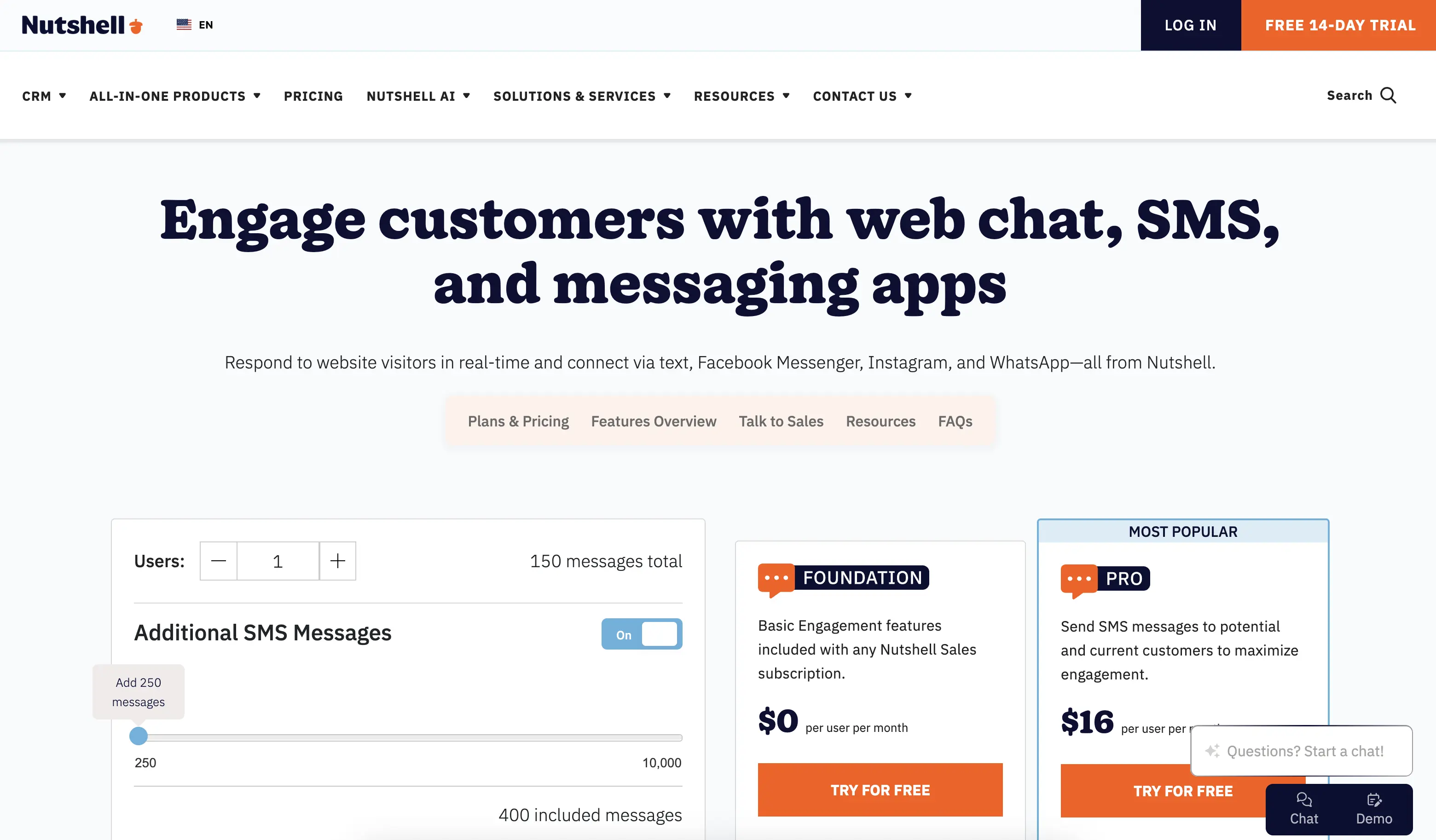
Official Website: https://www.nutshell.com/
Quick Summary: Nutshell combines intuitive CRM, live chat, email, and phone in one platform built specifically for growing SMBs. No bloat, no enterprise complexity—just what you actually need to sell faster. The standout differentiator is its “next-action” sales automation, which uses AI to prioritize tasks and tell your sales team exactly what to do next based on deal stage and customer intent.
Unlike complex enterprise CRMs, Nutshell goes live in 2-4 weeks and costs a fraction of Salesforce or HubSpot. It’s purpose-built for teams that want serious sales acceleration without the enterprise overhead.
Key Features:
- Native live chat integration: Chat conversations auto-log to customer records; full history visible during live conversations; no separate tool integration required
- AI-powered next-action selling: System prioritizes which tasks matter most, eliminating decision fatigue and accelerating pipeline velocity
- Unified inbox for email, chat, and phone: Manage all customer conversations in one dashboard without context-switching
- Chatbot report: See what customers and prospects are asking, where conversations stall, and which nudges are most effective at starting conversations.
Pros:
- Fastest implementation in the category: Live and selling in 2-4 weeks (competitors typically take 12-16 weeks)
- Most affordable option for integrated CRM + chat: Nutshell’s pricing is 40-60% lower than HubSpot or Zendesk for equivalent features
- Next-action AI is genuinely unique: Competitors show you a task list; Nutshell shows you what matters most right now, accelerating deal progression
- Exceptional ease of use: Intuitive interface requires minimal training; team adoption happens naturally
- Proven with 5,000+ companies: Deep experience across 40+ industries; you won’t be the first in your space
- Best customer support for implementation: Responsive onboarding team; quick answers when you need them
Cons:
- Smaller than HubSpot or Salesforce: Fewer third-party app integrations (though core integrations are solid)
- Less customization for complex workflows: If you need highly bespoke configurations, enterprise solutions offer more flexibility
- Not ideal for heavy marketing automation: While Nutshell is more sales-focused, HubSpot’s marketing features are more comprehensive
Pricing: Nutshell runs from $13-$79/user/month (billed annually) for the base CRM, with live chat and email included. Higher tiers add advanced automation and AI features. No setup fees.
2. HubSpot Service Hub
Rating: 4.5
Best for all-in-one platform with marketing, sales, and service integration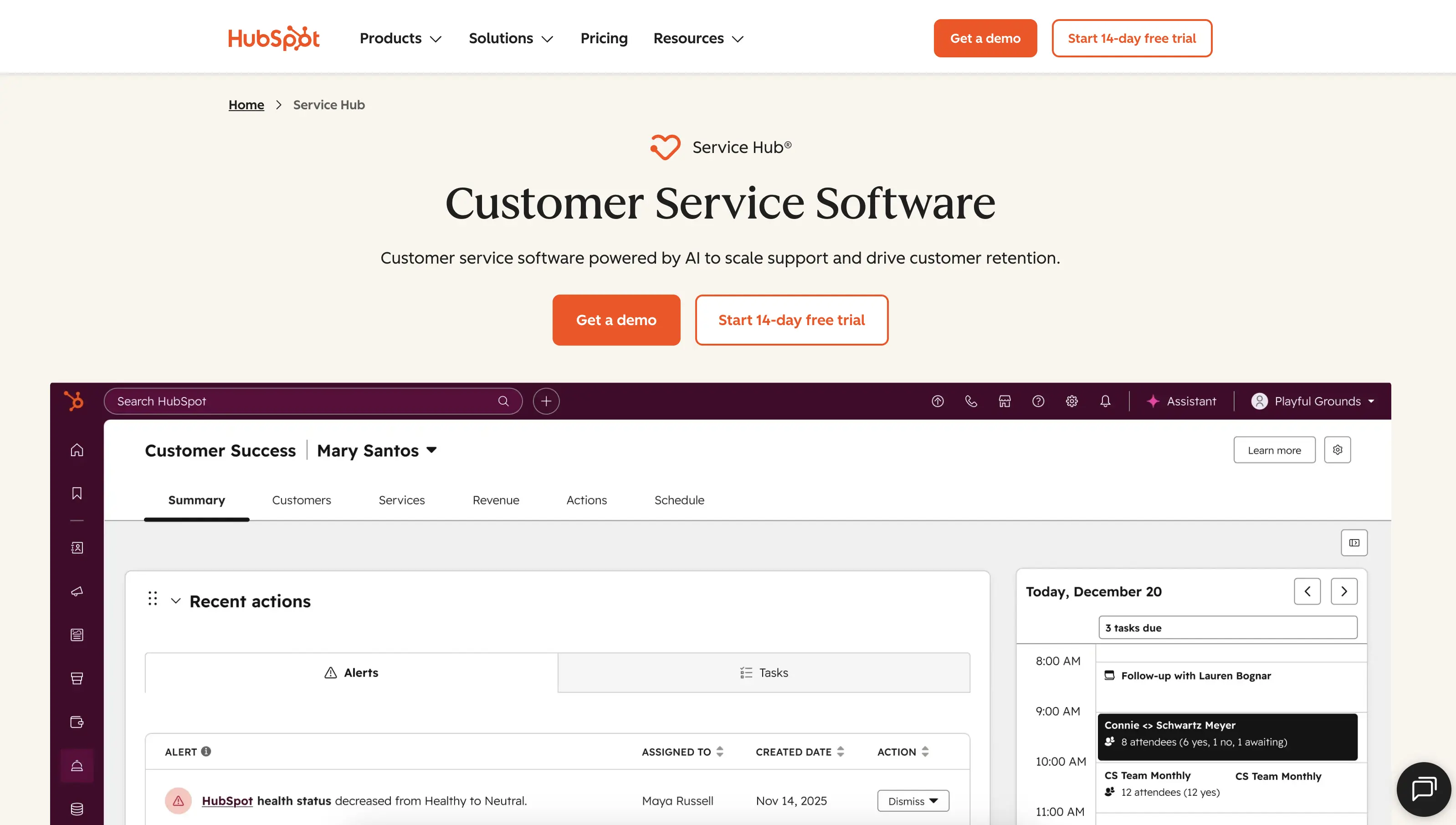
Official Website: https://www.hubspot.com/products/service
Quick Summary: HubSpot Service Hub is the service layer of HubSpot’s larger ecosystem, combining live chat, ticketing, knowledge base, and CRM in one platform. If you’re already using HubSpot for marketing or sales, Service Hub integrates seamlessly. It’s ideal for teams wanting an all-in-one platform with sophisticated marketing automation bundled with service and sales tools. The tradeoff: higher price and longer implementation timeline than focused CRMs.
Key Features:
- Full omnichannel support: Chat, email, SMS, social messaging all in one inbox
- AI-powered chatbots: Automate routine inquiries; route complex issues to agents
- Built-in knowledge base: Self-service articles reduce support volume
Pros:
- Best for teams already using HubSpot: Seamless integration if you’re invested in their ecosystem
- Excellent marketing automation integration: If marketing and sales need tight coordination, HubSpot’s tools are superior
- Mature platform with extensive app marketplace: Thousands of third-party integrations available
- Strong enterprise-grade reporting: If you need complex custom reports, HubSpot delivers
Cons:
- Significantly more expensive than Nutshell: Entry price is 2-3x higher for equivalent functionality
- Longer implementation timeline: Typically 12-16 weeks for full setup; requires more configuration
- Overwhelming feature set for SMBs: Hundreds of features you may never use; steep learning curve
- Support quality varies by tier: Premium support is expensive; basic tier can feel slow
Pricing: Service Hub Starter starts at $9/user/month, with higher plans costing $90+/user/month (billed annually). Most SMBs need Professional or higher for full CRM + chat functionality.
A free tier is also available for small teams or companies looking to try the platform out before fully committing.
3. Zendesk
Rating: 4.4
Best for enterprise omnichannel support with proven 301% ROI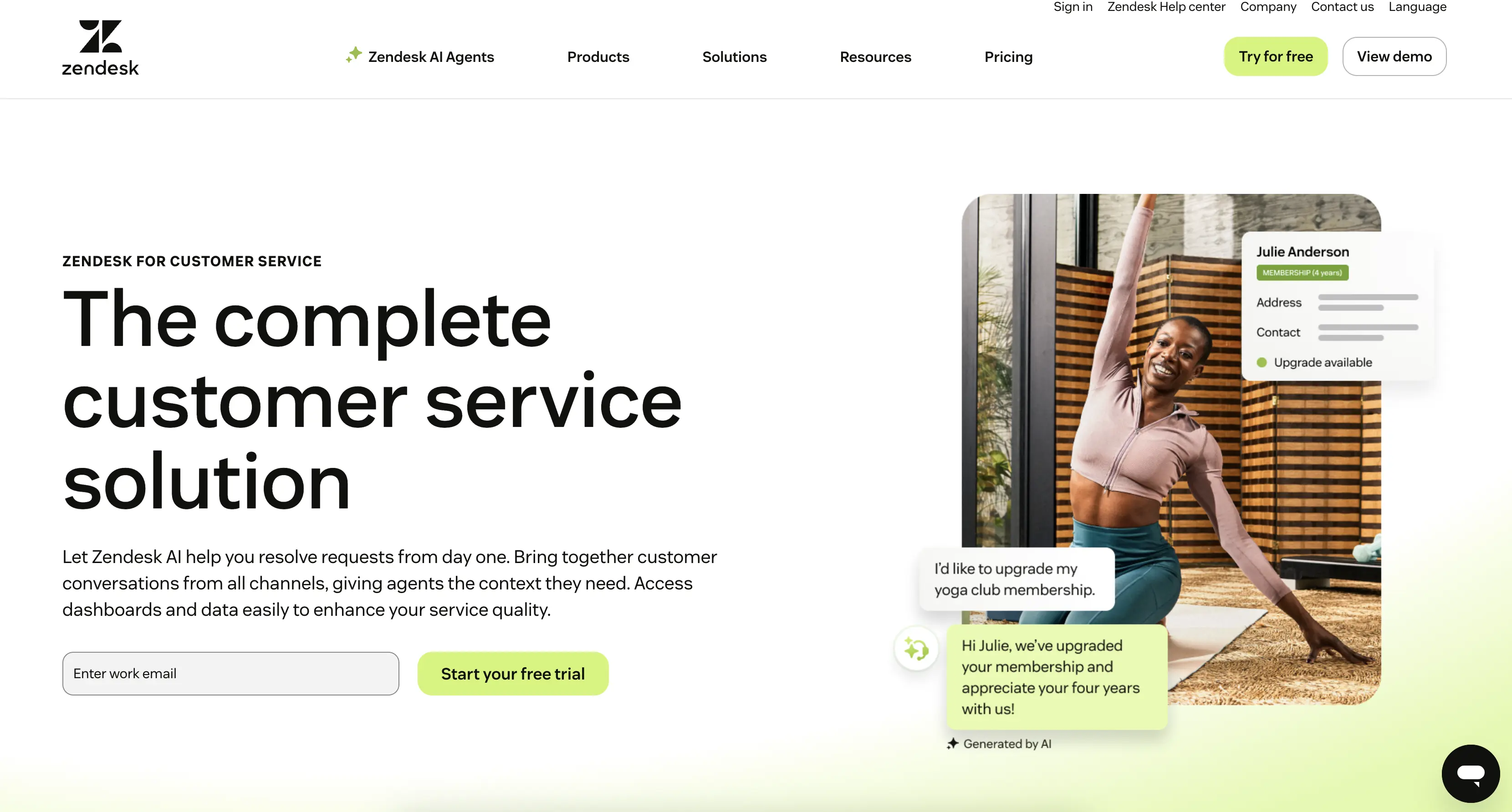
Official Website: https://www.zendesk.com/
Quick Summary: Zendesk is the market leader in enterprise customer support platforms, with deep omnichannel capabilities and a proven track record across thousands of companies. It excels at managing high-volume support operations across multiple channels. However, Zendesk’s CRM integration is on its way out, so the customer service platform is better suited to support-focused teams. SMBs often find that the platform is overkill unless they have significant support volume.
Key Features:
- Industry-leading omnichannel management: Chat, email, phone, social, messaging all unified
- Sophisticated automation and routing: AI-powered ticket assignment and response suggestions
- Extensive reporting and analytics: Deep visibility into support metrics and agent performance
Pros:
- Proven enterprise ROI: Zendesk case studies show 301% ROI in under 6 months (mostly from support efficiency)
- Best-in-class omnichannel support: If you need to manage conversations across 5+ channels, Zendesk is unmatched
- Strong partner ecosystem: Extensive integrations with CRMs and other tools
- Excellent for high-volume support teams: Scaling support operations is Zendesk’s core strength
Cons:
- CRM integration is discontinued: The company’s CRM will officially be retired on August 31, 2027.
- Expensive for SMB use cases: You’re paying for enterprise capabilities you may not need
- Steeper learning curve: Complex platform requires more training than sales-focused CRMs
- Implementation timeline is long: 16+ weeks typical for full Zendesk deployment
Pricing: Zendesk starts at $19/user/month (billed annually) for the Support Team plan, but most SMBs find they need the more comprehensive Suite Team ($55/user/month, billed annually) or the Suite Professional ($115/user/month, billed annually) plans for full functionality.
Zendesk recently announced the discontinuation of their CRM (Zendesk Sell), so sales-focused teams will need to invest in a separate CRM platform.
4. Zoho CRM
Rating: 4.2
Best for budget-conscious teams needing comprehensive features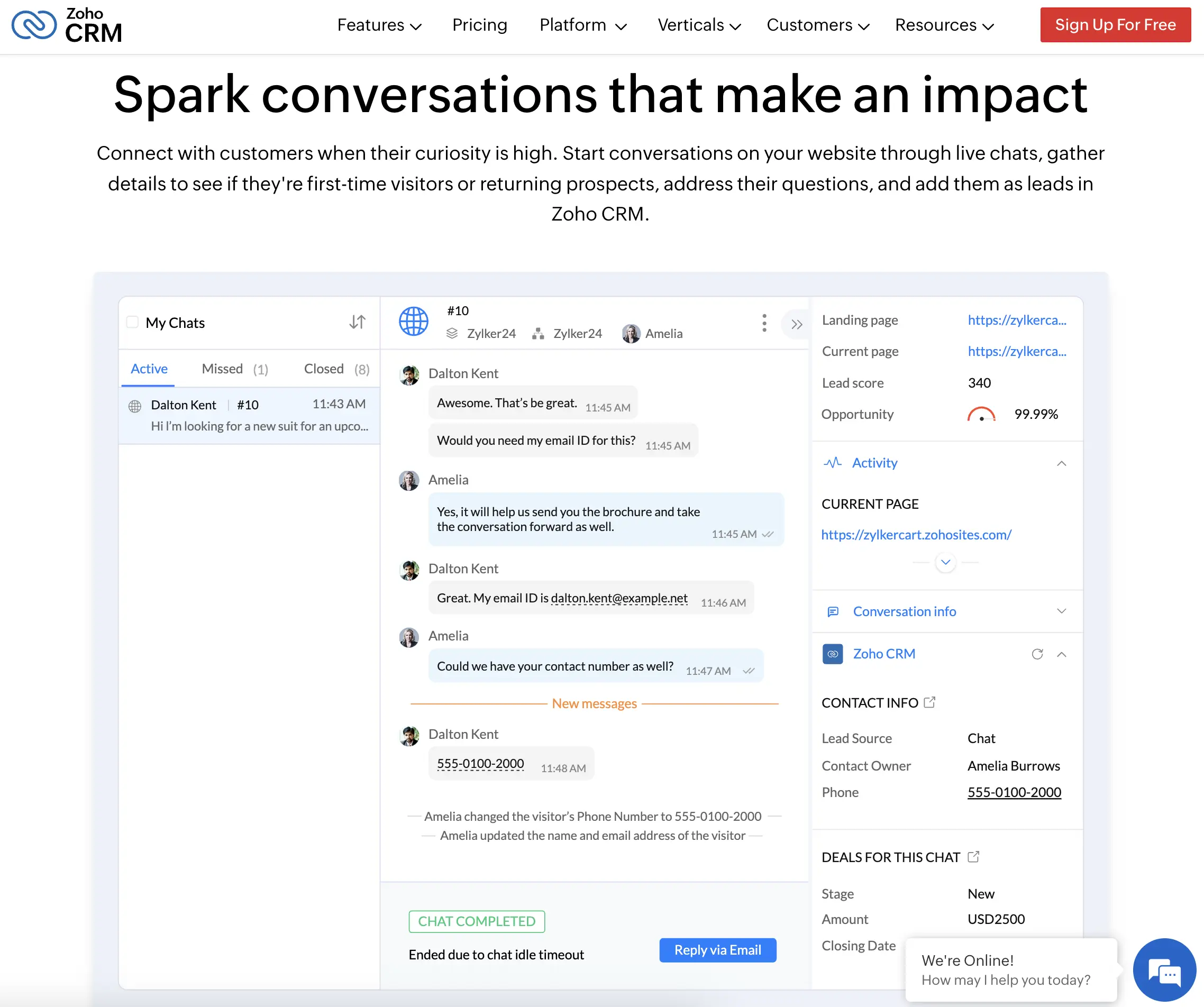
Official Website: https://www.zoho.com/crm/
Zoho CRM is an underrated option for SMBs seeking a full-featured, affordable CRM with integrated live chat. Part of the larger Zoho ecosystem, it offers surprising depth at a fraction of the price of HubSpot or Salesforce. Live chat integration is native and solid. The main limitation: Zoho’s user experience and customer support aren’t as polished as pricier competitors, requiring more internal technical effort.
Pricing: Zoho CRM offers four paid plans ranging from $14-$52/user/month (annual rate), though a free plan is available for up to three users. While entry-level pricing is comparable to Nutshell, the feature limitations in lower Zoho tiers may require upgrading.
5. Intercom
Rating: 4.1
Best for product-focused companies prioritizing customer messaging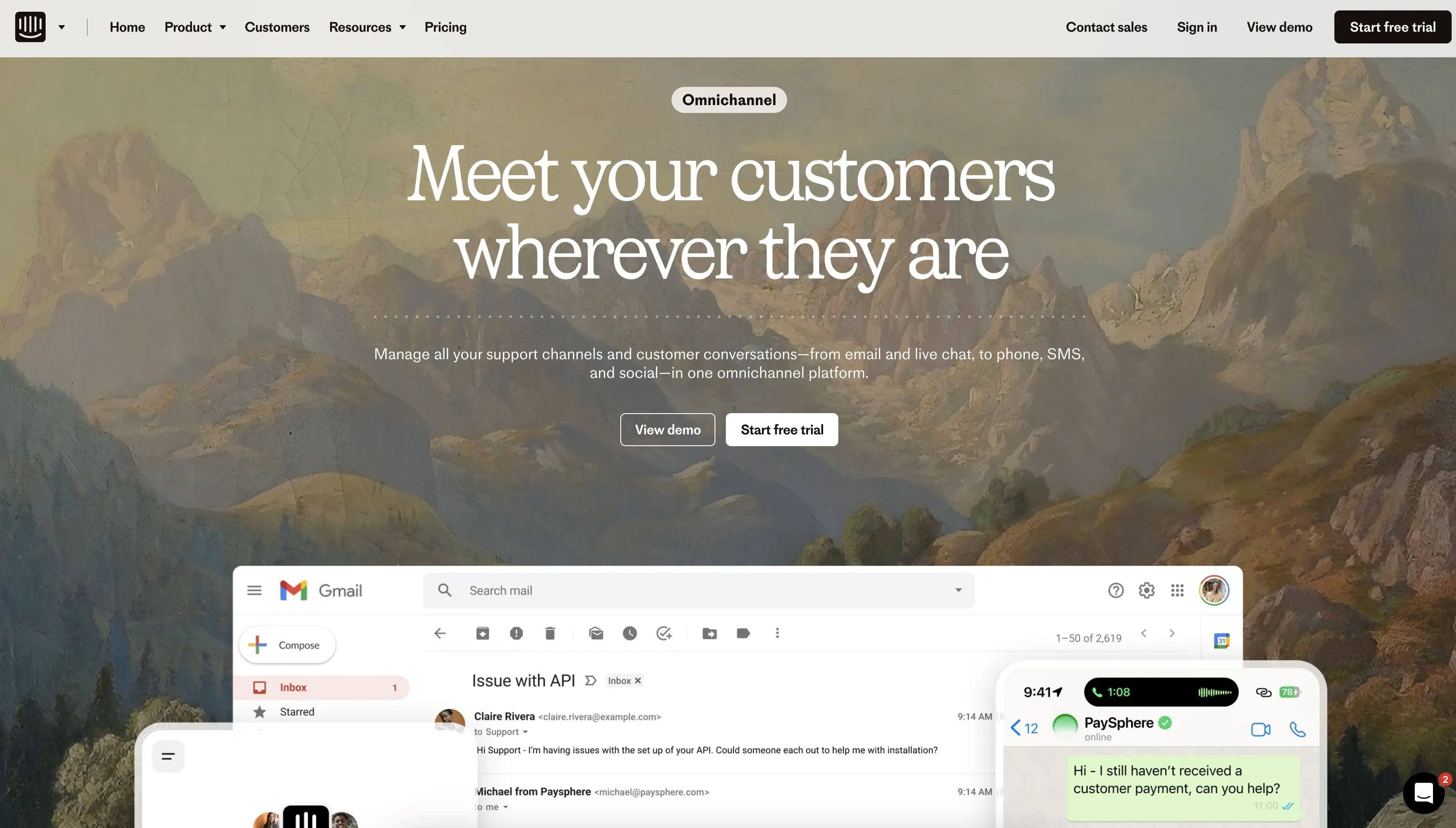
Official Website: https://www.intercom.com/
Intercom is a customer messaging platform built for SaaS and product-focused companies. It combines live chat, email campaigns, a proprietary AI agent, and product tours in a single tool with deep product analytics integration. It’s less of a traditional CRM and more of a customer engagement platform, making it ideal if your business model centers on in-app messaging and product education rather than sales-heavy outbound engagement.
Pricing: Intercom offers three plans ranging from $29/user/month to $132/user/month (billed annually). All three plans also charge an additional $0.99 per Fin AI Agent resolution, which is essential to factor into your budget.
6. Freshdesk
Rating: 3.9
Best for growing support teams with affordable omnichannel capabilities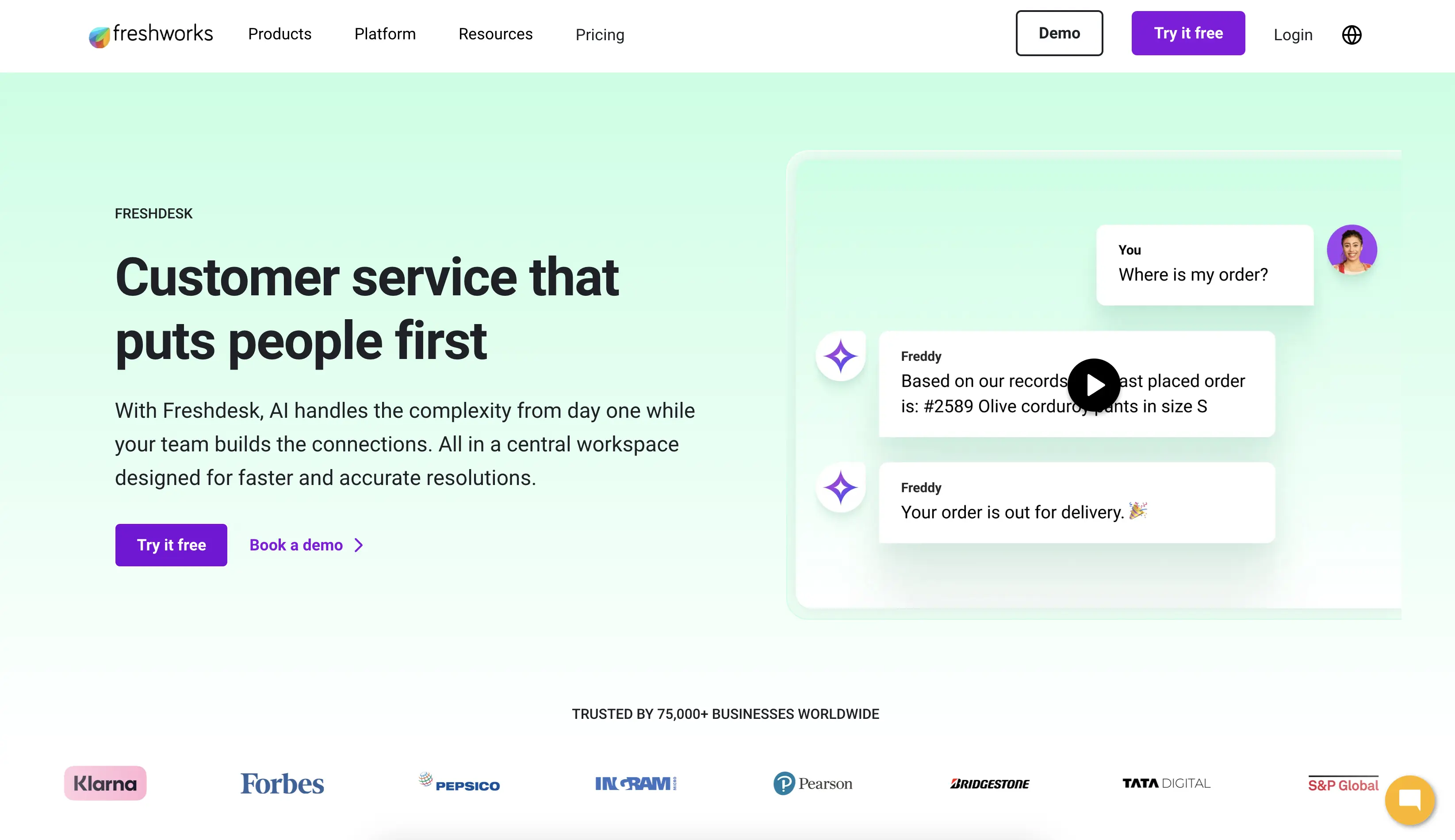
Official Website: https://www.freshdesk.com/
Freshdesk (by Freshworks) is a customer support ticketing platform with solid omnichannel capabilities and affordable pricing. Like Zendesk, it’s support-focused rather than sales-focused. Live chat integration exists but feels like an add-on rather than a core feature. It’s a good choice if support is your primary concern and you need budget-friendly omnichannel tooling.
Pricing: Freshdesk offers three plans ranging from $15/user/month to $79/user/month (annual rate). Live chat is only included at higher tiers.
7. Podium
Rating: 3.8
Best for local businesses managing multiple locations
Official Website: https://www.podium.com/
Podium is a customer communications platform designed specifically for local businesses managing multiple locations (home services, auto, healthcare, etc.). It combines messaging, reputation management, and review capture in a single platform. It’s not a full CRM and lacks traditional sales pipeline features, but it excels at managing local customer conversations and building reputation.
Pricing: While Podium pricing is not publicly listed, it typically starts around $500+/month for multi-location setups. You’ll need to contact their sales team for custom quotes.
8. ActiveCampaign
Rating: 3.7
Best for marketing automation with CRM + chat integration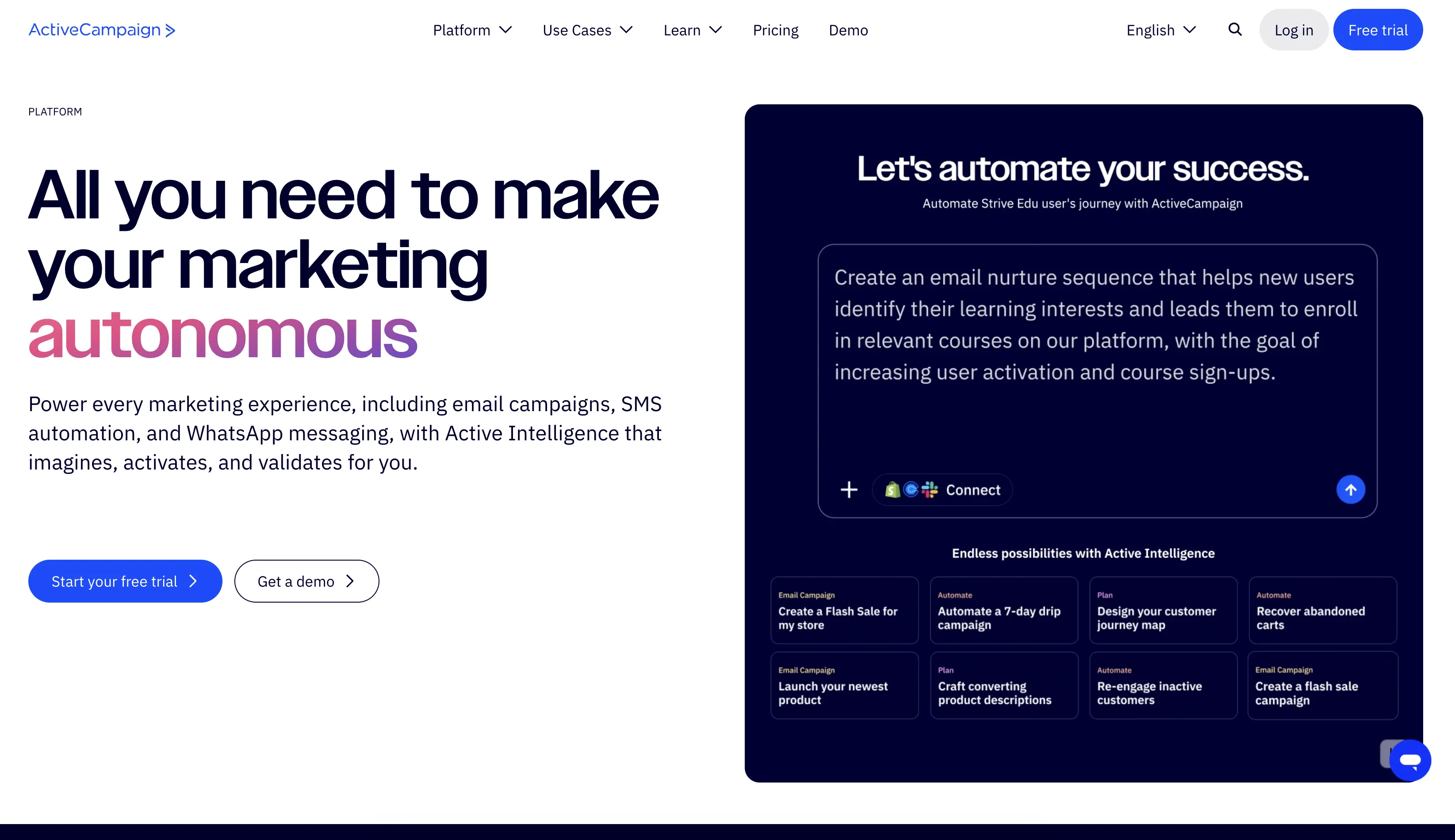
Official Website: https://www.activecampaign.com/
ActiveCampaign is a marketing automation platform that has evolved to include CRM and live chat capabilities. It’s strongest for teams that need sophisticated marketing automation tightly integrated with sales CRM. Live chat is included but not as core as in dedicated CRM platforms. Best for marketing-heavy organizations that need sales and marketing systems to work in lockstep.
Pricing: ActiveCampaign offers four email marketing plans starting at $15-$145/month for 1,000 contacts. The price increases as you add more contacts and features.
Key features every live chat user should demand
You’ve looked at individual CRM solutions. Now let’s zoom out and talk about the 1 when you’re transitioning from live-chat tools to an integrated CRM.
Feature 1: Real-time customer data visibility during chat
Why it matters: When your agent opens a chat conversation, they should instantly see everything they need to know about that customer—previous conversations, purchase history, current deal stage, outstanding support tickets, even notes from the last interaction. This context transforms every conversation from generic to personalized and dramatically accelerates problem-solving and deal progression.
Without this: Agent asks generic qualifying questions while the customer is waiting (frustrating). Agent misses upsell opportunities because they don’t know the customer’s purchase history. Agent repeats themselves because previous conversation context isn’t visible.
With this: The agent has the customer’s full history before the customer even types their question. It personalizes the response. Agent identifies upsell or escalation opportunity. The customer feels understood, and deals move faster as a result.
How to evaluate it: During your CRM demo, ask the vendor to show you how customer history appears during a live chat. It should be instant, not require searching or switching screens.
Feature 2: Unified inbox (chat + email + phone + SMS)
Why it matters: Your customers contact you through whatever channel is convenient for them—chat, email, phone, text. Your team shouldn’t have to bounce between five different apps to respond. A true unified inbox brings every incoming message into one dashboard, organized by conversation thread, so your team manages everything without context-switching.
Without this: Agent checks chat, then email, then Slack—losing context and time with each switch. Important messages might be missed if an agent only checks one channel. Response times are slow because of tool-switching overhead.
With this: All messages arrive in one place. Agent responds to all channels from one interface. Complete conversation history visible regardless of which channel the customer used. Escalations between channels (chat to email to phone) happen without customer re-explaining.
How to evaluate it: Ask the CRM vendor to show you their unified inbox dashboard. Can you filter by channel? Can you search all conversations at once? Can you respond to email directly from the chat interface? If the answer is “no” to any of these, it’s not truly unified.
Feature 3: Automatic chat logging to customer records
Why it matters: Every chat conversation should automatically appear in the customer’s CRM record, timestamped and searchable, without manual action. This creates a permanent, compliant record of all interactions and makes customer history instantly accessible to any authorized team member.
Without this: Chat history lives only in your chat tool. Team members using CRM don’t see chat context. Old conversations are invisible. Compliance audits are messy (chat logs exist separately from CRM records).
With this: Every chat auto-logs with timestamp and agent name. Searchable by keyword or date. Accessible from customer record. Visible alongside email and phone call history. Full compliance trail in one system.
How to evaluate it: Ask: Does chat auto-log or require manual export? Is it searchable from the CRM interface? Does it show up in the customer timeline alongside other interactions?
Feature 4: Automatic lead capture and qualification
Why it matters: When a lead reaches out via chat, they’re signaling intent. Your CRM should capture that intent automatically—creating a lead record and scoring it based on the interaction. Manual lead entry is slow, error-prone, and loses the momentum of the conversation.
Without this: Chat conversation ends. Someone manually enters the lead into CRM later (if at all). Lead intent signal decays while waiting for follow-up. Lead might be entered incompletely or duplicated.
With this: Chat ends. Lead automatically created. Scored based on interest signals in conversation. Added to appropriate automation workflow. Sales rep notified instantly. Follow-up triggered. Momentum maintained.
How to evaluate it: Ask the CRM vendor: Can I define lead qualification questions in the chat? Do qualified chats automatically create leads? Can I customize scoring rules? Can I route different types of leads to different reps?
Feature 5: Pipeline integration (create and update deals from chat)
Why it matters: A chat conversation that qualifies a lead should immediately trigger a deal creation in your pipeline. Your sales rep should be able to update deal stage directly from the CRM without manual context-switching, and your pipeline reporting should include chat-sourced deals.
Without this: Chat and CRM are separate systems. Qualified chats don’t automatically create deals. Sales reps manually create deals in CRM after chat ends (extra step, lost context). Pipeline reporting doesn’t show which deals came from chat.
With this: Qualified chat triggers deal creation automatically. Deal is linked to original conversation. Sales rep can update deal from CRM directly. Pipeline reports show chat-sourced deals separately, revealing ROI.
How to evaluate it: Ask: Can I create a deal directly from a chat conversation with one click? When I do, is the original chat linked to that deal? Can my team see conversation history when they open the deal later?
Feature 6: Analytics that show chat impact on revenue
Why it matters: You need to know: Are chats converting? How many chat leads become deals? What’s the average deal value from chat-sourced leads? Without this visibility, you can’t optimize your chat strategy or prove ROI to leadership.
Without this: Chat metrics exist in your chat tool. CRM metrics exist in your CRM. No clear picture of chat’s impact on pipeline or revenue. You can’t answer “Is chat generating ROI?”
With this: Single dashboard shows chat volume, response times, conversion rates, average deal value from chat-sourced leads, and revenue attributed to chat. You can slice by agent, time period, or customer segment. Clear ROI visibility.
How to evaluate it: Ask the vendor: Can you show me a report that shows conversion rate from chat to deal? Can you show revenue attributed to chat conversations? Can I compare chat performance month-over-month?
Nutshell’s next-action sales approach: Why it matters
One feature separates Nutshell from most other CRM solutions: next-action selling. It’s worth understanding because it directly addresses a pain point every sales team experiences—decision fatigue and unclear priorities.
What “next-action” really means
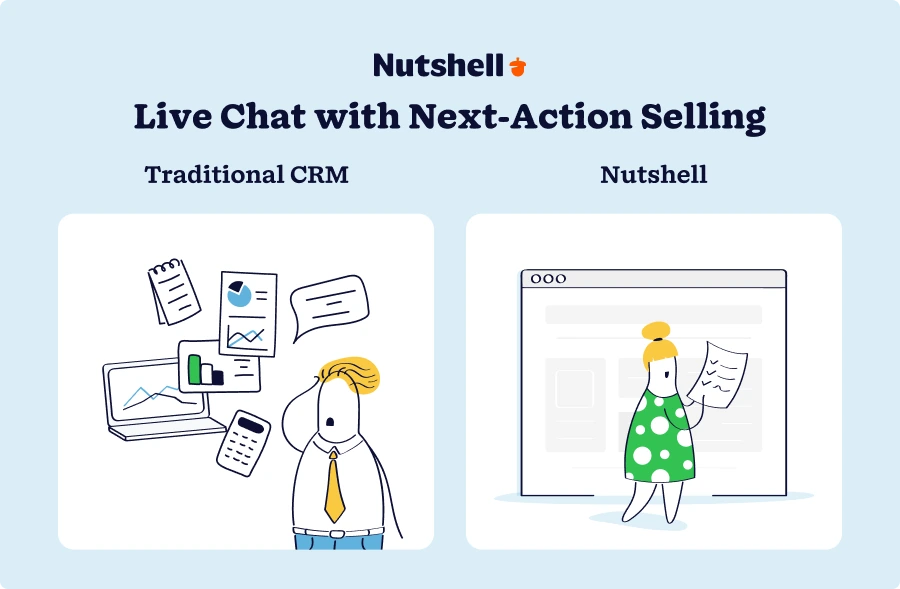
Traditional CRMs show you a task list: “Follow up with Sarah,” “Send proposal to Account X,” “Schedule call with Prospect Y.” You look at the list and have to decide what matters most and what to do right now. This creates decision overhead. Which task should I do first? Is this still relevant? Did the situation change since this task was created?
Nutshell’s AI-powered next-action approach flips this. Instead of showing you a list of equal-priority tasks, it shows you the single most important thing to do right now based on deal stage, customer intent, and urgency signals. It prioritizes automatically.
Example 1 – Before next-action:
- Task: “Follow up with Joe” (created 3 days ago)
- Task: “Send proposal to Account X” (created yesterday)
- Task: “Schedule call with Sarah” (created 2 hours ago; she’s at decision stage)
The sales rep looks at their list, isn’t sure which is most urgent, spends 10 minutes deciding, and eventually picks something random.
Example 2 – With next-action:
CRM displays: “Schedule call with Sarah – she’s ready to decide. Do this now.”
The sales rep sees a clear priority, acts immediately, and closes the deal faster.
How it helps live chat users specifically
When a chat conversation escalates to sales, it triggers a deal creation. Nutshell’s next-action AI—combined with insights from the built-in Chatbot report—immediately determines what the sales rep should do next based on that escalation context. Should they send an immediate follow-up email? Schedule a demo? Send a proposal? Ask for a call?
Rather than the rep guessing, the system tells them: “Demo call scheduled for Tuesday. Send agenda 2 hours before. Do this now.”
This removes decision fatigue and accelerates deal progression. It’s especially valuable for chat-to-sales handoffs because it maintains the momentum of the conversation.
Why this matters for SMB sales teams
Larger companies have sales managers micromanaging every task and coaching reps on priorities. SMBs don’t have this luxury. Your sales rep is often self-directed, managing their own priorities, and potentially making suboptimal decisions about what to focus on.
Next-action AI fills this gap. It’s like having an invisible sales manager whispering in the rep’s ear: “This customer is hot. Reach out now. Here’s what to say.” This guidance particularly helps newer reps who aren’t yet experienced at prioritizing opportunities.
The measurable impact
Teams using next-action prioritization see faster deal progression (deals move through pipeline stages more quickly), higher close rates (because reps focus on genuinely qualified, ready-to-buy leads), and reduced rep frustration (because priorities are clear, not ambiguous).
It’s not a game-changing feature on its own, but combined with the other elements of Nutshell’s platform—unified chat integration, automatic lead capture, and pipeline visibility—it creates a system where your entire sales process accelerates naturally.
Implementation checklist & getting started
You’re convinced that integrating live chat with a CRM makes sense. Now comes the practical question: What do we need to do before choosing a platform, and how do we actually get started?
Pre-implementation checklist (do this first)
Before you evaluate CRM solutions or sign up for a trial, complete this checklist to ensure you’re choosing based on your actual needs, not features that sound cool.
Pre-implementation steps include:
- Define success metrics: Write down the specific outcomes you want (response time improvement, deal cycle time reduction, cost savings target, adoption timeline, revenue impact target). These become your decision framework.
- Audit your current chat data: Export your chat history from your current platform. How many conversations per month? How many convert to deals? What’s the average resolution time? This baseline helps you measure improvement later.
- Map your team’s workflow: Document how your team currently works. Who handles chats? Who qualifies leads? Who closes deals? How does handoff happen between support and sales? Understanding this helps you choose a CRM that fits your process, not one that forces you to change.
- Identify must-have integrations: List the tools your team currently uses that need to connect to your CRM (email, phone, Slack, calendar, your website, etc.). Verify that your CRM candidate supports these integrations natively (not third-party add-ons).
- Set budget and timeline expectations: How much are you willing to spend monthly? When do you need to be live? These constraints matter. Some CRMs cost 2-3x more than others for equivalent functionality.
- Get stakeholder buy-in: If implementation requires team input or adoption, get buy-in from key stakeholders (sales manager, support lead, CEO/owner) before proceeding. Surprises during implementation cause resistance.
Quick-start: How to evaluate and decide (4 weeks)
Week 1: Narrow your options
Start with the solutions in this guide that best fit your profile:
- If budget is primary concern and you need integrated chat: Nutshell or Zoho CRM
- If you’re already in HubSpot ecosystem: HubSpot Service Hub
- If support volume is high: Zendesk or Freshdesk
- If you’re product-focused: Intercom
Request free trials or product demos from your top 2-3 options. Most CRMs offer 14-30 day free trials.
Week 2: Test drive (hands-on)
Don’t just watch a demo—actually use the platform. Specific things to test:
- Create a test lead and move it through your pipeline
- Send a test chat and verify it logs to the customer record
- Try importing your current chat history (or a sample)
- Test the mobile app if you have reps in the field
- Attempt to create a simple automation (e.g., “when deal reaches proposal stage, send email”)
- Use the reporting dashboard to pull a basic report
During this test, have your team try it too. Ask them: “Can you do your job in this system? Does it feel intuitive or clunky?”
Week 3: Compare and score
Create a simple scoring matrix:
Criteria Weight Nutshell HubSpot Zendesk Ease of use (1-5) 25% 5 4 3 Live chat integration (1-5) 25% 5 4 3 Price fit (1-5) 20% 5 3 2 Implementation speed (1-5) 15% 5 2 2 Support quality (1-5) 15% 5 4 4 Weighted Score 100% 4.85 3.6 2.9 Weight the criteria based on what matters to you. If budget is critical, weight price higher. If you need sophisticated reporting, weight analytics higher. The solution with the highest weighted score is your best fit—not because it’s “best” objectively, but because it’s best for your priorities.
Week 4: Make a decision and plan rollout
Based on your evaluation, choose your CRM. Then decide on your rollout approach:
- Pilot approach: Roll out to 3-5 team members first (usually your fastest adopters), let them use it for 2 weeks, gather feedback, refine processes, then roll out to full team
- Full rollout approach: Implement across the entire team at once (faster to value but higher risk; works best with engaged teams)
Most SMBs benefit from the pilot approach. It’s lower risk and gives you time to refine before full deployment.
The typical implementation timeline (2-4 weeks for Nutshell)
Here’s what a typical SMB implementation looks like with Nutshell:
- Days 1-2: Platform setup, user account creation, initial walkthrough with onboarding specialist
- Days 3-5: Data migration (import existing contacts, chat history), basic integrations (email, phone, calendar)
- Days 6-7: Team training, walkthrough of common workflows, Q&A session
- Days 8-10: Pilot team goes live, uses system with real customers, provides feedback
- Days 11-14: Refine workflows based on feedback, roll out to full team
- Days 15-30: Full team live, monitor adoption, optimize based on usage patterns and feedback
- Total time to value: 14-21 days (your team is live and handling real customer interactions)
- Total implementation cost: $0 (time only; no professional services fees for typical SMB setup with Nutshell)
Compare this to enterprise CRMs like Salesforce (12-16 weeks) or HubSpot (also 12-16 weeks). The speed advantage compounds quickly—you’re gaining ROI while competitors are still in implementation.
Setting success benchmarks
After you go live, measure progress against your initial success metrics. Here’s what healthy progress looks like:
Days 1-30:
- 70%+ team adoption (most people using system daily)
- Response times maintained or improved (no degradation from tool switch)
- Zero data loss from migration
Days 31-60:
- 90%+ adoption (new habits formed)
- Response times improved 20-30% (teams are more efficient with unified data)
- Chat-to-deal conversion visible in reporting (you can see which chats became deals)
- 20+ hours saved company-wide per month on administrative work
Days 61-90:
- 95%+ adoption (system is business-as-usual)
- Deal cycle time reduced 15-25% (sales reps have context, move faster)
- Monthly cost savings visible (one integrated platform costs less than two separate tools)
- Team sentiment positive (feedback shifts from “this is new and weird” to “this actually helps”)
If you’re not hitting these benchmarks, diagnose why: Is it a training issue? A workflow issue? A product fit issue? Address it quickly rather than letting resistance build.
Built-in live chat capabilities save time and money
The shift from live chat to an integrated CRM isn’t a disruptive, risky leap—it’s a proven, manageable evolution that thousands of SMBs have successfully navigated. And it accelerates growth in ways live-chat tools alone simply can’t.
Here’s what we know for certain: Proactive, conversation-driven sales powered by unified customer context generates 305% higher ROI. Organizations that consolidate tools save 30-40% on SaaS spend while simultaneously improving efficiency and deal velocity. Teams that implement omnichannel support see 27% improvements in retention and 301% ROI within months. And when you choose a platform built for ease (not enterprise complexity), you go live in 2-4 weeks instead of 4-6 months.
The path forward is clear:
- Define what success looks like for your organization (response time targets, deal cycle improvement, cost savings)
- Choose a CRM that fits your needs, not your hypothetical future (based on ease of use, live-chat integration strength, pricing, and implementation speed)
- Prepare your data and team before launch (audit chat history, define workflows, train hands-on)
- Monitor progress closely in your first 90 days and optimize based on real usage patterns
- Measure and celebrate early wins to build momentum and team buy-in
If you’re evaluating options, Nutshell stands out for SMBs because it combines affordable pricing, native live-chat integration, AI-powered next-action selling that accelerates deal progression, and fastest-in-category implementation (2-4 weeks). You don’t sacrifice capability for speed or affordability—you get both.
The teams that hesitate aren’t worried about whether CRM + live-chat integration works. They’ve seen the data. They’re worried about the transition itself—disruption, adoption resistance, implementation headaches. This guide addresses those concerns head-on. The transition is doable, manageable, and worth the effort.
Your next step is straightforward: Request a free trial or schedule a 15-minute demo with Nutshell. Go through the quick-start evaluation process outlined above. Involve your team in testing. Make a decision based on your actual needs, not feature lists.
Within 4 weeks of implementation, you’ll have unified customer data, faster response times, and a sales pipeline that actually accelerates. Within 3 months, you’ll see revenue impact. Within 6 months, you’ll wonder how you ever managed without it.
The time to make this transition isn’t when you’re drowning in manual work or losing deals due to fragmented data. It’s now—when you can implement proactively and position your team for growth rather than reactively trying to fix a broken process.
Ready to see how Nutshell combines live chat, CRM, and AI-powered automation to accelerate your sales? Sign up for your 14-day free trial today—no credit card required. You’ll have everything set up in minutes and can see real results in your first week.
Frequently asked questions
-
1. Is switching from live chat to CRM really worth the effort and cost?
Yes, absolutely—and the ROI timeline is faster than you probably think.
Businesses that invest in CRM generate $8.71 in return for every $1 spent, and when you combine that with proactive, conversation-driven sales engagement, ROI jumps to 305%. Most SMBs see measurable impact (faster response times, shorter deal cycles, cost consolidation) within 30-60 days.
Bottom line: The effort is real but temporary. The benefits are real and permanent. Start measuring after day 30 and you’ll likely see ROI is already positive.
-
2. Will my support team actually adopt a new CRM system?
Adoption success depends heavily on ease of use and training quality—and Nutshell excels at both. You can help reduce adoption resistance by:
- Choosing an intuitive platform
- Investing in employee training
- Minimizing disruption
- Showing early wins
- Gathering feedback and iterating
The honest truth: Some team members will adopt quickly, while others need more time. This is normal. Focus on reducing friction (good training, intuitive design) and the resistance usually melts away by week 4-6.
-
3. Can I keep using my existing email system while using the CRM?
Yes, absolutely. Email integrates natively with modern CRMs, so you don’t have to switch email providers.
Here’s how it works:
- You use Outlook, Gmail, or another email provider
- Your CRM connects to that email system (via integration) and automatically pulls in incoming emails
- When you reply to a customer email, it can log that reply automatically to the CRM customer record
- You stay in your email inbox for quick communication, but the CRM maintains a searchable record of all correspondence
Benefits: You don’t disrupt your team’s email habits. Communication stays fast. But the CRM now has a complete record of every email conversation with every customer, searchable and tied to pipeline data.
Note: This is different from the old “email forwarding to CRM” approach that required manual action. Modern integrations are automatic and transparent.
The result: A single source of truth. Your sales rep can pull up a customer in the CRM and see the last 12 months of email history without leaving the CRM interface. No more hunting through email folders.
-
4. How long does it take to see ROI from a CRM with live chat?
Short answer: 1-3 months for measurable impact; first wins appear much sooner.
Detailed answer: ROI timeline varies based on what you measure:
Immediate (Days 1-14):
- Cost savings appear instantly (fewer subscriptions needed)
- Time savings visible (team spending less time on data entry)
- Team learning the system and forming new habits
Short-term (Weeks 3-8):
- Response times improve (unified data = faster context)
- Deal velocity increases (sales reps have full customer context)
- First chat-to-deal conversions tracked and visible
- Customer satisfaction metrics improve (faster, more informed responses)
Medium-term (Months 3-6):
- Revenue impact becomes clear (shorter sales cycles = more deals closed)
- Retention metrics improve (complete customer history enables proactive support)
- Full ROI picture visible (cost savings + efficiency + revenue impact)
Realistic expectation: You’ll see measurable improvement in response times and operational efficiency by week 4.
The key is measuring consistently from day 1. Don’t wait 6 months to see if it’s working—track metrics weekly so you can optimize as you go.
-
5. What if we outgrow the CRM later?
Short answer: Nutshell scales with you; the solution doesn’t become a bottleneck as you grow.
Detailed answer: This is a legitimate concern. You don’t want to invest in a CRM, invest in team training and process refinement, only to discover the tool can’t handle your growth and you have to switch again.
Here’s the good news: Nutshell serves 5,000+ companies across 50 countries and 40+ industries—from 5-person startups to mid-market organizations with hundreds of employees. The platform is built to scale without adding complexity.
-
6. Is CRM really necessary for small businesses, or is live chat enough?
A CRM becomes essential as you scale. For teams over 10 people, it’s practically required.
Ask yourself: “If our sales rep doesn’t have full customer history during a conversation, how many deals do we lose?” For most teams over 10 people, the answer is “more than we realize.”
The bottom line: CRM becomes essential when you’re large enough that your brain can’t hold all the information. For most growing SMBs, that threshold is around 10 employees.
BACK TO TOP
Ready to try
Nutshell for Free?Thank you! Your submission has been received!Oops! Something went wrong while submitting the form.




Lead vs. Prospect vs. Opportunity: What’s the Difference and Why Does It Matter?
Published on: November 10, 2022

What Is Revenue Intelligence? An All-Encompassing Guide
Published on: January 24, 2024Highly Effective Strategies for Elevating Sales Team Performance
Published on: November 10, 2022Join 30,000+ other sales and marketing professionals. Subscribe to our Sell to Win newsletter!










