Spreadsheets are chaos. Complex CRMs require months of training. There’s a better way.
Business owners are drowning in customer data and losing deals because of disorganization. easy-to-use CRMs solve this problem by combining simplicity with powerful features that actually work for your business.
But not all CRMs are created equal. Some are so complicated that they require a dedicated IT person just to set up. Others are so simple that they lack the features you need to grow. You need a CRM that’s easy to use—one your team will actually adopt without months of training.
In this article, we’ve tested and compared the top easy-to-use CRMs. You’ll learn what makes a CRM “easy-to-use,” how we selected our top picks, and which CRM is best for your specific needs. Whether you’re a solopreneur or managing a growing team, you’ll find a CRM that fits.
Best easy-to-use CRMs at a glance
Nutshell (4.8/5): Best for growing businesses seeking simplicity with power
HubSpot CRM (4.6/5): Best for businesses wanting a free, feature-rich option
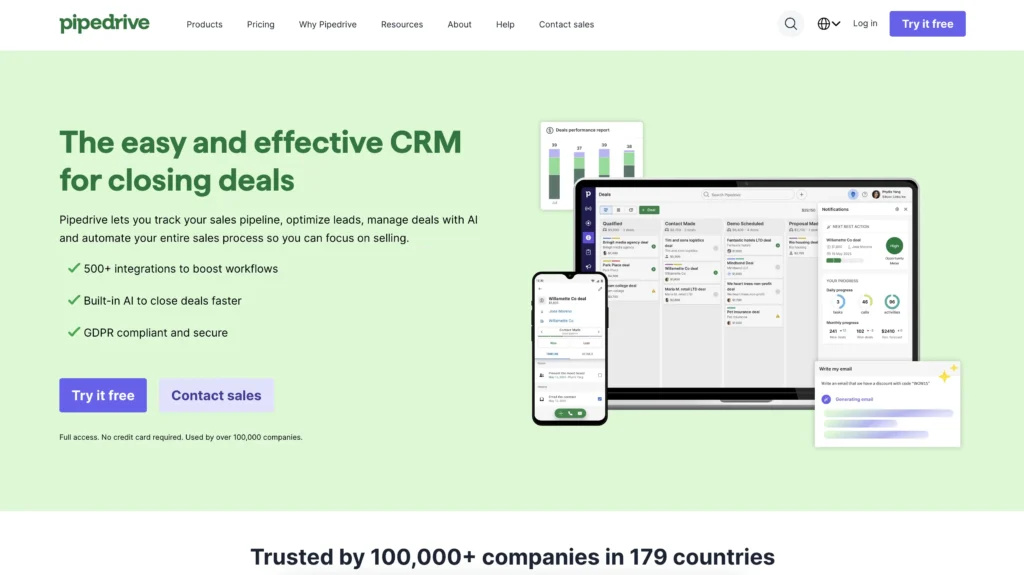
Pipedrive (4.5/5): Best for visual sales pipeline management
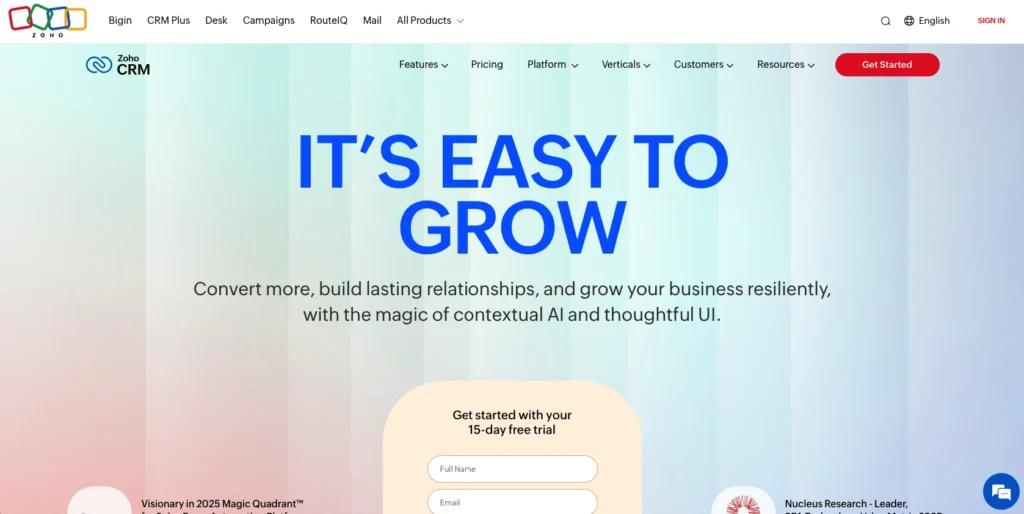
Zoho CRM (4.4/5): Best for budget-conscious businesses needing comprehensive features
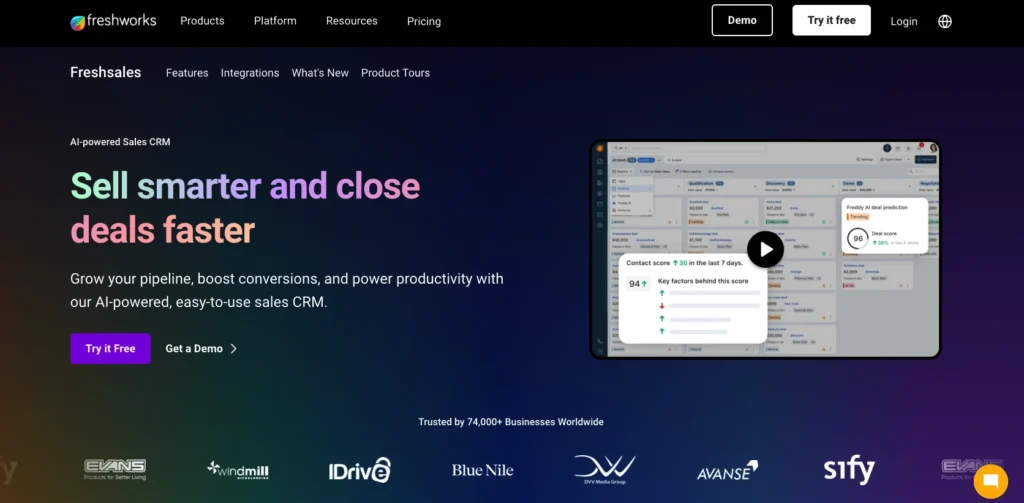
Freshsales (4.3/5): Best for AI-powered sales insights and automation
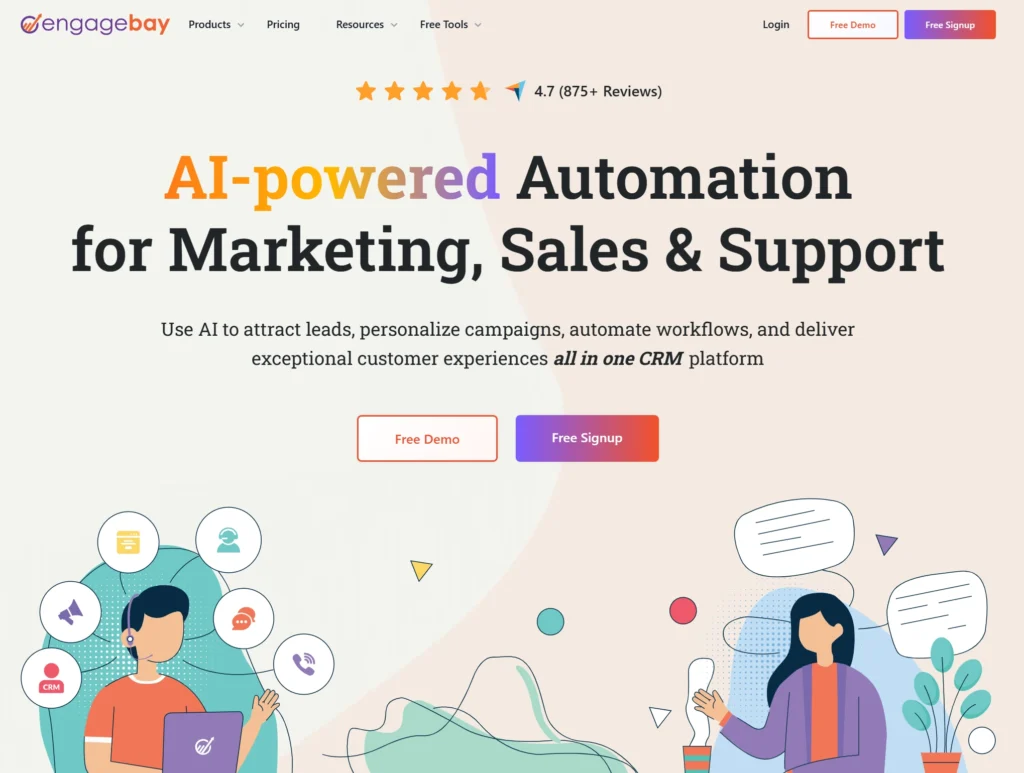
EngageBay (4.2/5): Best for small business automation
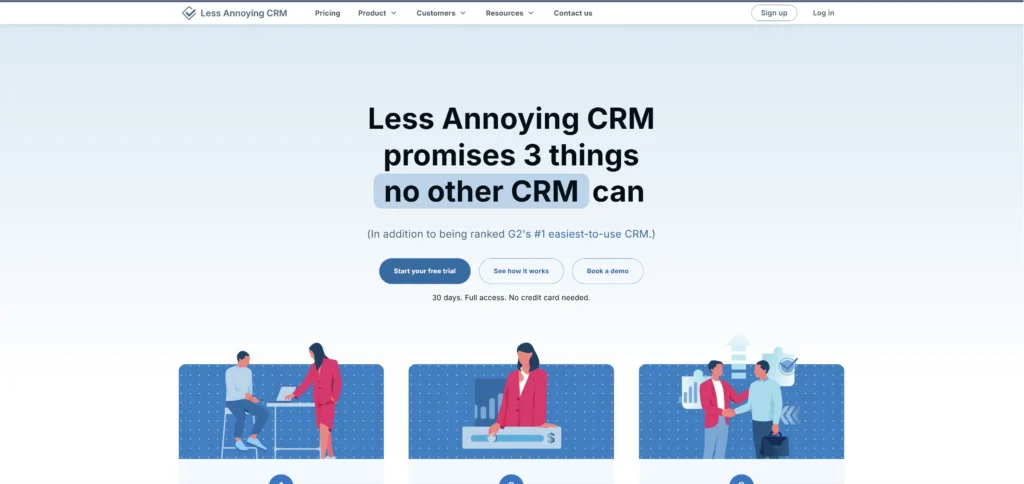
Less Annoying CRM (4.1/5): Best for true simplicity and minimalism
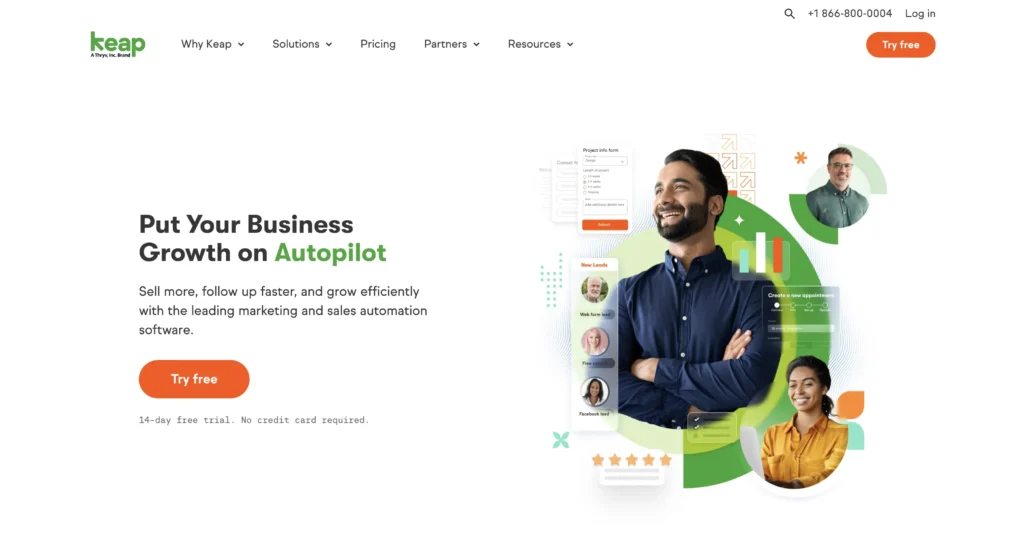
Keap (4.0/5): Best for small business automation and follow-up
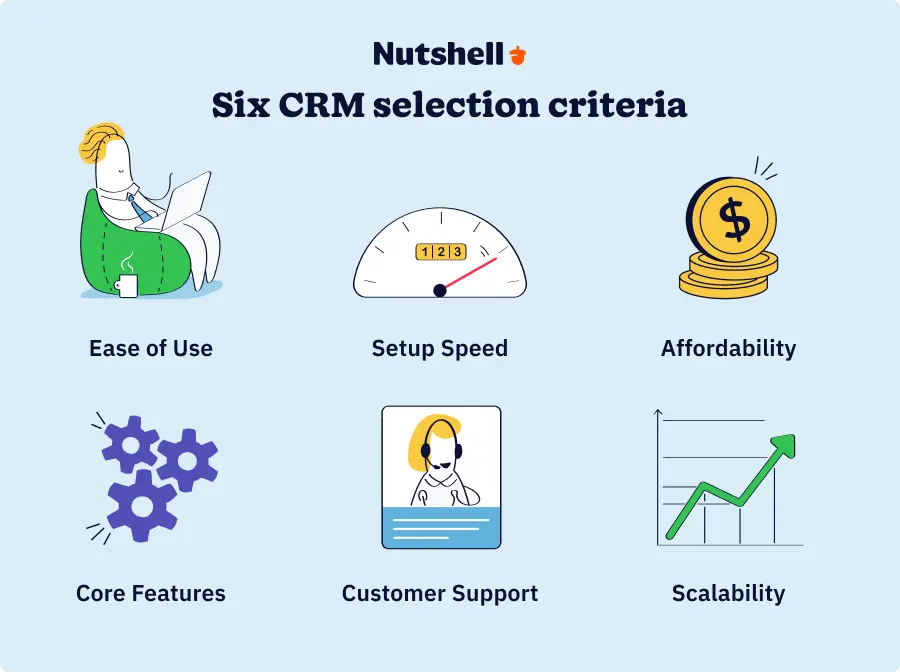
We evaluated eight leading CRMs based on six key criteria that matter most to business owners. Our goal: find CRMs that deliver on their ease-of-use promise, not just market it.
Our six rating criteria are:
Ease of use (25% weight): Intuitive interface design, learning curve for new users, minimal training required, and user adoption rates
Setup and implementation speed (20%): Time to first productive use, onboarding process quality, configuration complexity, and data migration ease
Affordability and value (20%): Pricing transparency, cost for business budgets, feature-to-price ratio, and ROI potential
Core features (15%): Contact management, sales pipeline tracking, email automation, and mobile accessibility
Customer support quality (10%): Support responsiveness, training resources, community resources, and help documentation
Scalability and flexibility (10%): Grows with your business, customization options, integration capabilities, and industry-specific features
We tested each CRM based on real-world needs, not just feature lists. Here’s what we found.
1. Nutshell
Rating: 4.8/5
Best for growing businesses seeking simplicity with power
Quick summary
Nutshell combines an intuitive, easy-to-use interface with powerful sales automation and pipeline management. Designed specifically for small to mid-sized businesses that want simplicity without sacrificing features.
Key features for growing businesses
Next-action sales approach: Focuses teams on the most important next step to move deals forward, eliminating complexity and keeping everyone aligned
Sales pipeline management: Visual pipeline with drag-and-drop deal tracking, automated workflows, and sales forecasting
HubSpot CRM offers a great free tier with contact management, email tracking, and basic automation. Excellent for businesses just starting with CRM or wanting to test before upgrading.
Key features for free CRM users
Free tier: Unlimited contacts, email tracking, and basic automation at no cost
Contact management: Centralized contact database with custom fields and segmentation
Basic automation: Simple workflows and automated follow-ups
Pipedrive specializes in visual sales pipeline management with an intuitive drag-and-drop interface. Designed for sales teams that want to see deals moving through stages visually.
Key features for sales teams
Visual pipeline: Drag-and-drop deal management with clear stage visibility
Sales automation: Automated workflows, reminders, and follow-ups
Zoho CRM offers quality features at reasonable pricing, making it ideal for budget-conscious businesses. Customizable and scalable, though it has a steeper learning curve than simpler alternatives.
Key features for budget-conscious businesses
Well-rounded feature set: Contact management, sales pipeline, automation, reporting, and more
Customization: Highly customizable workflows, fields, and modules
Automation: Workflow automation, lead scoring, and triggered actions
Pros
Affordable
Scalable
Strong customization
Good integration options
Cons
Steeper learning curve
Implementation takes longer
Less focused on simplicity
Overwhelming for small teams
Pricing
Starting at $14/user/month (billed annually); free tier available with limited features
Free trial: Yes, 15-day free trial available
5. Freshsales
Rating: 4.3/5
Best for AI-powered sales insights and automation
Quick summary
Freshsales combines traditional CRM features with AI-powered sales insights and predictive analytics. Ideal for businesses wanting intelligent automation and data-driven sales decisions.
Key features for AI-powered sales
AI sales insights: Predictive analytics, deal scoring, and intelligent recommendations
Automated workflows: AI-powered workflow suggestions and automation
Sales forecasting: AI-driven revenue forecasting and pipeline analysis
Mobile app: AI insights on-the-go
Pros
AI-powered insights
Strong automation
Good mobile app
Cons
AI features add complexity
Steeper learning curve
Pricing
Starting at $9/user/month (billed annually)
Free trial: Yes, 14-day free trial available
Do less and win more with AI in Nutshell
Save time and focus more on building relationships with AI tools like timeline summarization, chatbots, AI email replies, and more.
Keap (formerly Infusionsoft) specializes in automation and follow-up workflows. Ideal for businesses wanting sophisticated automation and customer journey management.
Key features for small business automation
Automation workflows: Sophisticated automation for customer journeys and follow-ups
Contact management: Comprehensive contact database with detailed tracking
Sales pipeline: Deal tracking and sales forecasting
Integration ecosystem: Connects with many business tools and platforms
Pros
Excellent automation
Good integration options
Strong for follow-up
Cons
Steep learning curve
Higher pricing
Less focused on simplicity
Pricing
Starting at $199/month (flat rate, billed annually)
Free trial: Yes, 14-day free trial available
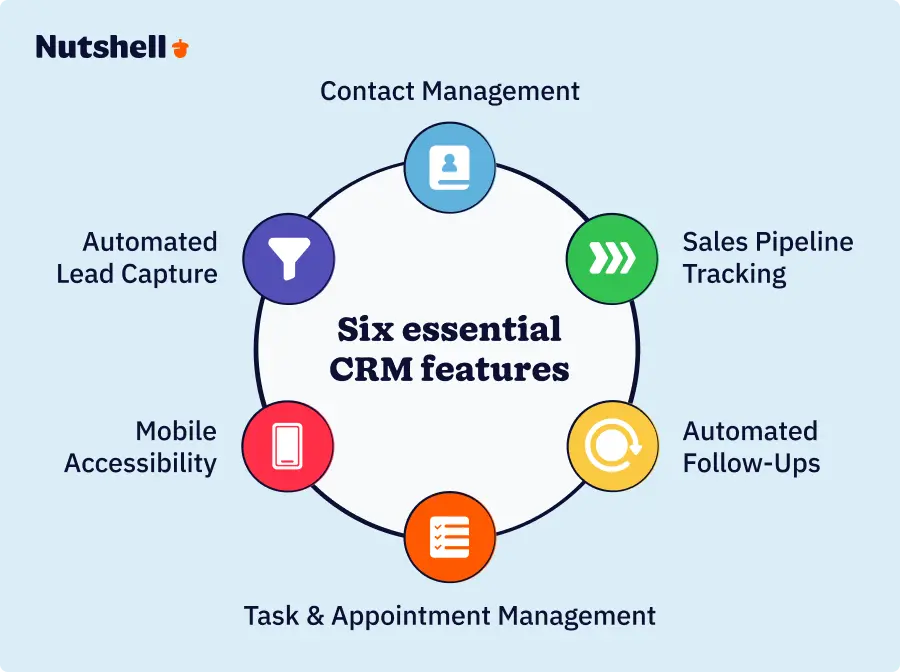
What makes a CRM “easy to use”? 6 essential features
Easy-to-use doesn’t mean limited. The best CRMs combine simplicity with powerful features. Here are the 6 features every small business CRM should have.
1. Contact management
Your CRM should make it easy to add contacts, organize them with tags, and segment them for targeted outreach. Look for CRMs that let you add custom fields for your specific business needs.
Why it matters: Never lose customer information; single source of truth
Priority: ⭐⭐⭐⭐⭐ CRITICAL
2. Automated lead capture
The best CRMs capture leads automatically from your website forms, emails, and other sources. This eliminates manual data entry and ensures no leads slip through the cracks. Look for CRMs that offer form builders, email integration, and lead scoring.
Why it matters: Never lose a lead; automatic data entry saves time
Priority: ⭐⭐⭐⭐⭐ CRITICAL
3. Sales pipeline tracking
A visual sales pipeline helps your team see deals at a glance. Look for CRMs that let you drag deals between stages and forecast revenue based on pipeline data. Know where deals stand and forecast revenue with confidence.
Why it matters: Know where deals stand; forecast revenue
Priority: ⭐⭐⭐⭐ HIGH
4. Automated follow-ups
Automation is the secret to scaling without hiring. Look for CRMs that let you set up automated follow-ups based on customer actions—like sending an email when a lead hasn’t responded in 3 days.
Why it matters: Saves 5-10 hours per week; improves conversion
Priority: ⭐⭐⭐⭐ HIGH
5. Mobile accessibility
If your team works in the field, mobile access is critical. Look for CRMs with native mobile apps that work offline and give you full functionality on your phone.
Why it matters: 65% of mobile users achieve quota; critical for field teams
Priority: ⭐⭐⭐⭐ HIGH (especially for field teams)
6. Task and appointment management
Your CRM should help you stay organized with task reminders and calendar integration. Look for CRMs that let you assign tasks to team members and see everyone’s schedule at a glance.
Why it matters: Never miss follow-ups; keep team aligned
Priority: ⭐⭐⭐ MEDIUM-HIGH
Which easy-to-use CRM is best for your industry?
While all CRMs in this article work across industries, some are better suited for specific business types. Here’s our recommendation for different industries, based on specific workflow needs and feature requirements.
Construction & home services
Construction and home services teams work in the field, so mobile access is critical. Nutshell’s full-featured mobile app and project tracking capabilities make it ideal. The automated follow-up features help you capture repeat business from past customers.
Specific needs: Mobile access for field teams, project tracking, bid management, repeat business automation
Recommended CRM: Nutshell (4.8/5)
Alternative: Pipedrive (4.5/5) for sales-focused teams
Real estate
Real estate agents need to track leads by source and automate follow-ups for showings. Nutshell’s industry-specific features and strong automation make it ideal. The visual pipeline helps you see deals at a glance.
Specific needs: Lead source tracking, property database integration, transaction workflow automation, compliance tracking
Recommended CRM: Nutshell (4.8/5)
Alternative: Pipedrive (4.5/5) for visual pipeline management
Professional services
Professional services firms need to track relationships and collaborate across teams. Nutshell’s relationship intelligence and collaboration features are strong. The industry-specific support ensures the CRM fits your workflow.
Specific needs: Relationship intelligence, time tracking integration, collaborative tools, client profitability tracking
Recommended CRM: Nutshell (4.8/5)
Alternative: Zoho CRM (4.4/5) for customization and integration
B2B sales & manufacturing
B2B sales requires managing multiple contacts per account and tracking complex deals. Nutshell’s multi-contact management and sales pipeline visibility are excellent. The quote generation features streamline your sales process.
Specific needs: Multi-contact account management, quote and proposal generation, sales pipeline visibility, sales forecasting
Recommended CRM: Nutshell (4.8/5)
Alternative: Pipedrive (4.5/5) for visual pipeline management
Retail & e-commerce
Retail and e-commerce businesses need strong segmentation and automation for high-volume customer management. HubSpot’s free tier offers excellent segmentation, and EngageBay’s platform includes marketing automation. Both integrate well with e-commerce platforms.
Recommended CRM: HubSpot CRM (4.6/5) or EngageBay (4.2/5)
Alternative: Zoho CRM (4.4/5) for comprehensive features
The CRMs in this article support multiple industries – these are just recommendations based on specific strengths. We recommend trying free trials to see which CRM fits your specific workflow.
The Best CRM Across All Industries!
Find out why Nutshell is the ideal software for YOURindustry!
Answer these questions, and you’ll narrow down your options significantly. Once you’ve narrowed your shortlist, see how Nutshell stacks up against each option side by side.” This is probably the strongest alternative — the reader is literally in decision mode at that point.
How to implement an easy-to-use CRM successfully
Choosing the right CRM is just the first step. Implementation is where most businesses struggle. Here are our best practices for successful CRM implementation.
Start with core features: Don’t try to use everything at once. Start with contact management, basic pipeline, and email integration. Overwhelming your team with features leads to poor adoption. Add advanced features after your team is comfortable.
Get team buy-in: Involve your team in CRM selection and training. They’re more likely to adopt a tool they helped choose.
Clean your data: Before importing, clean your contact list. Remove duplicates, standardize formatting, and fill in missing information.
Set up automation gradually: Start simple. Add automation workflows one at a time. Complex automation can break if not set up correctly.
Use training resources: Take advantage of vendor training, video tutorials, and documentation. Proper training reduces adoption barriers.
Measure success: Track adoption rates, time savings, and ROI. Measurement helps you optimize and justify the investment.
Implementation timeline
Most easy-to-use CRMs can be implemented in 1-2 weeks, including: setup (1-2 days), data import (2-3 days), team training (3-5 days), and going live (1 day).
Nutshell is among the fastest, with teams becoming productive in just days. This is dramatically faster than enterprise CRMs like Salesforce, which can take months to implement.
Invest in the best easy-to-use CRM for your business
Choosing the right CRM is one of the most important decisions you’ll make for your business. The good news: all the CRMs in this article are genuinely easy to use.
If you want the best overall easy-to-use CRM, Nutshell is our top choice. Nutshell combines simplicity with power through its unique “next-action” sales methodology. With the fastest implementation, best customer support, and transparent pricing, Nutshell is ideal for growing businesses.
Nutshell supports 40+ industries, so it works for your specific business type. The mobile-first design is perfect for field teams.
The easiest CRM depends on your specific needs, but Nutshell, Less Annoying CRM, and Pipedrive are the top contenders. Nutshell offers the best balance of ease and power (4.8/5 rating), Less Annoying CRM is the simplest (4.1/5), and Pipedrive has the most intuitive visual interface (4.5/5).
2. What is a simple CRM system?
A simple CRM system focuses on core features (contact management, sales pipeline, automation) with an intuitive interface that requires minimal training. Simple doesn’t mean limited—these CRMs have powerful features, just without unnecessary complexity. Simple CRMs are ideal because they’re affordable, quick to implement, and have high team adoption rates.
3. How long does it take to implement an easy-to-use CRM?
Most easy-to-use CRMs can be implemented in 1-2 weeks: setup (1-2 days), data import (2-3 days), team training (3-5 days), and go-live (1 day). This is dramatically faster than enterprise CRMs like Salesforce, which can take months to implement.
4. Can I use a CRM without training?
Yes, easy-to-use CRMs are designed to require minimal training. Most offer onboarding resources, video tutorials, and documentation. Your team can learn by doing—start with basic contact management and gradually add features as they become comfortable. We recommend watching the vendor’s intro videos and practicing with sample data before going live.
5. What’s the best CRM for beginners?
For beginners, we recommend Nutshell (best overall with 4.8/5 rating), Less Annoying CRM (simplest interface), or HubSpot CRM (free option). All three are beginner-friendly with minimal learning curves.
6. Do I really need a CRM for my business?
Yes, CRM benefits apply to all business sizes. The average CRM delivers $8.71 in return for every $1 spent. Even solopreneurs benefit from CRM—it prevents lost leads, saves time on data entry, and helps you nurture customer relationships. Start with a free trial to test the value before committing.