










Sales Automation
Put time-wasting tasks on autopilot so your team can focus on building relationships and nurturing leads through your sales pipeline.

“Nutshell is super user-friendly and intuitive
“I would highly recommend Nutshell
“Easy to use and... wait for it ... 100% buy in!
“Nutshell is both simple and powerful
Put the repetitive work on autopilot with automatic lead routing, stage-based follow-up, inbound capture, and reporting that shows what’s working.
🎉 No credit card required!
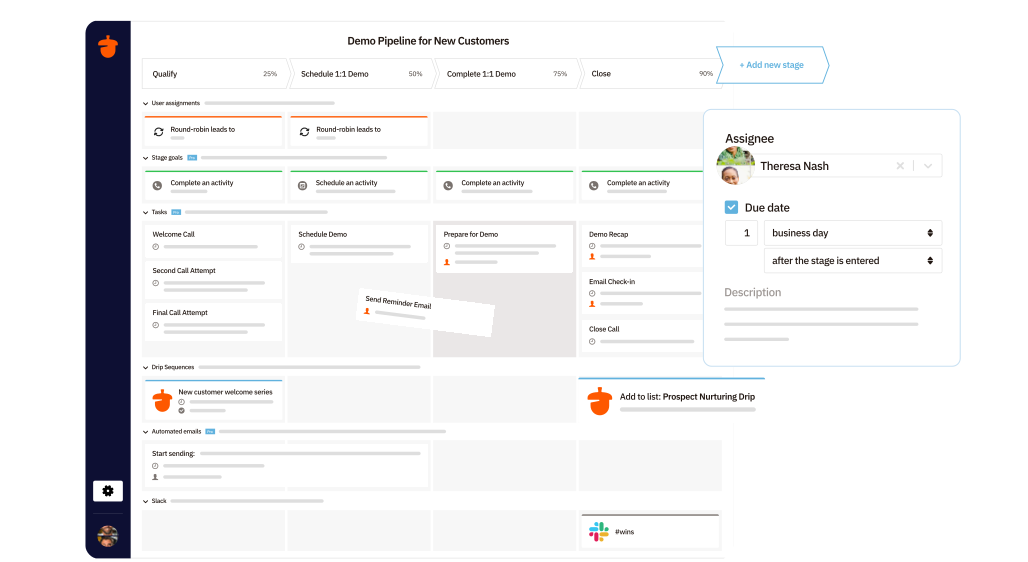
New leads shouldn’t sit unassigned or bounce from rep to rep.
Nutshell lets you route opportunities based on pipeline stage, territory, source, product, value, and other lead details—or use round-robin rules to spread new leads evenly across your team.
You can also create exception rules when a specialist should take over from the start.
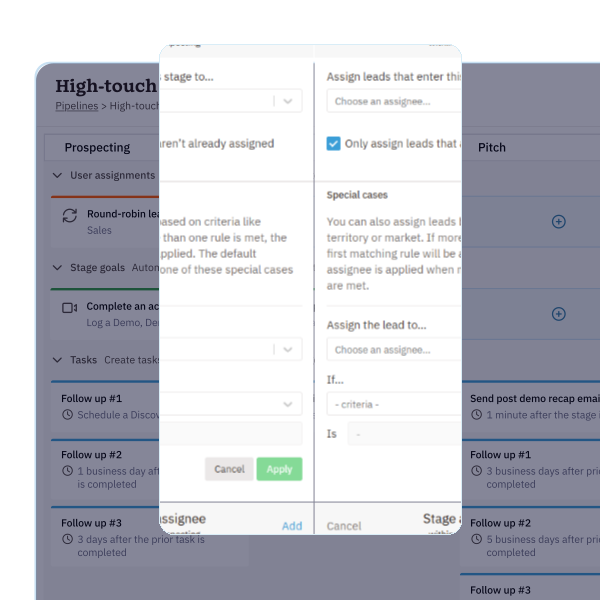
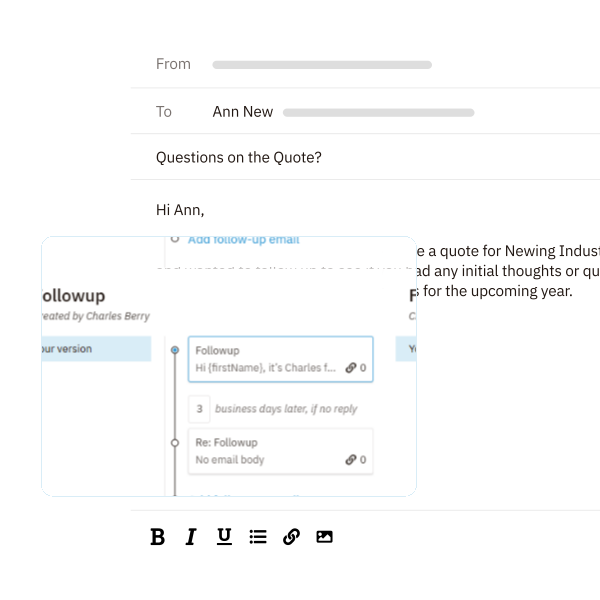
Following up consistently shouldn’t mean sending robotic emails.
Nutshell can start personal email sequences automatically when a lead enters a pipeline stage and stop them when the prospect replies, the lead moves forward, or the deal closes.
Your team gets the consistency of automation with the feel of one-to-one outreach.
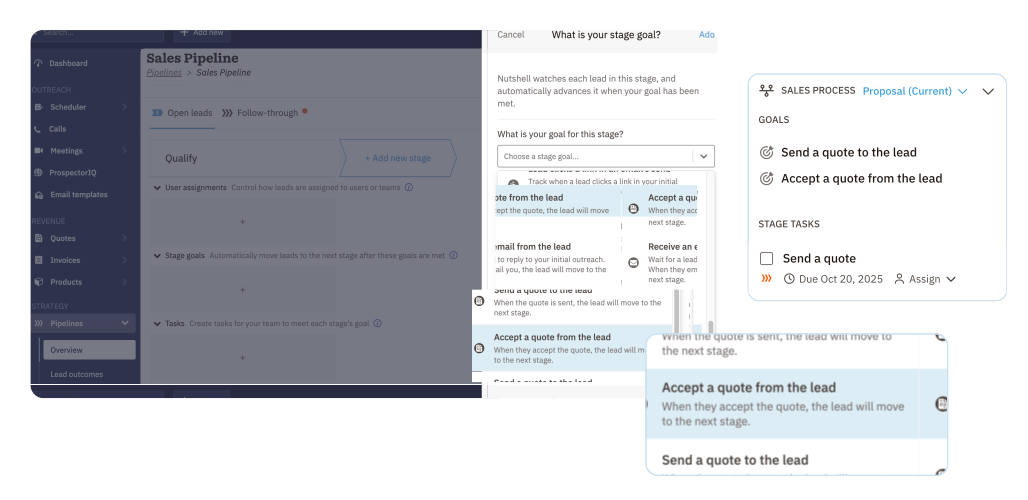
A strong sales process makes the next step obvious.
In Nutshell, you can set stage goals that automatically advance leads, create task lists for each stage, and add guidance that helps reps do the right work at the right time.
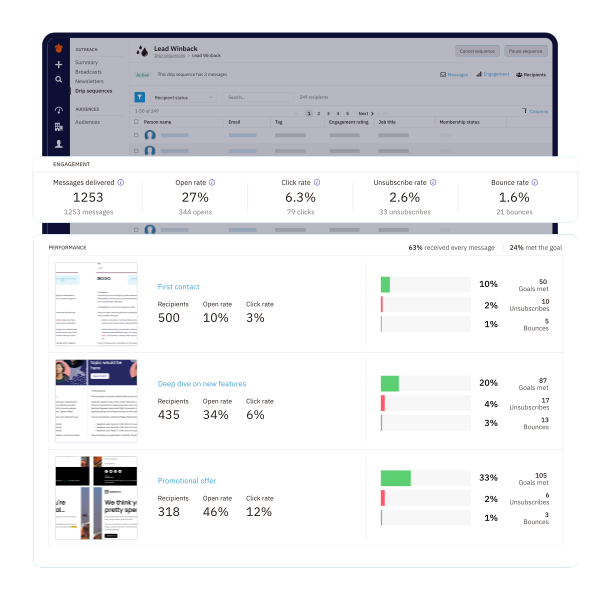
Some buyers reply to email. Others answer a text.
Nutshell helps your team stay present in both channels with automated personal email sequences and text automation, so follow-up keeps happening without the copy-and-paste grind.
You can also track opens and clicks to focus on the prospects who are actually engaging.
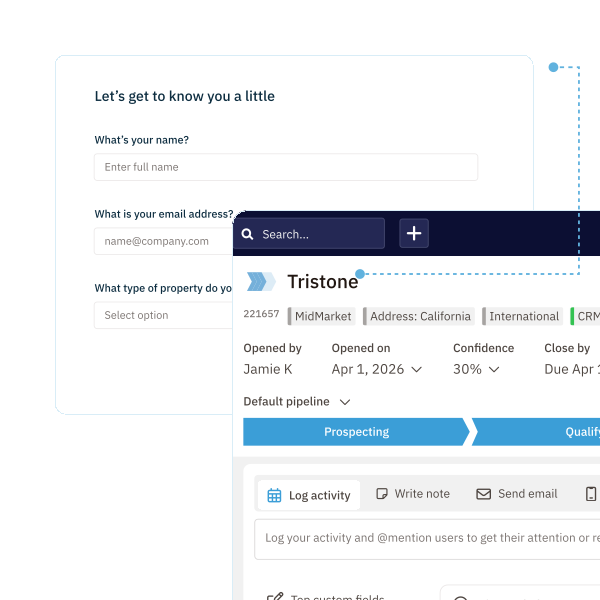
Sales automation should start before a rep ever opens the lead record.
Automation is only useful if you can see the impact. Nutshell gives you reports that show funnel conversion rates, task completion, outreach activity, forecasted performance, quota progress, and more—so you can spot bottlenecks early and coach with confidence. When your process is consistent, your reporting becomes a lot more useful, too.
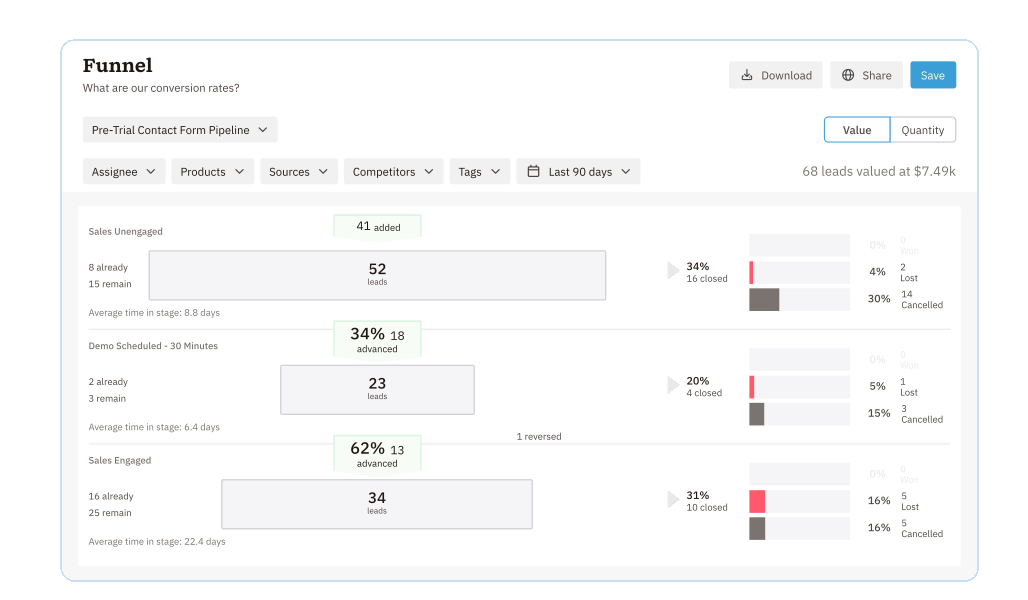
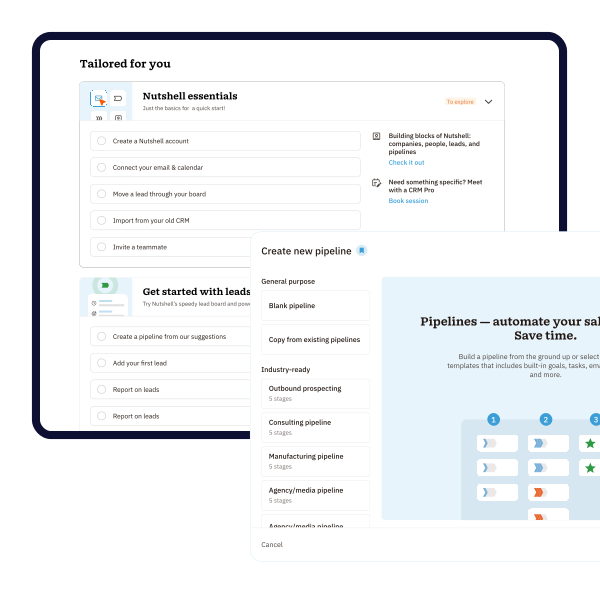
Getting started with automation shouldn’t require a long rollout. Nutshell gives you draft pipelines to test before anything goes live, starter packs that come with stages, goals, tasks, fields, and sequences, and integrations that connect with the tools your team already uses. That means you can launch quickly, keep what works, and keep refining your process as you grow.
Try Nutshell free for 14 days or let us show you around before you dive in.
🎉 No credit card required!
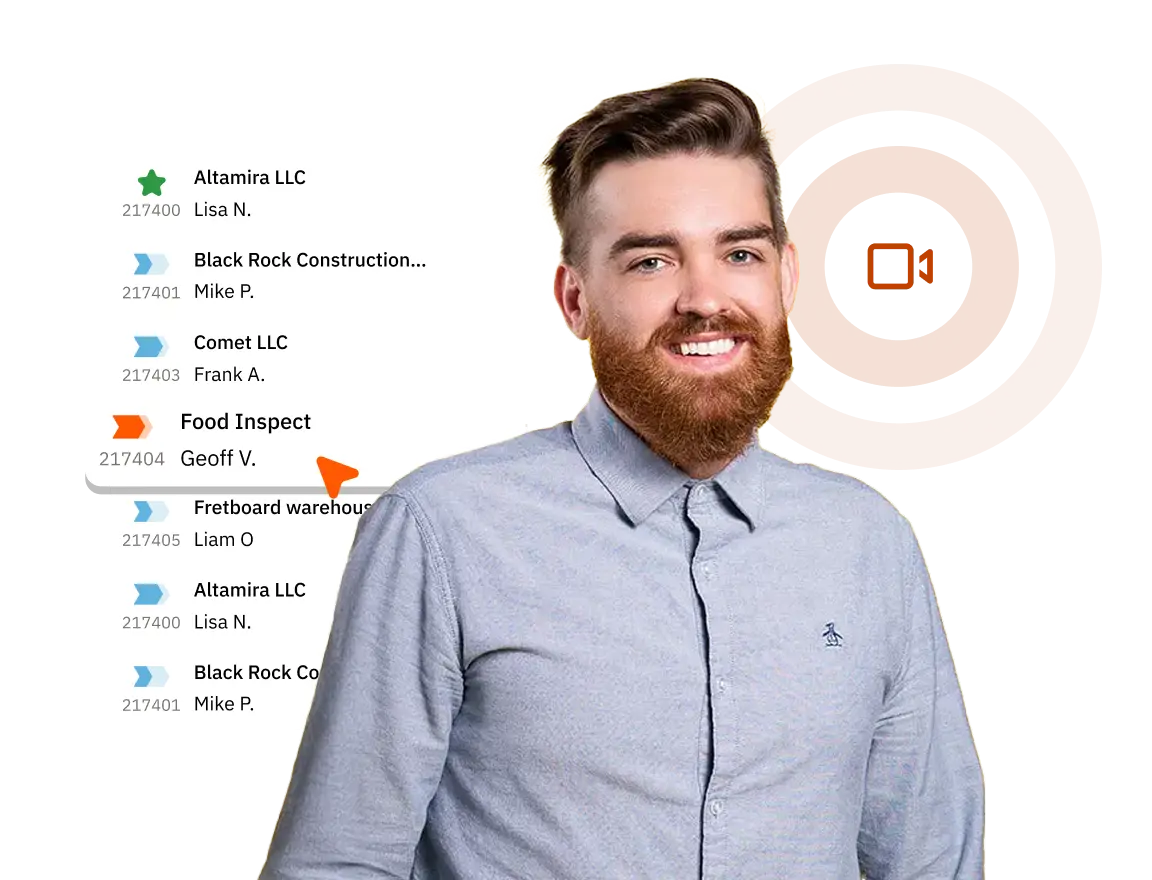
CRM sales automation software is a platform that combines your customer and contact data with your sales pipeline tasks to automate certain sales activities and streamline your team’s workflows. When you combine CRM and sales automation, you ensure contact data is accurate, keep sales reps on the same page about relationships and lead status, and save time updating data.
An example of B2B sales automation is any automated action that can help advance a B2B company’s sales processes and goals. These types of actions include:
The best sales automation tool is the one that provides features your team needs, addresses your unique workflow needs, and is easy for your team to use. Here are a few of the top features you should consider in your search for the best sales automation tool:
Basic sales automation in Nutshell can be configured in minutes using our pre-built pipeline starter packs. Most teams have core automations running within a few days. For custom workflows with multiple triggers and integrations, expect 1-2 weeks to fully optimize your setup.
Yes. Nutshell integrates with 100+ popular business tools through our AppConnect marketplace, including Gmail, Outlook, Slack, QuickBooks, and Mailchimp. We also connect with 7,000+ additional apps via Zapier. Most integrations take minutes to set up with no coding required.

Put time-wasting tasks on autopilot so your team can focus on building relationships and nurturing leads through your sales pipeline.

Create custom pipelines and manage them easily with multiple views to nurture leads efficiently and stay on top of every deal.

Provides robust reporting and analytics to help you track your team’s performance and to help you gain quick insights with automated reporting.

Increase sales efficiency with Nutshell’s powerful email automation tool. Create personalized campaigns & track success right in your CRM

Streamline daily processes using the generative power of AI in Nutshell to simplify sales activities and open up a world of possibilities.

Create and manage virtual meetings and sync the information with your Calendar without leaving your CRM.

Quickly create and send custom quotes and invoices, easily track quote and invoice progress and engagement, and effortlessly manage and share your quotes and invoices in different formats.

Store customer notes, interactions and easily bring colleagues into the conversation and stay notified of everything that needs your attention.

Easily accelerate revenue-driving tasks in your CRM, so you and your team can spend more time on selling.

Improve calendar, email, & contact organization from any source with Nutshell’s contact management software.

Quickly import your entire products and services list with Nutshell’s Product Importer, so you and your team can spend less time on administration and more time on selling.

Search through over 200 million contacts, add ideal customers to your CRM, and connect with your future buyers.
Pinpoint the companies and individuals visiting your site so you can proactively target warm leads.
Locate specific individuals working at the companies in your book of business and reveal their contact information so you can start the conversation.

With channel and source data automatically added to your new leads, you can know where your best leads come from and invest smarter in your marketing.

Connect with our world-class support team to get fast, friendly, and free support when needed.

Easily sync your email and calendar with Nutshell to make your CRM work where you do.

We take the security and reliability of your data seriously. We partner with the industry’s most trusted infrastructure provider, Amazon Web Services.


Find out more about Nutshell’s extensive range of Marketing Suite features

Learn more about Nutshell’s industry-leading Engagement Suite features

Discover the broad spectrum of features and tools available to Nutshell customers