











Sales Automation
Put time-wasting tasks on autopilot so your team can focus on building relationships and nurturing leads through your sales pipeline.

“Nutshell is super user-friendly and intuitive
“I would highly recommend Nutshell
“Easy to use and... wait for it ... 100% buy in!
“Nutshell is both simple and powerful
Share booking links, collect the right details before the call, send reminders automatically, and manage everything in one place—without adding another scheduling tool.
🎉 No credit card required!
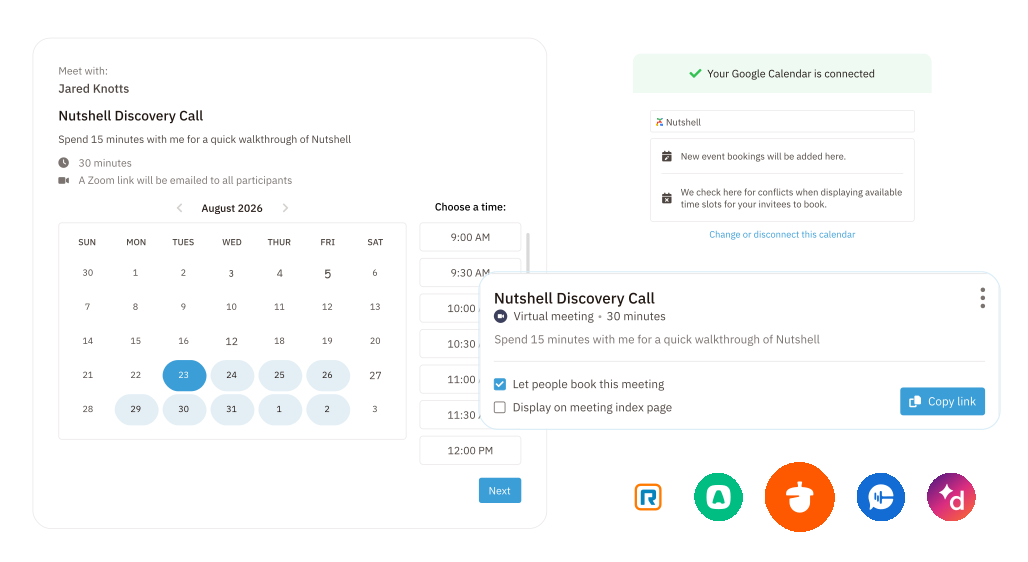
Stop the email ping-pong and give people a faster way to meet with you.
Share your meeting page in an email, send a direct booking link, or add Scheduler to your website so prospects can choose a time that works for them.
It’s a simpler experience for your contacts and a faster path to the conversations that move business forward.
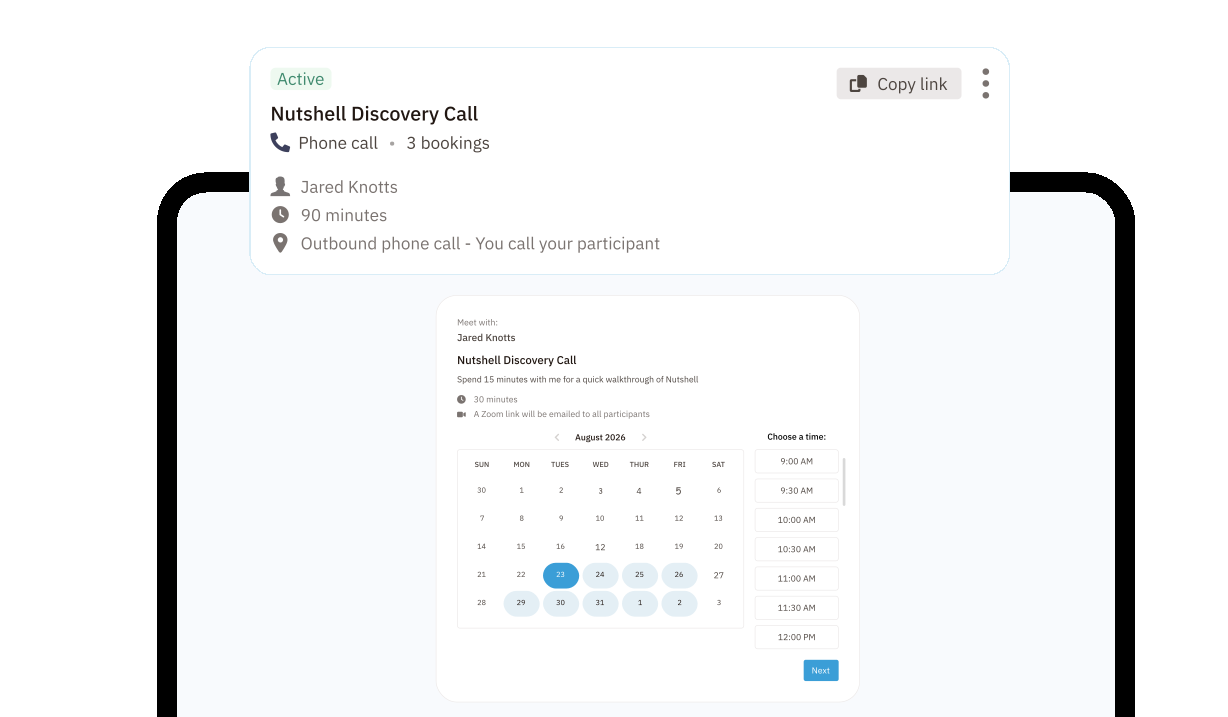
Not every meeting should work the same way.
Nutshell lets you create:
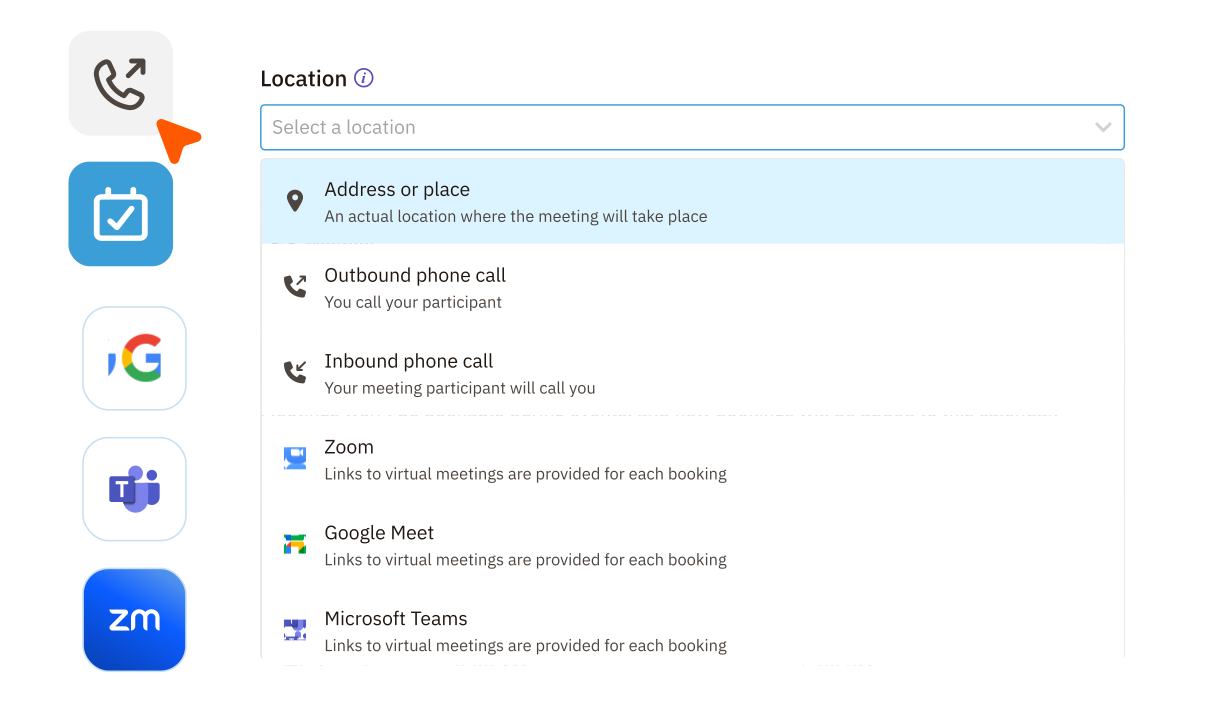
You can also set the duration, location, and activity type for each meeting so every booking fits the conversation you want to have.
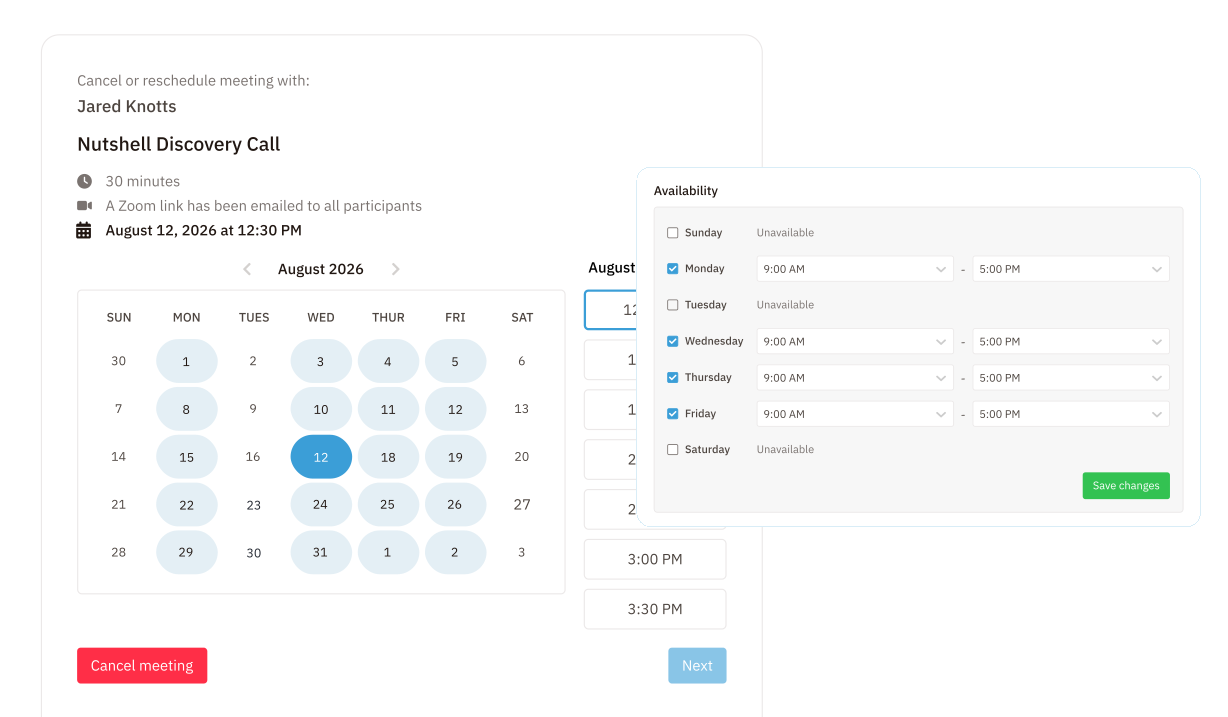
Your booking page should reflect real life—not just one calendar.
Every booking can do more than fill your calendar.
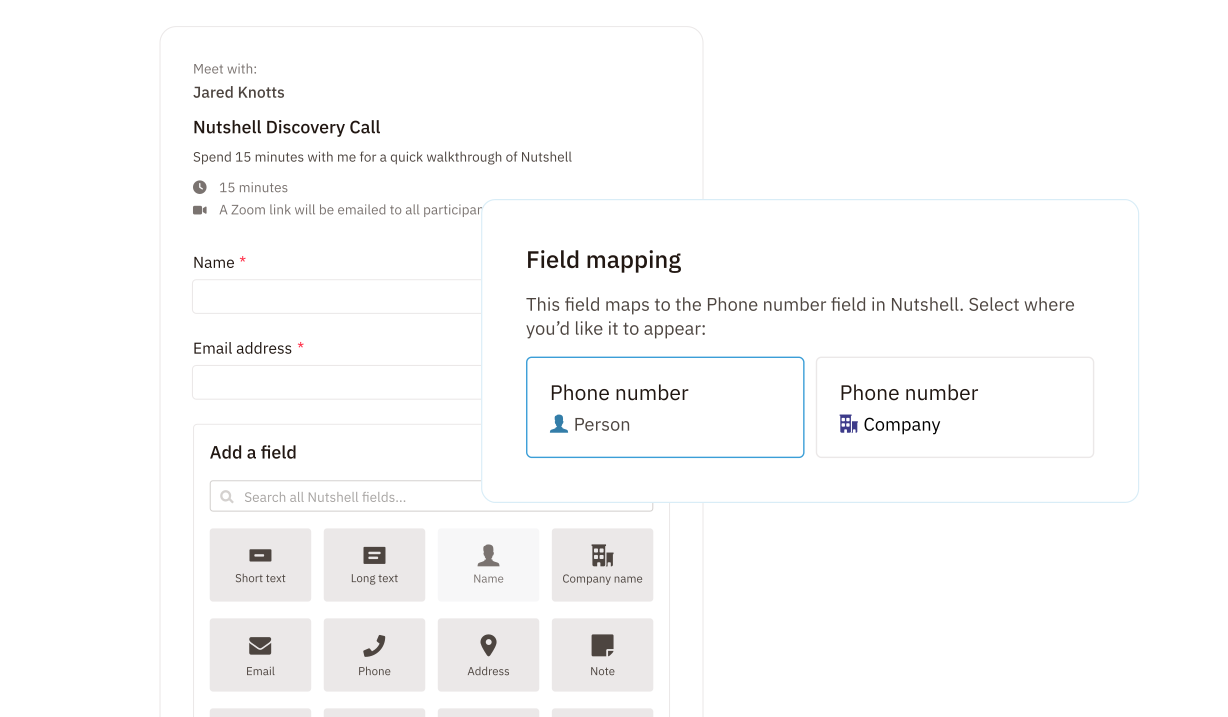
Add a Nutshell form to collect the information you need before the call, then automatically create a person, lead, or company in your CRM from the submission.
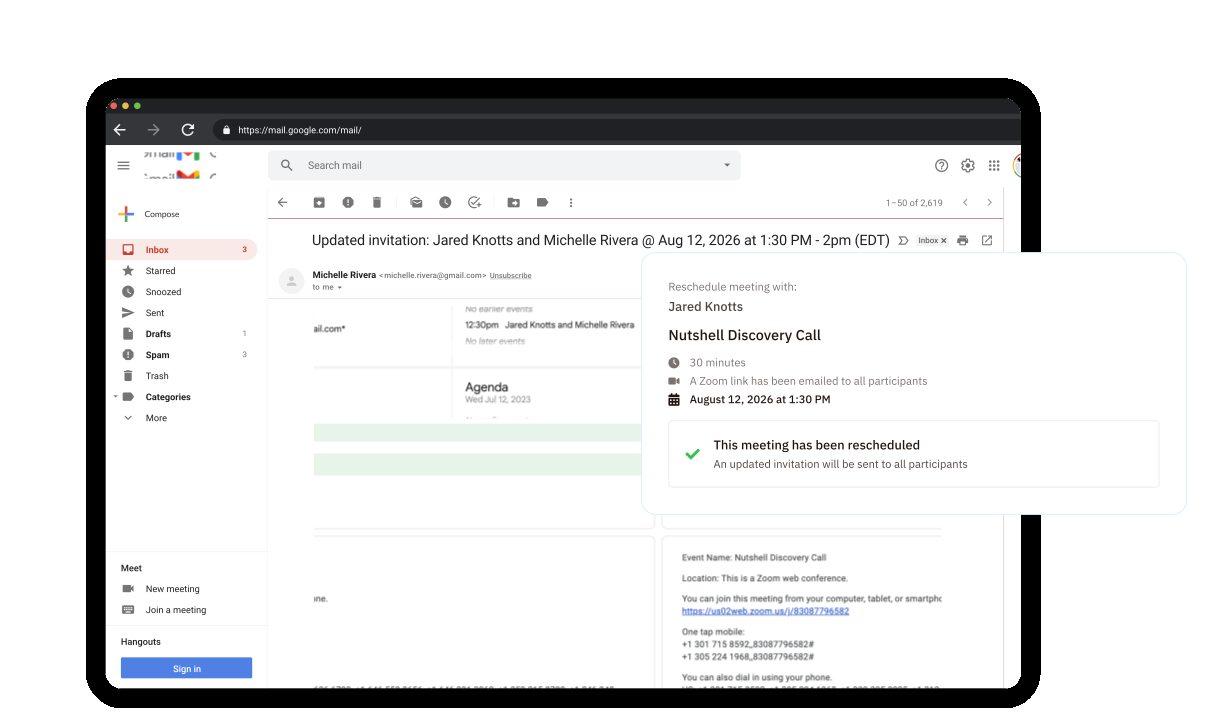
Once a meeting is booked, Nutshell helps keep everyone on the same page.
Send booking confirmation and reminder emails automatically, and give attendees the option to reschedule or cancel if something changes.
It’s a smoother experience for your contacts and a more dependable calendar for your team.
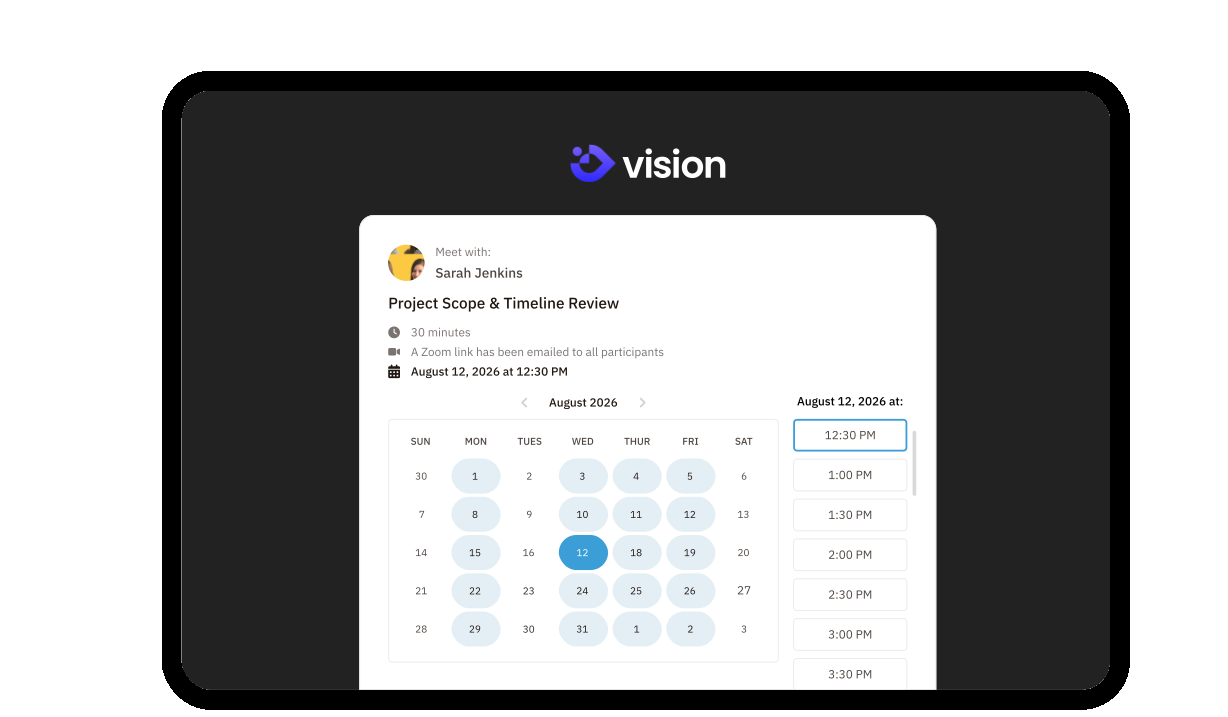
Your scheduling page should look like part of your business, not someone else’s.
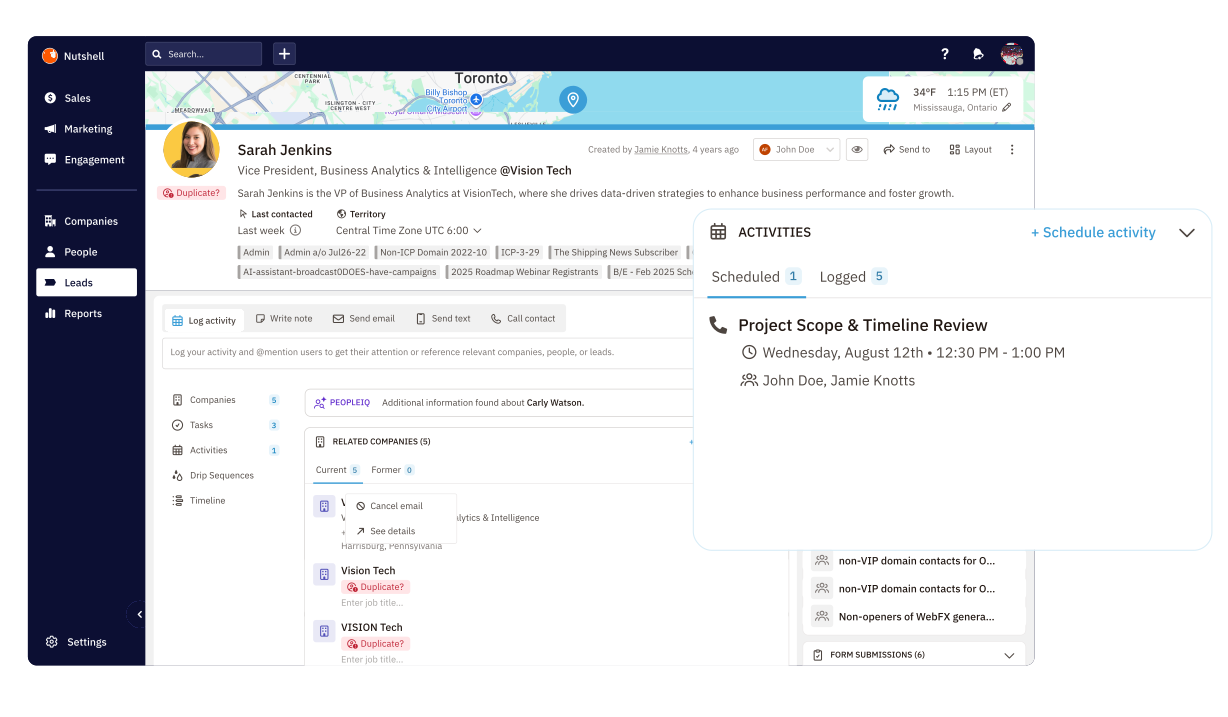
Because Scheduler is built into Nutshell, your meetings don’t live in a silo.
When your team books the same kinds of calls every day, consistency matters.
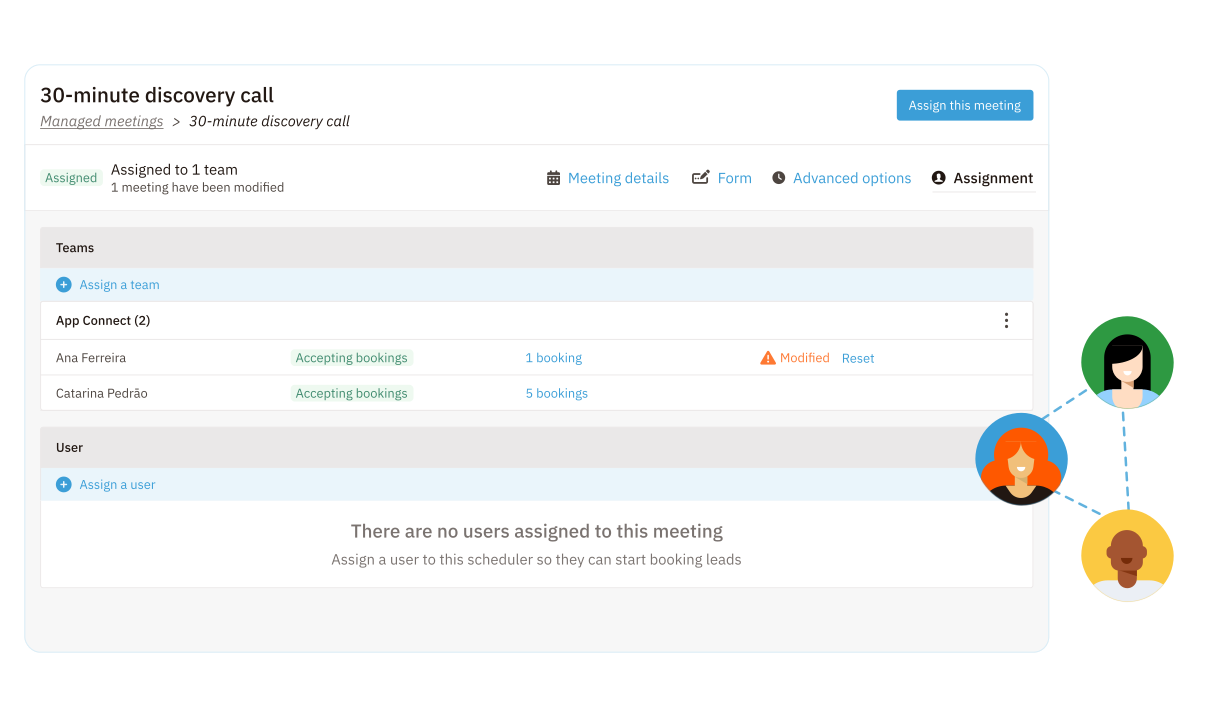
With Managed Meetings, Nutshell admins can:
All so that:
Try Nutshell free for 14 days or let us show you around before you dive in.
🎉 No credit card required!
CRM meeting scheduling tools, or CRM appointment scheduling software, give businesses the features needed to set up and manage meetings from within their CRM systems through a professional-looking interface.
Users can share their calendars for flexible appointment-making with leads, prospects, and customers. They can also use these scheduling tools to set up meetings with colleagues and team members.
CRM meeting scheduling software automates booking confirmations and reminders and often gives you the option to include a form with custom fields so you can gather information about meeting attendees before your get-together.
Looking for the best meeting scheduling tool that pairs well with your CRM? These are the key features you should consider:
To select the best meeting scheduler for your small business, take the following factors into consideration:
The “lite” version of Nutshell Scheduler is included with Sales Pro, while full capabilities—including custom domains, round-robin assignment, custom meeting URLs, and no Nutshell branding—are available on Sales Business and Enterprise plans.
Yes. Nutshell Scheduler creates unique meeting links for Zoom, Google Meet, and Microsoft Teams. You can share these links via email or embed them on your website. Nutshell also automatically logs, transcribes, and AI-summarizes these meetings directly in your CRM.
Unlike standalone schedulers, Nutshell Scheduler is built directly into your CRM, so all booking data connects seamlessly to your leads and contacts. You get complete visibility into every interaction without needing separate integrations, plus access to sales automation, pipeline management, and reporting—all in one platform.

Put time-wasting tasks on autopilot so your team can focus on building relationships and nurturing leads through your sales pipeline.

Create custom pipelines and manage them easily with multiple views to nurture leads efficiently and stay on top of every deal.

Provides robust reporting and analytics to help you track your team’s performance and to help you gain quick insights with automated reporting.

Increase sales efficiency with Nutshell’s powerful email automation tool. Create personalized campaigns & track success right in your CRM

Streamline daily processes using the generative power of AI in Nutshell to simplify sales activities and open up a world of possibilities.

Create and manage virtual meetings and sync the information with your Calendar without leaving your CRM.

Quickly create and send custom quotes and invoices, easily track quote and invoice progress and engagement, and effortlessly manage and share your quotes and invoices in different formats.

Store customer notes, interactions and easily bring colleagues into the conversation and stay notified of everything that needs your attention.

Easily accelerate revenue-driving tasks in your CRM, so you and your team can spend more time on selling.

Improve calendar, email, & contact organization from any source with Nutshell’s contact management software.

Quickly import your entire products and services list with Nutshell’s Product Importer, so you and your team can spend less time on administration and more time on selling.

Search through over 200 million contacts, add ideal customers to your CRM, and connect with your future buyers.
Pinpoint the companies and individuals visiting your site so you can proactively target warm leads.
Locate specific individuals working at the companies in your book of business and reveal their contact information so you can start the conversation.

With channel and source data automatically added to your new leads, you can know where your best leads come from and invest smarter in your marketing.

Connect with our world-class support team to get fast, friendly, and free support when needed.

Easily sync your email and calendar with Nutshell to make your CRM work where you do.

We take the security and reliability of your data seriously. We partner with the industry’s most trusted infrastructure provider, Amazon Web Services.


Find out more about Nutshell’s extensive range of Marketing Suite features

Learn more about Nutshell’s industry-leading Engagement Suite features

Discover the broad spectrum of features and tools available to Nutshell customers