










Sales automation
Put time-wasting tasks on autopilot so your team can focus on building relationships and nurturing leads through your sales pipeline.

“Nutshell is super user-friendly and intuitive
“I would highly recommend Nutshell
“Easy to use and... wait for it ... 100% buy in!
“Nutshell is both simple and powerful
Nutshell puts calling, meeting scheduling, and AI-powered note taking all in one place — so your team spends more time selling or talking with customers — and less time updating records.
🎉 No credit card required!
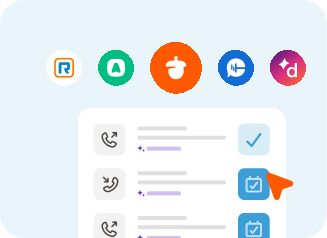
Most sales teams juggle a phone system, a scheduler, and a note-taking tool that don’t talk to each other. Nutshell brings calling, meeting scheduling, and AI summaries natively into your CRM, so every conversation ends with a complete record and a clear next step.
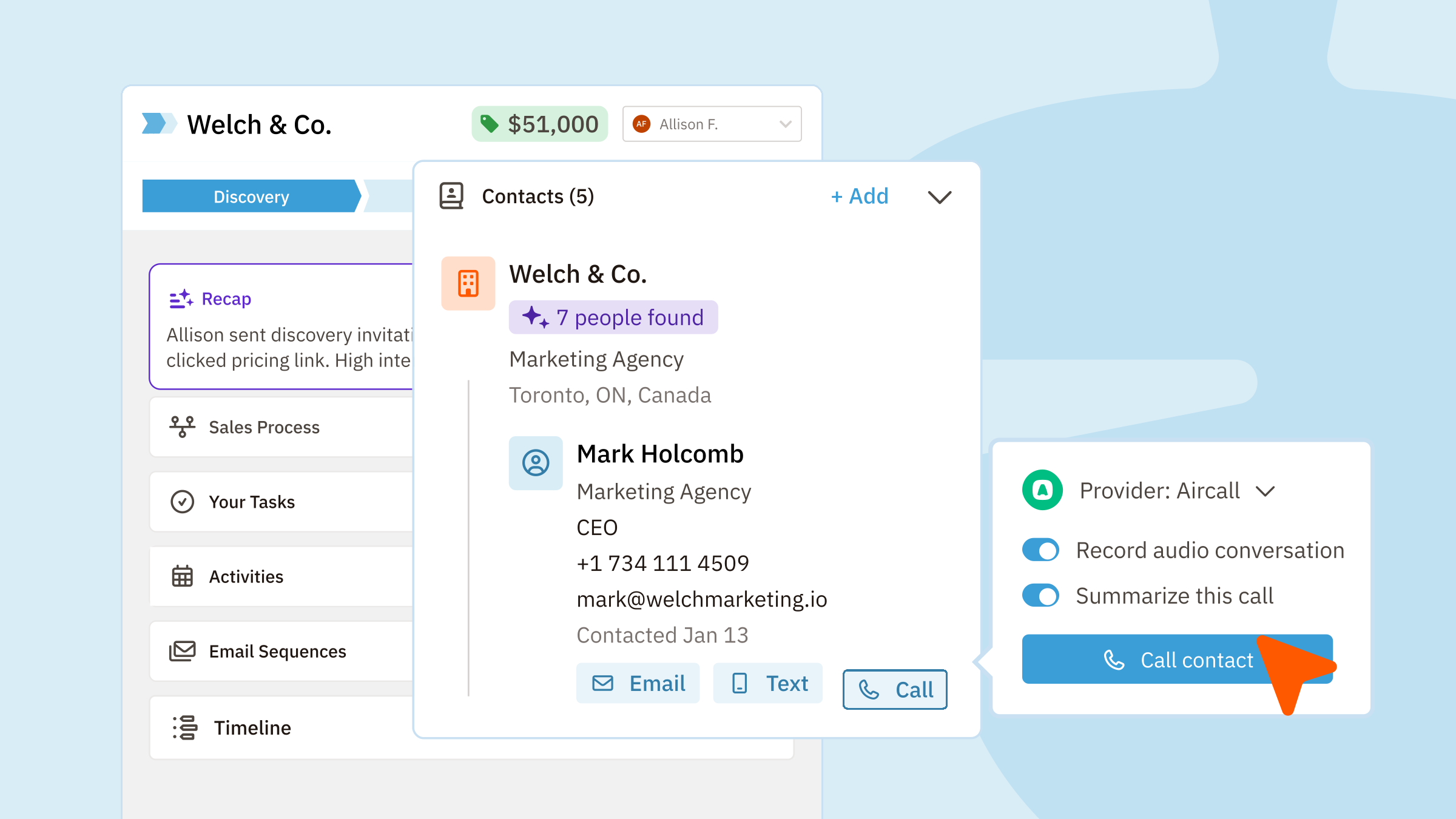
Any contact. Right from your CRM.
Stop jumping between tabs and dialing manually. Nutshell’s built-in click-to-call lets you dial directly from any contact, lead, or company record in your browser. No separate phone app, no copy-pasting numbers.
Every call is automatically logged against the right record — so your team always has full context before the next conversation.
Nutshell works with it.
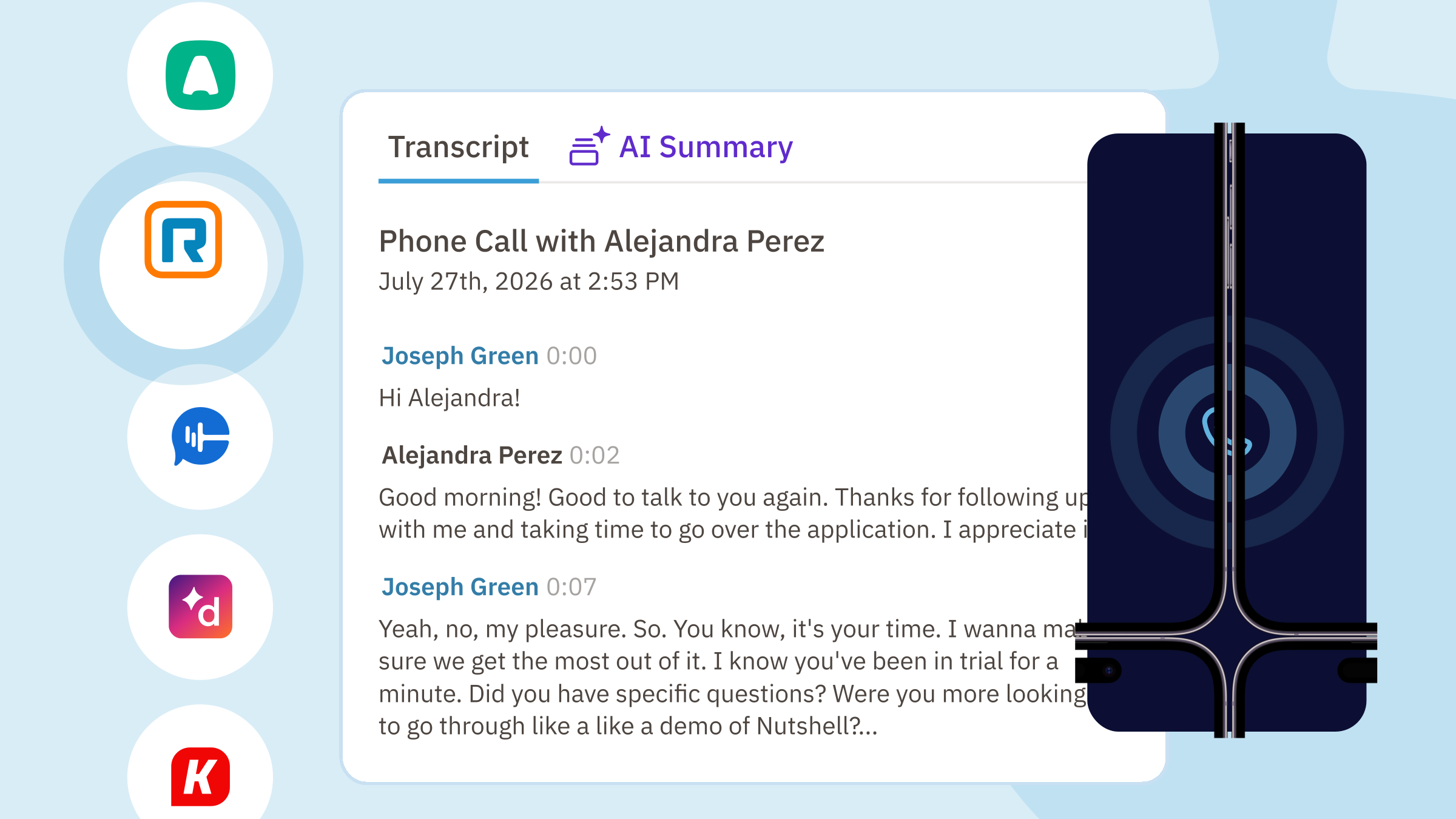
If your team relies on RingCentral, Aircall, Dialpad, CallRail, or Kixie, Nutshell integrates directly so calls sync into your CRM without any manual logging. Calls are automatically attributed to the right people, leads, and companies — keeping your data clean without adding work to your reps’ plates.
Don’t see your phone app listed? We can use Zapier to help connect your phone app and Nutshell.
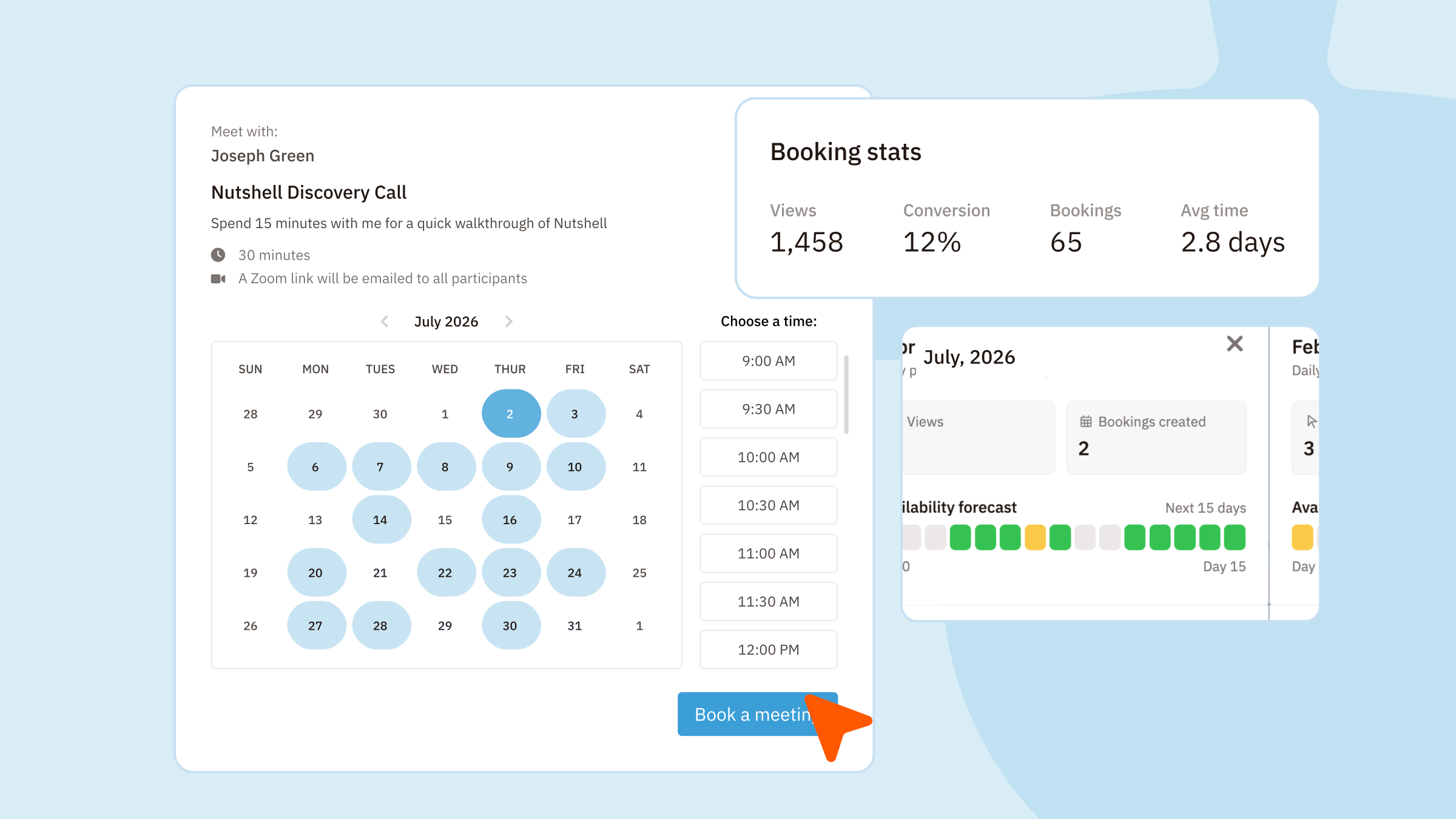
Share a booking link, embed it on your site, or drop it directly into an email. Contacts choose a time that works for them, and the meeting lands on your calendar automatically — with a confirmation and reminder sent on your behalf.
Because Scheduler is built into Nutshell, every booked meeting is connected to the right lead and contact. No syncing required. No separate tool to manage.
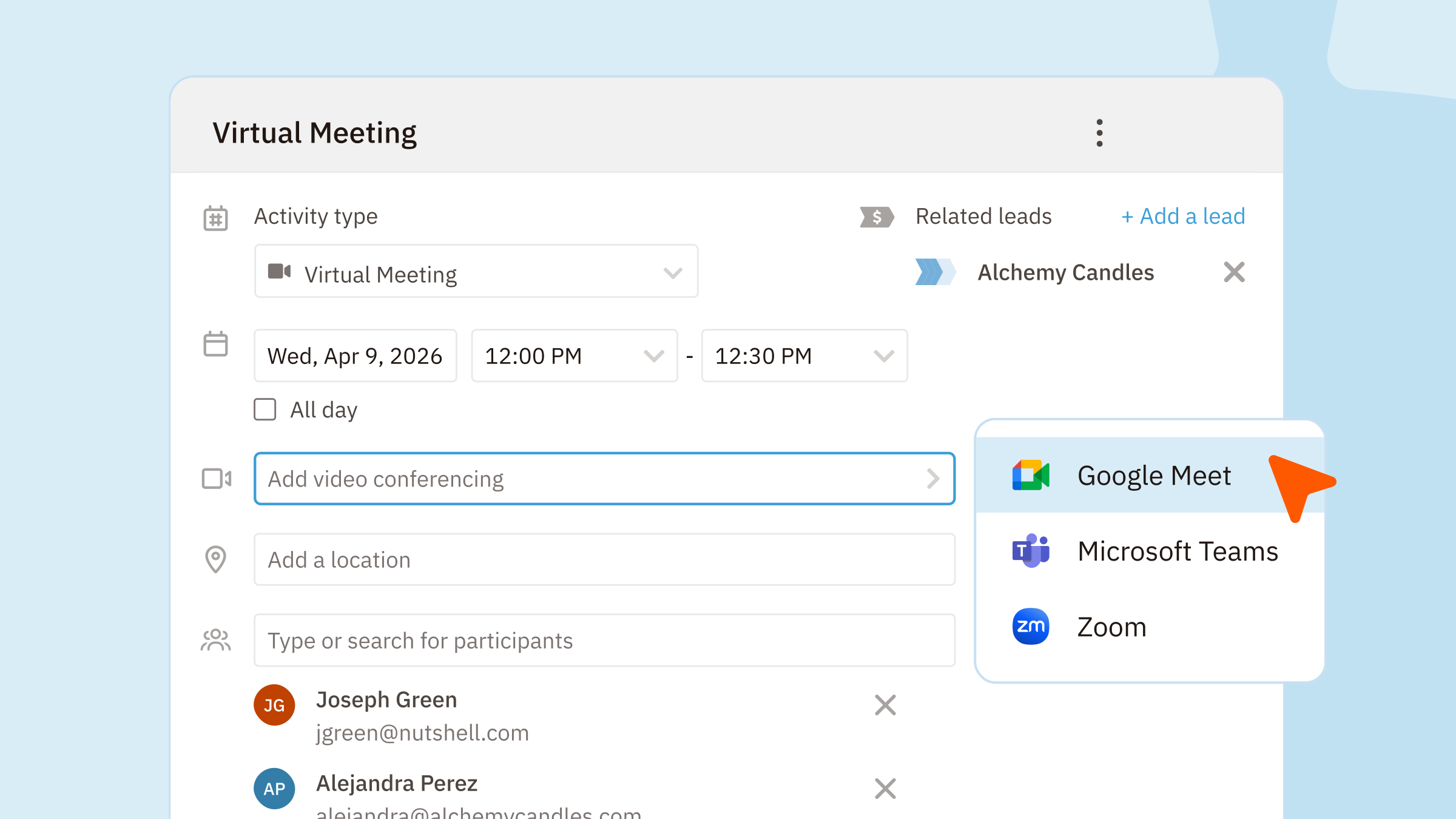
Need to get a prospect on a call or loop in a colleague?
Log an activity in Nutshell, add attendees, and send calendar invites directly from the record. Every touchpoint stays tied to the deal — so whoever picks up the conversation next has the full picture.
It doesn’t matter if it’s a phone call, virtual meeting, or in-person meeting — you can do it in Nutshell.
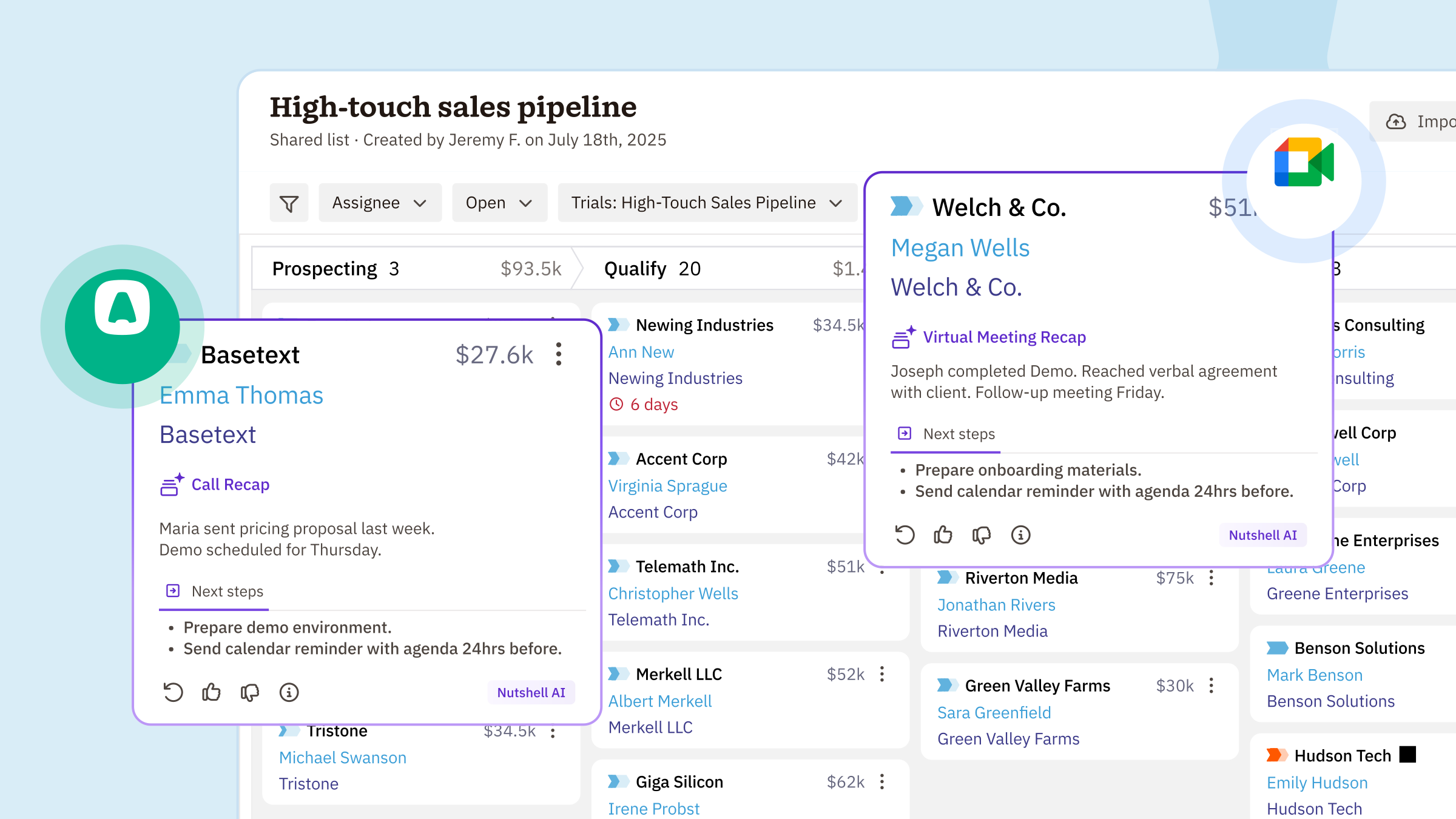
After the call or meeting ends, Nutshell AI gets to work. It records the conversation, generates a full transcript, and delivers a plain-English summary — automatically logged to the right contact and lead in your CRM.
No more scribbling notes. No more “let me write that up after this call.” Just show up, have the conversation, and let AI handle the rest – including logging the call activity for you.
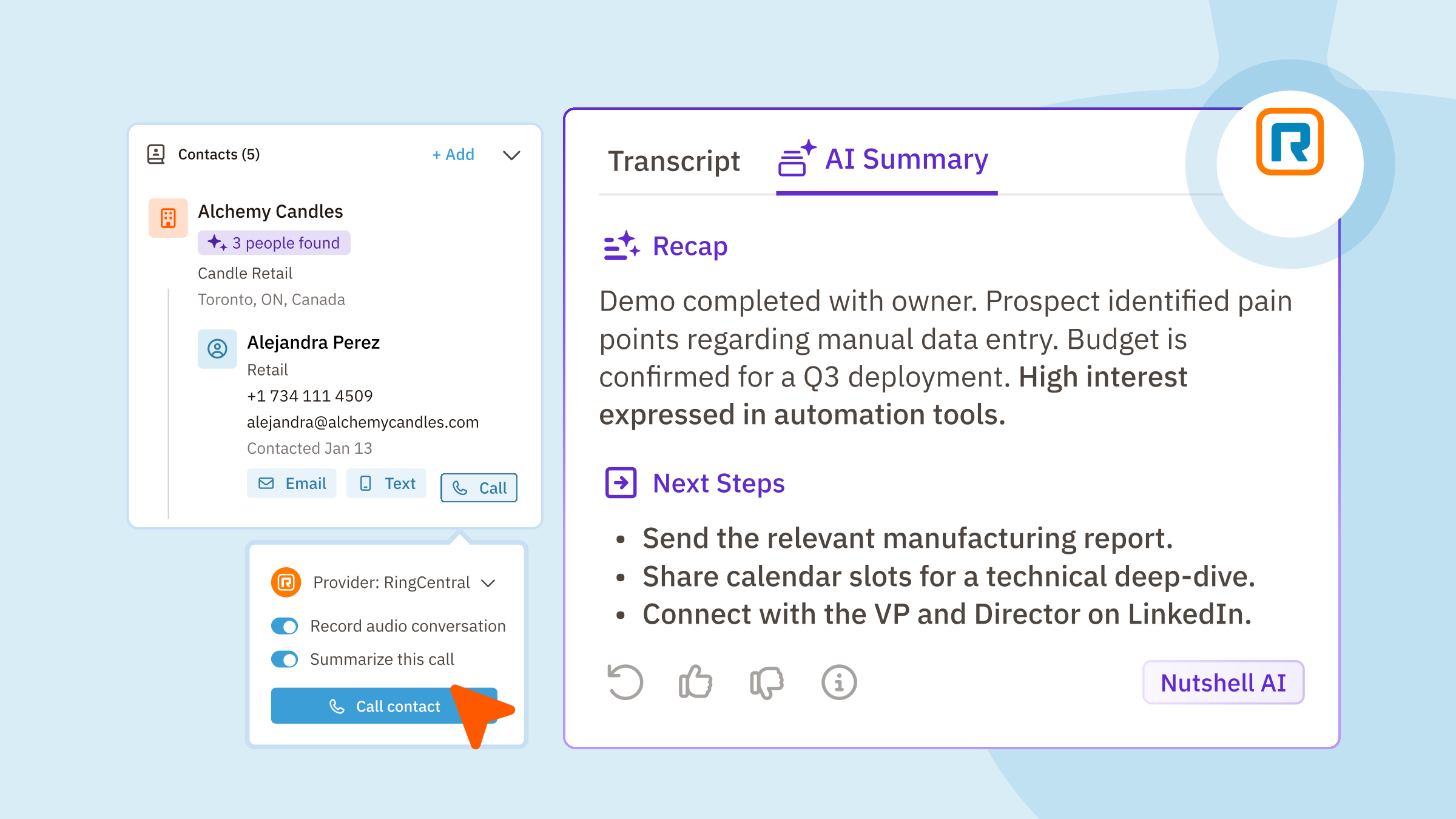
Works with Nutshell’s click-to-call, Zoom, Google Meet, Microsoft Teams, RingCentral, Aircall, Dialpad, CallRail, and Kixie.
Try Nutshell free for 14 days or let us show you around before you dive in.
🎉 No credit card required!
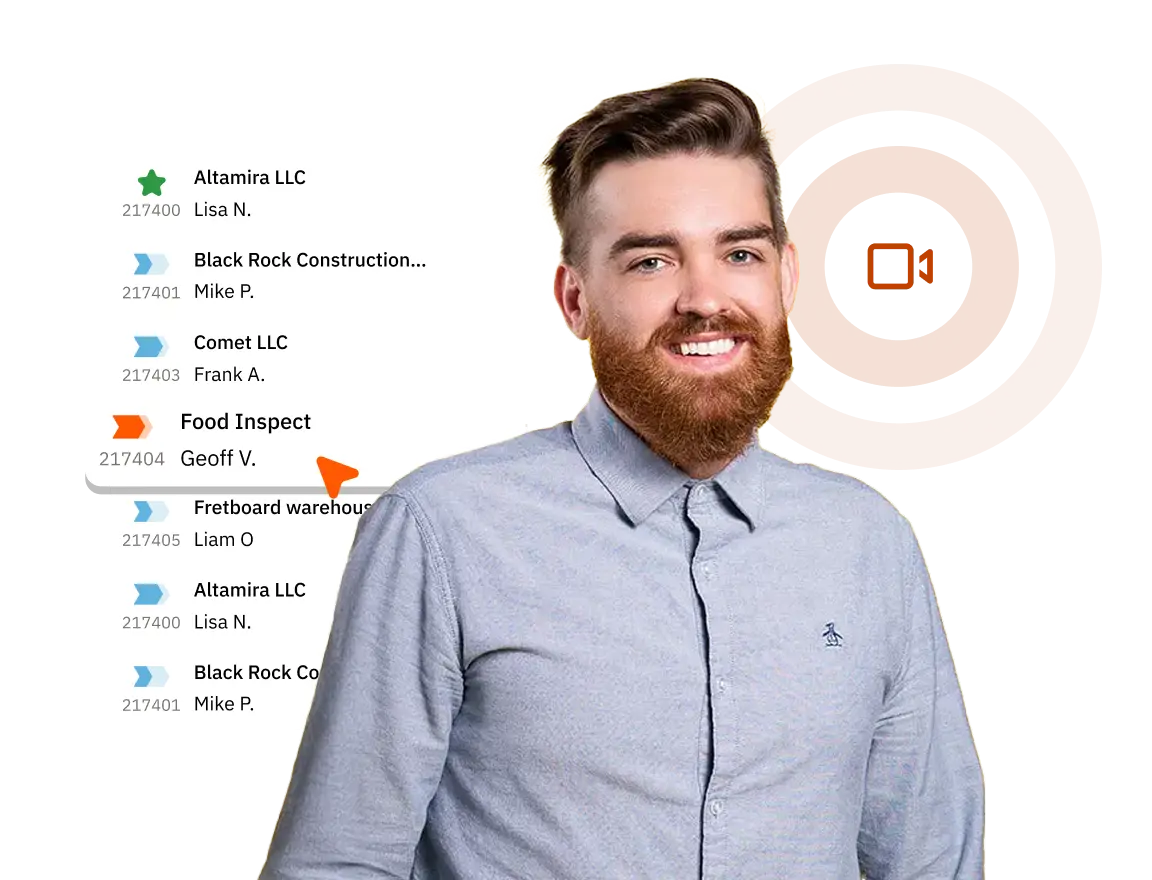
Click-to-call lets you dial a contact directly from their record in your CRM — no manual dialing or tab-switching required. In Nutshell, click-to-call is built in natively, so every call is automatically logged to the right contact and lead the moment it ends.
Nutshell has built-in integrations with RingCentral, Aircall, Dialpad, CallRail, and Kixie. Each integration automatically syncs call data and logs activity directly in your CRM, so your records stay complete without any manual entry.
Nutshell also has an Open API and can be connected to many applications using Zapier.
Unlike standalone schedulers, Nutshell Scheduler is built directly into your CRM. Every booking automatically connects to the right contact and lead — no integration required, no data gaps. You also get AI-powered summaries and transcriptions of those meetings logged to the same records.
Yes. Nutshell’s AI notetaker works with both the native click-to-call feature and integrated phone systems (RingCentral, Aircall, Dialpad, CallRail, and Kixie) to record and transcribe calls, then auto-log a summary to the relevant CRM records.
Yes. Nutshell’s AI notetaker automatically joins and records virtual meetings on Zoom, Google Meet, and Microsoft Teams, generating a transcript and AI summary that gets logged directly to the associated lead and contact in your CRM.
After a call or meeting, Nutshell’s AI analyzes the conversation and surfaces suggested next steps — like following up with a proposal, scheduling a demo, or checking back in after a decision date. These are logged alongside the call summary so reps always know exactly what to do next.
Nutshell Scheduler is available on Nutshell Pro, with more Scheduler features available on Business and above.
All Nutshell CRM plans include AI features. AI call and meeting summaries, as well as click-to-call, are available on Nutshell Pro and above.

Put time-wasting tasks on autopilot so your team can focus on building relationships and nurturing leads through your sales pipeline.

Create custom pipelines and manage them easily with multiple views to nurture leads efficiently and stay on top of every deal.

Provides robust reporting and analytics to help you track your team’s performance and to help you gain quick insights with automated reporting.

One-click calling, AI call summaries, AI next steps, and easy scheduling.

Increase sales efficiency with Nutshell’s powerful email automation tool. Create personalized campaigns & track success right in your CRM

Streamline daily processes using the generative power of AI in Nutshell to simplify sales activities and open up a world of possibilities.

Create and manage virtual meetings and sync the information with your Calendar without leaving your CRM.

Quickly create, send, track, and get signatures on custom quotes, invoices, and contracts directly from Nutshell.

Store customer notes, interactions and easily bring colleagues into the conversation and stay notified of everything that needs your attention.

Easily accelerate revenue-driving tasks in your CRM, so you and your team can spend more time on selling.

Improve calendar, email, & contact organization from any source with Nutshell’s contact management software.

Quickly import your entire products and services list with Nutshell’s Product Importer, so you and your team can spend less time on administration and more time on selling.

Search through over 200 million contacts, add ideal customers to your CRM, and connect with your future buyers.
Pinpoint the companies and individuals visiting your site so you can proactively target warm leads.
Locate specific individuals working at the companies in your book of business and reveal their contact information so you can start the conversation.

With channel and source data automatically added to your new leads, you can know where your best leads come from and invest smarter in your marketing.

Connect with our world-class support team to get fast, friendly, and free support when needed.

Easily sync your email and calendar with Nutshell to make your CRM work where you do.

We take the security and reliability of your data seriously. We partner with the industry’s most trusted infrastructure provider, Amazon Web Services.


Find out more about Nutshell’s extensive range of Marketing Suite features

Learn more about Nutshell’s industry-leading Engagement Suite features

Discover the broad spectrum of features and tools available to Nutshell customers