











Sales automation
Put time-wasting tasks on autopilot so your team can focus on building relationships and nurturing leads through your sales pipeline.

“Nutshell is super user-friendly and intuitive
“I would highly recommend Nutshell
“Easy to use and... wait for it ... 100% buy in!
“Nutshell is both simple and powerful
Build personal email sequences in minutes, reuse the emails that already work, and see who engages before your next follow-up.
🎉 No credit card required!
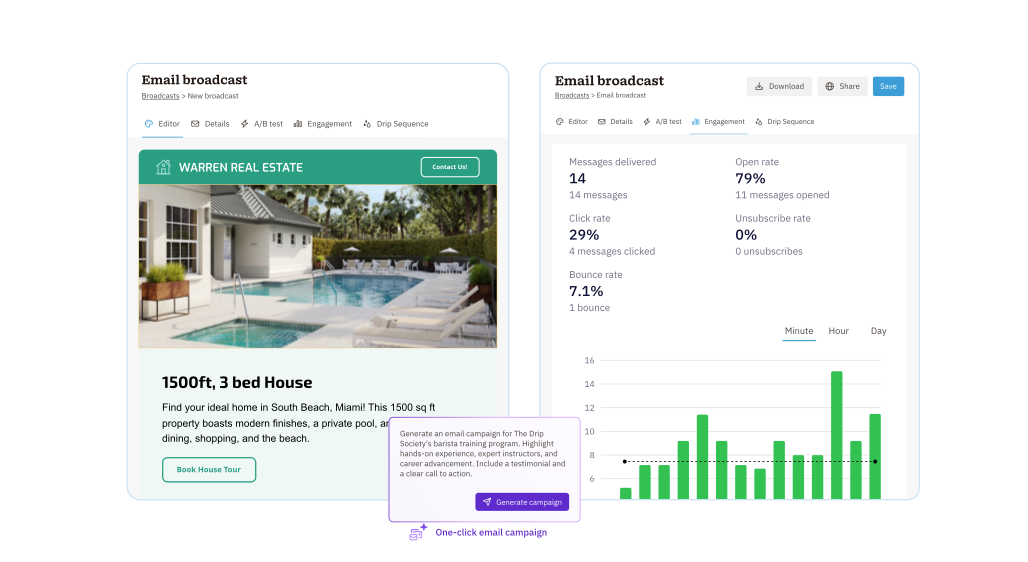
Make sure you’re meeting interest with action at every step.
Nutshell lets you build 1-to-1 sales email automations that start when a lead reaches the pipeline stage you choose, so outreach happens on time without extra admin work.
Because the sequence stops as soon as a prospect replies, every conversation can shift naturally from automation to real selling.

The best follow-up starts with real signals.
Nutshell tracks opens, link clicks, and replies and shows you when emails are read, so reps can focus first on the people who are already paying attention.

Your best sales emails should be easy to reuse.
Nutshell gives your team ready-to-use templates that help reps respond faster, stay consistent, and avoid writing the same message from scratch over and over.
And with the Nutshell Chrome and Outlook extensions, those templates can travel with your team into Gmail or Outlook too. So you can send your best emails from wherever you work best.

When you connect your inbox to Nutshell, conversations and activities stay organized where they belong.
Email sync gives reps more context before every reply and makes it easier to see the full relationship history in one place.

The right people are easier to reach when you send the right message.
Nutshell makes it easy to filter contacts by details like location, industry, assignee, or custom fields, then start drafting emails to that audience with a click. And with dynamic lists, your audiences stay updated—no manual work required!

Better outreach starts with better visibility.
Nutshell shows you how people are engaging with your emails, and email reporting helps teams monitor:
The email health counter adds another layer of feedback by helping you keep an eye on sending, so more of your messages stay out of spam folders.

Need a faster first draft?
Nutshell’s Email Sequence Writer Assistant helps your team create cold emails, follow-ups, and nurture messages that match your writing style.
Because it uses context from your existing templates and pipeline stage, the result feels more personal and gives reps a stronger starting point.

Try Nutshell free for 14 days or let us show you around before you dive in.
🎉 No credit card required!
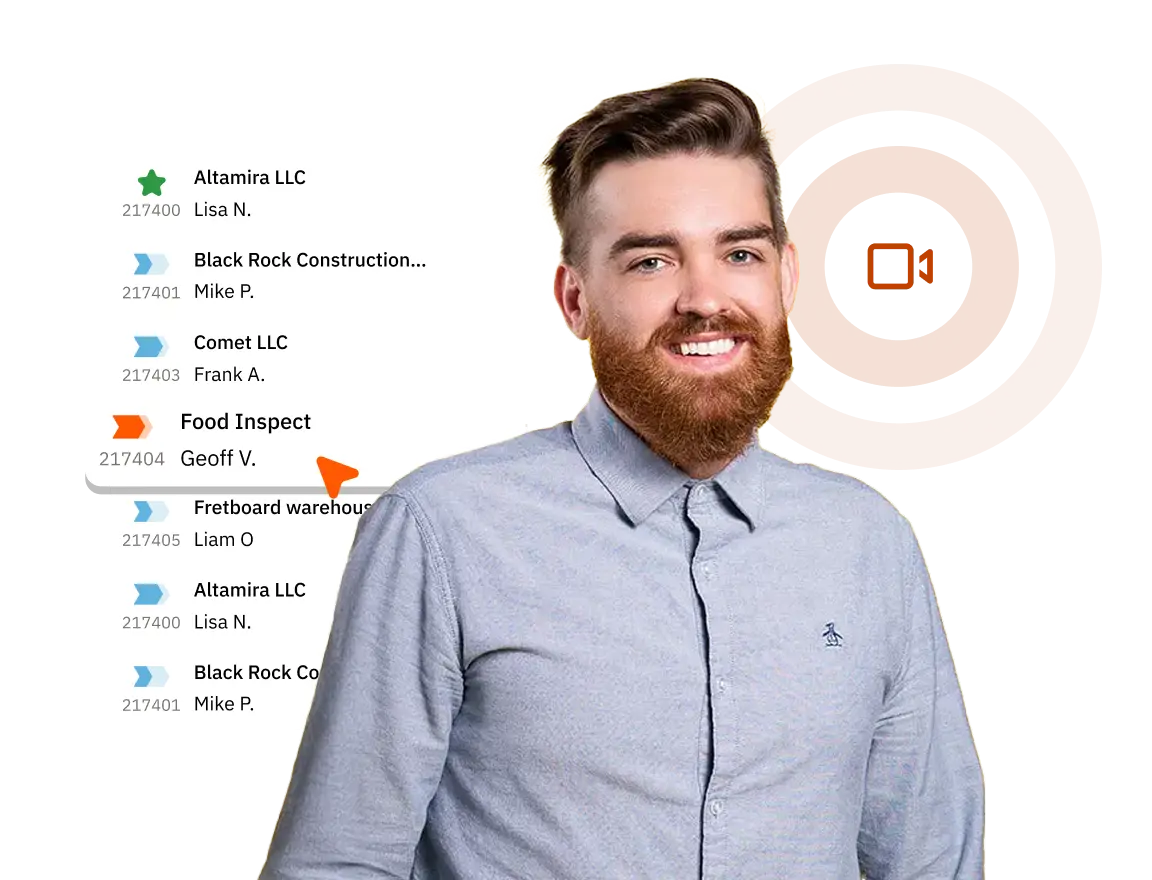
A CRM like Nutshell can send automated emails to contacts based on criteria that you choose, like similar characteristics or a contact’s stage in your sales process. Using a CRM with email automation is a strategic way to put more time back into your team’s day and ensure communications are consistent.
Some CRMs, including Nutshell, provide email marketing tools to help teams generate more leads and sales. If you’re looking for a CRM with email marketing features, keep an eye out for a tool with:
The best CRM with email sequence capabilities will include features that help you communicate at scale, automatically adjust to your audience’s responses, and are easy for your team to start using in their daily workflows. Nutshell’s email automation features are designed to help you reach these goals, wherever your company is in its growth.
Email marketing and email automation in a CRM serve different purposes. Email marketing typically refers to broadcast campaigns, newsletters, promotions, or drip sequences sent to large contact lists. Email automation in a CRM refers to triggered, behavior-based emails tied directly to your sales pipeline and contact records. CRM email automation can send personalized follow-ups when a deal moves to a new stage, when a prospect goes quiet, or when a contact takes a specific action without requiring manual effort from a rep. The key distinction is audience size and intent. Email marketing communicates with many, while CRM email automation communicates with one.

Put time-wasting tasks on autopilot so your team can focus on building relationships and nurturing leads through your sales pipeline.

Create custom pipelines and manage them easily with multiple views to nurture leads efficiently and stay on top of every deal.

Provides robust reporting and analytics to help you track your team’s performance and to help you gain quick insights with automated reporting.

One-click calling, AI call summaries, AI next steps, and easy scheduling.

Increase sales efficiency with Nutshell’s powerful email automation tool. Create personalized campaigns & track success right in your CRM

Streamline daily processes using the generative power of AI in Nutshell to simplify sales activities and open up a world of possibilities.

Create and manage virtual meetings and sync the information with your Calendar without leaving your CRM.

Quickly create, send, track, and get signatures on custom quotes, invoices, and contracts directly from Nutshell.

Store customer notes, interactions and easily bring colleagues into the conversation and stay notified of everything that needs your attention.

Easily accelerate revenue-driving tasks in your CRM, so you and your team can spend more time on selling.

Improve calendar, email, & contact organization from any source with Nutshell’s contact management software.

Quickly import your entire products and services list with Nutshell’s Product Importer, so you and your team can spend less time on administration and more time on selling.

Search through over 200 million contacts, add ideal customers to your CRM, and connect with your future buyers.
Pinpoint the companies and individuals visiting your site so you can proactively target warm leads.
Locate specific individuals working at the companies in your book of business and reveal their contact information so you can start the conversation.

With channel and source data automatically added to your new leads, you can know where your best leads come from and invest smarter in your marketing.

Connect with our world-class support team to get fast, friendly, and free support when needed.

Easily sync your email and calendar with Nutshell to make your CRM work where you do.

We take the security and reliability of your data seriously. We partner with the industry’s most trusted infrastructure provider, Amazon Web Services.


Find out more about Nutshell’s extensive range of Marketing Suite features

Learn more about Nutshell’s industry-leading Engagement Suite features

Discover the broad spectrum of features and tools available to Nutshell customers