











Sales automation
Put time-wasting tasks on autopilot so your team can focus on building relationships and nurturing leads through your sales pipeline.

“Nutshell is super user-friendly and intuitive
“I would highly recommend Nutshell
“Easy to use and... wait for it ... 100% buy in!
“Nutshell is both simple and powerful
Better product data through Nutshell’s Product Importer helps reps move faster and gives your team more reliable lead values, quotes, and reporting.
🎉 No credit card required!
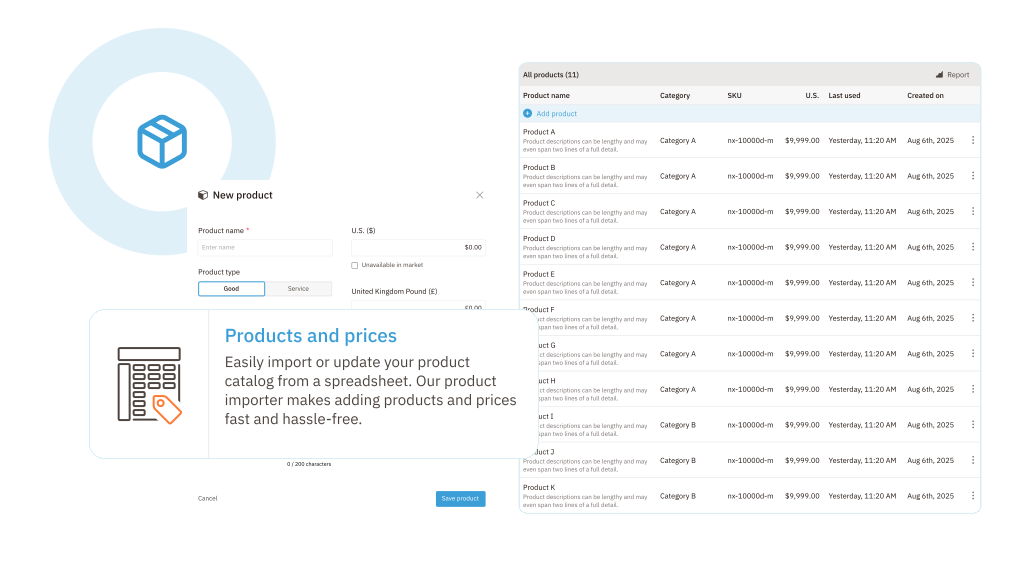
Whether you’re loading your catalog for the first time or refreshing a large list, Product Importer lets you import products and services from a spreadsheet instead of entering them one by one.
That makes it easier to get up and running fast, standardize your catalog, and spend less time on manual data entry.
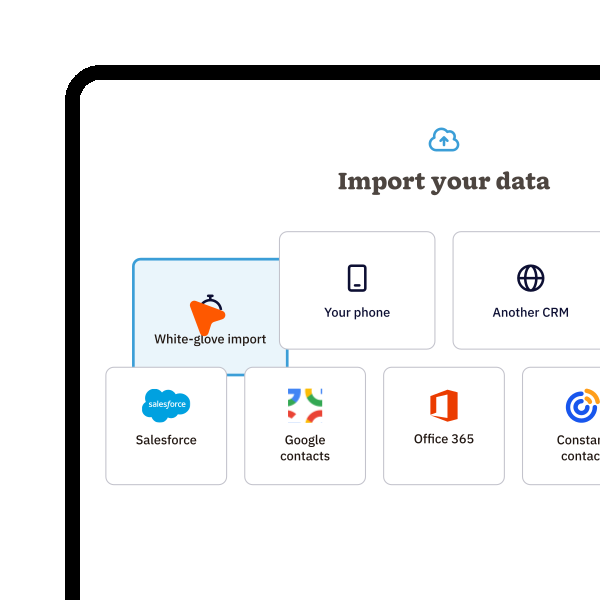
Nutshell accepts these files:
– CSV
– TSV
– TXT
– XLS
– XLSX
– XML
You can also start from Nutshell’s template or manually enter product information when a smaller upload is the better fit.
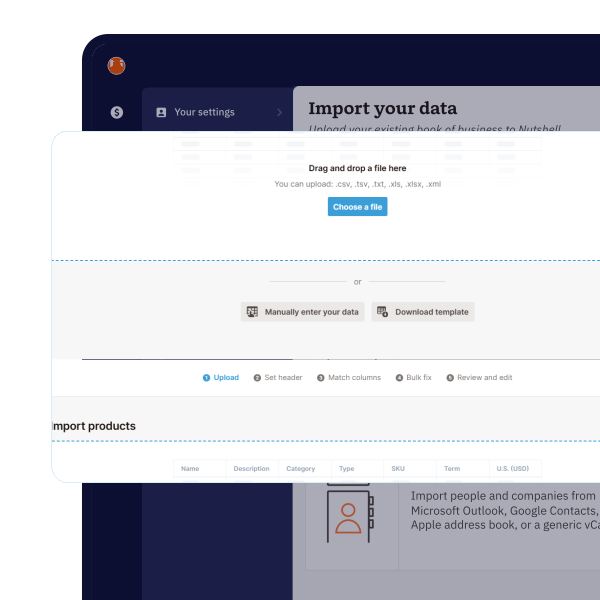
The importer walks you through selecting the right header row, matching your spreadsheet columns to Nutshell fields, reviewing suggested matches, and bulk-fixing missing or invalid data.
You also get a final review step before you submit the import, which gives teams a clearer and safer path than uploading blind and cleaning up the mess later.
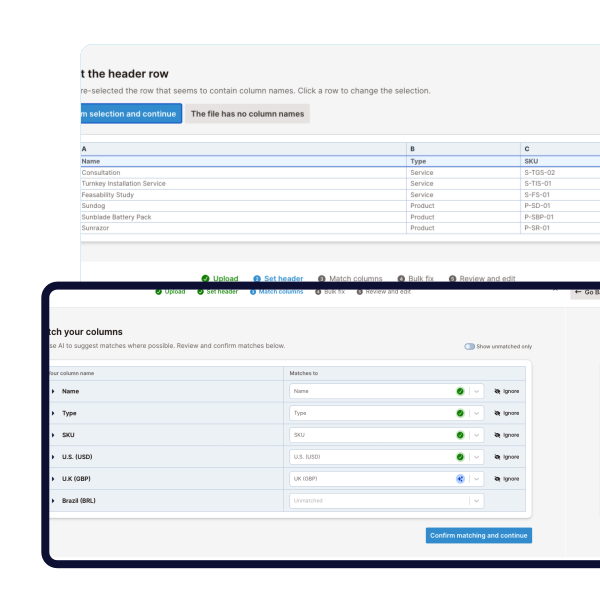
When prices change or product details need to be updated, you can upload a fresh spreadsheet and let Nutshell match existing items by SKU.
The importer de-duplicates and updates products and services based on matching SKU, so your team can keep records current without creating unnecessary duplicates.
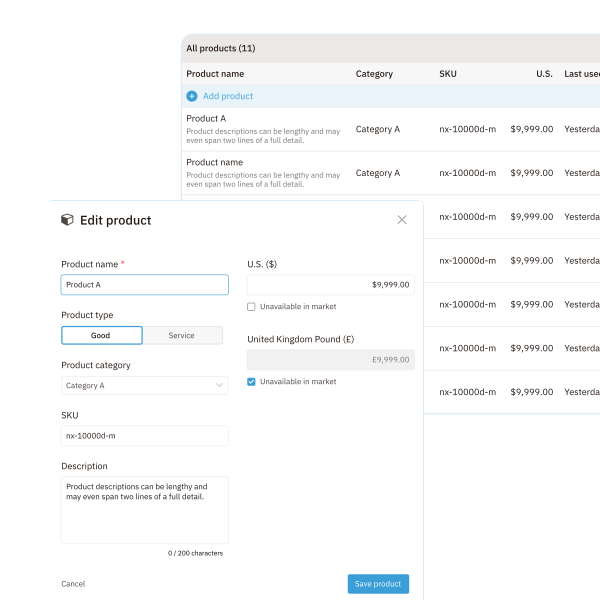
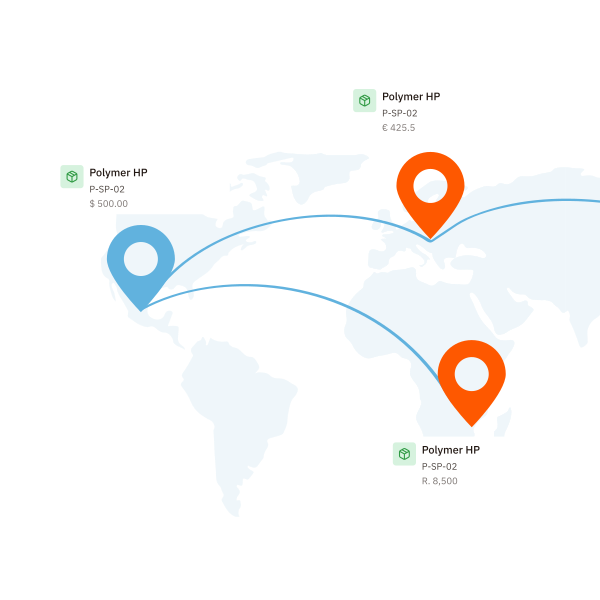
If you sell in multiple markets, Nutshell’s product importer respects the markets and product availability you’ve already set up.
Products can carry different values in each market, and the importer dynamically updates to support the markets in your account so pricing stays aligned to the right leads.
A better import does more than tidy up your product list.
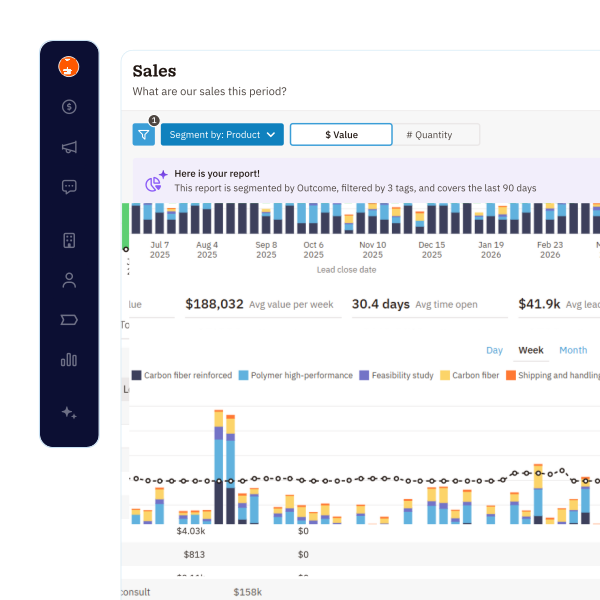
In Nutshell, products can be added to leads to track lead value and reports can be segmented by product.
That means accurate imports support the sales data your team uses after the upload is done, not just the setup step itself.
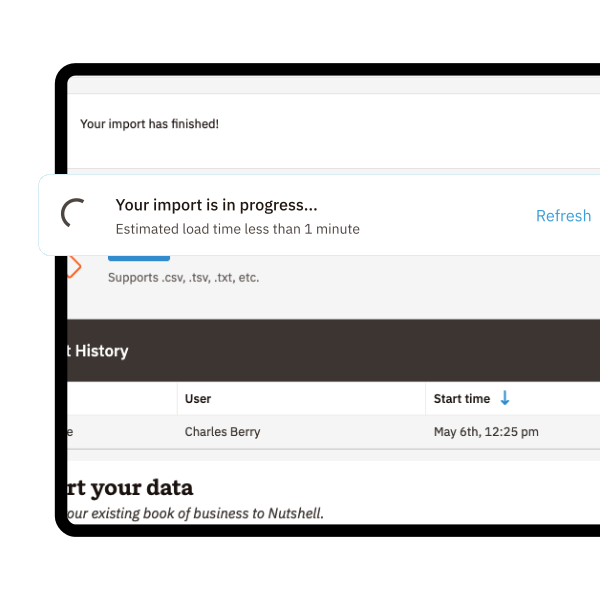
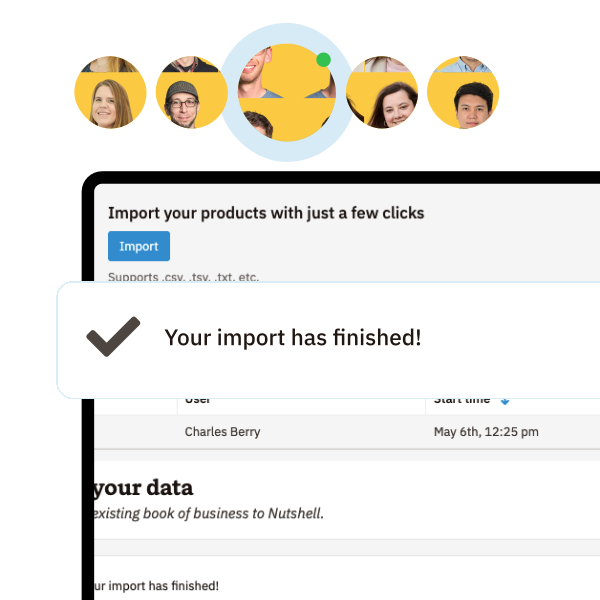
After you submit an import, the import page shows its progress and the finished import appears in Import History, where users can jump to View products and review the results.
By default, product importing is limited to admins, and teams with custom roles can control which roles have import permissions.
That gives admins more visibility over a feature that can affect pricing, availability, and reporting.
Teams moving from spreadsheets or another CRM can also lean on Nutshell’s onboarding import support and migration tools during setup.
Nutshell offers onboarding data import assistance on all plans, and the Import2-based migration flow lets admins run a sample migration, review mappings, and then approve the full move.
Try Nutshell free for 14 days or let us show you around before you dive in.
🎉 No credit card required!

Product Importer supports several simple, text-based file formats, including CSV, TSV, TXT, XLS, XLSX, and XMI files.
No. With unlimited storage on all plans, Nutshell customers can import as many products as they need to ensure lead values and other product-related data are accurate and up-to-date.
Yes. Nutshell’s Product Importer lets you update existing products quickly based on the SKU so you can keep your CRM data relevant.
Nutshell’s product importer lets you import product name, product type, product category, SKU, value in each market, and availability in each market.
Start by downloading Nutshell’s product import template to ensure proper formatting. Make sure each product has a unique SKU, remove special characters from product names, and format prices without currency symbols. Save your file as CSV or XLSX, and test with 10-15 products first to verify your formatting before importing your full catalog.
Yes. Most CRMs and e-commerce platforms let you export product data as CSV or Excel files, which Nutshell’s Product Importer supports. Simply export your products from your current system, match the columns to Nutshell’s template format, and import. Our smart mapping tool helps you align your existing data fields with Nutshell’s product fields.

Put time-wasting tasks on autopilot so your team can focus on building relationships and nurturing leads through your sales pipeline.

Create custom pipelines and manage them easily with multiple views to nurture leads efficiently and stay on top of every deal.

Provides robust reporting and analytics to help you track your team’s performance and to help you gain quick insights with automated reporting.

One-click calling, AI call summaries, AI next steps, and easy scheduling.

Increase sales efficiency with Nutshell’s powerful email automation tool. Create personalized campaigns & track success right in your CRM

Streamline daily processes using the generative power of AI in Nutshell to simplify sales activities and open up a world of possibilities.

Create and manage virtual meetings and sync the information with your Calendar without leaving your CRM.

Quickly create, send, track, and get signatures on custom quotes, invoices, and contracts directly from Nutshell.

Store customer notes, interactions and easily bring colleagues into the conversation and stay notified of everything that needs your attention.

Easily accelerate revenue-driving tasks in your CRM, so you and your team can spend more time on selling.

Improve calendar, email, & contact organization from any source with Nutshell’s contact management software.

Quickly import your entire products and services list with Nutshell’s Product Importer, so you and your team can spend less time on administration and more time on selling.

Search through over 200 million contacts, add ideal customers to your CRM, and connect with your future buyers.
Pinpoint the companies and individuals visiting your site so you can proactively target warm leads.
Locate specific individuals working at the companies in your book of business and reveal their contact information so you can start the conversation.

With channel and source data automatically added to your new leads, you can know where your best leads come from and invest smarter in your marketing.

Connect with our world-class support team to get fast, friendly, and free support when needed.

Easily sync your email and calendar with Nutshell to make your CRM work where you do.

We take the security and reliability of your data seriously. We partner with the industry’s most trusted infrastructure provider, Amazon Web Services.


Find out more about Nutshell’s extensive range of Marketing Suite features

Learn more about Nutshell’s industry-leading Engagement Suite features

Discover the broad spectrum of features and tools available to Nutshell customers