Choosing the Best Video Conferencing Tool for Your Virtual Meetings

-
Key takeaways
We tested seven of the leading video conferencing software to showcase the best options for SMBS. Here’s what matters most:
- Setup speed matters: Deploy and master your platform within days, not weeks
- CRM integration prevents lead loss: Automatic meeting logging reduces leads lost to poor follow-ups
- Participant capacity should exceed your needs: Most SMB meetings involve 5-20 people; prioritize platforms supporting at least 25 participants
- Pricing accessibility is non-negotiable: Paid plans for small teams should stay under $15 per user per month
- Mobile accessibility is essential: Remote and hybrid work means your team joins from anywhere
Your team spends significant time in meetings. Employees average 11.3 hours per week in video calls, with small businesses typically investing around 10 hours per week. That’s time your team could spend closing deals or serving customers—time that matters.
We tested seven leading video conferencing platforms to identify the best options for SMBs, focusing on what actually matters: setup speed, pricing accessibility, CRM integration capabilities, mobile access, and security.
Best video conferencing tools at a glance
Here’s our ranking of seven platforms for small businesses:
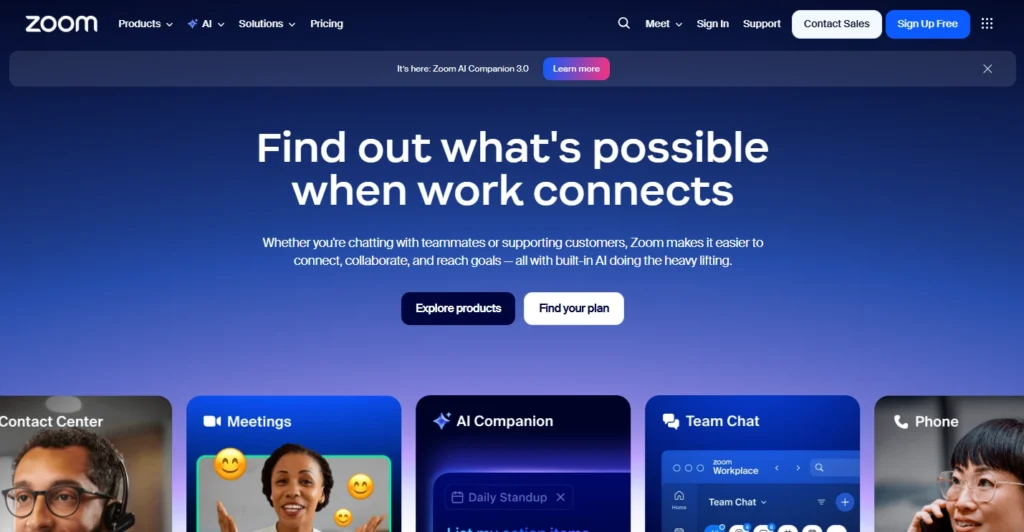
- Zoom (4.8/5) — Best for reliable large meetings with up to 1,000 participants
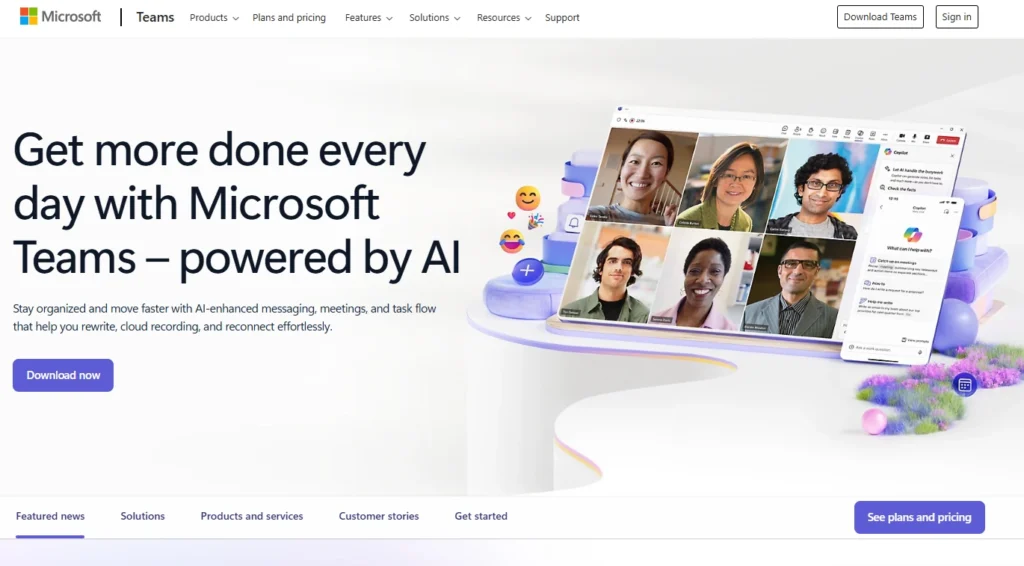
- Microsoft Teams (4.7/5) — Best for Microsoft 365 users needing integrated collaboration
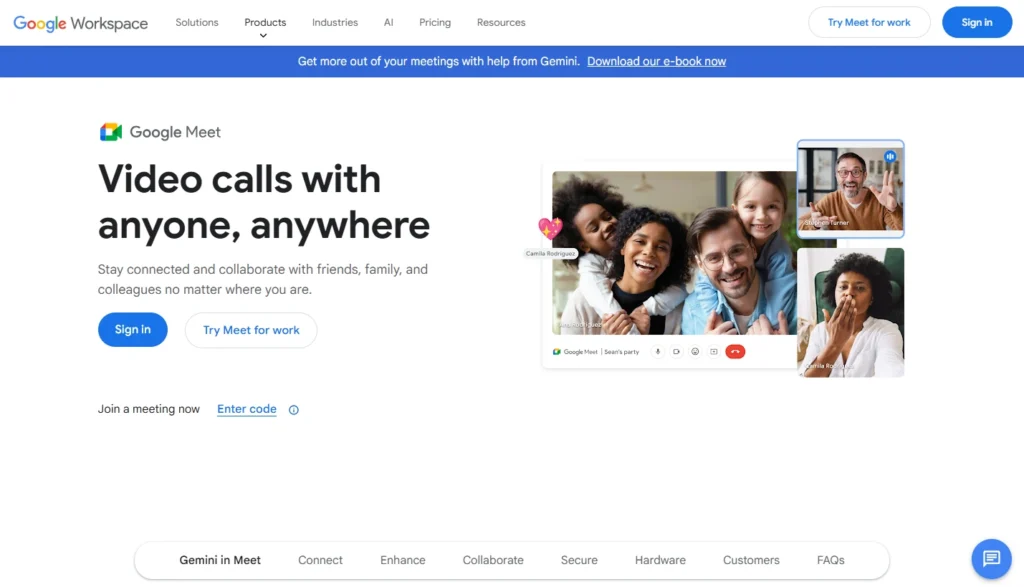
- Google Meet (4.6/5) — Best for Google Workspace users prioritizing simplicity
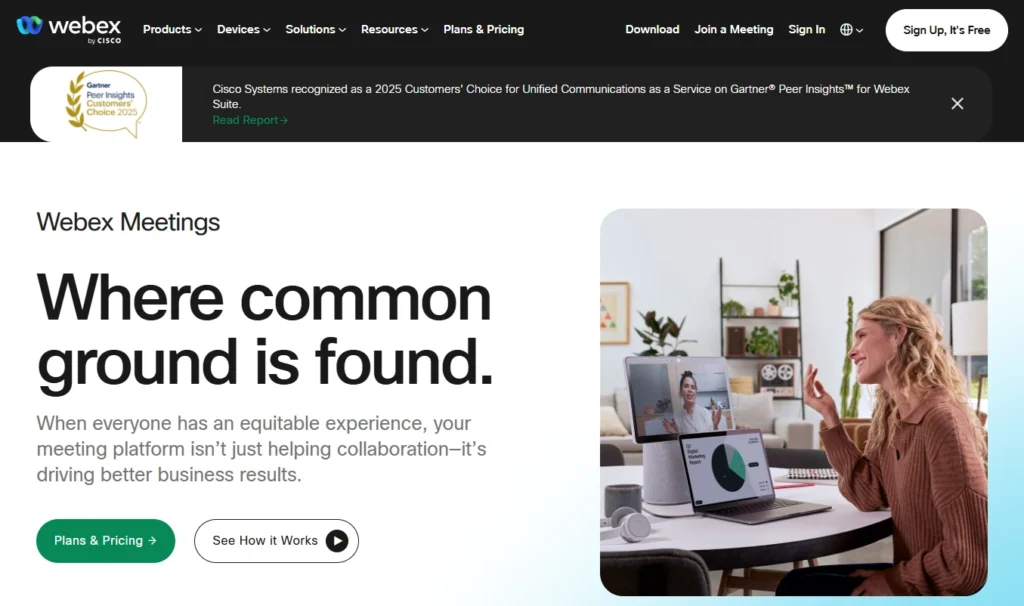
- Webex (4.5/5) — Best for SMBs requiring enterprise-grade security
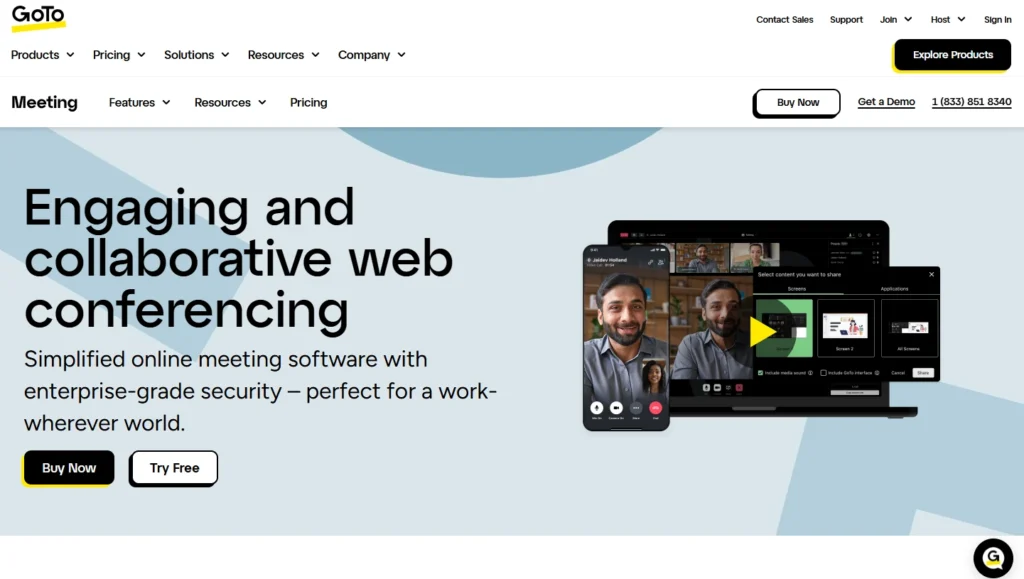
- GoTo Meeting (4.3/5) — Best for teams wanting no-fuss meeting setup
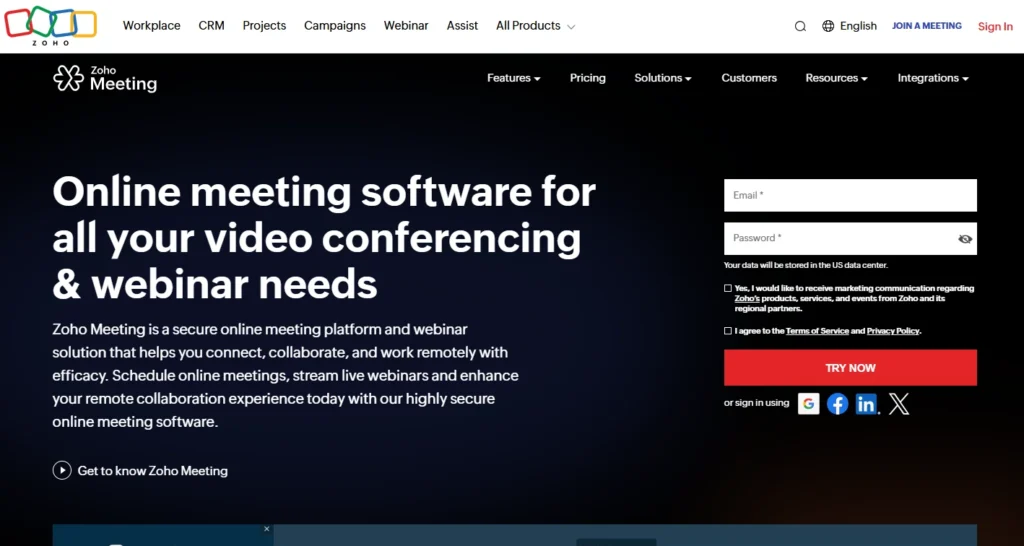
- Zoho Meeting (4.2/5) — Best for cost-conscious SMBs in the Zoho ecosystem
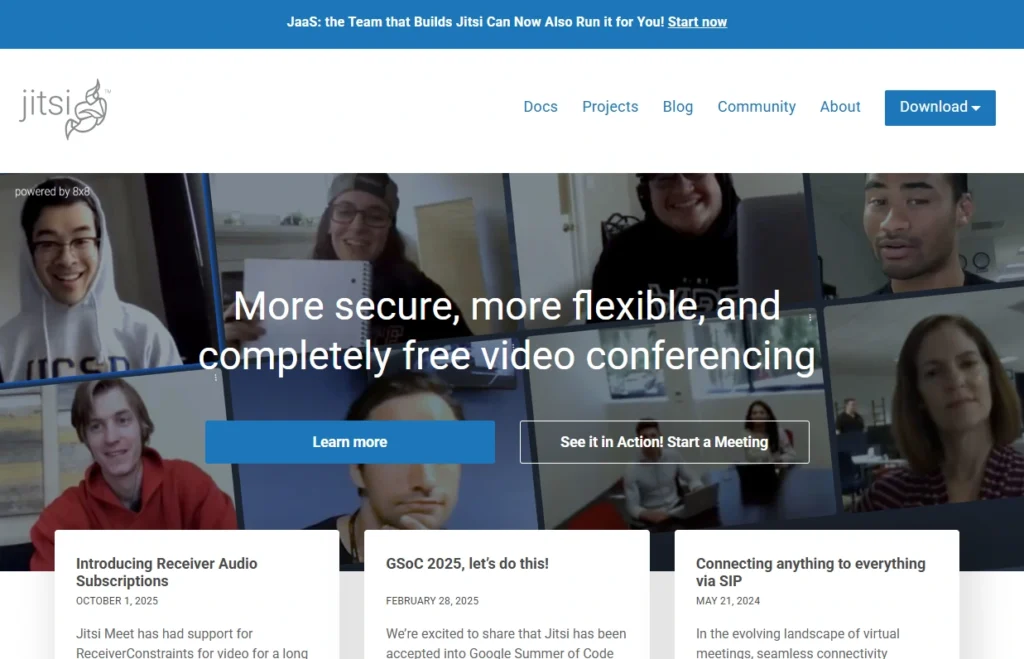
- Jitsi Meet (4.0/5) — Best free open-source option for budget-conscious teams
How we selected these platforms
Our methodology prioritized real-world SMB needs. We required platforms deployable in under one week without dedicated IT staff. Our evaluation focused on three key areas: pricing (against a typical $2,000 SMB budget threshold), functionality (for 5-20 user scenarios), and CRM integration capabilities. We also verified mobile accessibility and confirmed security features appropriate for business use.
Comparison table: Best video conferencing software
Platform Rating Best For Zoom 4.8/5 Reliable large meetings with up to 1,000 participants Microsoft Teams 4.7/5 Microsoft 365 users needing integrated collaboration Google Meet 4.6/5 Google Workspace users prioritizing simplicity Webex 4.5/5 SMBs requiring enterprise-grade security GoTo Meeting 4.3/5 Teams wanting no-fuss meeting setup Zoho Meeting 4.2/5 Cost-conscious SMBs in the Zoho ecosystem Jitsi Meet 4.0/5 Free open-source option for budget-conscious teams Best video conferencing software: Detailed reviews
1. Zoom
Rating: 4.8/5
Best for reliable large meetings with up to 1,000 participants

Zoom dominates video conferencing for good reason: industry-leading reliability and ease of use. While competitors offer broader features, Zoom focuses relentlessly on what matters most—making video calls work seamlessly every time.
Key features
Screen sharing with annotation, cloud recording with auto-transcription, native calendar integration, virtual backgrounds, breakout rooms, and CRM integrations (Salesforce, HubSpot, Zapier).
Pros
Exceptional reliability across devices and network conditions, intuitive interface, large participant capacity, robust integrations ecosystem.
Cons
Pricing increases for advanced features, security perception challenges from past issues, feature overload for simple use cases.
Pricing
- Free: Unlimited one-on-one meetings, 40-minute group limit (3+ participants)
- Pro: $15.99/month per user—unlimited duration, 100 participants, cloud recording
- Business: $21.99/month per user—300 participants, 100GB storage
Recommendation
Pro plan ($15.99/month) covers most SMB needs with unlimited meeting duration.
2. Microsoft Teams
Rating: 4.7/5
Best for Microsoft 365 users needing integrated collaboration

Microsoft Teams bundles video conferencing into broader collaboration (chat, file sharing, project management). If your organization already pays for Microsoft 365, Teams arrives included—no additional licensing.
Key features
Integrated chat and video, file collaboration, automatic transcription, channel organization, Outlook calendar integration, Microsoft 365 ecosystem connectivity.
Pros
Zero additional cost for Microsoft 365 users, excellent chat-to-video workflow, enterprise-grade security, consistent performance.
Cons
Complexity for basic use cases, steeper mobile learning curve, meeting experience trails Zoom slightly, less flexible for non-Microsoft organizations.
Pricing
- Free: 60-minute group meetings, 100 participants
- Business Basic: $6/user/month—unlimited meetings, 300 participants
- Business Standard: $12.50/user/month—adds desktop Office apps
Recommendation
Business Basic ($6/user) provides sufficient functionality alongside core Microsoft tools.
3. Google Meet
Rating: 4.6/5
Best for Google Workspace users prioritizing simplicity

Google Meet prioritizes simplicity. Join with a single click, share your screen in seconds, and continue working. For Google Workspace teams, it integrates directly into Gmail and Calendar.
Key features
Calendar integration, smart compose, live captions (80+ languages), screen sharing, breakout rooms, Google Drive integration.
Pros
Minimal learning curve, included with Google Workspace at no extra cost, mobile-first design, easy setup.
Cons
Limited free tier capacity (3 participants for extended duration) and fewer advanced features than competitors. Native CRM integrations are limited—most require third-party connectors. Mobile app has fewer features than desktop version.
Pricing
- Free: Unlimited one-on-one meetings, 60-minute limit for group meetings (3+ participants), up to 100 participants
- Business Starter: $7/user/month—100 participants, 24-hour meetings, HD video
Recommendation
Free tier handles casual internal meetings. Business Starter ($7/user) if you’re already using Google Workspace.
4. Webex
Rating: 4.5/5
Best for SMBs requiring enterprise-grade security

Cisco Webex bridges simple platforms and enterprise solutions. It delivers enterprise-grade security and compliance without requiring dedicated IT expertise—ideal for regulated industries or organizations managing sensitive customer information.
Key features
End-to-end encryption option, security controls (waiting rooms, meeting locks, host-only sharing), cloud recording with transcription, calendar integration, CRM integrations.
Pros
Best-in-class security features, reliable performance, compliance certifications (HIPAA, GDPR, FedRAMP), feature completeness.
Cons
Corporate-focused interface feels less modern, steeper learning curve, less transparent pricing, smaller integration ecosystem.
Pricing
- Free: 40-minute group meetings, 100 participants
- Pro: $144/year ($12/month) per user—unlimited duration, up to 200 participants
- Business: $270/year ($22.50/month) per user—up to 200 participants, includes calling features
Recommendation
Meet plan ($12/month) for organizations prioritizing security and compliance.
5. GoTo Meeting
Rating: 4.3/5
Best for teams wanting no-fuss meeting setup

GoTo Meeting (LogMeIn) focuses on straightforward video meetings without integrated communications complexity. It does one thing well: reliable meetings without platform overhead.
Key features
Simple meeting scheduler, screen sharing, cloud recording, calendar integration, mobile apps, CRM integrations via Zapier.
Pros
No-fuss simplicity, good value for meetings-only needs, reliable performance, easy IT administration.
Cons
No integrated chat or collaboration, limited advanced features, smaller ecosystem, less robust CRM integration.
Pricing
- Professional: $14/month per organizer ($144/year for annual billing) —150 participants, unlimited meetings, cloud recording
- Business: $19/month per organizer ($192/year for annual billing) —250 participants, advanced recording
- Enterprise: Custom pricing for large organizations with 250+ participants
Recommendation
Professional plan ($14/month) for teams wanting meetings without platform complexity.
6. Zoho Meeting
Rating: 4.2/5
Best for cost-conscious SMBs in the Zoho ecosystem

Zoho Meeting serves budget-conscious SMBs, especially those using Zoho CRM. It delivers core functionality at lower price points than market leaders, with seamless Zoho ecosystem integration.
Key features
Zoho ecosystem integration, screen sharing, cloud recording, calendar integration, participant controls, mobile apps.
Pros
Lowest cost (especially bundled with Zoho CRM), seamless Zoho integration, sufficient core features, simple interface.
Cons
Limited advanced features compared to market leaders, smaller ecosystem, lower participant limits, utilitarian design.
Pricing
- Starter: $10-15/month per organizer—100 participants, recording
- Pro: $20-25/month per organizer—250 participants
Recommendation
Makes sense specifically if you’re already using Zoho CRM for integrated workflows.
7. Jitsi Meet
Rating: 4.0/5
Best for budget-conscious teams wanting a free open-source option

Jitsi Meet is open-source, free video conferencing. There’s no vendor lock-in, no proprietary infrastructure reliance, and no pricing surprises—just straightforward meetings. For organizations with privacy preferences or minimal budgets, it’s compelling.
Key features
Unlimited participants, unlimited meeting duration, screen sharing, local recording, chat functionality, open-source transparency.
Pros
Completely free, privacy-focused, no vendor lock-in, flexible deployment, unlimited capacity.
Cons
Interface feels utilitarian compared to commercial platforms. Self-hosting requires technical expertise and infrastructure management. Limited integrations and community-only support (no commercial support option).
Pricing
- Jitsi.org: Free public instance
- Self-hosted: Free software (you pay for infrastructure)
Recommendation
Best for bootstrapped startups or privacy-first organizations; less ideal for most SMBs.
Why video conferencing CRM integration matters for sales teams
Here’s what actually matters: poor follow-ups are the main cause of most of your lost leads. And it’s usually not because your reps are lazy—it’s because the meeting context just disappears once the call ends. You’ve got the conversation on Zoom, the customer record in your CRM, and the action items… scattered across three different places. They’re not talking to each other.
When your video conferencing tool integrates with your CRM, everything changes. Sales reps join customer calls with complete customer history instantly visible. Meeting details automatically log into customer records. Follow-up tasks generate with due dates assigned. The workflow that causes lead loss becomes preventable.
- Before the meeting: Complete customer context is available—previous conversations, purchase history, open opportunities, communication preferences.
- During the meeting: Customer data stays visible. You reference previous interactions seamlessly. Meeting notes capture directly in the customer record.
- After the meeting: Follow-up tasks automatically generate. “Send proposal” creates tracked action items. Next-step commitments don’t disappear—they become reliable reminders.
This integrated workflow is why video conferencing platform choice matters strategically, not just operationally. The best platform isn’t the one with the most features—it’s the one that connects seamlessly with your customer relationship management system.
For teams using Nutshell, video conferencing tools that integrate with your CRM automatically transform isolated meetings into tracked customer touchpoints. Nutshell’s native integrations with Zoom, Google Meet, and Microsoft Teams mean every call is automatically logged with full transcriptions and AI-powered summaries—giving your team complete visibility into customer conversations.
Need a user-friendly CRM to boost sales and team efficiency?
Take our guided tour to explore Nutshell’s incredible features!
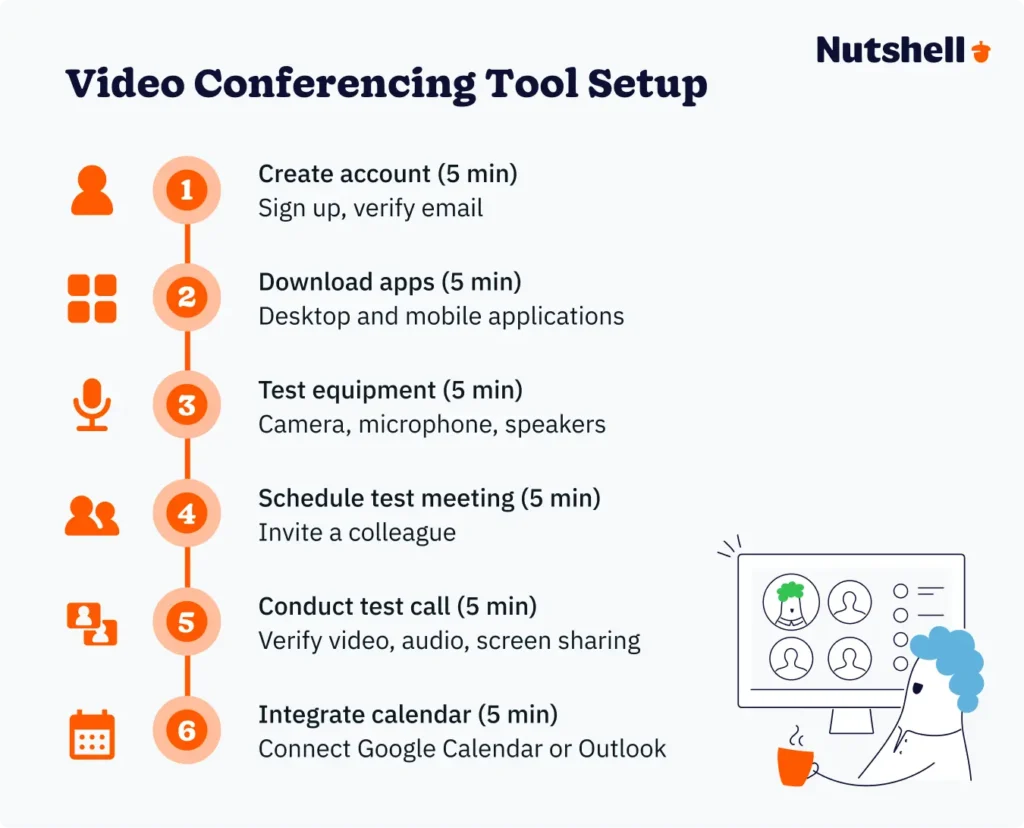
Video conferencing software setup in under 30 minutes
Modern platforms are genuinely designed for non-technical users. Most SMBs go from zero to operational in days, not weeks.
Universal process:
- Create account (5 min): Sign up, verify email
- Download apps (5 min): Desktop and mobile applications
- Test equipment (5 min): Camera, microphone, speakers
- Schedule test meeting (5 min): Invite a colleague
- Conduct test call (5 min): Verify video, audio, screen sharing
- Integrate calendar (5 min): Connect Google Calendar or Outlook

All major platforms offer free trials—use them with real team workflows before committing. Pick a platform, commit to it, integrate it with your CRM, and teach your team to use it consistently. That’s it.
Pricing expectations
Most SMBs budget between $60-$300 monthly, depending on team size and features:
- 5-user team: $0-75/month (free tiers sufficient for many, paid plans $8-15/user)
- 10-user team: $60-160/month (Zoom/Google Meet/Teams in $6-16/user range)
- 20-user team: $120-320/month (same platforms scale efficiently)
ROI perspective: If your platform saves each employee 30 minutes weekly in meeting setup and administrative overhead, that’s $300-$400 monthly value for a 10-person team. Platform costs of $60-$160 monthly represent clear ROI before considering customer experience improvements and follow-up execution benefits.
Annual billing typically discounts 15-20% versus monthly. Zoom’s annual commitment saves roughly 33% over monthly billing.
Essential security features
Video calls contain sensitive business information. Understand which features you need:
- Waiting rooms: Prevent uninvited participants in customer meetings
- Password protection: Require passwords for scheduled meetings
- Unique meeting links: Use individual meeting links rather than permanent personal rooms for sensitive discussions
- Host controls: Ability to mute participants, disable video, and manage screen sharing
- Encryption: In-transit encryption (standard across legitimate platforms) is sufficient for most business conversations; end-to-end encryption is necessary only for extremely sensitive communications
For regulated industries, verify HIPAA compliance (healthcare), GDPR compliance (European data), and industry-specific certifications before committing.
Mobile video conferencing matters
Remote and hybrid work means your team joins from anywhere. Mobile capability should be genuine, not an emergency-only fallback.
Platforms excelling at mobile: Zoom (feature-complete on mobile), Google Meet (mobile-first design), Microsoft Teams (solid mobile experience).
Practical guidance: Prioritize WiFi for important customer meetings. If cellular is necessary, reduce video quality through app settings to conserve bandwidth. Use headphones with microphones in noisy environments. Position the phone at eye level or slightly above for a flattering video.
Security note: Public WiFi creates risks for sensitive calls. Use a VPN (ExpressVPN, NordVPN) if public WiFi is your only option.
Integrating video conferencing with your existing CRM and tools
The best video conferencing platform is one that connects seamlessly with your business systems. Integration prevents information silos and keeps data flowing between tools.
Foundational integration: All platforms should connect with Google Calendar or Outlook. This is non-negotiable for professional workflows.
Strategic integration: CRM integration is where video conferencing becomes truly valuable. Before selecting a platform, verify integrations exist for your critical systems. Test integration quality during free trials.
Practical integration setup: Most integrations are configured in under 15 minutes. Calendar integration is typically one-click. CRM integrations vary by platform.
Frequently asked questions
-
1. What’s the best free video conferencing software for small businesses?
Jitsi Meet (unlimited duration, unlimited participants), Google Meet free tier (unlimited one-on-one, 60-minute daily group limit), or Zoom free tier (40-minute group limit). All work fine for internal meetings. But here’s the truth: most teams upgrade within months. Free tiers are great for testing, not long-term solutions.
-
2. How many participants can join a typical small business video conference?
SMB meetings typically involve 5-20 people. All platforms reviewed support 100-1,000+ participants. Participant capacity isn’t your constraint; meeting productivity is (larger meetings become harder to facilitate).
-
3. Do I need special hardware for video conferencing?
Your laptop’s built-in camera and microphone work for occasional meetings. For professional-looking video, consider modest hardware upgrades: external webcam ($50-100), USB headset ($30-80), desk lamp ($20-40).
For meeting room setups supporting groups, budget $500-2,000 for a room camera with wide-angle lens, conference microphone/speakerphone, and display/projector. More important than equipment is internet bandwidth. Minimum 3-5 Mbps upload speed is necessary. If your internet is slower, video quality suffers and reconnection issues occur.
-
4. Can video conferencing tools integrate with my CRM?
Most major platforms integrate with popular CRMs. Check the specifics:
- Zoom: Native integrations with Nutshell, Salesforce, and HubSpot
- Teams: Native integration with Nutshell and Dynamics 365
- Google Meet: Native integration with Nutshell. Third-party connectors available
- Webex: Native integrations with Salesforce and HubSpot
Verify integration quality before committing; test during free trials.
-
5. What’s the difference between Zoom and Microsoft Teams?
Zoom and Teams represent different philosophies. Zoom is purpose-built video meetings, superior meeting experience, and requires a separate subscription.
Teams focuses on being a broader collaboration platform, included with Microsoft 365 ($6/user), integrated chat and file sharing. Choose Teams if you’re Microsoft-committed; Zoom if you want best-of-breed video.
-
6. How much does video conferencing software cost for a small team?
Free tiers exist but have limitations. Paid plans range from $6 to $16 per user per month. Most SMBs spend $60-160 monthly for a 10-person team. When you pay annually, you can save anywhere between 15% to 20% depending on the specific platform.
-
7. What security features should small businesses look for in video conferencing tools?
Prioritize: end-to-end encryption for extremely sensitive conversations (though in-transit encryption is sufficient for most business use), waiting rooms for customer-facing meetings (prevent uninvited joining), unique meeting links rather than permanent personal room links (for sensitive discussions), password protection for scheduled meetings, and host controls to mute participants and remove disruptive attendees.
For regulated industries: verify HIPAA compliance (healthcare), GDPR compliance (European customer data), and industry-specific certifications (SOC 2, FedRAMP) matching your requirements.
Your three-step path to video conferencing success
Choosing a video conferencing platform matters less than committing to one and integrating it with your business systems—especially your CRM.
- Initial choice often depends on your existing framework: Microsoft 365 users start with Teams. Google Workspace users start with Google Meet. For stand-alone best-of-breed, start with Zoom. For compliance priority, start with Webex. For budget priority, start with Jitsi Meet.
- All platforms offer free trials. Use them with actual team workflows. The “best” platform is the one your team will consistently use, not the one with the most features.
- The best video conferencing platform connects seamlessly with your CRM. Isolated meetings that disappear after calls end represent lost value. When video conferencing integrates with your CRM, meetings transform into tracked customer touchpoints.
Modern SMBs have access to video conferencing technology rivaling enterprise solutions—at affordable price points with minimal setup friction. The opportunity isn’t finding a better tool. It’s committing to a platform, integrating it properly, and building meeting disciplines that treat video calls as customer touchpoints worth tracking and following up on consistently.
See Nutshell in action!
Try Nutshell free for 14 days or let us show you around before you dive in.
BACK TO TOPWritten by
Simone Morgan Associate Content MarketerReady to try
Nutshell for Free?Thank you! Your submission has been received!Oops! Something went wrong while submitting the form.
New in Nutshell: Light a Fire Under Your Most Important Deals With Hot Leads!
Published on: November 10, 2022Sales Performance Reviews: 9 Tips to Make Them Valuable
Published on: November 10, 2022Unify Team Meeting Processes for Increased Productivity With Nutshell Scheduler Managed Meetings
Published on: May 16, 2025What Are the Top 3 Go-To-Market Strategies?
Published on: November 10, 2022Join 30,000+ other sales and marketing professionals. Subscribe to our Sell to Win newsletter!

- Product
- Nutshell Overview
CRM & Sales
Our powerful and easy-to-use flagship product.Marketing
Email marketing, forms, landing pages, and more.Engagement
Webchat, SMS, WhatsApp & more in your Omni-Channel Inbox.Prospecting
Prospect for new leads and new contacts in your CRM.Proposals & Invoices
Create & send quotes, invoices and contracts in your CRM.
AI
See why Nutshell is the leading AI CRM.Integrations
Connect to Google/Microsoft and over 5,000 Apps.
ReportingCreate reports and forecasts in an instant.CRM Advisor
Get a dedicated point of contact to get the most out of Nutshell.Partner Marketplace
Find trusted partners to help optimize your Nutshell CRM.
- Pricing
Nutshell AI
- Resources
- Contact Us
Contact Sales
Send us your questions or book a 1-on-1 demo.Join a Demo
Join a group demo for a general overview of Nutshell.
Contact Support
Contact our support team via live chat in app or via email.Become a Partner
Refer businesses to Nutshell & earn commissions.
Contact Marketing
Questions about our website or our marketing opportunities?Careers
Join our growing team! See current openings.