Keep Microsoft Teams conversations moving forward with AI in Nutshell
-
Last updated on: March 27, 2026
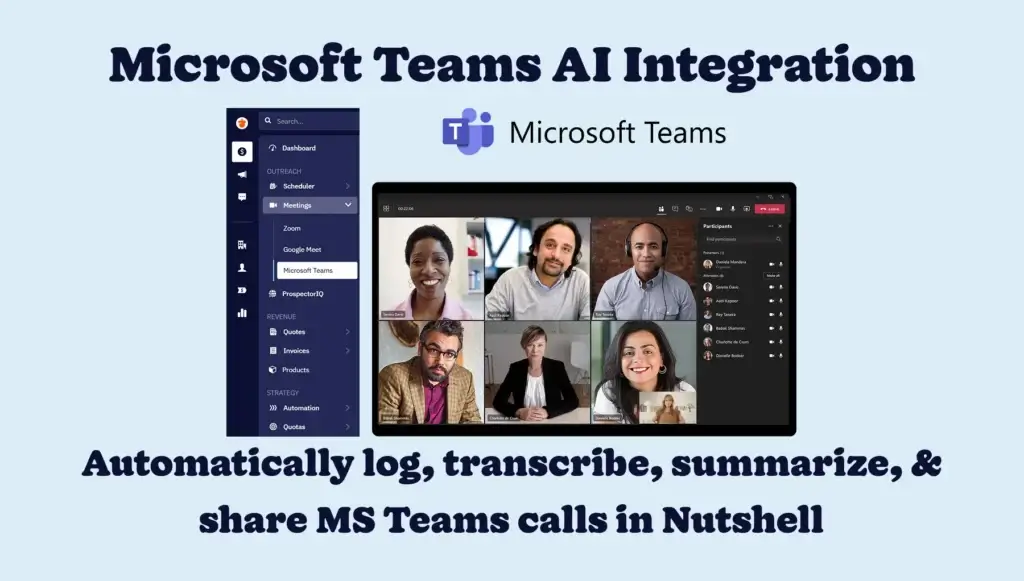
Automatically log, transcribe, and AI-summarize your Microsoft Teams meetings—so every conversation is captured, searchable, and ready to act on.
Your sales team’s meetings are packed with decisions, action items, and insights—but unless that information is stored and organized in your CRM, it’s hard to act on it.
Sales and customer conversations happen across Zoom, Google Meet, and Microsoft Teams, and now Nutshell brings all three into one connected workflow. This makes Nutshell one of only three CRMs worldwide that offer natively built-in integrations for all three of these meeting platforms.
With our Microsoft Teams integration, your meeting details, transcripts, and AI-generated summaries are added to Nutshell automatically. No more manual note-taking or hunting for follow-up points—just instant access to the information you need to move deals forward.
How do Nutshell’s AI features for Microsoft Teams work?
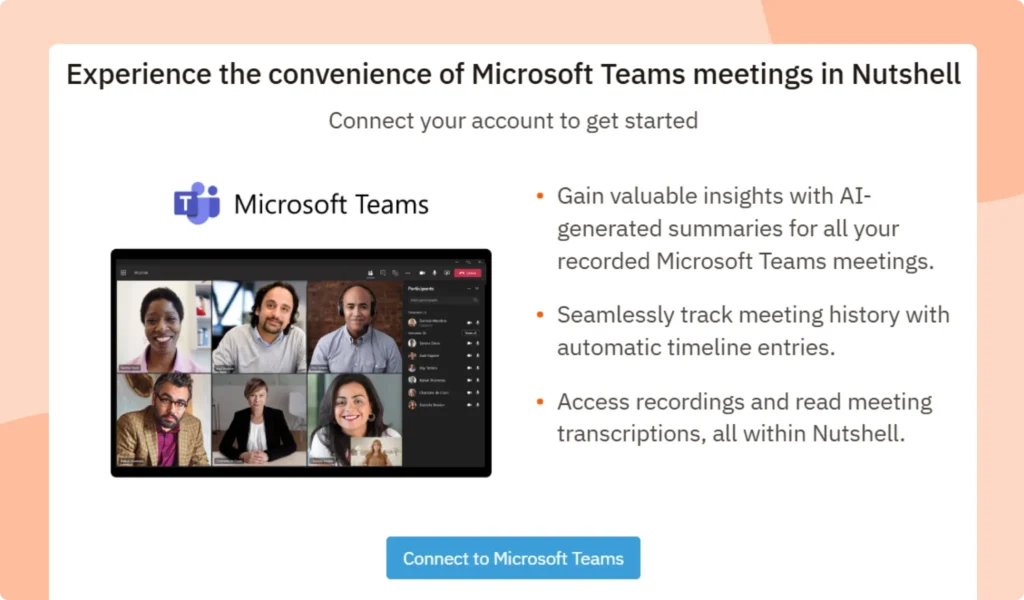
Once connected, Nutshell automatically logs your Microsoft Teams meetings alongside your other activities. Every call is captured with its key details—participants, duration, and (when recorded) a full transcription and AI summary—so you can revisit the conversation anytime.
The process is seamless, so your team can keep focusing on the conversation instead of the admin work.

How do I generate Microsoft Teams transcriptions and AI summaries?
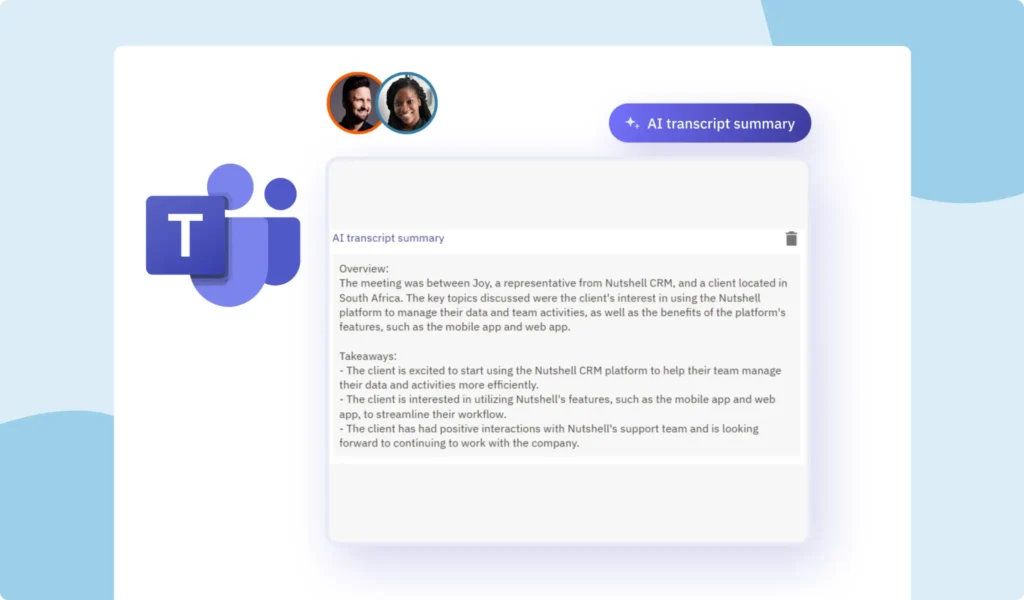
After your Microsoft Teams call, Nutshell will automatically create a transcript and a clear, actionable AI summary of the discussion. That means you can review key points, assign follow-ups, and share insights with your team in minutes—without reviewing the entire meeting.
Additional Microsoft Teams integration features
Nutshell’s Microsoft Teams integration includes the same powerful features as our Zoom and Google Meet integrations, like:
- Nutshell now identifies Microsoft Teams activities in your Activities list with a unique Microsoft Teams icon for easy recognition.
- Effortlessly log calls, jot down notes, share key discussion points, and connect with your Microsoft Teams calls directly within Nutshell.
- Log meetings, review recordings, access transcriptions and summaries, and get a complete overview of all your Microsoft Teams interactions, all from within Nutshell’s centralized‘Meetings’ section.
- Nutshell now gives you the option to log your Microsoft Teams activities manually or automatically from the Microsoft Teams settings page.

How can I access Microsoft Teams transcriptions and AI summaries in Nutshell?
Microsoft Teams transcriptions and AI summaries are available to all Nutshell customers. Bear in mind that AI summarization limits apply, depending on your Nutshell plan.
Keep key Microsoft Teams discussion points front and center with Nutshell
With every Microsoft Teams meeting automatically logged and summarized in Nutshell, you’ll never lose track of important details or next steps. It’s the easiest way to keep your team aligned, your customer records complete, and your follow-ups timely.
Hop into your Nutshell account to connect Microsoft Teams today. If you have any questions, our support team is ready to help.
Not a Nutshell customer yet? Take our full set of features for a test-drive when you sign up for a free 14-day trial—no credit card required.
Automatically stay on top of Microsoft Teams conversations with AI in Nutshell!
Log, transcribe, and summarize your Microsoft Teams calls automatically in Nutshell—so you can act on every conversation with confidence.
BACK TO TOPWritten by
Chris Cain VP of Product Development, NutshellReady to try
Nutshell for Free?Thank you! Your submission has been received!Oops! Something went wrong while submitting the form.
Understand and Optimize the Customer Journey With the Nutshell Engagement Report
Published on: December 22, 2025Sales Performance Reviews: 9 Tips to Make Them Valuable
Published on: November 10, 2022Highly Effective Strategies for Elevating Sales Team Performance
Published on: November 10, 2022What Are the Top 3 Go-To-Market Strategies?
Published on: November 10, 2022Join 30,000+ other sales and marketing professionals. Subscribe to our Sell to Win newsletter!
- Product
- Nutshell Overview
CRM & Sales
Our powerful and easy-to-use flagship product.Marketing
Email marketing, forms, landing pages, and more.Engagement
Your omni-channel inbox in your CRM.Prospecting
Prospect for new leads and new contacts in your CRM.Quotes & Invoices
Quickly create quotes & invoices in your CRM.
AI
See why Nutshell is the leading AI CRM.Integrations
Connect to Google/Microsoft and over 5,000 Apps.
ReportingCreate reports and forecasts in an instant.CRM Advisor
Get a dedicated point of contact to get the most out of Nutshell.Partner Marketplace
Find trusted partners to help optimize your Nutshell CRM.
- Pricing
Nutshell AI
- Resources
- Contact Us
Contact Sales
Send us your questions or book a 1-on-1 demo.Join a Demo
Join a group demo for a general overview of Nutshell.
Contact Support
Contact our support team via live chat in app or via email.Become a Partner
Refer businesses to Nutshell & earn commissions.
Contact Marketing
Questions about our website or our marketing opportunities?Careers
Join our growing team! See current openings.