See Nutshell in action!
Try Nutshell free for 14 days or let us show you around before you dive in.
We tested seven of the leading video conferencing software to showcase the best options for SMBS. Here’s what matters most:
Your team spends significant time in meetings. Employees average 11.3 hours per week in video calls, with small businesses typically investing around 10 hours per week. That’s time your team could spend closing deals or serving customers—time that matters.
We tested seven leading video conferencing platforms to identify the best options for SMBs, focusing on what actually matters: setup speed, pricing accessibility, CRM integration capabilities, mobile access, and security.
Here’s our ranking of seven platforms for small businesses:
Our methodology prioritized real-world SMB needs. We required platforms deployable in under one week without dedicated IT staff. Our evaluation focused on three key areas: pricing (against a typical $2,000 SMB budget threshold), functionality (for 5-20 user scenarios), and CRM integration capabilities. We also verified mobile accessibility and confirmed security features appropriate for business use.
| Platform | Rating | Best For |
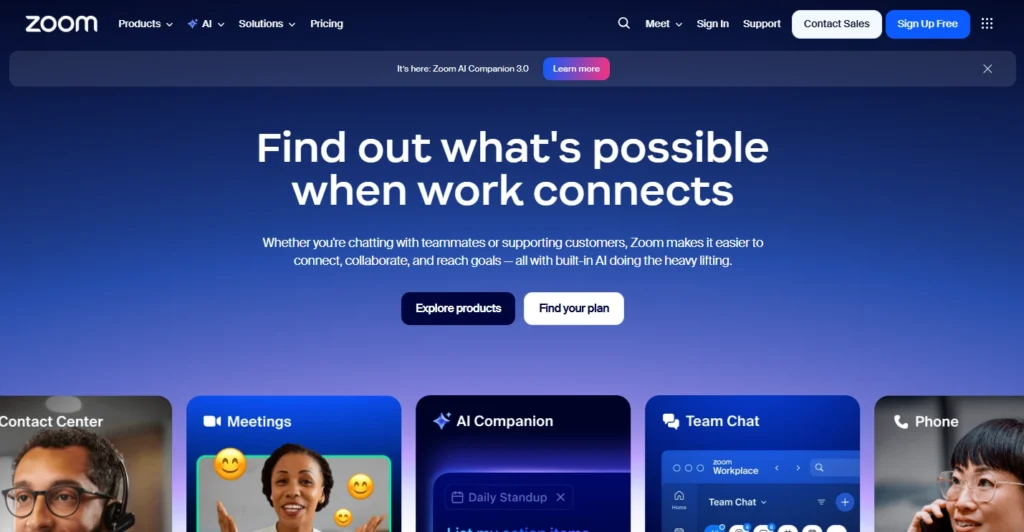
| Zoom | 4.8/5 | Reliable large meetings with up to 1,000 participants |
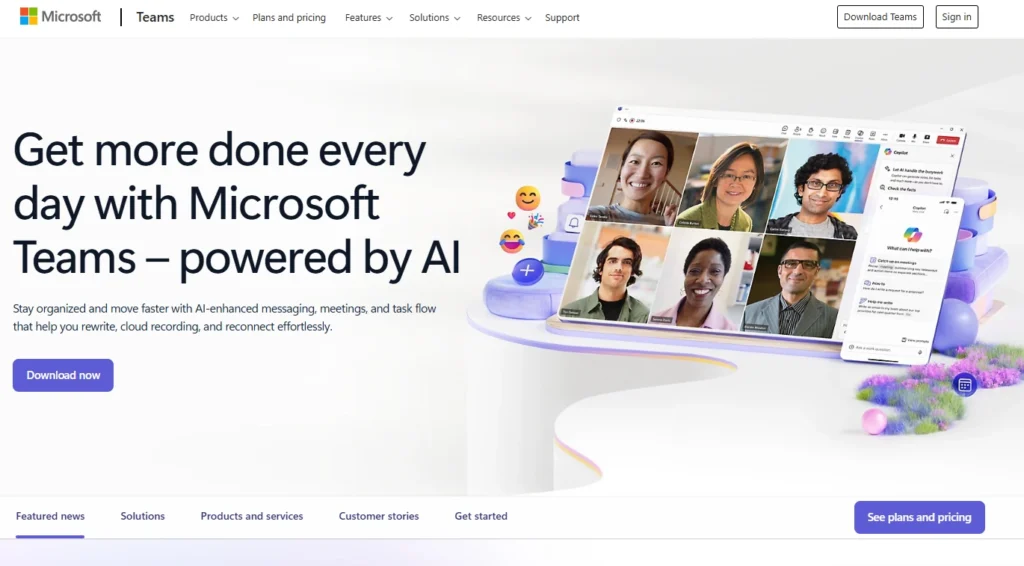
| Microsoft Teams | 4.7/5 | Microsoft 365 users needing integrated collaboration |
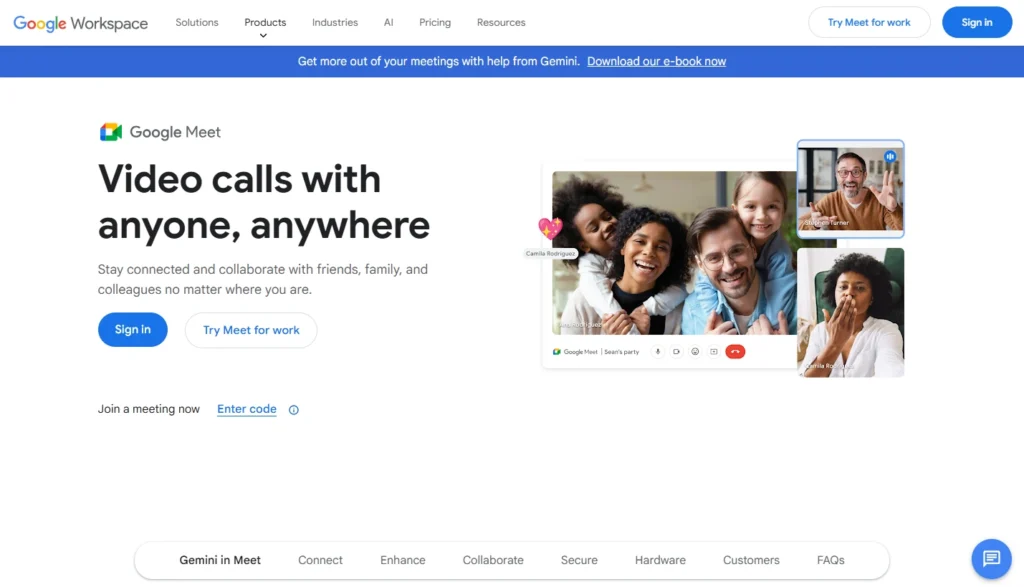
| Google Meet | 4.6/5 | Google Workspace users prioritizing simplicity |
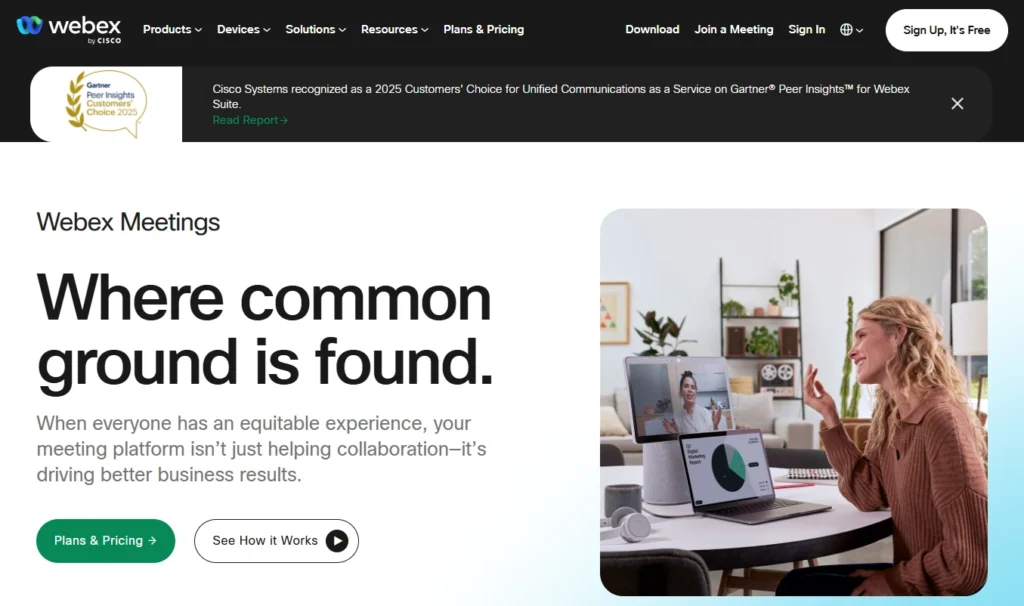
| Webex | 4.5/5 | SMBs requiring enterprise-grade security |
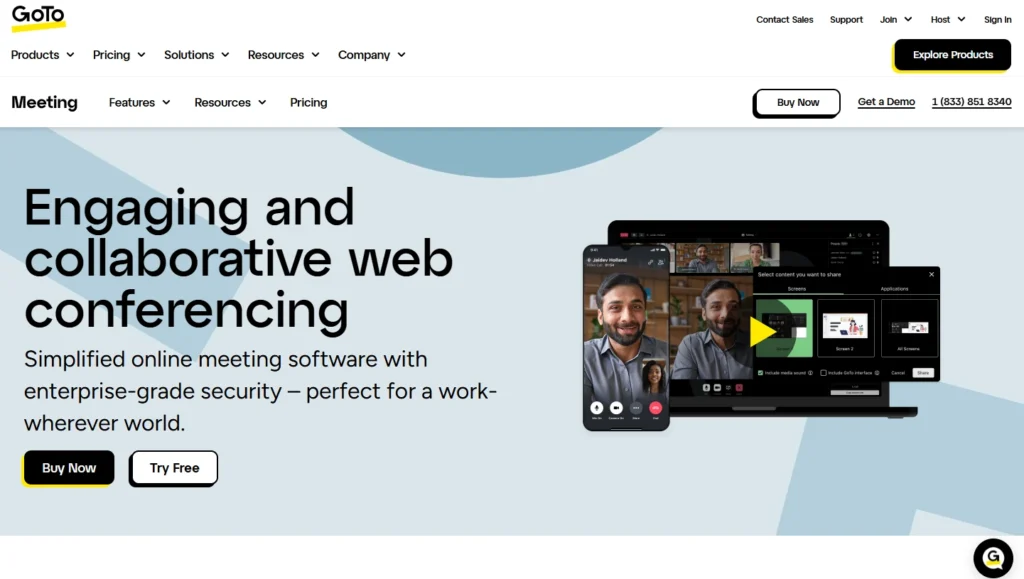
| GoTo Meeting | 4.3/5 | Teams wanting no-fuss meeting setup |
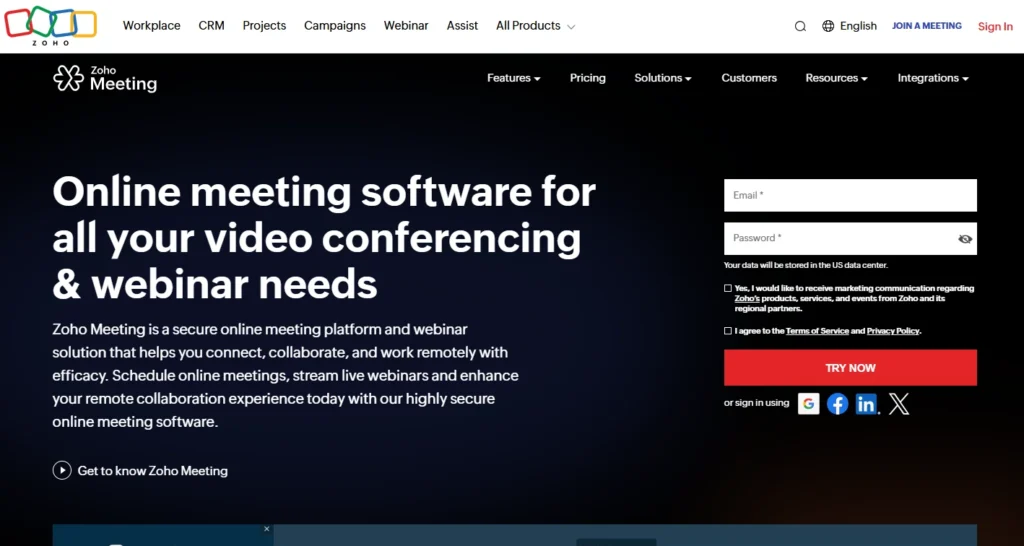
| Zoho Meeting | 4.2/5 | Cost-conscious SMBs in the Zoho ecosystem |
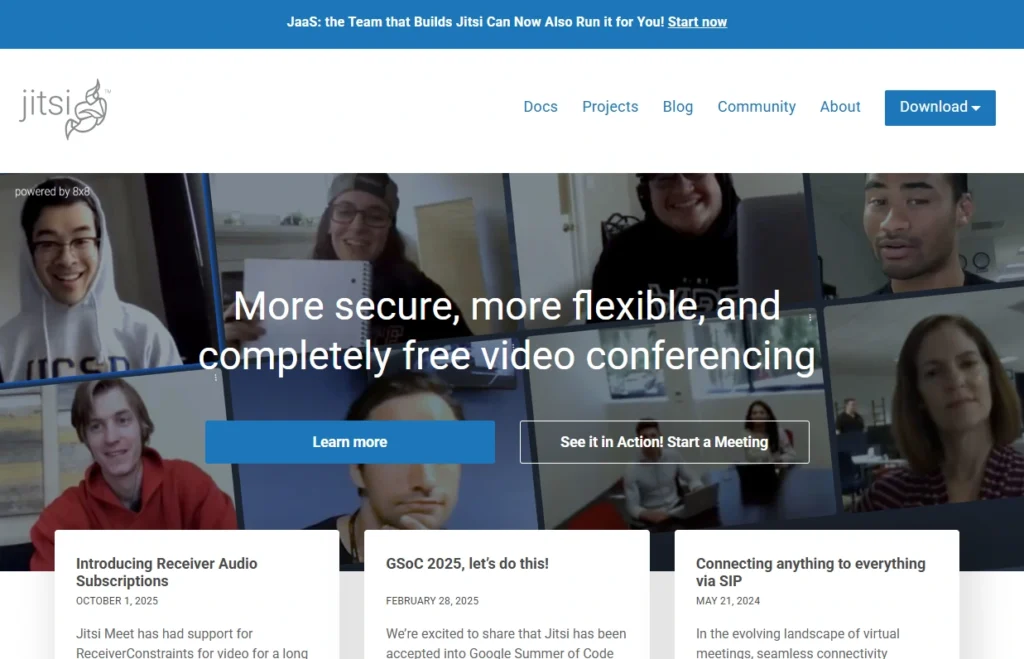
| Jitsi Meet | 4.0/5 | Free open-source option for budget-conscious teams |

Zoom dominates video conferencing for good reason: industry-leading reliability and ease of use. While competitors offer broader features, Zoom focuses relentlessly on what matters most—making video calls work seamlessly every time.
Screen sharing with annotation, cloud recording with auto-transcription, native calendar integration, virtual backgrounds, breakout rooms, and CRM integrations (Salesforce, HubSpot, Zapier).
Exceptional reliability across devices and network conditions, intuitive interface, large participant capacity, robust integrations ecosystem.
Pricing increases for advanced features, security perception challenges from past issues, feature overload for simple use cases.
Pro plan ($15.99/month) covers most SMB needs with unlimited meeting duration.

Microsoft Teams bundles video conferencing into broader collaboration (chat, file sharing, project management). If your organization already pays for Microsoft 365, Teams arrives included—no additional licensing.
Integrated chat and video, file collaboration, automatic transcription, channel organization, Outlook calendar integration, Microsoft 365 ecosystem connectivity.
Zero additional cost for Microsoft 365 users, excellent chat-to-video workflow, enterprise-grade security, consistent performance.
Complexity for basic use cases, steeper mobile learning curve, meeting experience trails Zoom slightly, less flexible for non-Microsoft organizations.
Business Basic ($6/user) provides sufficient functionality alongside core Microsoft tools.

Google Meet prioritizes simplicity. Join with a single click, share your screen in seconds, and continue working. For Google Workspace teams, it integrates directly into Gmail and Calendar.
Calendar integration, smart compose, live captions (80+ languages), screen sharing, breakout rooms, Google Drive integration.
Minimal learning curve, included with Google Workspace at no extra cost, mobile-first design, easy setup.
Limited free tier capacity (3 participants for extended duration) and fewer advanced features than competitors. Native CRM integrations are limited—most require third-party connectors. Mobile app has fewer features than desktop version.
Free tier handles casual internal meetings. Business Starter ($7/user) if you’re already using Google Workspace.

Cisco Webex bridges simple platforms and enterprise solutions. It delivers enterprise-grade security and compliance without requiring dedicated IT expertise—ideal for regulated industries or organizations managing sensitive customer information.
End-to-end encryption option, security controls (waiting rooms, meeting locks, host-only sharing), cloud recording with transcription, calendar integration, CRM integrations.
Best-in-class security features, reliable performance, compliance certifications (HIPAA, GDPR, FedRAMP), feature completeness.
Corporate-focused interface feels less modern, steeper learning curve, less transparent pricing, smaller integration ecosystem.
Meet plan ($12/month) for organizations prioritizing security and compliance.

GoTo Meeting (LogMeIn) focuses on straightforward video meetings without integrated communications complexity. It does one thing well: reliable meetings without platform overhead.
Simple meeting scheduler, screen sharing, cloud recording, calendar integration, mobile apps, CRM integrations via Zapier.
No-fuss simplicity, good value for meetings-only needs, reliable performance, easy IT administration.
No integrated chat or collaboration, limited advanced features, smaller ecosystem, less robust CRM integration.
Professional plan ($14/month) for teams wanting meetings without platform complexity.

Zoho Meeting serves budget-conscious SMBs, especially those using Zoho CRM. It delivers core functionality at lower price points than market leaders, with seamless Zoho ecosystem integration.
Zoho ecosystem integration, screen sharing, cloud recording, calendar integration, participant controls, mobile apps.
Lowest cost (especially bundled with Zoho CRM), seamless Zoho integration, sufficient core features, simple interface.
Limited advanced features compared to market leaders, smaller ecosystem, lower participant limits, utilitarian design.
Makes sense specifically if you’re already using Zoho CRM for integrated workflows.

Jitsi Meet is open-source, free video conferencing. There’s no vendor lock-in, no proprietary infrastructure reliance, and no pricing surprises—just straightforward meetings. For organizations with privacy preferences or minimal budgets, it’s compelling.
Unlimited participants, unlimited meeting duration, screen sharing, local recording, chat functionality, open-source transparency.
Completely free, privacy-focused, no vendor lock-in, flexible deployment, unlimited capacity.
Interface feels utilitarian compared to commercial platforms. Self-hosting requires technical expertise and infrastructure management. Limited integrations and community-only support (no commercial support option).
Best for bootstrapped startups or privacy-first organizations; less ideal for most SMBs.
Here’s what actually matters: poor follow-ups are the main cause of most of your lost leads. And it’s usually not because your reps are lazy—it’s because the meeting context just disappears once the call ends. You’ve got the conversation on Zoom, the customer record in your CRM, and the action items… scattered across three different places. They’re not talking to each other.
When your video conferencing tool integrates with your CRM, everything changes. Sales reps join customer calls with complete customer history instantly visible. Meeting details automatically log into customer records. Follow-up tasks generate with due dates assigned. The workflow that causes lead loss becomes preventable.
This integrated workflow is why video conferencing platform choice matters strategically, not just operationally. The best platform isn’t the one with the most features—it’s the one that connects seamlessly with your customer relationship management system.
For teams using Nutshell, video conferencing tools that integrate with your CRM automatically transform isolated meetings into tracked customer touchpoints. Nutshell’s native integrations with Zoom, Google Meet, and Microsoft Teams mean every call is automatically logged with full transcriptions and AI-powered summaries—giving your team complete visibility into customer conversations.
Take our guided tour to explore Nutshell’s incredible features!
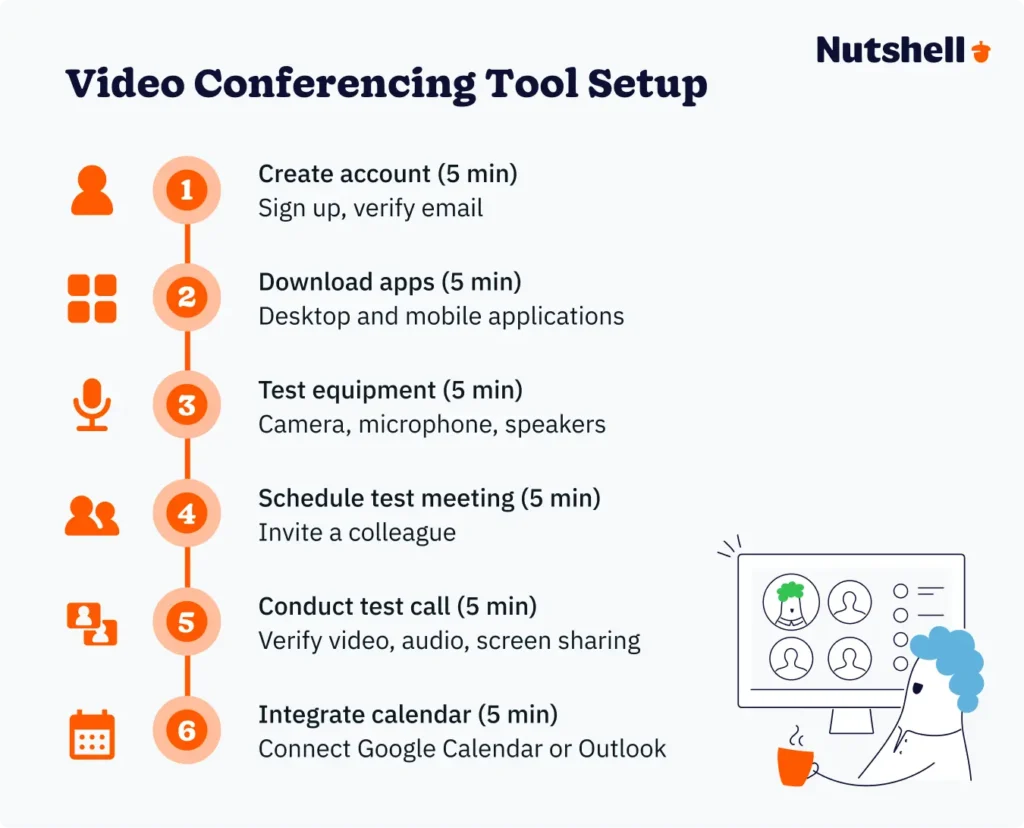
Modern platforms are genuinely designed for non-technical users. Most SMBs go from zero to operational in days, not weeks.
Universal process:

All major platforms offer free trials—use them with real team workflows before committing. Pick a platform, commit to it, integrate it with your CRM, and teach your team to use it consistently. That’s it.
Most SMBs budget between $60-$300 monthly, depending on team size and features:
ROI perspective: If your platform saves each employee 30 minutes weekly in meeting setup and administrative overhead, that’s $300-$400 monthly value for a 10-person team. Platform costs of $60-$160 monthly represent clear ROI before considering customer experience improvements and follow-up execution benefits.
Annual billing typically discounts 15-20% versus monthly. Zoom’s annual commitment saves roughly 33% over monthly billing.
Video calls contain sensitive business information. Understand which features you need:
For regulated industries, verify HIPAA compliance (healthcare), GDPR compliance (European data), and industry-specific certifications before committing.
Remote and hybrid work means your team joins from anywhere. Mobile capability should be genuine, not an emergency-only fallback.
Platforms excelling at mobile: Zoom (feature-complete on mobile), Google Meet (mobile-first design), Microsoft Teams (solid mobile experience).
Practical guidance: Prioritize WiFi for important customer meetings. If cellular is necessary, reduce video quality through app settings to conserve bandwidth. Use headphones with microphones in noisy environments. Position the phone at eye level or slightly above for a flattering video.
Security note: Public WiFi creates risks for sensitive calls. Use a VPN (ExpressVPN, NordVPN) if public WiFi is your only option.
The best video conferencing platform is one that connects seamlessly with your business systems. Integration prevents information silos and keeps data flowing between tools.
Foundational integration: All platforms should connect with Google Calendar or Outlook. This is non-negotiable for professional workflows.
Strategic integration: CRM integration is where video conferencing becomes truly valuable. Before selecting a platform, verify integrations exist for your critical systems. Test integration quality during free trials.
Practical integration setup: Most integrations are configured in under 15 minutes. Calendar integration is typically one-click. CRM integrations vary by platform.
Jitsi Meet (unlimited duration, unlimited participants), Google Meet free tier (unlimited one-on-one, 60-minute daily group limit), or Zoom free tier (40-minute group limit). All work fine for internal meetings. But here’s the truth: most teams upgrade within months. Free tiers are great for testing, not long-term solutions.
SMB meetings typically involve 5-20 people. All platforms reviewed support 100-1,000+ participants. Participant capacity isn’t your constraint; meeting productivity is (larger meetings become harder to facilitate).
Your laptop’s built-in camera and microphone work for occasional meetings. For professional-looking video, consider modest hardware upgrades: external webcam ($50-100), USB headset ($30-80), desk lamp ($20-40).Â
For meeting room setups supporting groups, budget $500-2,000 for a room camera with wide-angle lens, conference microphone/speakerphone, and display/projector. More important than equipment is internet bandwidth. Minimum 3-5 Mbps upload speed is necessary. If your internet is slower, video quality suffers and reconnection issues occur.
Most major platforms integrate with popular CRMs. Check the specifics:
Verify integration quality before committing; test during free trials.
Zoom and Teams represent different philosophies. Zoom is purpose-built video meetings, superior meeting experience, and requires a separate subscription.Â
Teams focuses on being a broader collaboration platform, included with Microsoft 365 ($6/user), integrated chat and file sharing. Choose Teams if you’re Microsoft-committed; Zoom if you want best-of-breed video.
Free tiers exist but have limitations. Paid plans range from $6 to $16 per user per month. Most SMBs spend $60-160 monthly for a 10-person team. When you pay annually, you can save anywhere between 15% to 20% depending on the specific platform.
Prioritize: end-to-end encryption for extremely sensitive conversations (though in-transit encryption is sufficient for most business use), waiting rooms for customer-facing meetings (prevent uninvited joining), unique meeting links rather than permanent personal room links (for sensitive discussions), password protection for scheduled meetings, and host controls to mute participants and remove disruptive attendees.
For regulated industries: verify HIPAA compliance (healthcare), GDPR compliance (European customer data), and industry-specific certifications (SOC 2, FedRAMP) matching your requirements.
Choosing a video conferencing platform matters less than committing to one and integrating it with your business systems—especially your CRM.
Modern SMBs have access to video conferencing technology rivaling enterprise solutions—at affordable price points with minimal setup friction. The opportunity isn’t finding a better tool. It’s committing to a platform, integrating it properly, and building meeting disciplines that treat video calls as customer touchpoints worth tracking and following up on consistently.
Try Nutshell free for 14 days or let us show you around before you dive in.
Join 30,000+ other sales and marketing professionals. Subscribe to our Sell to Win newsletter!