











Sales automation
Put time-wasting tasks on autopilot so your team can focus on building relationships and nurturing leads through your sales pipeline.

“Nutshell is super user-friendly and intuitive
“I would highly recommend Nutshell
“Easy to use and... wait for it ... 100% buy in!
“Nutshell is both simple and powerful
Nutshell syncs Gmail, Calendar, Drive, and Meet—auto-logging activity and unlocking AI insights—so you sell without switching tabs.
Start 14-day free trial Book free demo
🎉 No credit card required!

When your CRM works hand in hand with Google Workspace, your sales and marketing teams spend less time juggling apps and more time nurturing leads. Nutshell connects with all your favorite Google Workspace tools—giving you a single home for your conversations, schedules, files, and insights.
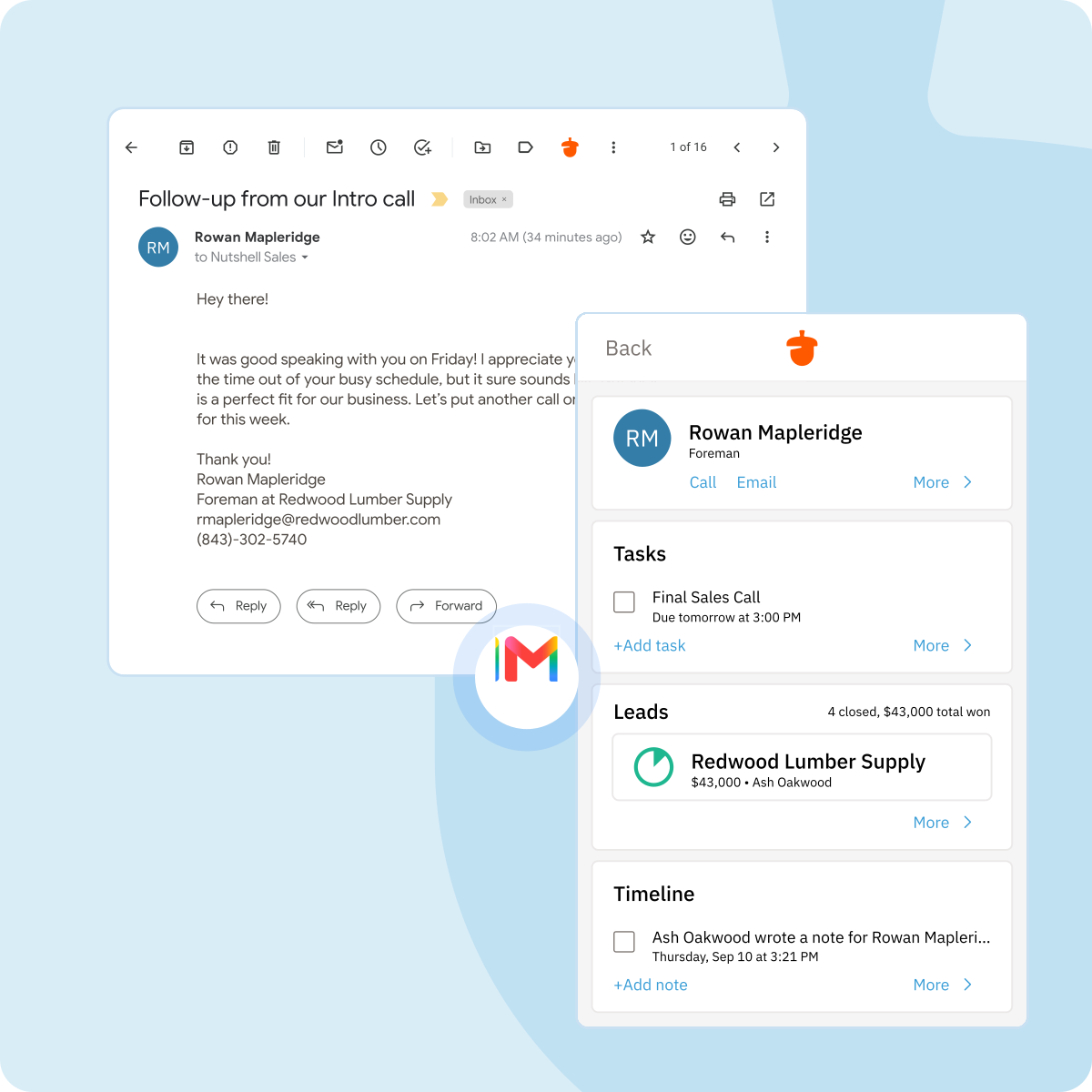
Send and receive emails without leaving Nutshell, and automatically log every conversation to the right contact or lead. Nutshell’s Gmail integration keeps your inbox and CRM in perfect sync, so nothing slips through the cracks. Use personalized email templates and tracking to see who’s opening your messages and when.
You can also opt to install the Nutshell for Gmail Chrome extension to keep your CRM data right where you need it—inside Gmail. Use your saved Nutshell email templates without leaving your Gmail inbox. And instantly view or update lead information alongside every conversation.
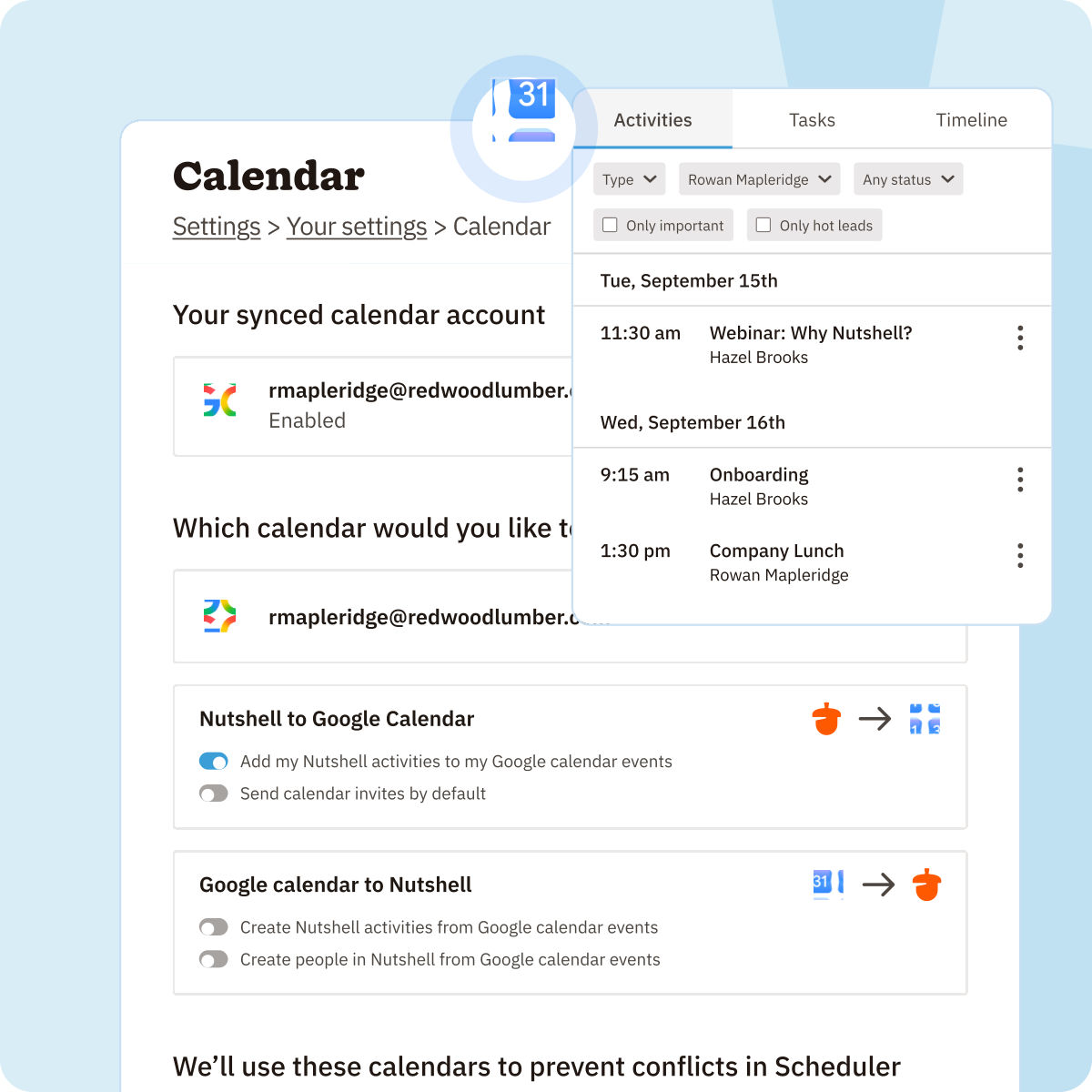
Schedule meetings, set reminders, and track events without double entry.
Nutshell integrates directly with Google Calendar so you can see your events in both places, and even send invites right from your CRM.
Create or update an event in your CRM and they’ll show up on your Google Calendar.
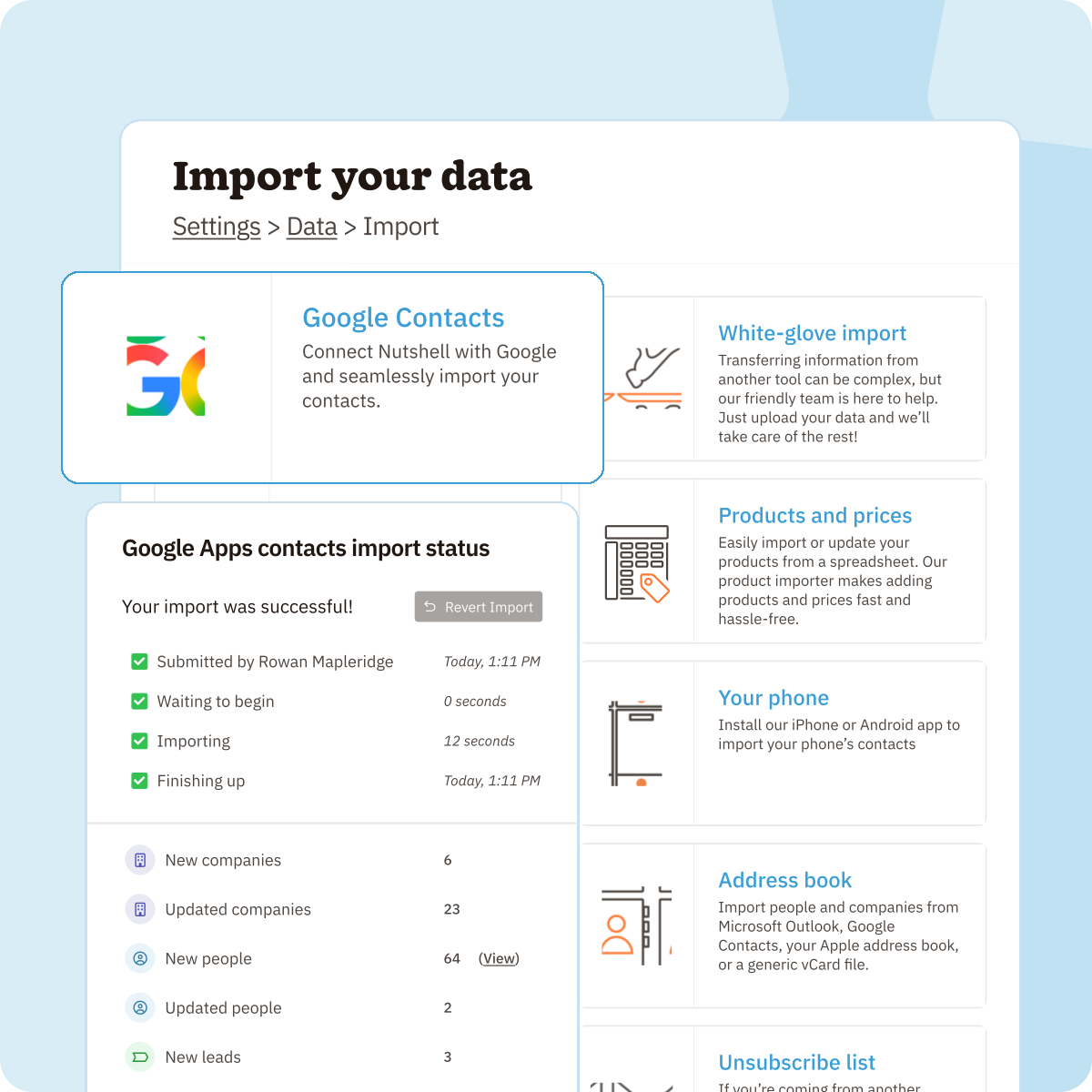
Keep your customer and prospect information up to date with two-way sync between Google Contacts and Nutshell.
Any change you make in one system instantly reflects in the other, ensuring everyone on your team works with the most current data.
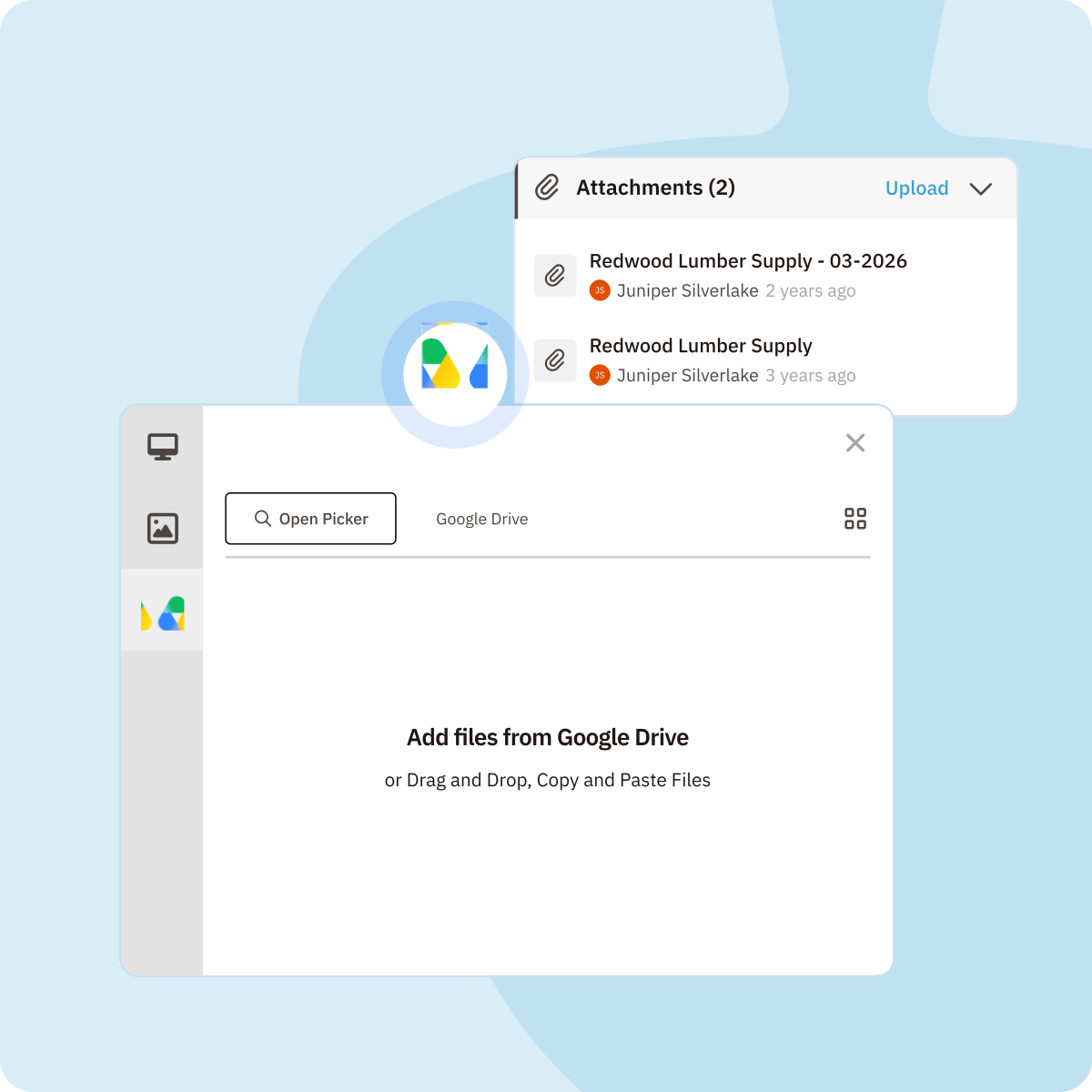
Attach, share, and manage Google Drive files directly from Nutshell.
Whether it’s proposals, presentations, or contracts, you can access the right file at the right time without digging through folders.
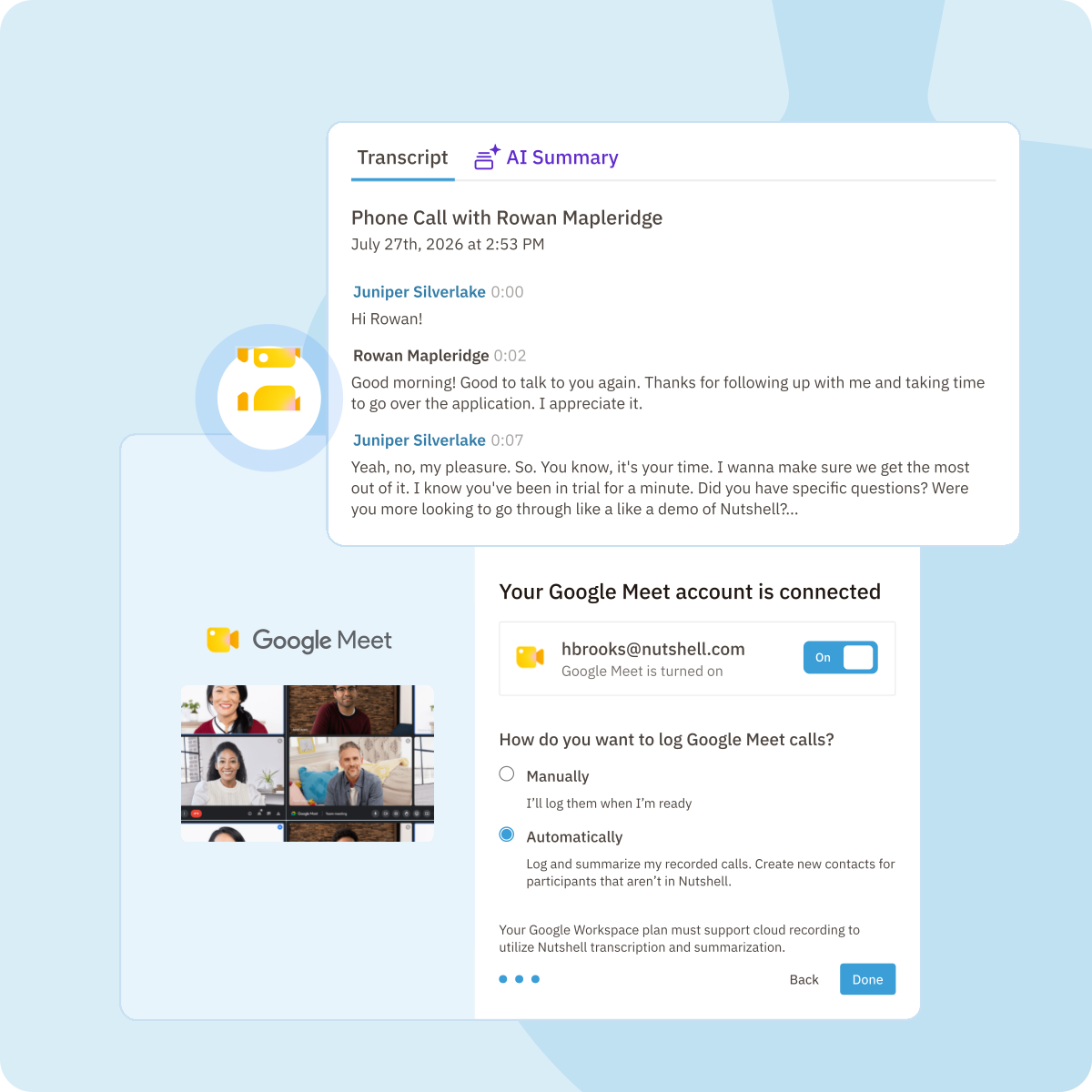
Launch and join Google Meet calls directly from your CRM with Nutshell’s Google Meet integration.
Let Nutshell automatically log your call and generate an AI call summarization for instant meeting notes and action items from your recordings—No need to log calls or take notes. That way, you can focus on the conversation, not your keyboard.
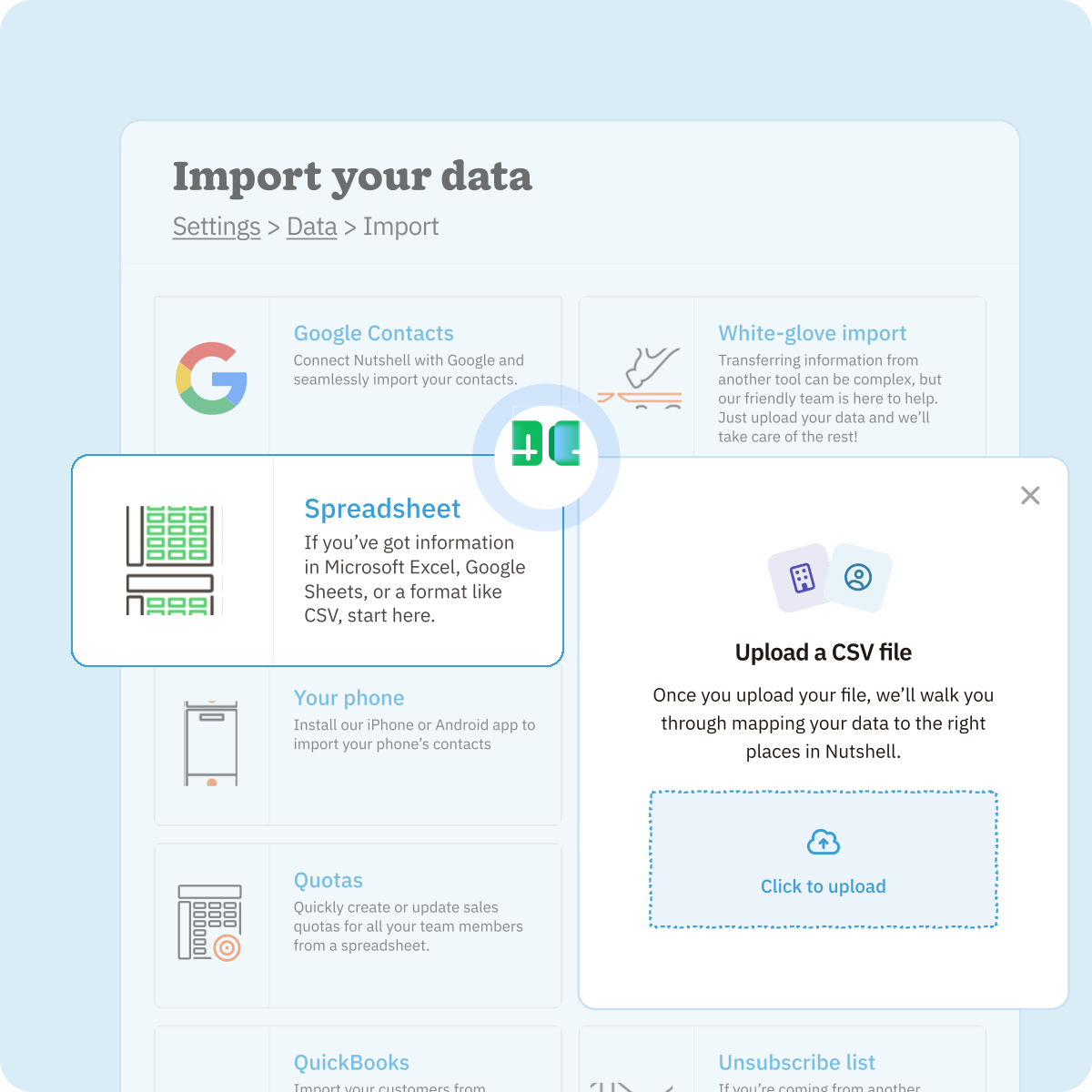
Import and export data between Nutshell and Google Sheets in just a few clicks.
Use Google Sheets to run quick analyses, clean up lists, or prepare reports—then send your data right back into Nutshell.
Try Nutshell free for 14 days or let us show you around before you dive in.
🎉 No credit card required!
Yes! Nutshell offers two-way sync for Gmail, Google Contacts, and Google Calendar—meaning updates in either platform automatically appear in the other.
Absolutely. Nutshell’s mobile apps for iOS and Android support the essential Google Workspace integrations, so you can work from anywhere.
Yes. All Nutshell customers have access to our Google Workspace integrations.
Setup takes just minutes. Connect your Google account with one click, and Nutshell automatically syncs Gmail, Calendar, and Contacts. Our free onboarding support helps you get started quickly—most teams are up and running within days, not weeks.
Yes. Nutshell syncs your last 45 days of sent emails (or 80 most recent) and 100 received emails automatically. For older emails, use our Chrome extension to import specific threads. You can also import all Google Contacts via CSV or use our automated sync.
Absolutely. Nutshell automatically transcribes and summarizes your Google Meet calls using AI. Transcripts and summaries are saved to contact timelines, making it easy to review key points and share insights with your team without the need for manual note-taking.

Put time-wasting tasks on autopilot so your team can focus on building relationships and nurturing leads through your sales pipeline.

Create custom pipelines and manage them easily with multiple views to nurture leads efficiently and stay on top of every deal.

Provides robust reporting and analytics to help you track your team’s performance and to help you gain quick insights with automated reporting.

One-click calling, AI call summaries, AI next steps, and easy scheduling.

Increase sales efficiency with Nutshell’s powerful email automation tool. Create personalized campaigns & track success right in your CRM

Streamline daily processes using the generative power of AI in Nutshell to simplify sales activities and open up a world of possibilities.

Create and manage virtual meetings and sync the information with your Calendar without leaving your CRM.

Quickly create, send, track, and get signatures on custom quotes, invoices, and contracts directly from Nutshell.

Store customer notes, interactions and easily bring colleagues into the conversation and stay notified of everything that needs your attention.

Easily accelerate revenue-driving tasks in your CRM, so you and your team can spend more time on selling.

Improve calendar, email, & contact organization from any source with Nutshell’s contact management software.

Quickly import your entire products and services list with Nutshell’s Product Importer, so you and your team can spend less time on administration and more time on selling.

Search through over 200 million contacts, add ideal customers to your CRM, and connect with your future buyers.
Pinpoint the companies and individuals visiting your site so you can proactively target warm leads.
Locate specific individuals working at the companies in your book of business and reveal their contact information so you can start the conversation.

With channel and source data automatically added to your new leads, you can know where your best leads come from and invest smarter in your marketing.

Connect with our world-class support team to get fast, friendly, and free support when needed.

Easily sync your email and calendar with Nutshell to make your CRM work where you do.

We take the security and reliability of your data seriously. We partner with the industry’s most trusted infrastructure provider, Amazon Web Services.


Find out more about Nutshell’s extensive range of Marketing Suite features

Learn more about Nutshell’s industry-leading Engagement Suite features

Discover the broad spectrum of features and tools available to Nutshell customers