What Is the Best Meeting Scheduler for Your Business?
-
Last updated on: March 18, 2026
Key takeaways
- Choose a meeting scheduler that offers ease of use, automated reminders, mobile-friendliness, and seamless integrations with your existing calendars, CRM, and video conferencing tools.
- Select a tool based on your primary scheduling workflow, considering options like Calendly or Google Calendar for simplicity, Doodle for team polls, or Motion for project-heavy environments.
- If you already use Nutshell CRM, consider Nutshell Scheduler for its deep CRM integration, which streamlines meeting setup, lead capture, and activity logging.
If your business schedules a lot of meetings — either internally or with clients — you might wish you had a way to make that process easier. Thankfully, there are meeting scheduler tools out there to meet that need. These tools allow you to easily schedule meetings and get reminders for them, as well as keep track of when you’re available.
The question, though, is this: What’s the best meeting scheduler for you? After all, there are quite a few options out there, and you’re probably looking to narrow it down. That’s why we’re here.
Summarize with AI:
On this page, we’ve listed 11 of the best meeting scheduling apps for your business. Keep reading to learn more!
Features to look for in a meeting scheduler tool
Let’s start by talking about what sorts of features you should expect to find in the top meeting scheduler apps.
One of the biggest features to look for is a good user experience, primarily when it comes to ease of use. The whole point of these tools is to streamline the meeting scheduling process. If the tools are hard to use, it kind of defeats the purpose.
You should also look for a meeting scheduler tool that can automatically send out reminders about your meetings. Otherwise, you might as well use a regular calendar.
In today’s fast-paced work environment and modern work style, you may not always be in the office or have access to your laptop. An effective meeting scheduling tool should be mobile-friendly, allowing you to manage or attend meetings while on the go.
Finally, a good meeting scheduler will integrate with other apps. At the very least, it should integrate with your chosen calendar app, but it’s also good to get a tool that integrates with project management software and automation tools.
These are some of the main criteria we’ve used to select the tools listed below.
11 best meeting scheduler apps for your business
Now let’s get to the reason you’re here. Below are 11 of the top meeting scheduler tools. If you’re looking for a meeting scheduler, one of these apps is probably the best choice for you.
Here’s a summary of how each tool on this list compares:
Scheduler tool Pricing Best for Best feature Nutshell Scheduler From $42/user/month (Included as part of Nutshell Pro and above) Deep CRM integration Automatic CRM lead data imports Calendly Free, or $10+ per user per month for more features Easy scheduling Numerous integrations Doodle Free, or $6.95+ per user per month for more features Scheduling teamwide meetings Automatic meeting scheduling based on poll results Sidekick Free, or $5 per month for more features Scheduling meetings across many different locations Saving physical meeting locations Motion $12+ per user per month Joint scheduling and project management Automatic schedule organization Google Calendar Free Google integration Automatic email invites SimplyMeet.me Free Affordability Meeting customization options SavvyCal Free, or $12+ per user per month for more features Comparing schedules Schedule overlay function OnceHub Free, or $10 per user per month for more users Analyzing results of meetings Meeting report generation Acuity Scheduling $16+ per month Paid consulting appointments Ability to charge for bookings Zeeg Free, or $10+ per user per month for more features GDPR compliance Apple Calendar integration Keep reading to learn more about each one!
1. Nutshell Scheduler
Price: From $42 per user per month, as part of Nutshell Pro, Business, and Enterprise plans
Best for: Deep CRM integration
The first top meeting scheduler tool on our list is Nutshell Scheduler. This meeting scheduler is available as part of the Nutshell customer relationship management (CRM) platform.
Every business needs a CRM to help them manage all their customer data and automate sales tasks. If you’re in the market for one, Nutshell is the perfect option. By using our top-tier meeting scheduler, you can also sync all the information you gather about prospects into your CRM, keeping a single source of truth.
Nutshell Scheduler makes it easy to set up meetings. In Scheduler, you can:
- Automatically create video call links in your meeting invitations
- Gather bookings via email links or website forms
- Automatically import new lead data to the CRM when you set up a meeting
- And more!
Schedule and manage meetings directly from your CRM
Ditch the extra integration, login and monthly bill for a software that streamlines your process by working natively with your CRM.
2. Calendly

Price: Free, or $10+ per user per month for more features
Best for: Easy scheduling
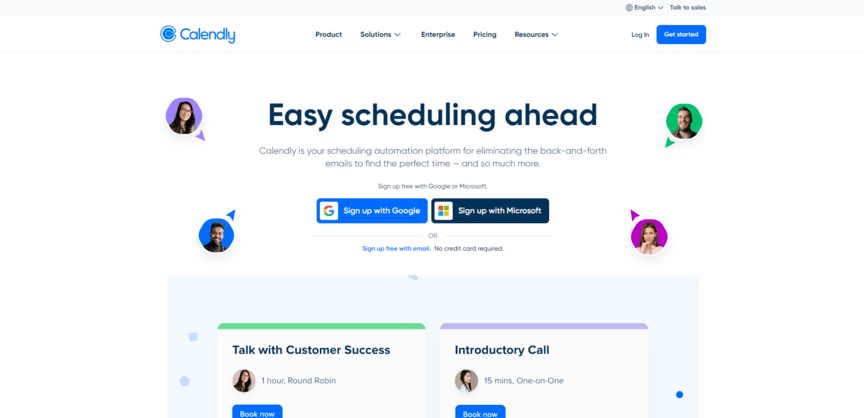
Calendly is one of the best-known meeting scheduling tools out there. Its biggest selling point is simplicity — it’s not bogged down with too many features (although the paid plans do offer more advanced features than the free one). For that reason, Calendly scores big on ease of use.
Another great thing about Calendly is that it comes with tons of integration options. Those integration options include CRMs like Salesforce, but it’s important to note that those CRM integrations aren’t nearly as extensive as a meeting scheduling tool built right into a CRM like Nutshell Scheduler.
3. Doodle

Price: Free, or $6.95+ per user per month for more features
Best for: Scheduling teamwide meetings
If all your meetings are one-on-one, it’s not too complicated to schedule them. But what about if your meetings tend to include lots of people?
In that case, Doodle could be the best option.
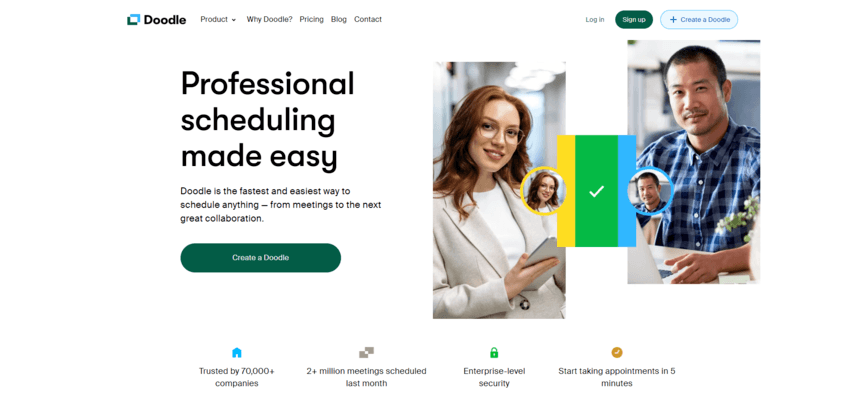
Doodle allows you to create polls where everyone involved in the meeting votes on the best time to have it. Doodle will then automatically schedule the meeting for the time slot that wins the vote, so you don’t have to do it manually.
Doodle will even send out reminders to people who don’t vote, encouraging them to provide feedback before the poll deadline.
While many of these tools offer great standalone features, choosing between a dedicated scheduler and a CRM-integrated tool can be tough. See our deep dive into Nutshell Scheduler vs. Doodle to see which fits your team’s workflow better.
4. Sidekick

Price: Free, or $5 per month for more features
Best for: Scheduling meetings across many different locations
In today’s digital world, online meetings are all the rage. But maybe your business is a bit more old-school and likes to set up physical meetings. In that case, Sidekick could be a great option.
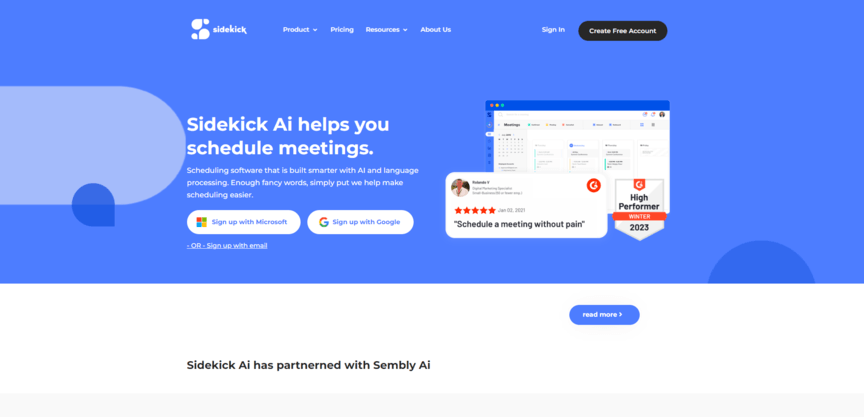
In addition to integrating with various video meeting apps, it also allows you to schedule meetings for real-world locations.
If you use specific physical locations frequently, you can save those locations in Sidekick so it’s easy to schedule meetings at those spots. That means Sidekick can handle a variety of different meeting types and locations.
5. Motion

Price: $12+ per user per month
Best for: Joint scheduling and project management
Remember how Nutshell Scheduler was such a good tool because it allowed you to get a CRM and a scheduler as one tool? Well, Motion is similar — except instead of doubling as a CRM, it doubles as a project management platform.
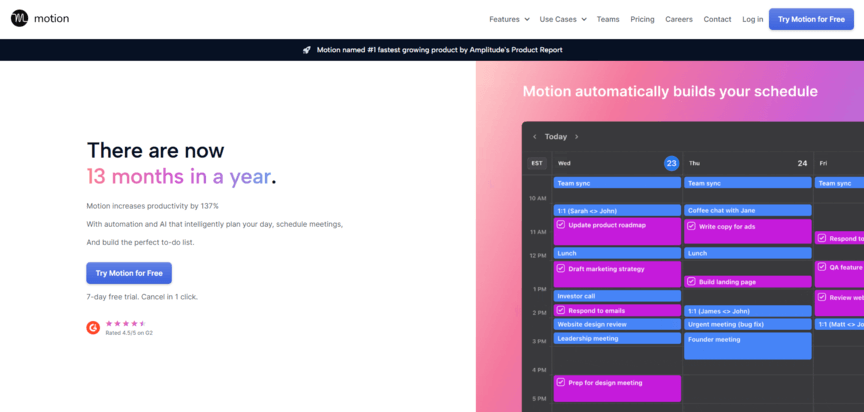
With this meeting scheduling tool, you can manage your whole work schedule — not just meetings, but also projects you’re working on. You can provide how long you expect each meeting or project to take you, and then Motion will automatically put together your schedule based on how everything fits together. (You can always rearrange it however you want, of course.)
6. Google Calendar

Price: Free
Best for: Google integration
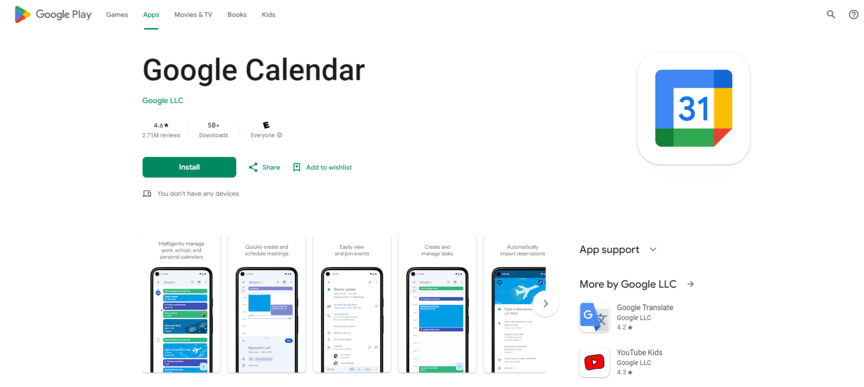
Another of the best meeting scheduler apps is Google Calendar. You’re probably familiar with this one already, because if you have a Google account, you have access to it automatically. Like Calendly, it’s very simple, so it’s perfect for businesses that don’t want anything too complicated.
This probably goes without saying, but it also integrates flawlessly with a variety of Google products. If you use Google Meet for all your video calls, Google Calendar is a great companion to it.
Plus, to create a meeting in Google, all you have to do is add it to the calendar. Anyone you include in the meeting will then automatically receive an email invite.
7. SimplyMeet.me

Price: Free
Best for: Affordability
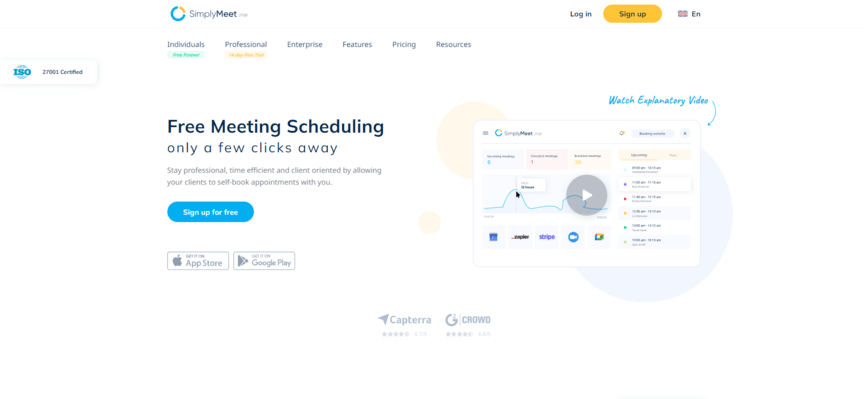
SimplyMeet.me isn’t the only free meeting scheduling tool on this list. But out of the free options listed here, this tool offers the most features. Platforms like Calendly have limited free plans, but SimplyMeet actually offers a decent number of scheduling capabilities, including:
- Multiple meeting types
- Meeting customization
- Easily navigable interface
None of these are particularly unique, but they get the job done — and for a free tool, it’s hard to complain. Overall, SimplyMeet offers a great deal.
8. SavvyCal

Price: Free, or $12+ per user per month for more features
Best for: Comparing schedules
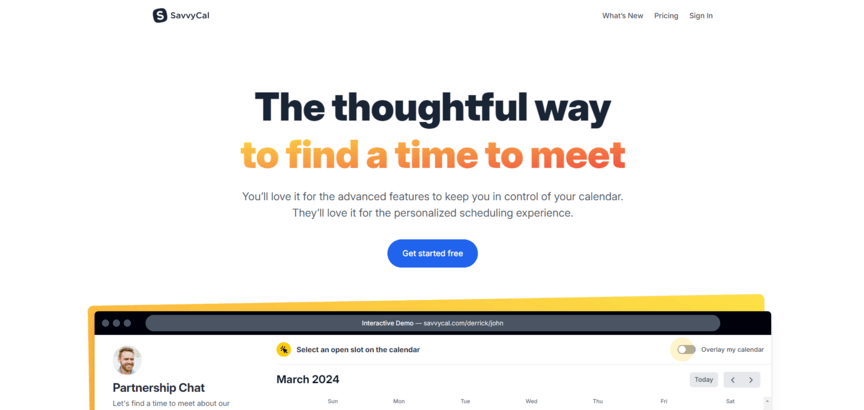
SavvyCal is another popular meeting scheduler tool. It has a free plan, and it’s great for comparing schedules. If a prospect wants to set up a meeting, they can overlay their schedule on top of your business’s schedule to see which time works best.
Other features include:
- Options for both online and offline meetings
- Pre-meeting survey options
- Ability to set limits on the number of meetings available for the week
- And more!
9. OnceHub

Price: Free, or $10 per user per month for more users
Best for: Analyzing results of meetings
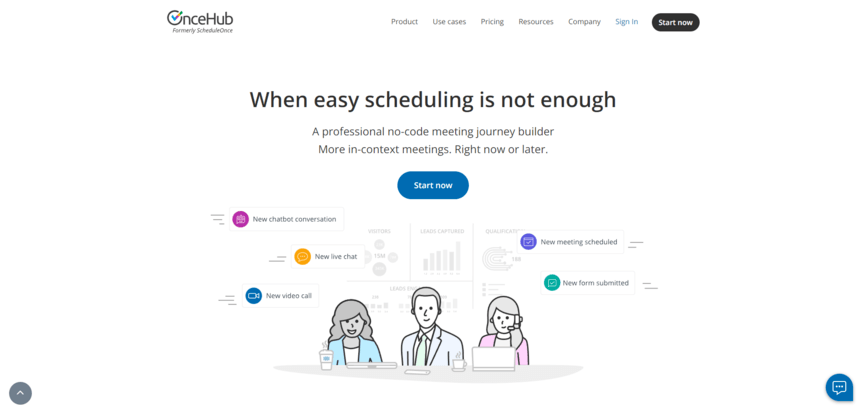
OnceHub is the optimal tool for generating reports for each of your meetings. Those reports include info about what was discussed in the meeting and what results it drove. You can then organize your reports based on those results, including how much revenue (if any) the meeting drove.
Other features include:
- Different meeting type options
- Ability to set parameters on how many meetings to have in a given time
- Booking page customization options
- And more!
10. Acuity Scheduling

Price: $16+ per month
Best for: Paid consulting appointments
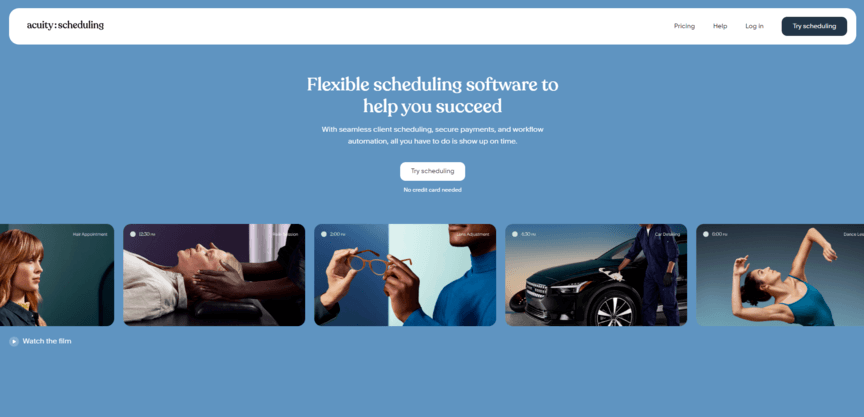
Last on our list of top meeting scheduling apps is Acuity Scheduling. This tool contains many of the standard scheduling features, including various integration options and the ability to navigate across time zones. However, its standout feature is its ability to charge customers for booking appointments.
This won’t be useful to every business. However, some companies offer features like consulting services, where the meetings themselves are what they’re selling. If you’re one of those companies, Acuity is a great option, because it allows you to charge for the meetings right on the same platform that you schedule them through.
11. Zeeg

Price: Free, or $10+ per user per month for more features
Best for: GDPR-compliant scheduling with built-in CRM features
If you need appointment scheduling and customer management in a single place, Zeeg CRM could be a great option. Using Zeeg, you get both professional scheduling features and simple CRM features, so you can manage customer relationships without having to switch between tools.
Zeeg CRM stands out with its native Apple Calendar integration, which many other schedulers have discontinued (including Calendly). The platform includes smart routing forms that qualify leads before meetings, automated workflows for reminders, and customizable booking pages.
Key features include built-in CRM, Apple Calendar integration, lead routing with intake forms, AI phone scheduling, payment processing, and team scheduling with round-robin distribution. Zeeg integrates with major calendar services, video conferencing tools like Zoom and Google Meet, and external CRM systems like Salesforce.
Free vs. paid meeting scheduling tool
Ultimately, deciding between free and paid meeting scheduling tools depends on your business’s specific needs and how much functionality you require from the tool.
Free plans typically offer basic features such as calendar integration, limited scheduling links, and basic reminders, making them ideal for small teams or individuals with simple scheduling requirements. However, these tools may have limitations, such as fewer integrations, less customization, and limited meeting types.
On the other hand, paid plans provide advanced features like priority support, expanded integrations, custom branding, analytics, and more meeting customization options. If your business requires greater flexibility, more robust tools, and scalability, a paid plan might be the better choice.
Security and privacy considerations
Businesses frequently handle sensitive client information, often shared through meeting scheduling tools. As such, it’s essential to prioritize the security features these tools offer.
If your business deals with confidential data, select a tool with enterprise-grade security, such as role-based access control, end-to-end encryption, and comprehensive compliance certifications. Choose platforms that enable password protection or invite-only meeting links to prevent unauthorized access. Encourage team members to share only essential information in meeting invites and to use more secure channels for confidential data.
Finally, make it a habit to regularly review your meeting scheduling tools and their privacy and security policies to ensure they continue to meet your business’s security needs.
Frequently asked questions
-
How much time do meeting schedulers actually save sales teams?
Research shows teams save an average of 17 minutes per meeting scheduled, with a 10-person team saving 22.7 hours weekly on scheduling tasks. Meeting schedulers cut scheduling time by 50% for smaller meetings and save 45-90 minutes for larger group meetings compared to manual methods.
-
Do meeting schedulers integrate with Nutshell CRM?
Yes, many top schedulers offer CRM integrations through APIs or Zapier connections. While direct Nutshell integration varies by tool, platforms like Calendly and Acuity Scheduling connect via Zapier, automatically logging meetings and contact details into your Nutshell pipeline.
-
What’s the difference between free and paid meeting scheduler features?
Free schedulers typically limit you to one meeting type, basic email reminders, and single calendar sync. Paid versions ($15-80/month) unlock unlimited meeting types, SMS reminders, team scheduling, custom branding, and CRM integrations—essential features for professional sales teams.
-
Can meeting schedulers help qualify leads before sales calls?
Absolutely. Modern schedulers include qualification forms that screen prospects before booking. You can add custom questions about budget, timeline, and needs, automatically routing qualified leads to the right rep while filtering out poor-fit prospects before they consume valuable sales time.
-
How do meeting schedulers handle time zones for global teams?
Meeting schedulers automatically detect visitor time zones and display availability in their local time. They handle daylight saving changes, prevent booking conflicts across regions, and send reminders with correct times—eliminating the confusion that costs international teams deals.
Use Nutshell to keep track of all your business meetings
Now that you know all the top meeting scheduler tools, you can start to figure out which one is right for you. And if your business is also in need of a CRM, the answer is obvious — Nutshell is the perfect choice.
Our scheduler is perfectly designed to help you turn your meetings into fresh lead data that you can use to further improve your sales efforts. Plus, the core CRM platform is filled with other helpful features like sales automation and advanced reporting, and our customer support team is always standing by to help with any concerns you may have.
Interested in getting started with Nutshell? Check out our 14-day free trial today!
Get an easy-to-use CRM that’s intuitive yet powerful
Give our powerful, easy-to-use CRM a try for free for 14 days — no credit card required!
BACK TO TOPWritten by
Kevin Randolph Partnerships and Outreach SpecialistReady to try
Nutshell for Free?Thank you! Your submission has been received!Oops! Something went wrong while submitting the form.
New in Nutshell: Light a Fire Under Your Most Important Deals With Hot Leads!
Published on: November 10, 2022
Announcing Our New Integration with KrispCall: Capabilities, Benefits, and Getting Started
Published on: September 18, 2024
Best CRM For Gmail: Top Solutions For Google Workspace Teams In 2026
Published on: February 18, 2026Sales Performance Reviews: 9 Tips to Make Them Valuable
Published on: November 10, 2022Highly Effective Strategies for Elevating Sales Team Performance
Published on: November 10, 2022What Are the Top 3 Go-To-Market Strategies?
Published on: November 10, 2022Join 30,000+ other sales and marketing professionals. Subscribe to our Sell to Win newsletter!
- Product
- Nutshell Overview
CRM & Sales
Our powerful and easy-to-use flagship product.Marketing
Email marketing, forms, landing pages, and more.Engagement
Your omni-channel inbox in your CRM.Prospecting
Prospect for new leads and new contacts in your CRM.Quotes & Invoices
Quickly create quotes & invoices in your CRM.
AI
See why Nutshell is the leading AI CRM.Integrations
Connect to Google/Microsoft and over 5,000 Apps.
ReportingCreate reports and forecasts in an instant.CRM Advisor
Get a dedicated point of contact to get the most out of Nutshell.Partner Marketplace
Find trusted partners to help optimize your Nutshell CRM.
- Pricing
Nutshell AI
- Resources
- Contact Us
Contact Sales
Send us your questions or book a 1-on-1 demo.Join a Demo
Join a group demo for a general overview of Nutshell.
Contact Support
Contact our support team via live chat in app or via email.Become a Partner
Refer businesses to Nutshell & earn commissions.
Contact Marketing
Questions about our website or our marketing opportunities?Careers
Join our growing team! See current openings.