The Best eSignature Apps (Free and Paid): Compare Features, Pricing, & more
-
Key Takeaways
The best eSignature apps—like DocuSign, HelloSign, PandaDoc, and SignWell—streamline contract workflows, speed up deal closures, and reduce paperwork for B2B teams.
But while most tools offer basic signing functionality, standout platforms include advanced features like CRM integration, templates, and automation that improve efficiency and compliance.
The takeaway? Choose an eSignature solution that fits your sales process, scales with your needs, and helps close deals faster with minimal friction.
Back when documents existed only in hard copy, people would sign those documents using pens. But today, so many important documents live purely in the digital realm. As a result, it’s common for people to use electronic signature (eSignature) apps to sign documents.
An eSignature app is designed to ensure security and authenticity. And if you plan to use electronic signatures for your business, you probably want to know what the best eSignature apps are.
That’s one of the questions we’ll answer in this post. Here’s what we’ll cover:
Keep reading to find out more about the best document-signing apps!
eSignatures vs. digital signatures
You may have heard the phrases “electronic signature” and “digital signature” used interchangeably before. And if so, that’s fine—in layperson’s terms, they both refer to the same thing. On a more technical level, though, they’re slightly different types of signatures.
In the legal sense, an electronic signature is like a regular signature, except that it happens on a screen instead of a sheet of physical paper. For example, if someone signs their name on a tablet, that’s an electronic signature.
A digital signature is different. It might look like a handwritten signature or be someone’s name in a regular typeface. What sets it apart is that it’s more than just a line of text—it’s encoded with info like the signer’s email address and the time the signature was made.
This adds an additional level of verifiability to the signature that you wouldn’t find with an eSignature.
Summarize this content with AI:
The 5 best eSignature apps for your business
Let’s get to the main reason you’re here: Our list of top document sign apps. Each electronic signature app on this list is assessed based on qualities like ease of use, features, and price.
There are a lot of electronic signature apps out there, so we’ve selected our top five tools or apps you can use to sign a document. They include:
Here’s a summary of these document signing apps, and how they stack up against one another:
eSignature app Price Best feature Dropbox Sign $15+ per month (free plan available) Automated reminders for signatures PandaDoc $19+ per month (free plan available) Seamless Nutshell integration DocuSign $10+ per month Document organization Acrobat Sign $12.99+ per month Collecting payments via Braintree SignWell $8+ per month (free plan available) Simplicity and affordability Now, read on to see how they compare in a bit more detail!
1. Dropbox Sign

Price: Starting at $15+ per month, billed annually (free plan available)
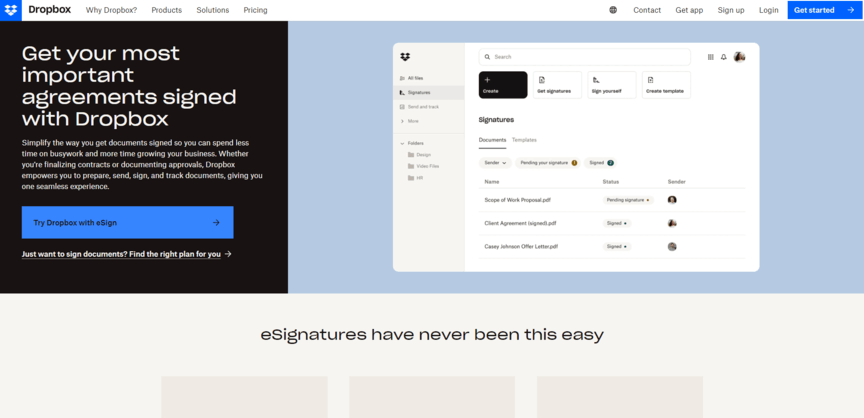
Dropbox Sign is a tool offered by—you guessed it—Dropbox. You may already use Dropbox to store and transfer the files you need signed, in which case it’s almost a no-brainer to use the same platform to sign those documents. Of course, this tool also integrates well with your CRM as well as other cloud services like Google Drive and Microsoft OneDrive.
Dropbox Sign has a few nifty features—for one, it sends automated reminders about signatures, and for another, it allows for mobile-friendly signatures. Also, while Dropbox Sign does offer a free plan, it only includes three documents per month.
2. PandaDoc

Price: Starting at $19+ per month, billed annually (free plan available)
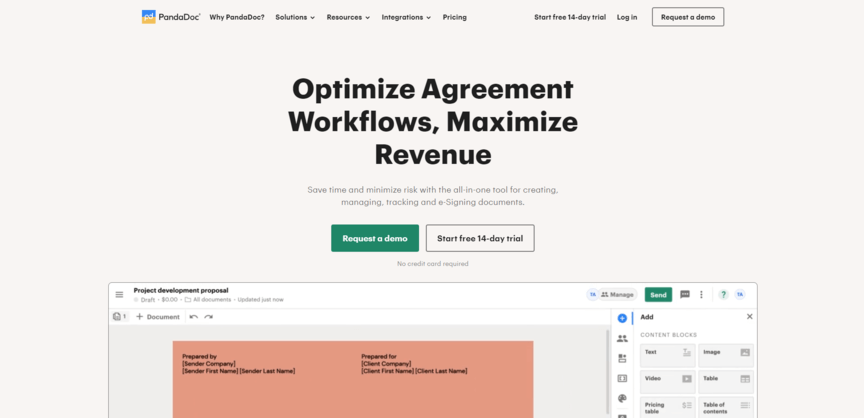
PandaDoc is another of the top eSignature apps out there. It has a few nifty features, like allowing people to customize what their signatures look like and letting you set up notifications to remind people to sign. Just like Dropbox Sign, PandaDoc offers a free plan that’s good for three documents per month.
It’s also worth pointing out that PandaDoc integrates with a variety of different tools, including Nutshell. This is extremely useful for getting signatures from leads on your CRM platform.
3. DocuSign

Price: Starting at $10+ per month, billed annually
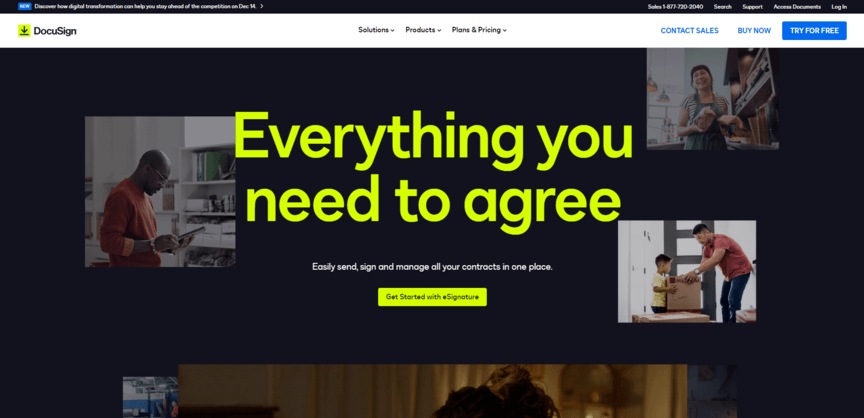
One of the biggest pros of using DocuSign is how organized it is. It divides up all your in-queue documents based on what stage of the process they’re in—the ones you’ve sent, the ones that have been signed, the ones that have expired without being signed, and so on.
Additionally, it helps you streamline your process by creating templates and viewing reporting metrics about which documents have been sent out and how many documents are going unsigned. This is also the type of eSignature app you can integrate with other software, like your CRM system.
DocuSign doesn’t offer a free plan, but it does have a free trial.
4. Acrobat Sign

Price: Starting at $12.99+ per month, billed annually
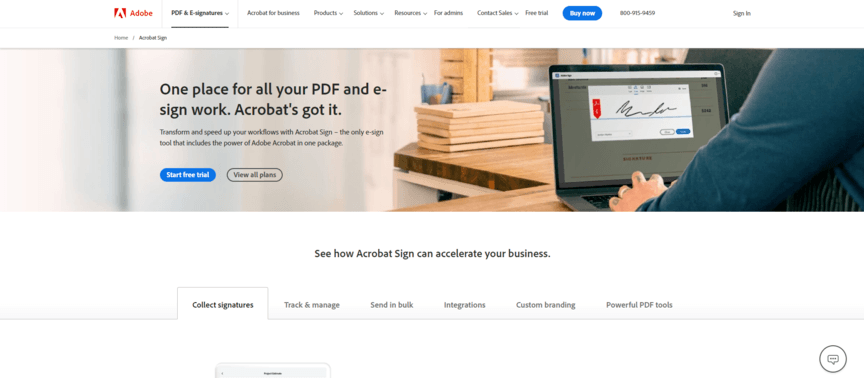
Acrobat Sign is a document signing app offered by Adobe. It’s a companion app to Adobe Acrobat. While you can sign documents through the regular version of Acrobat, Acrobat Sign offers some additional features.
What do those features include? It depends partly on which plan you opt for, but some available features include:
- Adding custom branding to agreements
- Redacting sensitive or personal information
- Collecting payments via Braintree
Like Docusign, Acrobat Sign doesn’t have a free plan, but it does offer a free trial.
5. SignWell

Price: Starting at $8+ per month, billed annually (free plan available)
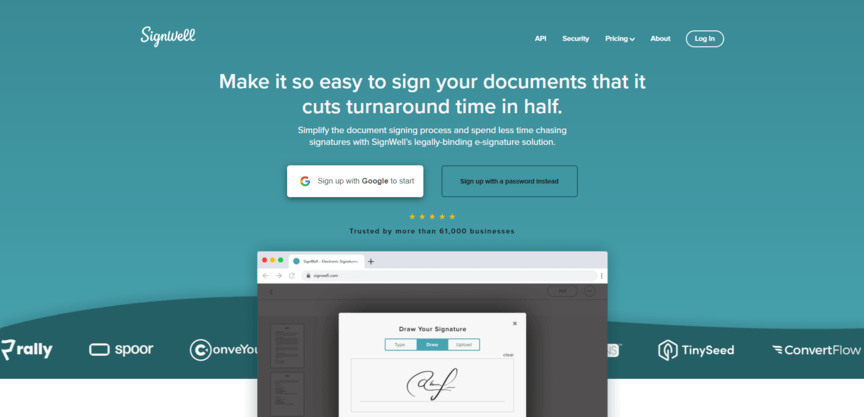
Last on our list of top eSignature apps is SignWell. It earns a spot on this list because it’s simple, easy to use, and offers a free plan. Although it doesn’t offer any fancy extra features, its ease of use makes it a great choice if you’re just looking for something basic that you can start using quickly without paying anything.
Of course, the free plan is limited, as with most other tools on this list, so you only get three documents per month. However, the paid plans start at $8 per month (billed annually), so it’s still the most affordable option listed here.
How to create an electronic signature
You can add an electronic signature to almost any type of document, but it’s not as easy as using an eSignature app. These apps make signing documents incredibly simple and typically offer a one-click signature solution.
While each document signing app will have a slightly different interface and process, signing or requesting a signature via an electronic signature app is easy and should not present any challenges.
How to choose an eSignature app
Most of the best eSignature apps are pretty simple, so the process of choosing one shouldn’t be too complicated. Generally, there are only a few factors that you should consider:
- Price: With several electronic signature apps to choose from, it’s best to find options offering competitive pricing plans and a free trial to test the app before purchasing.
- Reviews: Search for reviews on websites like G2 and TechRadar to see what others have to say about their experience using the app.
- Features: An electronic signature app with more than the standard features is ideal if those additional features are helpful to you and your business.
- Integrations: Selecting an eSignature app that can integrate with document processing or storage software you and your clients use is the first prize.
- Security: Ensure your chosen digital signature software complies with regulations and has all the security features you need to ensure that signatures and documents remain secure and protected.
- Compatibility: Choose an electronic signature app compatible with several types of documents. This will allow you to share and sign documents without being bound to a single word processing platform.
By examining these aspects, you can identify which electronic signature app is right for your business.
Frequently asked questions about electronic signature apps
Before we wrap up this page, let’s go over some frequently asked questions about document-signing apps:
What is the best app for adding a signature?
It entirely depends on your business! Consider factors like price, reviews, features, and integrations to find the answer.
What are some free eSignature apps?
Most eSignature apps require a subscription, but some offer limited free plans. Examples include Dropbox Sign, PandaDoc, and SignWell.
What are free mobile apps to sign documents on an iPhone?
Dropbox, PandaDoc and Signwell are all free apps that are compatible with iPhone. If you need unlimited signing however, you might need to upgrade to their paid plans or explore alternative apps.
What are the requirements for an eSignature to be valid?
An eSignature must be in line with laws like the ESIGN Act to be considered valid. That law states that electronic signatures should:
- Demonstrate intent to sign
- Indicate consent to do business electronically
- Provide the ability to opt out
- Give all parties access to a signed copy
Other laws may also apply, depending on location.
Learn about more helpful digital tools with Nutshell
Once you’ve identified the best electronic signature app for your business, you may be interested in finding some other digital tools to improve your business processes. If so, you don’t have to look very far. You can check out plenty of other helpful lists of tools here on the Nutshell blog!
BACK TO TOPWritten by
Kevin Randolph Partnerships and Outreach SpecialistReady to try
Nutshell for Free?Thank you! Your submission has been received!Oops! Something went wrong while submitting the form.
Best Less Annoying CRM Alternative: Why Nutshell Is Built for Growing Sales Teams
Published on: February 16, 2026What Are the Top 3 Go-To-Market Strategies?
Published on: November 10, 2022Sales Performance Reviews: 9 Tips to Make Them Valuable
Published on: November 10, 2022Join 30,000+ other sales and marketing professionals. Subscribe to our Sell to Win newsletter!
- Product
- Nutshell Overview
CRM & Sales
Our powerful and easy-to-use flagship product.Marketing
Email marketing, forms, landing pages, and more.Engagement
Webchat, SMS, WhatsApp & more in your Omni-Channel Inbox.Prospecting
Prospect for new leads and new contacts in your CRM.Proposals & Invoices
Create & send quotes, invoices and contracts in your CRM.
AI
See why Nutshell is the leading AI CRM.Integrations
Connect to Google/Microsoft and over 5,000 Apps.
ReportingCreate reports and forecasts in an instant.Mobile App
Take your CRM with you wherever you go.CRM Advisor
Get a dedicated point of contact to get the most out of Nutshell.
- Pricing
Nutshell AI
- Resources
- Contact Us
Contact Sales
Send us your questions or book a 1-on-1 demo.Join a Demo
Join a group demo for a general overview of Nutshell.
Contact Support
Contact our support team via live chat in app or via email.Become a Partner
Refer businesses to Nutshell & earn commissions.
Contact Marketing
Questions about our website or our marketing opportunities?Careers
Join our growing team! See current openings.