Best CRM for Accountants: Top 8 CRM Software Solutions for Accounting Firms (2026)
-
Key Takeaways
Nutshell leads our list as the top pick for a comprehensive, all-in-one CRM solution that growing accounting firms need. Our top three recommendations are:
- Nutshell (4.5/5): Best all-in-one solution for growing accounting firms
- HubSpot CRM (4/5): Best for marketing-focused firms
- TaxDome (4/5): Best for tax-focused practices
We evaluated each solution on ease of use, accounting features, integrations, value, and support quality. QuickBooks and Xero integration capabilities proved essential across all platforms.
Managing 300+ clients during tax season while keeping track of deadlines, documents, and communications sounds like a bad nightmare. And yet it’s a reality for many accountants and tax professionals.
If you’re an accountant struggling with client communication chaos, missed deadlines, or document version control nightmares, you’re not alone.
The good news? The right CRM software for accountants can transform your practice from reactive to proactive. In fact, firms that use CRM see a 41% increase in sales revenue.
We’ve evaluated the best CRM for accountants to help you find the perfect solution for your firm. This comprehensive guide reviews 8 top solutions with objective comparisons to help you make an informed decision.
While each platform has its strengths, we’ll show you why Nutshell stands out as the all-in-one choice for growing accounting firms.
Best CRMs for accountants, at a glance
- Nutshell (4.5/5): Best for growing accounting firms seeking a comprehensive, all-in-one CRM solution
- HubSpot CRM (4.0/5): Best for firms prioritizing marketing automation features
- TaxDome (4.0/5): Best for tax-focused practices needing specialized tax workflow tools
- Karbon (4.0/5): Best for mid-size firms requiring practice management capabilities
- Method:CRM (3.5/5): Best for QuickBooks-centric firms wanting deep accounting integration
- Zoho CRM (3.5/5): Best for budget-conscious firms needing customization options
- Canopy (3.5/5): Best for tax resolution specialists and complex tax practices
- Salesforce (3/5): Best for large accounting firms with enterprise requirements
Table of Contents
- How we selected the best CRM for accountants
- Key features every accountant CRM should have
- Quick comparison table
- Best CRM software for accountants: Detailed reviews
- How to choose the right CRM for your accounting firm
- CRM Implementation: Best practices for accounting firms
- Frequently asked questions
How we selected the best CRM for accountants
We tested over 20 CRMs and narrowed them down to the top 8, based on criteria that matter most to accounting professionals. Our evaluations focused on real-world usage scenarios during both tax season rushes and year-round client management.
The five evaluation criteria include:
- Ease of use (25%): We tested how quickly new users could navigate the system and complete common tasks
- Accounting-specific features (25%): How well does the CRM manage documents, track deadlines, and serve as an effective client portal?
- Integration capabilities (20%): Seamless connections with QuickBooks, Xero, and other accounting software proved crucial for efficient workflows.
- Value for money (15%): We analyzed ROI potential and pricing structures across different firm sizes.
- Customer support (15%): Availability of support and accounting-specific expertise made a significant difference.
We considered various firm sizes throughout our evaluation, from solo CPAs to firms with 50+ employees handling thousands of accounts. Mobile functionality also played a crucial role. Mobile CRM continues to be an important feature – studies show 65% of professionals who use CRM on their mobile devices are more likely to achieve their intended quotas.
Our methodology remained fair throughout, focusing on practical benefits rather than feature lists. We tested each platform with real accounting scenarios to ensure our recommendations reflect actual user experiences.
Key features every accountant CRM should have

Modern accounting firms need more than basic contact management. Here are the essential features your CRM should include:
- Client portal capabilities form the foundation of modern client relationships. Secure document exchange eliminates the need for risky email attachments, while a centralized communication hub keeps all interactions organized.
- Deadline & task management prevents costly mistakes and missed filings. The best CRM systems automatically populate deadlines based on client types and filing requirements.
- Document management system with version control saves hours of confusion. Modern CRMs like Nutshell provide bank-level encryption and detailed audit trails, ensuring protection for your sensitive financial documents.
- Accounting software integration creates real-time sync with QuickBooks, Xero, and other platforms. The integration should flow both ways, updating client information across all platforms.
- Workflow automation transforms repetitive tasks into efficient processes. Client onboarding becomes standardized, follow-ups happen automatically, and status updates keep everyone informed. AI-powered tools can enhance automated workflows, reducing monthly close time by 7.5 days.
- Team collaboration tools ensure smooth operations across your firm. During busy seasons, these features such as shared inboxes, permission controls, and client assignment become essential for maintaining service quality.
Quick comparison table
CRM Names Ratings Best For Starting Price Free Trial Nutshell ⭐⭐⭐⭐½ Comprehensive all-in-one solution $13/user/month 14 days HubSpot ⭐⭐⭐⭐ Marketing automation focus Free tier available; paid plans from $20/user/month Free tier TaxDome ⭐⭐⭐⭐ Tax workflow specialization $50/user/month 14 days Karbon ⭐⭐⭐⭐ Practice management $59/user/month 14 days Method:CRM ⭐⭐⭐½ QuickBooks integration $25/user/month 30 days Zoho ⭐⭐⭐½ Customization options $14/user/month 15 days Canopy ⭐⭐⭐½ Tax resolution $45/user/month (starting price for small firms) 14 days Salesforce ⭐⭐⭐ Enterprise features $25/user/month 14 days
See Nutshell in action
See how Nutshell compares to other CRMs in action. Book a personalized demo with our CRM experts.
Best CRM software for accountants and CPAs: Detailed reviews
1. Nutshell
Rating: 4.5/5
Best for growing accounting firms seeking a comprehensive, all-in-one CRM solution

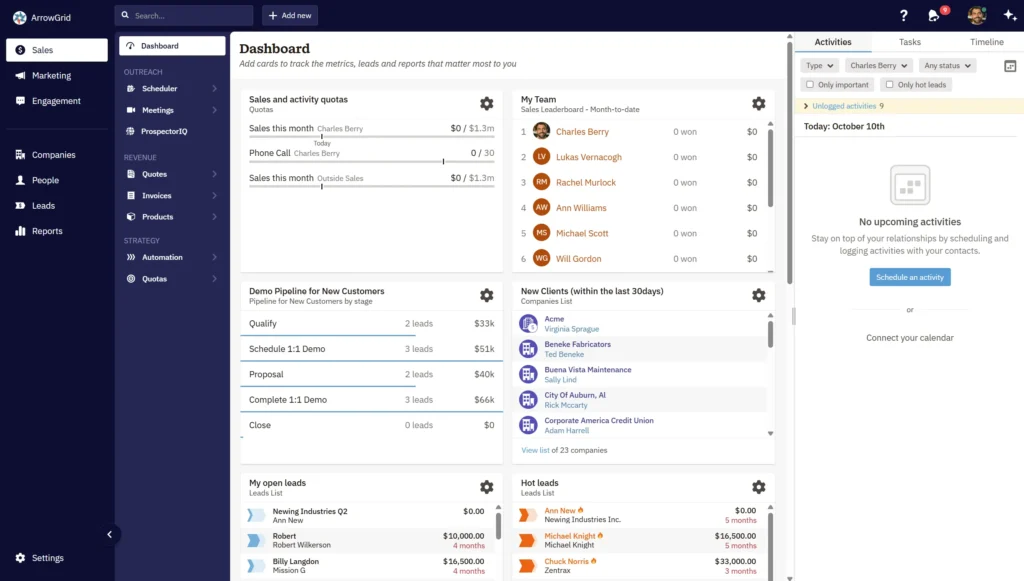
Nutshell stands out as the complete CRM platform that combines sales, marketing, and client management in one intuitive system. It’s designed for busy professionals who need powerful features without complexity, making it perfect for accounting firms that want to focus on serving clients rather than learning software.
Key Features:
- Automated workflow management for client onboarding and follow-ups
- Comprehensive reporting for tracking client relationships and revenue
- Mobile app for managing clients during site visits
Pros:
- All-in-one platform eliminates need for multiple tools
- Intuitive interface requires minimal training
- Excellent value with transparent pricing
Cons:
- Less tax-specific features than specialized tools
- Limited advanced customization compared to enterprise options
Pricing: Starting at $13/user/month with annual billing
2. HubSpot CRM
Rating: 4/5
Best for firms prioritizing marketing automation features

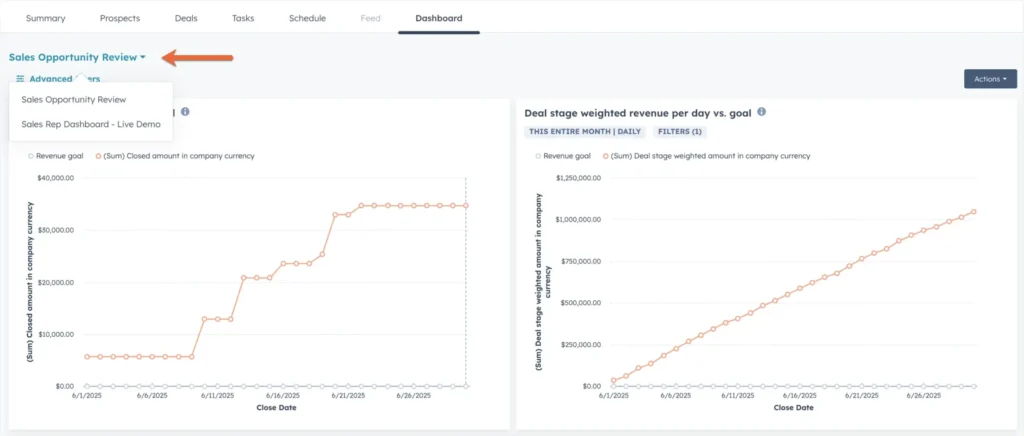
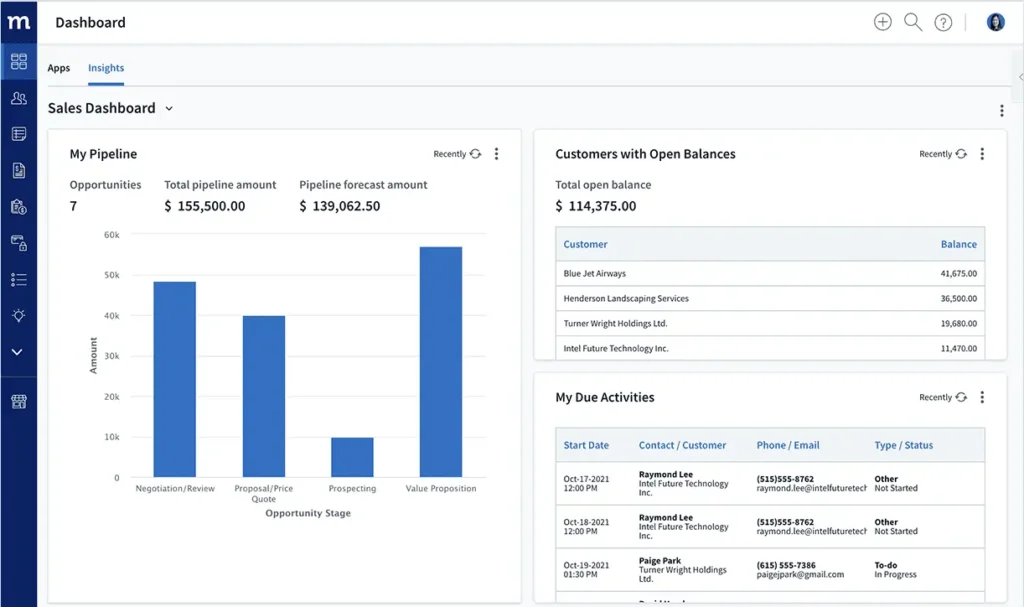
HubSpot excels in marketing automation and lead generation, making it ideal for firms focused on growth. While powerful for marketing, it may require additional tools for complete accounting firm management, which can complicate your tech stack.
Key Features:
- Email marketing and automation tools
- Lead tracking and scoring
- Basic contact management
Pros:
- Free tier available for small firms
- Strong marketing capabilities
- Large app marketplace
Cons:
- Limited accounting-specific features
- Can become expensive with add-ons
Pricing: Free tier available; paid plans from $20/user/month
3. TaxDome
Rating: 4/5
Best for tax-focused practices needing specialized tax workflow tools

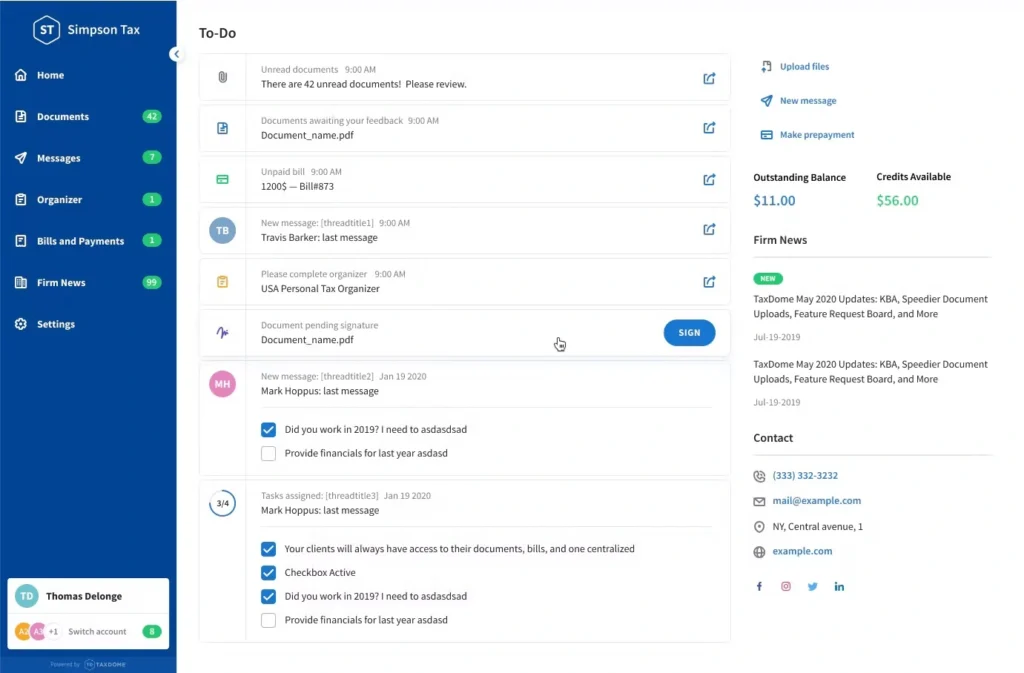
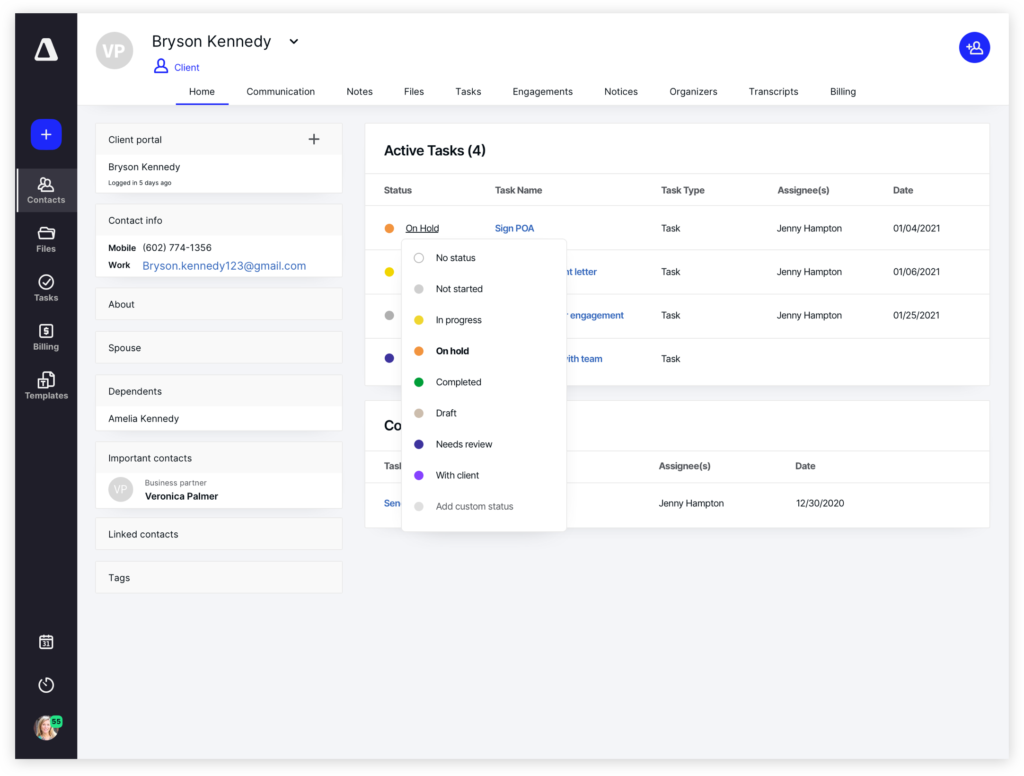
TaxDome provides excellent functionality for tax-heavy practices with its specialized workflows and IRS integration. However, its narrow focus may limit usefulness for firms offering diverse services year-round, making it less versatile than comprehensive solutions.
Key Features:
- Tax-specific workflow templates
- IRS form management
- Client portal with e-signatures
Pros:
- Purpose-built for tax professionals
- Strong document management
- Tax deadline automation
Cons:
- Less versatile for non-tax services
- Higher price point
Pricing: Starting at $50/user/month
4. Karbon
Rating: 4/5
Best for mid-size firms requiring practice management capabilities

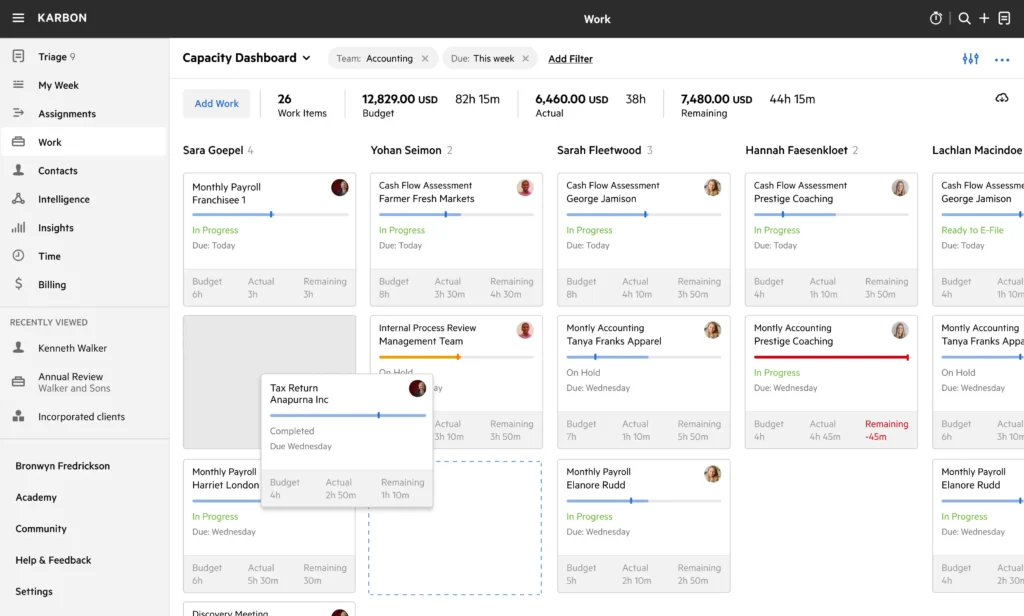
Karbon offers a robust practice management platform with integrated CRM features. While powerful for larger teams, it’s often too complex for smaller firms just starting their digital transformation journey.
Key Features:
- Email integration and management
- Work item tracking
- Team collaboration tools
Pros:
- Built specifically for accounting firms
- Strong email management
- Good team features
Cons:
- Steeper learning curve
- Higher cost for smaller firms
Pricing: Starting at $59/user/month
5. Method:CRM
Rating: 3.5/5
Best for Quickbooks-centric firms wanting deep accounting integration

Method:CRM shines with its tight QuickBooks integration, offering seamless two-way sync. Beyond that, its limited features mean firms often need additional tools for comprehensive client management.
Key Features:
- Two-way QuickBooks sync
- Invoice and estimate management
- Basic contact management
Pros:
- Seamless QuickBooks integration
- Customizable workflows
- Good for QuickBooks users
Cons:
- Limited features beyond integration
- Less suitable for non-QuickBooks users
Pricing: Starting at $25/user/month
6. Zoho CRM
Rating: 3.5/5
Best for budget-conscious firms needing customization options

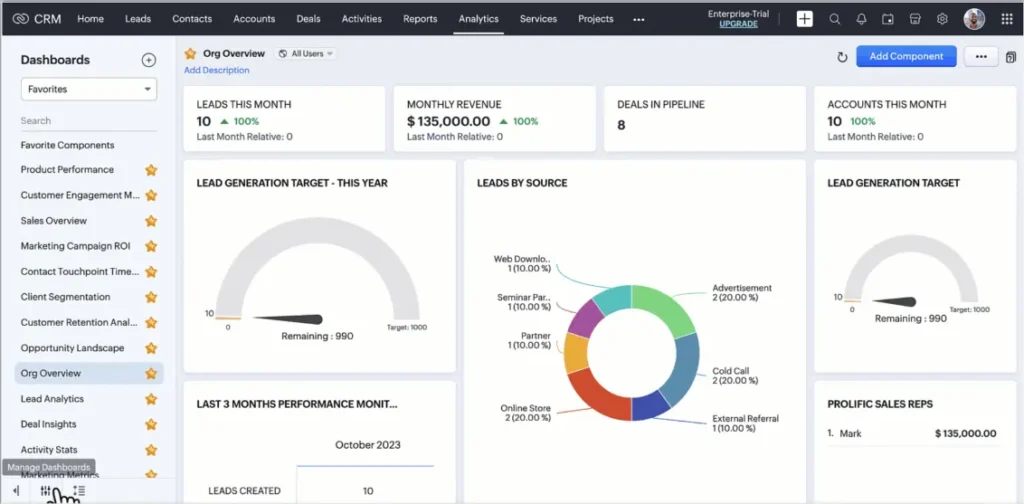
Zoho provides an affordable option with extensive customization possibilities. The platform’s flexibility comes with complexity that can overwhelm users seeking simplicity, requiring significant setup time and training.
Key Features:
- Customizable modules and fields
- Workflow automation
- Multi-channel communication
Pros:
- Very affordable pricing
- Highly customizable
- Part of larger Zoho suite
Cons:
- Steep learning curve
- Interface can be overwhelming
Pricing: Starting at $14/user/month
7. Canopy
Rating: 3.5/5
Best for tax resolution specialists and complex tax practices

Canopy specializes in tax resolution workflows, making it ideal for firms handling complex tax cases. The high cost and narrow focus make it less suitable for general accounting firms seeking broader functionality.
Key Features:
- Tax resolution workflows
- IRS transcript management
- Client portal with secure messaging
Pros:
- Specialized tax resolution features
- Strong compliance tools
- Good document management
Cons:
- Expensive for basic CRM needs
- Narrow focus on tax resolution
Pricing: Starting at $65/user/month
8. Salesforce
Rating: 3/5
Best for large accounting firms with enterprise requirements

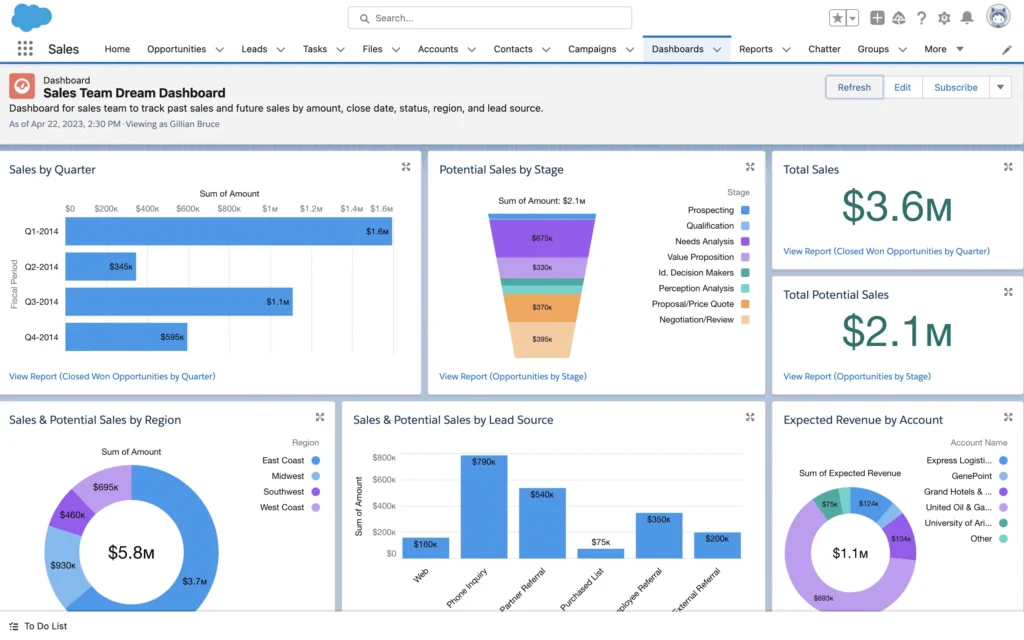
Salesforce offers a powerful enterprise platform with extensive customization options. For most accounting firms, it’s overkill – the complexity and total cost of ownership often outweigh the benefits unless you have dedicated IT resources.
Key Features:
- Extensive customization options
- Advanced reporting
- Large ecosystem of integrations
Pros:
- Highly scalable
- Extensive features
- Strong third-party support
Cons:
- Complex and overwhelming
- Expensive total cost of ownership
Pricing: Starting at $25/user/month (but typically much higher with needed add-ons)
How to choose the right CRM for your accounting firm
Choosing the best CRM for your accounting firm starts with a few simple, but effective steps:
- Assess your current firm size and project where you’ll be in three years. A CRM that fits perfectly today might constrain your growth tomorrow.
- Consider your seasonal workflow patterns and peak capacity needs. Tax season demands different capabilities than year-round advisory services.
- Evaluate your existing tech stack carefully. If you’re heavily invested in QuickBooks, Xero, or other accounting tools, integration quality becomes paramount. The best CRM seamlessly connects with your current systems rather than forcing you to change established workflows.
- Plan your investment wisely. Budget planning requires looking beyond monthly fees to calculate true ROI. CRM systems deliver an average ROI of 211%, but only when properly implemented and adopted. Factor in training time, data migration costs, and potential productivity gains.
- Use this decision framework based on firm size:
- Solo/small firms (1-5): Focus on ease of use and affordability. You need quick setup and immediate value without complexity.
- Growing firms (5-20): Need scalability and team features. Look for platforms that grow with you without requiring a complete switch later.
- Larger firms (20+): Require advanced customization and reporting. Enterprise features become essential for managing complex operations.
In addition to these tips, also take advantage of free trials when available. This allows you to test real client scenarios during your typical workflow, to ensure the CRM fits your specific needs.
CRM implementation: Best practices for accounting firms
The first weeks of CRM implementation are crucial to establishing permanent adoption and long-term success. Ensure you have a clean transition plan in place to make the journey from your old system as seamless as possible.
When implementing a CRM for your accounting firm, timing matters significantly. If possible, launch during summer or fall before tax season hits. This gives your team time to learn the system when pressure is lower and workflows are more predictable.
Follow this phased training approach for best results:
Week 1: Foundation
- Do a data cleanup and import only clean, essential data
- Configure integration with essential tools, such as your accounting software, email and calendar
- Establish adoption metrics and goals
- Train core members and champions to support the rest of the team
- Bonus: Set up automation early for immediate wins
Week 2-3: Team training
- Conduct full team basic training with hands-on practice
- Focus on daily tasks over more sophisticated features
- Start with client onboarding workflows and deadline reminders to deliver instant value while building team confidence
- Create simple process documentation (maximum of 2-3 pages)
Week 4+: Refinement
- Slowly introduce advanced features and optimization techniques
- Customize fields as necessary
- Continue to document new and updated processes as your team begins to acclimatize
- Track login frequency, feature usage, and client satisfaction scores.

Many CRM providers, including Nutshell, offer free data migration assistance and dedicated onboarding specialists to ensure your transition happens smoothly without disrupting client service.
Frequently asked questions
-
1. Do small accounting firms really need a CRM?
Small accounting firms and solo practitioners benefit significantly from CRM implementation. The specific benefits for small teams include centralized client database, and workflow automation. During tax season, having organized client data at your fingertips saves hours of searching through emails and files.
-
2. What’s the difference between CRM and practice management software?
CRM focuses on managing client relationships, tracking interactions, and nurturing business development. Practice management software handles internal workflows, project tracking, and resource allocation.
-
3. How much should accounting firms budget for CRM?
Accounting firms typically invest $20-75 per user per month for CRM software. Rather than focusing solely on cost, consider the ROI potential. Most firms see payback within 3-6 months through improved efficiency and client retention. Factor in implementation costs, training time, and any necessary integrations.
-
4. Can CRM software integrate with QuickBooks?
Yes, most modern CRMs offer QuickBooks integration, though quality varies significantly. Look for platforms providing real-time, two-way sync that updates both systems automatically. Nutshell’s seamless QuickBooks compatibility eliminates double data entry while ensuring your financial records always match your client management system.
-
5. What’s the best CRM for tax season management?
While specialized tools like TaxDome excel during tax season, comprehensive CRMs like Nutshell handle seasonal spikes while providing year-round value. The key is finding a system that manages high-volume periods without becoming obsolete during slower months.
-
6. How long does CRM implementation typically take?
Expect 2-4 weeks for basic setup and data migration, with 2-3 months for full team adoption. Implementation speed depends on data complexity, team size, and chosen platform. Focus on phased rollouts – start with core features before adding advanced functionality. This approach ensures steady progress without overwhelming your team.
Finding your perfect CRM match
The advantages of choosing the right CRM extends beyond efficiency gains. Better client relationships lead to increased referrals. Automated workflows free your team to focus on high-value advisory services. Comprehensive reporting reveals opportunities for growth and optimization. With 87% of businesses now using cloud-based CRM, staying competitive requires embracing these tools.
For most accounting firms seeking to modernize their operations, Nutshell provides the ideal balance of functionality, usability, and value. The platform grows with your firm, supporting everything from basic contact management to sophisticated marketing automation.
Ready to transform your accounting practice? Start your 14-day free trial of Nutshell today and experience firsthand how the right CRM can revolutionize your firm’s operations. Join thousands of businesses already benefiting from Nutshell’s comprehensive approach to client relationshipBACK TO TOPWritten by
Simone Morgan Associate Content MarketerEdited by
Will Gordon Sr. Director of MarketingReviewed by
Andy Fowler CEO & Co-Founder, NutshellReady to try
Nutshell for Free?Thank you! Your submission has been received!Oops! Something went wrong while submitting the form.
Nutshell partners with IT services provider Proactive Technology Management
Published on: March 13, 2025What Are the Top 3 Go-To-Market Strategies?
Published on: November 10, 2022AI in Customer Service: The Complete SMB Guide to Boost CSAT Scores
Published on: October 8, 2025Sales Performance Reviews: 9 Tips to Make Them Valuable
Published on: November 10, 2022Join 30,000+ other sales and marketing professionals. Subscribe to our Sell to Win newsletter!
- Product
- Nutshell Overview
CRM & Sales
Our powerful and easy-to-use flagship product.Marketing
Email marketing, forms, landing pages, and more.Engagement
Webchat, SMS, WhatsApp & more in your Omni-Channel Inbox.Prospecting
Prospect for new leads and new contacts in your CRM.Proposals & Invoices
Create & send quotes, invoices and contracts in your CRM.
AI
See why Nutshell is the leading AI CRM.Integrations
Connect to Google/Microsoft and over 5,000 Apps.
ReportingCreate reports and forecasts in an instant.Mobile App
Take your CRM with you wherever you go.CRM Advisor
Get a dedicated point of contact to get the most out of Nutshell.
- Pricing
Nutshell AI
- Resources
- Contact Us
Contact Sales
Send us your questions or book a 1-on-1 demo.Join a Demo
Join a group demo for a general overview of Nutshell.
Contact Support
Contact our support team via live chat in app or via email.Become a Partner
Refer businesses to Nutshell & earn commissions.
Contact Marketing
Questions about our website or our marketing opportunities?Careers
Join our growing team! See current openings.