Skip to main content ↓

12 Best Online Survey Apps for Businesses in 2025: Hear From Your Audience
Visual of a team collaborating using digital survey tools

Surveys are one of the most effective tools for collecting firsthand customer feedback and insights. Online survey tools have become indispensable for businesses aiming to gather feedback and make data-driven decisions. There are now well over a hundred survey platforms on the market, each with its own advantages and quirks.

If you’ve come to this page, it’s probably because you want to conduct an online survey, but you haven’t found the right survey tool yet.

With hundreds of online survey tools available, the choices can be overwhelming. That’s why we’ve sifted through the crowd to highlight 12 of the best online survey apps for businesses.

Key Takeaways

Nutshell Forms emerges as the best survey solution for CRM users, with a 4.5/5 rating and direct CRM integration that eliminates manual data entry. Our top three recommendations are:

  • Nutshell Forms (4.5/5): Best for CRM integration—included in your Nutshell subscription starting at $13/user/month  
  • SurveyMonkey (4.8/5): Best overall—most feature-complete platform with 100+ integrations and AI-powered analysis  
  • SurveySparrow (4.5/5): Best for chat-like surveys—unique offline capability and conversational feedback collection

Best survey apps at a glance

  1. SurveyMonkey (⭐⭐⭐⭐⭐ 4.8/5): Best overall
  2. Nutshell Forms (⭐⭐⭐⭐ 4.5/5): Best for CRM integration
  3. SurveySparrow (⭐⭐⭐⭐ 4.5/5): Best for chat-like experiences
  4. Jotform (⭐⭐⭐⭐ 4.4/5): Best for integrations and automation
  5. Typeform (⭐⭐⭐⭐ 4.3/5): Best for beautifully designed surveys
  6. Zonka (⭐⭐⭐⭐ 4.2/5): Best for real-time customer feedback
  7. QuestionPro (⭐⭐⭐⭐ 4.1/5): Best for advanced data analysis
  8. SurveyPlanet (⭐⭐⭐ 4.0/5): Best for user-friendly simplicity
  9. Google Forms (⭐⭐⭐ 4.0/5): Best for free, no-frills surveys
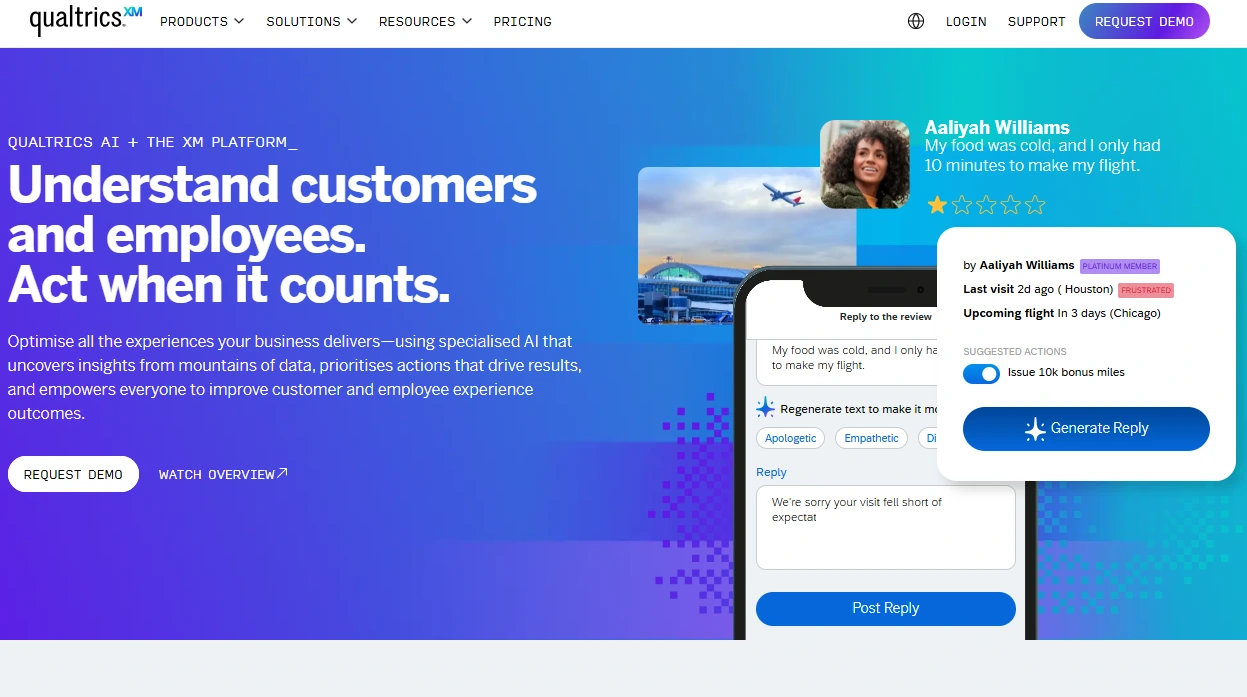
  10. Qualtrics (⭐⭐⭐ 3.9/5): Best for enterprise market research
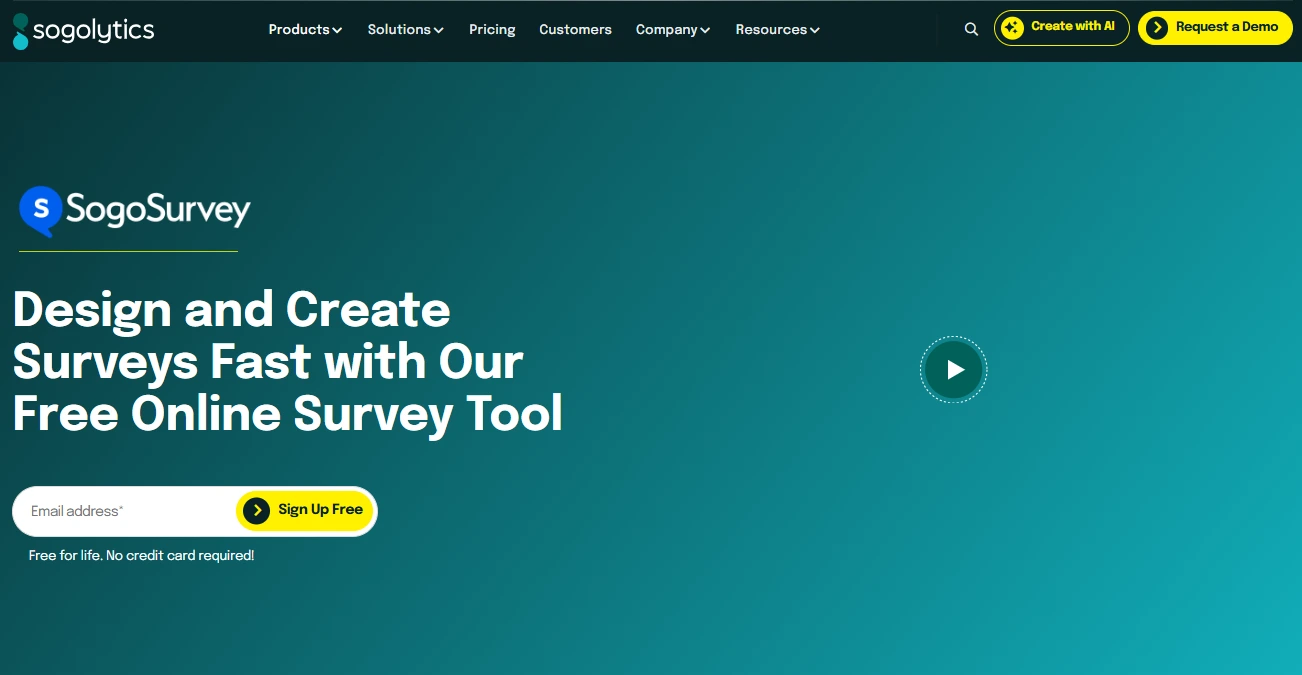
  11. SoGoSurvey (⭐⭐⭐ 3.9/5): Best for responsive customer support
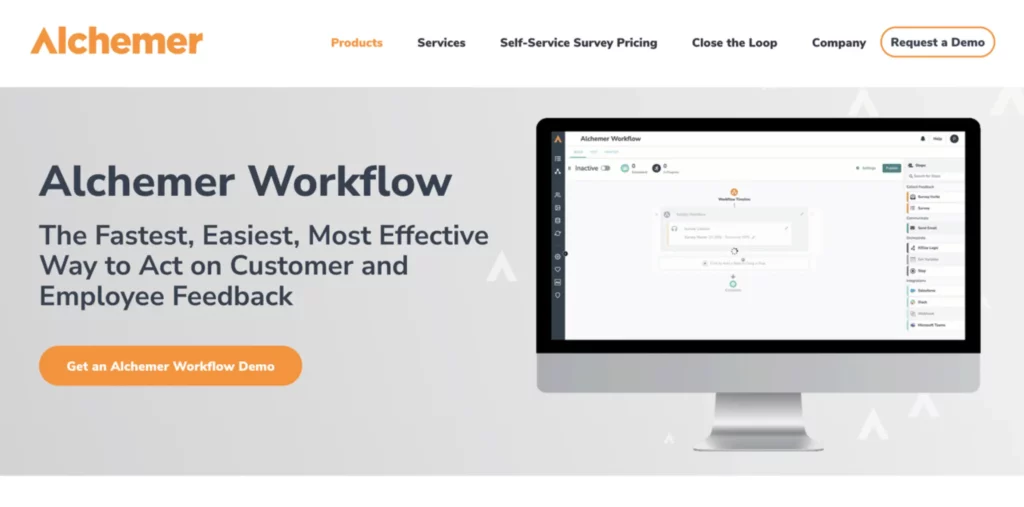
  12. Alchemer (⭐⭐⭐ 3.8/5): Best for advanced conditional logic

Benefits of using online survey platforms

From learning more about your customers to improving your sales process, conducting online surveys via survey apps can bring a variety of benefits to your business:

  • Efficient data collection: Survey apps are a more efficient alternative to conducting surveys via mail or in person, allowing for quicker response times and data collection.
  • Better understanding of customers: Responses gathered from surveys provide valuable insight into customer preferences, pain points, and behaviors throughout their journey, giving you actionable data to improve.
  • Business insights: Insights gathered from survey data can also help you better understand the ins and outs of your customer base, market, and more, helping you make better-informed business decisions.
  • Improves sales process: Survey feedback can highlight friction points in your sales funnel, enabling you to refine your approach and deliver a smoother, more customer-centric sales experience.

How we selected the best survey apps

We didn’t just scan feature lists and call it done. Our team conducted hands-on testing of 15+ survey platforms, creating actual surveys, collecting responses, and evaluating real-world performance across multiple scenarios.

Our thorough evaluation process included:

  • Tested each platform thoroughly: Created surveys, distributed them, and analyzed response data using each tool’s native analytics
  • Evaluated ease of use: Measured setup time, onboarding experience, and how quickly a new user could create their first survey
  • Assessed feature completeness: Compared question types, survey templates, customization options, and reporting capabilities
  • Verified integration capabilities: Tested how well each tool connects with popular CRMs, email platforms, and marketing automation software
  • Analyzed pricing transparency: Evaluated pricing models, hidden fees, and total cost of ownership across different team sizes 
  • Checked mobile optimization: Ensured surveys work seamlessly on smartphones and tablets, where 30-40% of responses originate

We specifically focused on tools that small and medium-sized businesses can implement quickly without lengthy training, enterprise consultants, or complex implementation processes.

12 best survey apps for businesses

Ready to start your search for the best survey app for your business? Take a look at 12 of the top survey tools below.

ToolRatingBest ForStarting PriceFree Trial
SurveyMonkey⭐⭐⭐⭐⭐ 4.8/5Comprehensive survey platformFree / $30/month for teams30 days
Nutshell Forms⭐⭐⭐⭐ 4.5/5CRM integration Included ($13/user/month)14 days
SurveySparrow⭐⭐⭐⭐ 4.5/5Chat-like surveys$79/month for teams14 days
Jotform⭐⭐⭐⭐ 4.4/5Integrations & formsFree / $34/monthYes
Typeform⭐⭐⭐⭐ 4.3/5Beautifully designed surveys$25/month14 days
Zonka⭐⭐⭐⭐ 4.2/5Real-time customer feedbackFree / Custom quote14 days
QuestionPro⭐⭐⭐⭐ 4.1/5Advanced data analysisFree / $99/user/month14 days
SurveyPlanet⭐⭐⭐⭐ 4.0/5User-friendly simplicityFree / $20/monthYes
Google Forms⭐⭐⭐⭐ 4.0/5Free, no-frills surveysFree / Included with Google Workspace ($6/user/month)N/A (free)
Qualtrics⭐⭐⭐⭐ 3.9/5Enterprise market researchFree / Custom pricing14 days
SoGoSurvey⭐⭐⭐⭐ 3.9/5Responsive supportFree / $39/month14 days
Alchemer⭐⭐⭐ 3.8/5Advanced conditional logicFree / $55/user/month14 days

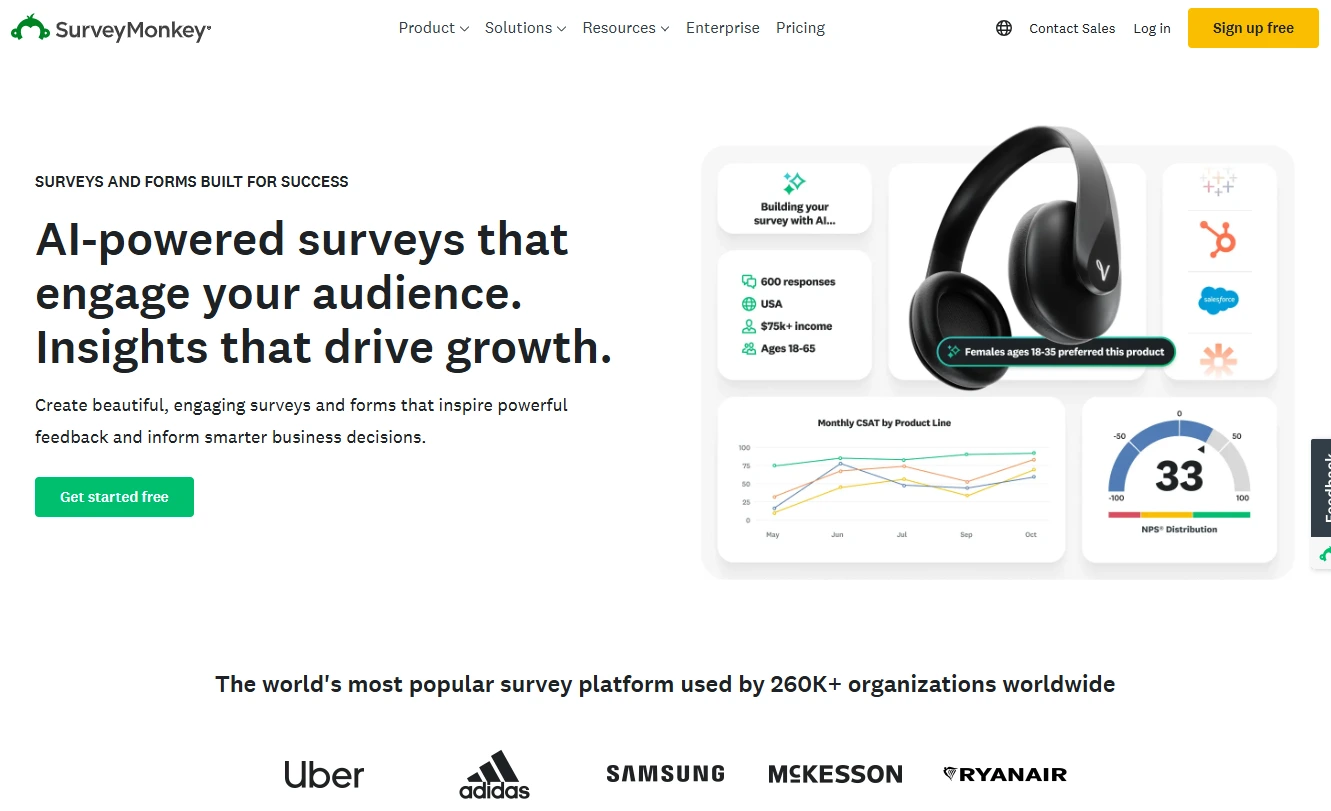
1. SurveyMonkey

Rating: 4.8/5
Best for comprehensive survey platform

Price: Free, or starting at $25/user/month

Free trial: Yes (30 days)

Key features: 

  • Hundreds of question variations and survey types across templates
  • 100+ app integrations and plug-ins
  • AI and machine learning tools like SurveyMonkey Genius

2. Nutshell Forms

Rating: 4.5/5
Best for CRM integration

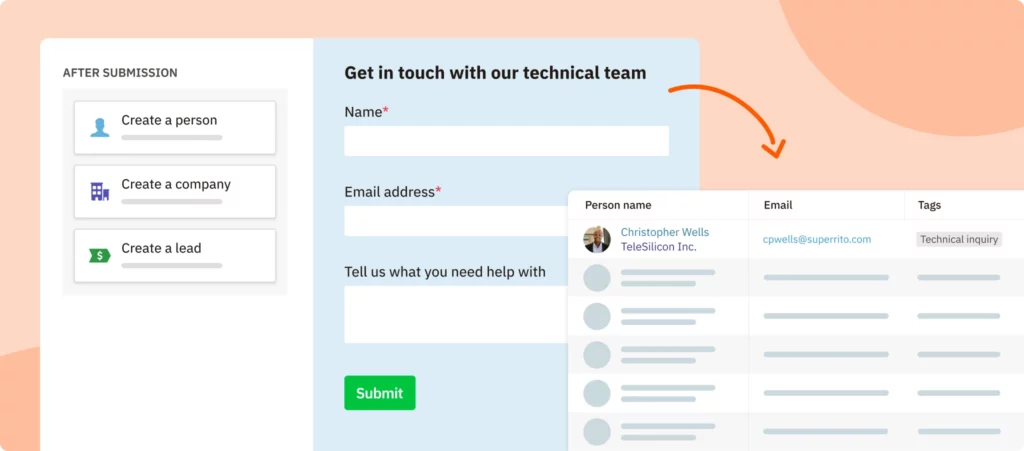
Managing New Contacts From Forms

Price: Included in all Nutshell CRM subscriptions, which start at $13 per user per month

Free trial: Yes (14 days for full Nutshell CRM)

Key features:

  • Direct CRM data sync: Survey responses automatically populate customer records
  • Embedded forms for websites, landing pages, and email campaigns
  • User-friendly to create and share
  • In-depth reporting shows survey effectiveness alongside sales pipeline

Turn website visitors into sales leads!

Design and embed simple web forms, track their effectiveness, and quickly reach out to respondents, all from Nutshell!

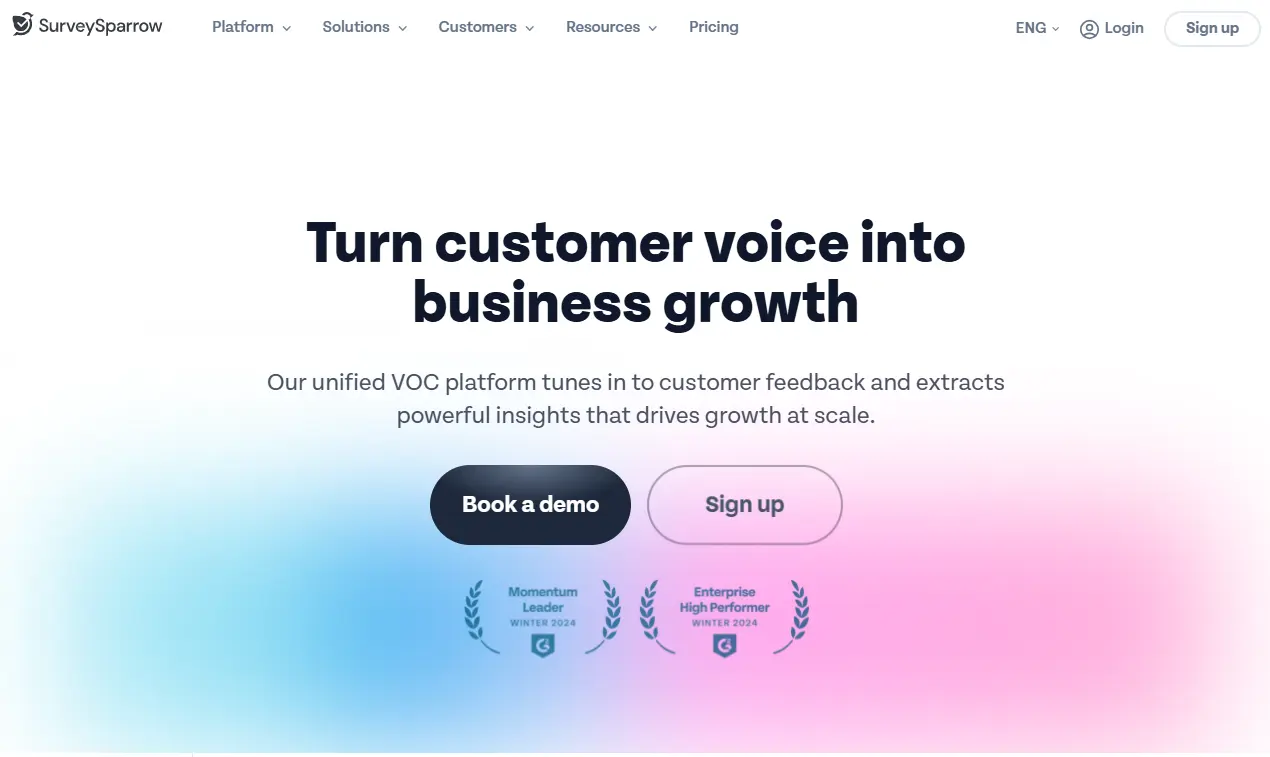
3. SurveySparrow

Rating: 4.5/5
Best for businesses wanting conversational, engaging survey experiences

Price: Free, or starting at $19/month

Free trial: Yes (14 days)

Key features:

  • Offline survey capability lets you collect feedback anywhere without internet connection
  • Customer journey mapping
  • API, webhooks, and integrations for streamlined data workflows

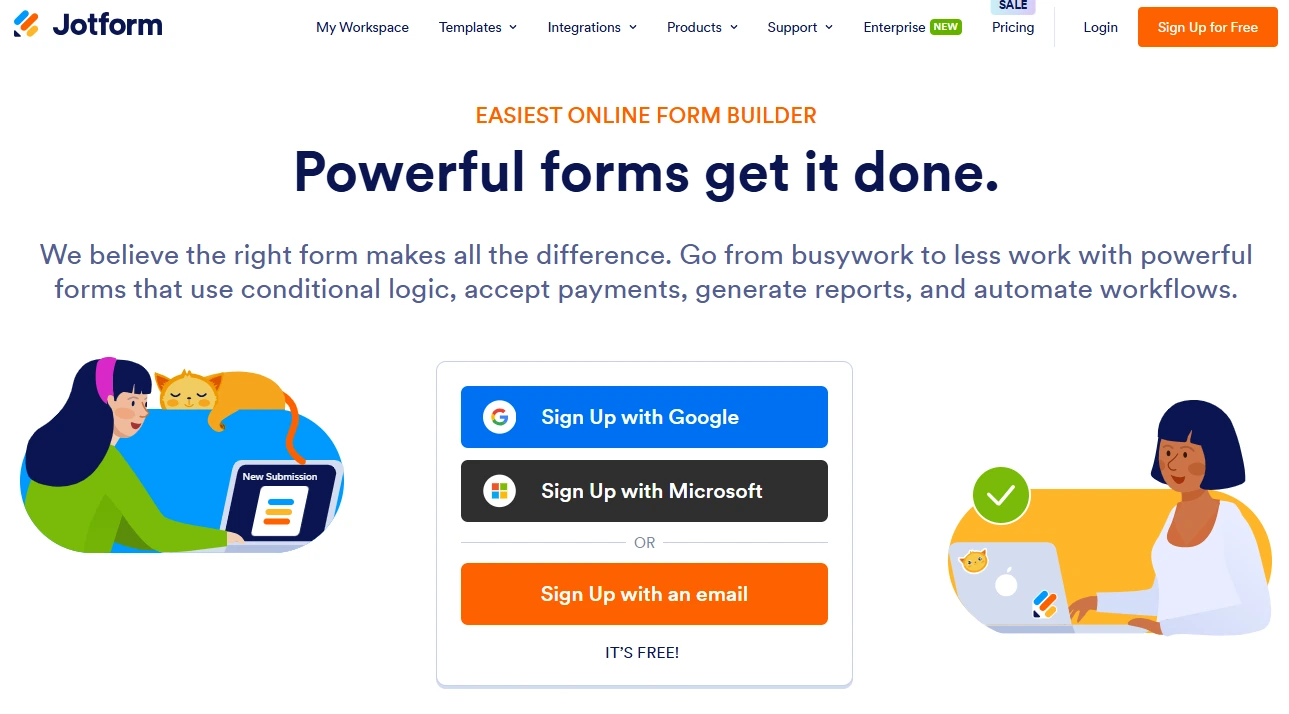
4. Jotform

Rating: 4.4/5
Best for integrations and add-ons

Price: Free, or starting at $34/month

Free trial: Yes

Key features: 

  • 100+ integration options, including CRM, CMS, email, and more
  • Customizable templates for forms, tables, apps, and more
  • Mobile app for work on-the-go

Is Nutshell a perfect match for your favorite software?

Nutshell integrates with tons of software, both natively and through Zapier. See if your favorites are on the list.

5. Typeform

Rating: 4.3/5
Best for beautifully designed, customized surveys

Price: Starting at $25/month

Free trial: Yes (14 days)

Key features: 

  • Form builder and templates based on survey use case and role
  • Enterprise feature, including secure and compliant forms (SSO, GDPR, HIPAA)
  • Design and customization options for branded and unique surveys

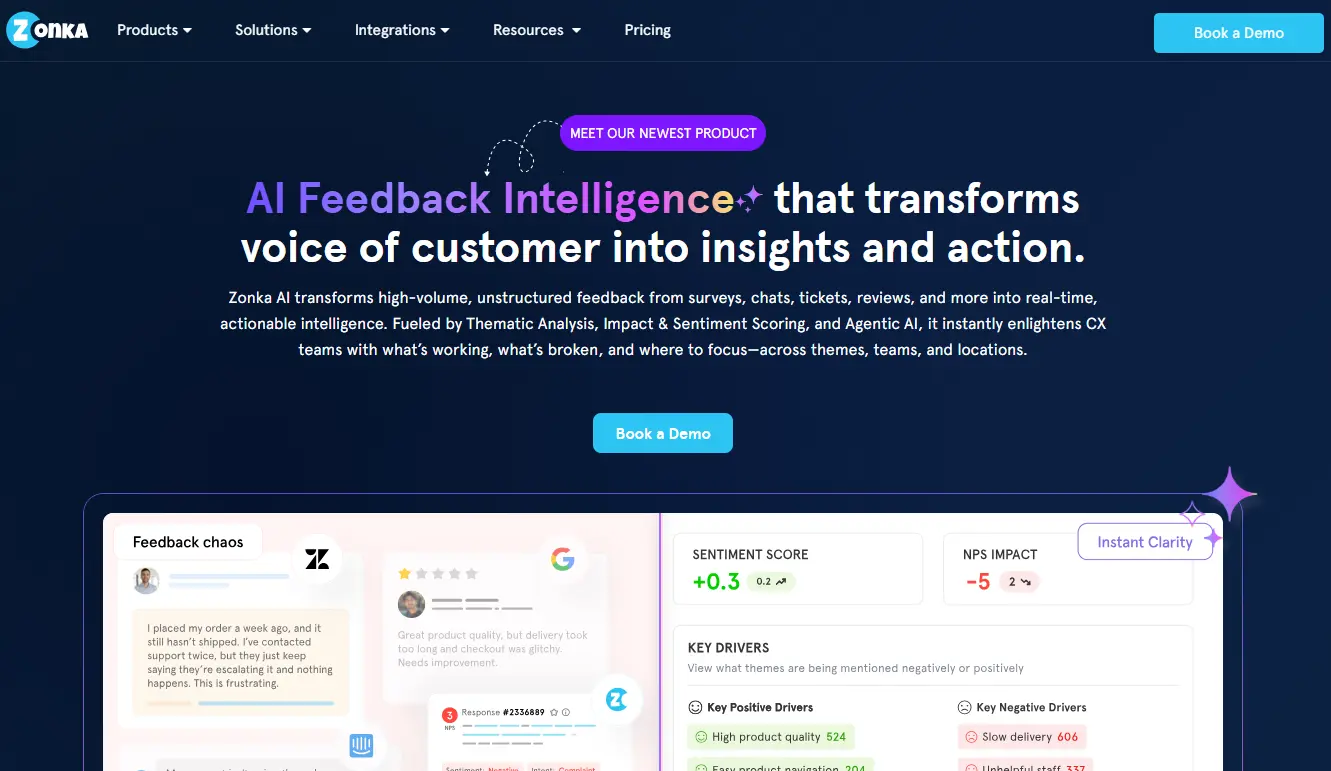
6. Zonka

Rating: 4.2/5
Best for real-time customer feedback and insights

Price: Free, or custom quote

Key features:

  • Zonka’s intuitive survey builder offers customizable templates for various survey types
  • Real-time analytics and reporting to track feedback and performance
  • Multi-channel distribution options, including email, SMS, QR codes, and web embeds
  • Mobile-friendly design for seamless responses on any device

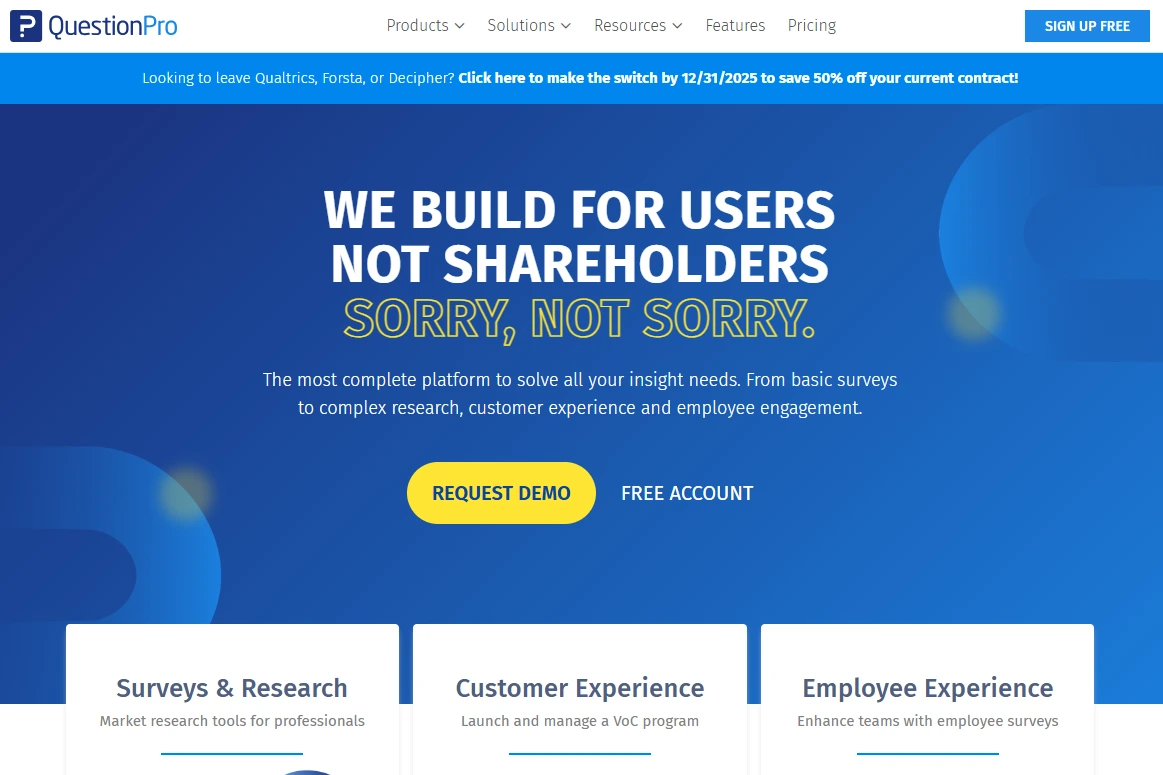
7. QuestionPro

Rating: 4.1/5
Best for advanced survey data analysis

Price: Free, or starting at $99/user/month

Free trial: Yes (14 days)

Key features:

  • Personalization and customization for branded surveys
  • Shareable reporting dashboards for real-time survey data analysis
  • 15+ third-party integrations (including integration requests)

8. SurveyPlanet

Rating: 4.0/5
Best for user-friendly simplicity

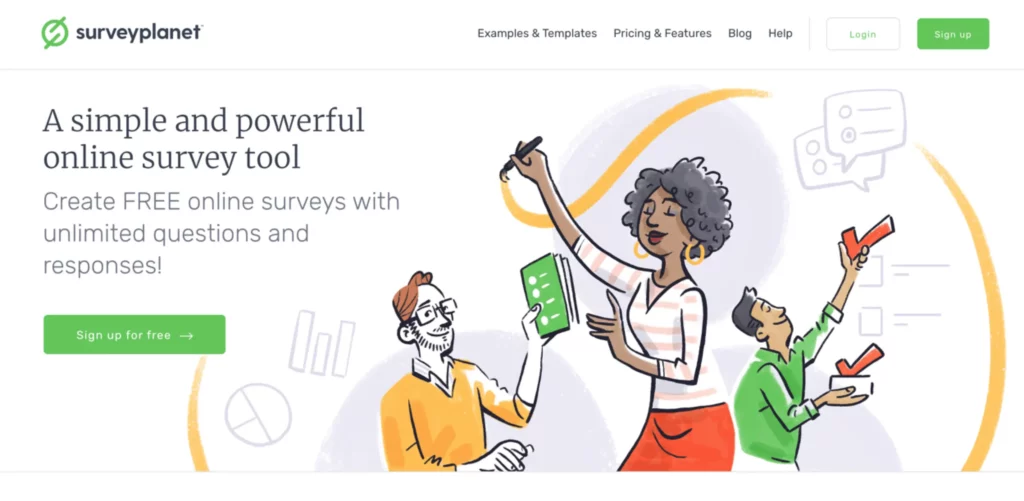
SurveyPlanet homepage

Price: Free, or starting at $20/month

Free trial: Yes

Key features:

  • Unlimited surveys, questions, and responses
  • Custom survey themes and URLs for increased branding
  • Question images and image-choice questions

9. Google Forms

Rating: 4.0/5
Best for free, no-frills surveys

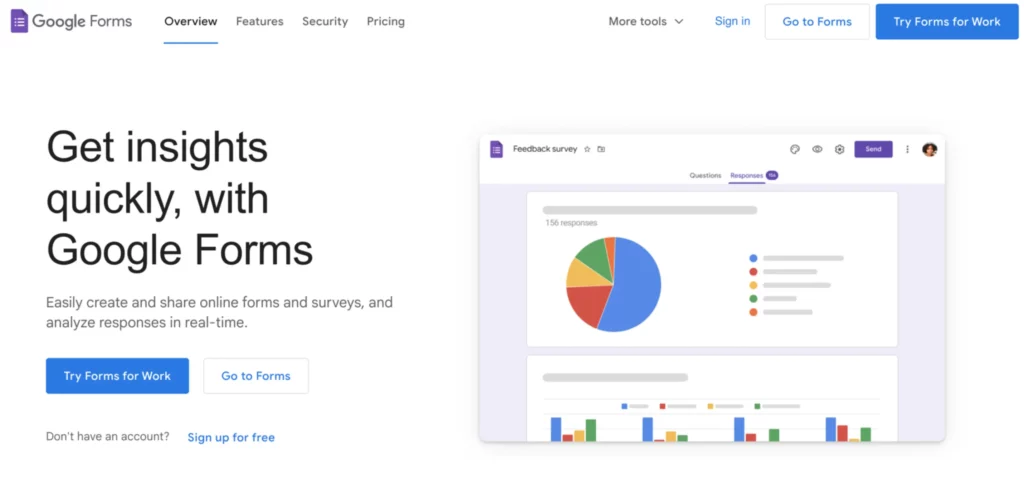
Google Form homepage

Price: Free (for personal use), or starting at $6/month

Free trial: N/A

Key features:

  • Connected to Google Workspace apps (Docs, Sheets, Slides, etc.)
  • Customizable template gallery
  • Shareable forms that can also be embedded into websites

10. Qualtrics

Rating: 3.9/5
Best for enterprise market research

Price: Free, or request a demo

Free trial: Yes (14 days)

Key features:

  • Create, test, and modify surveys before launching them
  • Custom reports and detailed analytics dashboards for closed- and open-ended survey questions
  • Send survey links via email, social media channels, SMS, mobile browsers, and more

11. SoGoSurvey

Rating: 3.9/5
Best for responsive customer support

Price: Free, or starting at $39/month

Free trial: Yes (14 days)

Key features:

  • Multi-channel distribution capabilities
  • Shareable live reports (can be shared across platforms)
  • Customizable templates for branding and interactive elements

12. Alchemer

Rating: 3.8/5
Best for advanced conditional logic

Alchemer homepage

Price: Free, or starting at $55/user/month

Free trial: Yes (14 days)

Key features:

  • 20+ logic and branching options for survey questions, including Question Piping and Custom Scripting
  • Flexible and customizable reports, including segmented and filtered reports
  • Unlimited surveys and questions, including no pay-per-response fees

Types of surveys businesses use

From gathering customer feedback to enhancing employee engagement, various types of surveys can benefit your business in many different ways. Here are some key survey types that can help you gain valuable insights:

Customer satisfaction surveys

Customer satisfaction surveys allow you to gauge how happy your customers are with your offerings and customer service. By understanding their satisfaction levels, you can identify areas to improve and enhance their overall experience.

Market research surveys

Market research surveys provide essential insights into market trends and customer preferences. These surveys help you understand your target audience better so you can tailor your offerings to meet their needs.

Employee engagement surveys

Employee engagement surveys are vital for assessing how motivated and satisfied your workforce is. By collecting feedback on job satisfaction and company culture, you can create a more engaged and productive team.

Product feedback surveys

Product feedback surveys enable you to gather opinions on specific products or features. This valuable information can guide your product development efforts and ensure you meet customer expectations.

Net Promoter Score (NPS) surveys

Net Promoter Score (NPS) surveys measure customer loyalty by asking customers how likely they are to recommend your business. This simple metric clearly indicates overall customer sentiment and helps identify loyal advocates.

Post-event surveys

After hosting an event, post-event surveys allow you to assess its success and gather feedback for future improvements. Understanding attendees’ experiences helps you create even better events down the line.

Brand awareness surveys

Brand awareness surveys evaluate how well customers recognize and recall your brand. This information is crucial for shaping your marketing strategies and enhancing brand visibility.

Website feedback surveys

Website feedback surveys help you understand user experiences on your site or app. By identifying areas for improvement, you can create a more user-friendly digital environment that keeps visitors engaged.

NUTSHELL FORMS

Turn website visitors into sales leads

Design and embed simple web forms, track their effectiveness, and quickly reach out to form-fillers, all out of Nutshell.

LEARN MORE

Online survey tool FAQs

Finally, learn more about the best survey apps by exploring some online survey platform FAQs.

  • 1. Which online survey tool is the best?

    In short, there is no single “best” survey app—it depends on your specific needs. SurveyMonkey is best for comprehensive capabilities, Nutshell Forms is best for CRM integration, and SurveySparrow is best for engagement. The “best” survey app for your business depends on:

    • Whether you use a CRM (Nutshell Forms is included in Nutshell)
    • Your budget and team size
    • The complexity of surveys you need to create
    • Your required integrations and data workflow
    • How quickly you need to get started

    Start by identifying your primary goal, then match that need to the tool that excels in that area.

  • 2. How do I choose the right online survey tool for my business?

    Evaluate survey tools using these key criteria:

    • Ease of use: Can your team create and deploy surveys without training? Most users should be able to build a survey in under 10 minutes.
    • Essential features: Does it include the survey types and question formats you need? Don’t pay for advanced features you won’t use.
    • Integration options: Does it connect to your CRM, email platform, and other business tools? Data silos waste time and create errors.
    • Mobile optimization: Will your surveys work on mobile devices? 30-40% of survey responses now come from smartphones.
    • Pricing and value: Be transparent about total cost. Some tools charge per response—factor that into your budget.
    • Trial access: Take advantage of free trials to test with your team before committing.

    The best survey tool is the one your team will actually use consistently.

  • 3. What’s the difference between survey apps and CRM forms?

    Survey apps are standalone tools designed specifically for creating and distributing surveys to customers, prospects, and employees.

    CRM forms (like Nutshell Forms) are built directly into your CRM, allowing survey data to sync automatically to customer records.

    The key difference is, survey responses collected through standalone survey apps require manual export or API integration to get into your CRM. Responses collected through CRM-integrated forms sync instantly, triggering automated follow-ups without manual work.

    For SMBs prioritizing workflow efficiency, CRM-integrated surveys save hours of manual data entry and enable immediate follow-up automation.

  • 4. Which survey tools integrate with CRM?

    Most survey apps integrate with CRM through webhooks or API, but Nutshell Forms is unique: it’s built directly into Nutshell CRM with native sync.

    Native CRM integration (no manual setup): Nutshell Forms (included in Nutshell CRM)

    Strong CRM integrations (via API/Zapier):

    • SurveyMonkey (100+ integrations)
    • Jotform (Salesforce, HubSpot, Nutshell)
    • Typeform (Salesforce, HubSpot, Slack)
    • SurveySparrow (2000+ integrations)
    • Zonka (Salesforce, HubSpot, Zendesk)

    If CRM integration is critical, native integration (Nutshell Forms) is faster than API-based integration.

  • 5. Can I use free survey tools for my business?

    Yes. Most premium survey apps offer free plans with limitations:

    • SurveyMonkey Free: Good for simple surveys, limited responses
    • Google Forms Free: Excellent for basic feedback, easy collaboration
    • SurveySparrow Free: Chat-style surveys, good for engagement
    • Nutshell Forms Free Trial: Full access for 14 days with Nutshell CRM
    • Typeform Free: Beautiful forms, limited responses
    • Jotform Free: Good form builder, limited submissions

    Free plans work well for testing and small projects. As your survey volume grows, paid plans offer better value with higher response limits and advanced features. Compare the cost of manual data entry against a premium survey tool—automation often pays for itself.

  • 6. What’s the average survey response rate I should expect?

    According to 2025 survey research, the average response rate across all channels is 33%, but this varies dramatically by method:

    • Email surveys: 10-15% response rate
    • SMS surveys: 20-30% response rate
    • Web surveys: 25-35% response rate
    • Mobile surveys: 30-40% response rate
    • Chat-style surveys: 40-50% response rate (SurveySparrow)

    Factors that boost response rates:

    • Timing (send right after customer interaction)
    • Length (keep surveys under 5 minutes)
    • Incentives ($1 reward increases responses by 122%)
    • Mobile optimization (40% of responses come from phones)
    • Personalization (personal messages boost responses 48%)
    • Question design (avoid “survey” word in subject lines)

    Chat-style surveys like SurveySparrow’s typically achieve 40-50% response rates compared to 33% average.

  • 7. How do I improve my survey response rates?

    Based on 2025 research, these tactics boost response rates significantly:

    • Send immediately after interaction: Respondents give 40% more accurate feedback when surveyed right after a purchase or interaction
    • Keep it short: Surveys under 5 minutes see better completion rates. Ask only essential questions
    • Optimize for mobile: 30-40% of responses come from mobile. Test surveys on smartphones before sending
    • Use incentives strategically: A $1 reward boosts responses from 11.8% to 26.3% (122% increase). Small upfront rewards work better than big promises after completion
    • Personalize invitations: Personal messages (vs. generic) boost response rates by 48%
    • Avoid the word ‘survey’: Surveys without “survey” in subject lines see higher open rates
    • Choose the right channel: Mobile surveys (30-40%) outperform email surveys (10-15%)
    • Target the right timing: Wednesday and Thursday see highest response rates (17.7-17.9%). Avoid quarter-end stress periods
  • 8. Do online surveys really improve business decisions?

    Yes. Research shows clear business impact from survey data:

    • Customer retention: Companies using survey feedback see 15% improvements in customer satisfaction (demonstrated by Grandi Stazioni Retail case study)
    • Revenue impact: 12% revenue increase from implementing customer satisfaction improvements (Number Analytics research)
    • Customer experience: 73% of consumers are more likely to return to businesses providing a clean, convenient, and attentive experience
    • Competitive advantage: Companies using CRM with integrated feedback detect and resolve issues 2-5x faster than survey-only approaches

    Survey data only drives decisions if you act on it. Integrate survey responses into your CRM to trigger automated follow-ups and immediate action—not to sit in a spreadsheet.

  • 9. What’s the fastest survey tool to set up?

    Based on hands-on testing, fastest setup times:

    1. Google Forms: 5 minutes (simplest option)
    2. Nutshell Forms: 10 minutes (included in CRM setup)
    3. SurveyPlanet: 10 minutes (very user-friendly)
    4. Typeform: 15 minutes (beautiful templates)
    5. SurveySparrow: 15 minutes (chat-style setup)
    6. Jotform: 20 minutes (more customization options)
    7. SurveyMonkey: 20-30 minutes (more features to explore)

    If you need to get a survey live today, Google Forms and Nutshell Forms are your fastest options. For something more polished, SurveyPlanet or Typeform add only 5-10 extra minutes.

  • 10. How do I use surveys to improve my sales pipeline?

    Surveys strengthen your sales pipeline in several ways:

    • Lead qualification: Ask prospects about needs, budget, and timeline to prioritize follow-up
    • Sales process optimization: Ask customers about friction points in your buying process to streamline it
    • Win/loss analysis: Survey lost deals to understand why prospects chose competitors
    • Customer feedback: Gather post-purchase feedback to identify upsell and expansion opportunities
    • Product insights: Collect feature requests and product feedback to guide development

    Use CRM-integrated surveys (like Nutshell Forms) so responses automatically trigger follow-up tasks and workflows. Manual data entry kills the speed advantage of surveys.

Get even more audience insights with Nutshell CRM

Want to do more with your survey responses? Try Nutshell, an all-in-one customer relationship management (CRM) software that collects and organizes your customer data in one easy-to-use platform.

With Nutshell Forms, our built-in forms tool, you can easily create embeddable forms and seamlessly send the information you collect to your CRM. We also offer dozens of integration options, including with top survey apps like Jotform and Typeform.

Nutshell not only helps you design impactful survey forms but also provides various options to distribute them to leads or customers in your CRM, including personalized emails, broadcast emails, and SMS.

Ready to get started? Try Nutshell for free for 14 days today!

Headshot

Let’s Talk

Have a question? Need a volume discount? Send us a message or book a meeting with a Sales rep to start the conversation.

BACK TO TOP

Join 30,000+ other sales and marketing professionals. Subscribe to our Sell to Win newsletter!