The 8 Best CRMs for Nonprofits: Comprehensive Review

-

Quick answer: What’s the best CRM for nonprofits?
The best nonprofit CRM depends on your size and priorities—Nutshell is a top pick for flexibility and affordability, Salesforce Nonprofit Cloud suits larger orgs with complex donor management needs, and Bloomerang excels at reducing donor attrition. Look for strong contact management, email automation, and reporting to help you retain donors and grow your mission.
Key takeaways
-
Nonprofits need CRMs just as much as businesses: A good CRM helps nonprofit teams manage donors, volunteers, events, and outreach campaigns—streamlining operations, improving donor retention, and driving mission impact.
-
Top nonprofit CRMs balance ease of use with robust features: Tools like Nutshell, Salesforce Nonprofit Cloud, and Bloomerang offer donation tracking, contact segmentation, automation, and reporting—essential for managing stakeholder relationships and optimizing fundraising.
-
Affordability and scalability matter: Many nonprofit CRMs offer free or low-cost tiers, but long-term value lies in selecting a solution that integrates well, supports automation, and grows with the organization’s needs.
Whether you have only a handful of donors or a database overflowing with them, each and every one is essential to the success of your nonprofit.
But nurturing new donors to be long-term supporters of your organization is easier said than done.
According to the Fundraising Effectiveness Project’s Q1 2024 report, the donor retention rate fell by type across the board, from those who donate less than $100 to those donating more than $50,000. In other words, any donor you acquire is more likely to float away a year after their first donation than they are to stick around.
That means nonprofits have to burn valuable time and money constantly hunting for new donors, but it also presents an opportunity: How would it affect your nonprofit’s bottom line if you could significantly raise your retention rate through better communication and nurturing?
Managing a nonprofit requires a formalized system of retaining donors, volunteers, beneficiaries, and board members and building relationships with them so your organization can reach its goals. And the best CRM for charities also provides features like donor management and email marketing. Read on to learn more about the best CRM software for nonprofit organizations (NPOs).
Best CRMs for nonprofits at a glance
Looking for a quick comparison? Here’s what each CRM does best:
- Nutshell (4.8/5): Best for nonprofits wanting flexibility, automation, and affordability all in one
- Salesforce Nonprofit Cloud (4.6/5): Best for larger nonprofits needing enterprise-grade features and comprehensive donor management
- Fundly (4.3/5): Best for nonprofits with deep donor tracking and grant management needs
- Bonterra (4.2/5): Best for nonprofits prioritizing sophisticated email marketing campaigns
- Donorbox (4.1/5): Best for nonprofits looking to combine fundraising and donor management seamlessly
- Bloomerang (4.0/5): Best for nonprofits focused specifically on reducing donor attrition
- CiviCRM (3.9/5): Best for budget-conscious nonprofits willing to invest in technical expertise
- Bitrix24 (3.8/5): Best for nonprofits needing team collaboration and volunteer coordination
Table of Contents
- How we evaluated nonprofit CRMs
- What is nonprofit CRM software?
- Benefits of using a CRM for nonprofits
- How a CRM can supercharge your mission
- Essential features of a fundraising CRM
- The 8 best customer relationship software tools for nonprofits
- How do I choose a CRM for a nonprofit?
- What is the average cost of a CRM for a nonprofit?
- What is the best CRM for small NPOs?
- Supercharge donor management with the perfect CRM software
- FAQs
Is your business ready for a CRM?
Download our guide and find out today.
How we evaluated nonprofit CRMs
To create this guide, we assessed over 50 nonprofit CRM solutions across eight key criteria essential to nonprofit success. We evaluated each platform on ease of use, donor management capabilities, email automation, reporting features, integration options, pricing transparency, customer support quality, and nonprofit-specific functionality. We analyzed user reviews from Findstack, TrustRadius, G2, SoftwareReviews, and other industry review platforms to ensure our ratings reflect real user experiences rather than vendor claims.
Finally, we prioritized solutions that balance robust features with affordability—recognizing that nonprofits operate under tight budget constraints where every dollar spent must directly support the mission.
The ratings you’ll see throughout this article (on a 5-point scale) represent an aggregated evaluation of these criteria. Higher ratings indicate platforms that excel across multiple dimensions, while lower ratings don’t mean a CRM is “bad”—just that it may be better suited to specific nonprofit needs or have trade-offs in certain areas.
What is nonprofit CRM software?
A nonprofit CRM (Customer Relationship Management) system is a tool that helps nonprofit organizations manage their relationships with key stakeholders, such as donors and volunteers. The main objective of nonprofit CRM software is to centralize and organize contact information, track donations, and facilitate communication efforts.
Although you may associate CRMs with B2B sales, they can be just as helpful for nonprofits and other organizations that need to manage their contacts and strengthen relationships. A charity CRM could ultimately lead to improved fundraising outcomes.
Relationship management software for nonprofits allow organizations to communicate and build relationships with the advocates they rely on. Rather than relying on unwieldy spreadsheets of donor information, nonprofits can utilize a charity CRM to develop and execute a donor outreach and retention strategy, resulting in more long-term relationships that support their mission.
Benefits of using CRM software for nonprofit organizations
CRMs can help you fulfill the unique goals you have as a charity or NPO. Here are some benefits of using a CRM for nonprofit organizations:
- Improved donor organization: Having a centralized donor management software and online database of your donors, partners, and involved parties can help you access contact information more easily and help your team spend more time on crucial nonprofit tasks, such as organizing important events and reaching out to potential new donors.
- Manage your donations: Charity CRMs can help you keep track of all monetary contributions going into your nonprofit as well as the sources, including once-off and recurring donations.
- Accurate reporting: On that same note, with a CRM you have an accurate source for finding out how much income your organization makes. Plus, with features like lead attribution, you can find the sources of your most generous donations, allowing you to make the most of your advertising and other fundraising investments.
- Streamline your messaging: Personalize your messages to donors and partners depending on their actions and improve your relationships without spending excessive time writing emails when using a charity CRM.
- Save time with automation: Tasks such as email messaging and pipeline progress can be automated in a CRM. CRM automation can help your staff focus on important tasks that can’t be easily replicated, such as talking to prospective donors and partners on the phone.
- One-click bulk emailing: In nonprofit organizations, it’s essential to consistently engage with numerous potential donors to secure funding. Utilizing CRM bulk email capabilities allows you to reach a wide audience, thereby increasing your chances of obtaining new financial support.
- Keeps your team in sync: Teamwork plays a big role in the success of nonprofits, and a CRM can help everyone stay on the same page and provide structure in the sometimes chaotic environment that nonprofits face.
How a CRM can supercharge your mission
When 67% of nonprofits are already using a CRM, it’s clear the tool provides a major advantage. It’s the key to turning one-time supporters into lifelong advocates.
Stop the “one-and-done” donor drain
With nearly 80% of new donors lapsing, your first follow-up is critical. A CRM lets you automate a thank-you email or create a task for a personal call the moment a first-time donation comes in. This simple, prompt acknowledgment is the first step in building a lasting relationship.
Build sustainable, predictable funding
A CRM is the perfect tool for managing a recurring giving program. You can track your monthly donors, automate their receipts, and send them exclusive impact updates. This is how you build a reliable revenue stream—in fact, recurring donor programs grew an average of 127% over five years.
Turn supporters into lifelong advocates
Donors who stay with you give more over time. Research shows that over five years, a donor’s annual giving can increase by 224% compared to their first gift. A CRM helps you do this by treating donors “like investors,” as 2026 trends suggest they expect. You can segment your email lists (which 48% of donors prefer for updates) and send targeted reports on the specific programs they funded, showing them the tangible impact of their support.
See the real-world impact
Just look at the National Wildlife Federation (NWF). Before they adopted a CRM, their event and donation data was scattered across different systems, making personalized engagement difficult. After implementing a CRM, they saw a 20% increase in event participation and a 15% growth in donation totals.
Essential features to look for in a fundraising CRM
So you may already be convinced that relationship management software for nonprofits is a good investment (we agree!). But which one should you choose? With countless CRM options available, it helps to understand what exactly you plan to use your CRM for. Here are some CRM features we think every nonprofit organization can benefit from:
Donor and contact management
Good donor management CRM software should be able to help you gather your list of contacts – including donors, partners, and volunteers – and organize your contact database in a way that makes sense for your team.
Contact management features such as tagging and filtered search are essential to the day-to-day tasks your nonprofit team does. Nutshell not only has all these features, but we also offer free data importing assistance to get your team up and running from Day 1 (even when you’re just trying out our free trial).
Tracking interactions and communications
One of the most important features to look for in a CRM is its ability to centralize all your communications and interactions (whether by email, phone, or Teams meeting) within an organized donor or partner profile. Using nonprofit software that stores every conversation, meeting, and update in a single, easily accessible location makes it much easier to track engagement and status of various donors. This ensures that your team has a clear, up-to-date understanding of each partnership. This not only helps prevent important details from slipping through the cracks but also enables more personalized and timely follow-ups, fostering trust and collaboration with your NGO partners.
NO CREDIT CARD REQUIRED Want to kick the tires a bit?
No problem. To see if Nutshell is the right choice for your sales team, start a 14-day free trial today!

Email automation
Email communication is likely one of the main methods your organization uses to keep in contact with donors, sending reminders or messages of gratitude.
Using a CRM with your email communication allows your nonprofit to send bulk emails and spares you the grunt work of sending individual emails with features such as email templates. Additionally, CRM automation should help you send timely messages by triggering automated emails depending on the actions of your donor or prospect.
Integration capabilities
A lot of potential donors come across your organization via events, both online and offline. A good CRM for nonprofits should be able to integrate with your event management software.
Integration with your CRM allows you to streamline new contact data entry or update records to reflect whether a prospect or donor attended an event, letting you send a personalized follow-up email.
You’d likely also want to integrate your CRM system with your favorite invoicing software, corporate giving software, or social media profiles. A CRM for fundraising can help you centralize your data across multiple platforms of your choice.
Reporting and analytics
Accurate reporting can help your organization understand exactly how much contribution you’re receiving, informing you about what’s working when it comes to your fundraising efforts, and what can be improved. You can even track individual team members’ productivity to better manage your nonprofit team.
These we believe are the bare essentials for the ideal CRM for nonprofits. In addition, some nice-to-have charity CRM features (that you may deem as essential to your organization) include:
- Lead attribution: Track individual donors and find out what led them to your nonprofit – this helps you understand and focus on your most valuable fundraising efforts.
- Team collaboration: As your contact records are updated, a good tagging system can help keep all of your staff on the same page with certain donors and prospects.
- Prospecting features: Have the ideal donor in mind? A good CRM prospecting tool, such as Nutshell IQ, lets you find and reach out to people and companies from an extensive database of contacts, searching by criteria such as industry, company size, and job title.
Nutshell includes all the above-mentioned features and more at affordable pricing. Try Nutshell and get firsthand insight into how Nutshell can boost your fundraising with an intuitive all-in-one CRM system!
LIVE DEMO Ready to see Nutshell in action?
Attend a live guided tour!
Every Tuesday at 11am ET/8am PT
Every Friday at 3pm ET/12pm PT

The 8 best customer relationship management software tools for nonprofits
We’ve found eight of the best CRMs for nonprofits on the market. Let’s dive into how they can help organizations like yours reach fundraising goals and achieve your mission.
CRM Rating Best For Nutshell 4.8 ⭐️ Nonprofits wanting flexibility, automation, and an affordable all-in-one solution Salesforce Nonprofit Cloud 4.6 ⭐️ Large nonprofits needing enterprise features and complex donor management Fundly 4.3 ⭐️ Nonprofits with deep donor tracking and grant management needs Bonterra 4.2 ⭐️ Nonprofits prioritizing sophisticated email marketing and segmentation Donorbox 4.1 ⭐️ Nonprofits combining fundraising and donor management Bloomerang 4.0 ⭐️ Nonprofits focusing on reducing donor attrition and improving retention CiviCRM 3.9 ⭐️ Budget-conscious nonprofits willing to invest in technical expertise Bitrix24 3.8 ⭐️ Nonprofits needing team collaboration, volunteer coordination, and group communication 1. Nutshell
Rating: 4.8 ⭐️ out of 5
Best for: Nonprofits wanting flexibility, automation, and affordability all in one
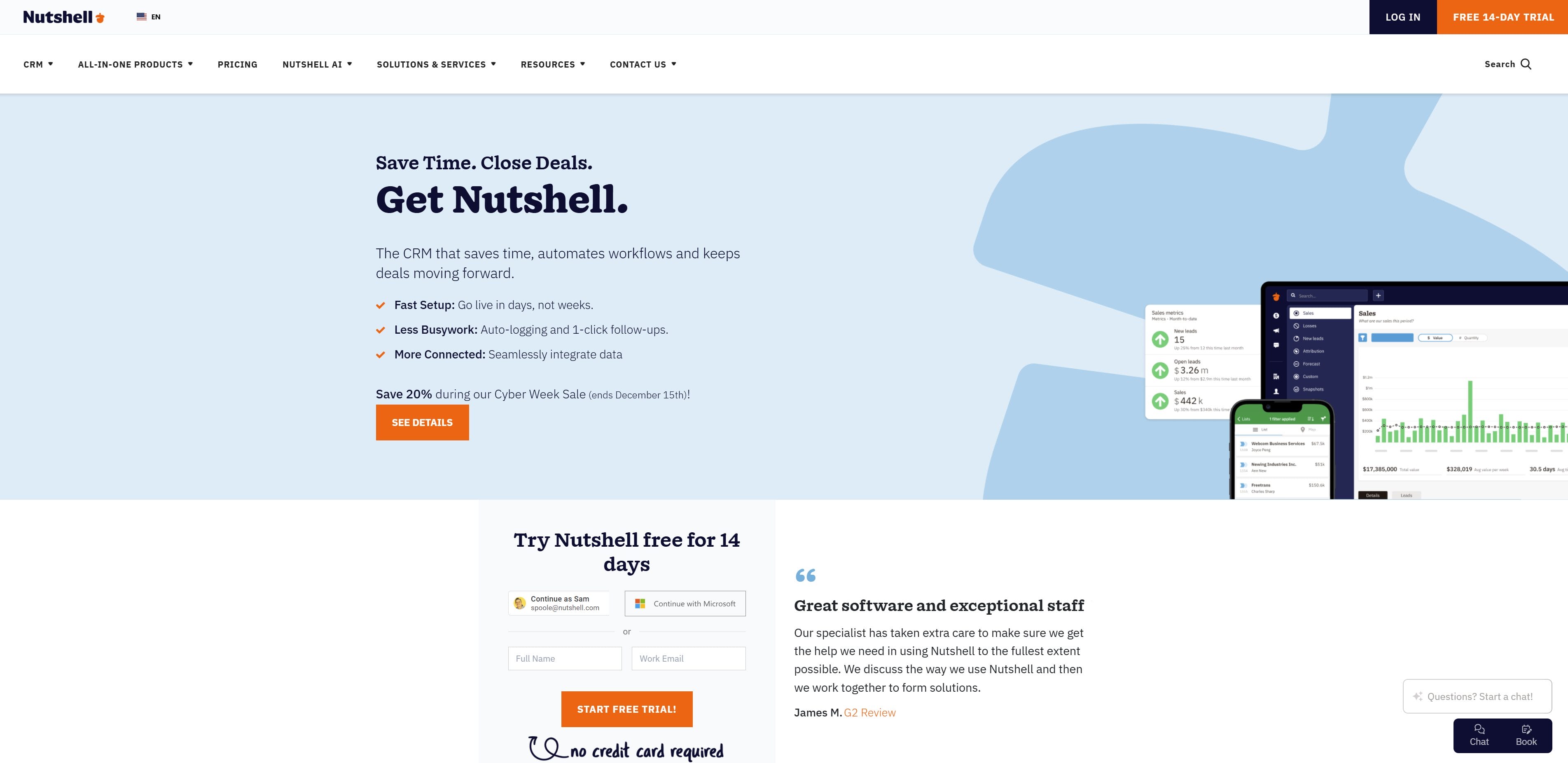
Quick summary
Nutshell is built on the principle that every organization is different—and that’s especially true for nonprofits. Rather than forcing your nonprofit into a standardized template, Nutshell lets you shape your CRM, marketing, and engagement tools to fit your unique workflows, donor segments, and fundraising strategies. It’s the rare platform that gives you all the flexibility of an enterprise CRM without the enterprise price tag or complexity.
Key features
- Contact management with unlimited custom fields and tagging
- Pipeline automation with unlimited pipelines (perfect for managing donors, volunteers, and prospects separately)
- Email automation and sequences triggered by donor actions
- Business card scanning for instant contact capture at events
- Activity tracking and communication logging
- Reporting and analytics dashboard
- AI features that save time through call summarization, timeline summarization, email broadcast generation, and more
- Free data import assistance and onboarding support
- Integration with 500+ apps, including email, calendar, and accounting software
Pros
- Most flexible CRM on the market: Create as many pipelines as you need for different donor types, volunteer tracks, or fundraising campaigns. Tag and segment freely without limits.
- Exceptional automation: Set up email sequences that deploy automatically based on donor actions, saving hours of manual outreach every week.
- Affordable across all tiers: Starting at 13/user/month, Nutshell is accessible to small nonprofits while scaling for advanced needs.
- Intuitive user experience: Most nonprofits get up and running within days, not weeks. The interface is clean and doesn’t require extensive training.
- Excellent customer support: Free onboarding help, responsive support team, and a library of nonprofit-focused resources.
- All-in-one solution: Contact management, email marketing, automation, and reporting in a single platform means no juggling multiple tools.
Cons
- Not nonprofit-specialized: While Nutshell works beautifully for nonprofits, it wasn’t built exclusively for them, so some niche nonprofit features (like recurring giving tracking) require setup.
- Limited built-in grant management: Grants can be tracked via custom pipelines, but there’s no dedicated grant management module like some specialized nonprofit platforms offer.
Pricing
Nutshell offers five CRM tiers starting at $13/user/month (Foundation), $25/month (Growth), $42/month (Pro), $59/month (Business), and $79/month (Enterprise). All tiers include unlimited contacts, unlimited storage, and free technical support. Annual billing offers a discount.
Download now: Use our nonprofit pipeline worksheet to standardize your efforts and build a roadmap for your success.
Nutshell pricing
Nutshell pricing options start at $13 per user per month for Nutshell Foundation and $42 per user per month for Nutshell Pro. All Nutshell subscriptions include unlimited contacts and free technical support.
Users
$ 192
per year
$13
per user per month

$25
per user per month

$42
per user per month

$59
per user per month

$79
per user per month
Your estimated cost
Nutshell
1 User/s $
$ 0
$ 0
$ 0
Annual Charge $
$ 0
$ 0
$ 0
Additional monthly charge $
2. Salesforce Nonprofit Cloud
Rating: 4.6 ⭐️ out of 5
Best for: Large nonprofits needing enterprise-grade features and complex donor management
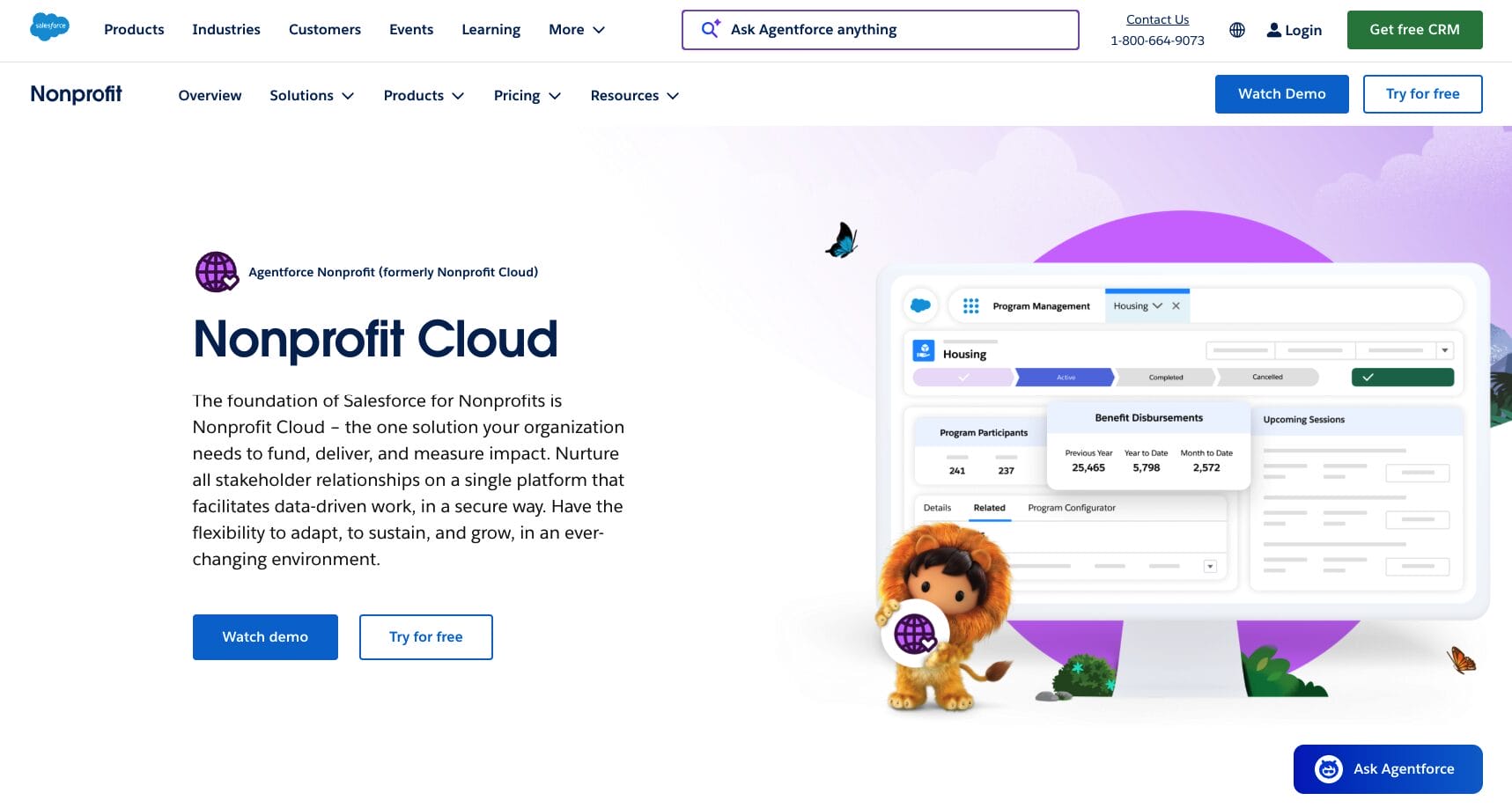
Quick summary
Salesforce Nonprofit Cloud is the enterprise solution for nonprofits with sophisticated operations, multiple programs, and complex reporting needs. It’s a unified platform built specifically for nonprofits that combines constituent relationship management, fundraising, program management, and impact measurement—all designed by Salesforce experts who understand the nonprofit space.
Key features
- 360-degree constituent view (donors, volunteers, program participants)
- Donor management with wealth screening and predictive analytics
- Personalized engagement plans for constituent journeys
- Gift management including memorial gifts, in-kind gifts, and recurring donations
- Program management and outcome tracking
- Impact measurement and reporting
- Multilingual support (English, Spanish, German, Japanese)
- Grants management module
- Advanced reporting and dashboards
- Einstein AI-powered insights
Pros
- Purpose-built for nonprofits: Every feature is designed specifically for nonprofit workflows, fundraising, and impact measurement, not adapted from a generic CRM.
- Enterprise scalability: Handles thousands of constituents, complex multi-program operations, and sophisticated reporting without performance issues.
- Free licenses for eligible nonprofits: First 10 users are free through Salesforce’s Power of Us program, significantly reducing costs for qualifying organizations.
- Advanced analytics: Predictive analytics, wealth screening, and AI-powered insights help identify major donor prospects and at-risk donors.
- Strong community and ecosystem: Large nonprofit user base, extensive AppExchange for nonprofit-specific extensions, and robust documentation.
- Sophisticated fundraising tools: Handles complex gift types, recurring giving, pledge management, and campaign attribution.
- Comprehensive training and support: Dedicated nonprofit support, extensive documentation, and a large community of Salesforce nonprofit experts.
Cons
- Steep learning curve: Salesforce is powerful but complex. Most nonprofits need training and/or consultant support to set it up properly.
- Premium pricing for additional users: While first 10 users are free, each additional user costs 60−60−100/month, which adds up quickly for larger nonprofits.
- Customization can be expensive: To truly optimize Salesforce for your nonprofit’s unique needs, you’ll likely need developer support or consulting, adding significant cost.
- Requires technical expertise: Administration, customization, and ongoing maintenance typically require someone with Salesforce experience or hired consultants.
- Overwhelming feature set: Many smaller nonprofits find themselves paying for capabilities they’ll never use.
Pricing
First 10 users are free (with Salesforce nonprofit eligibility). Additional users: $60/month (Nonprofit Edition) or $100/month (Nonprofit Cloud Plus). Annual billing available.
3. Fundly CRM
Rating: 4.3 out of 5
Best for: Nonprofits with deep donor tracking and grant management needs
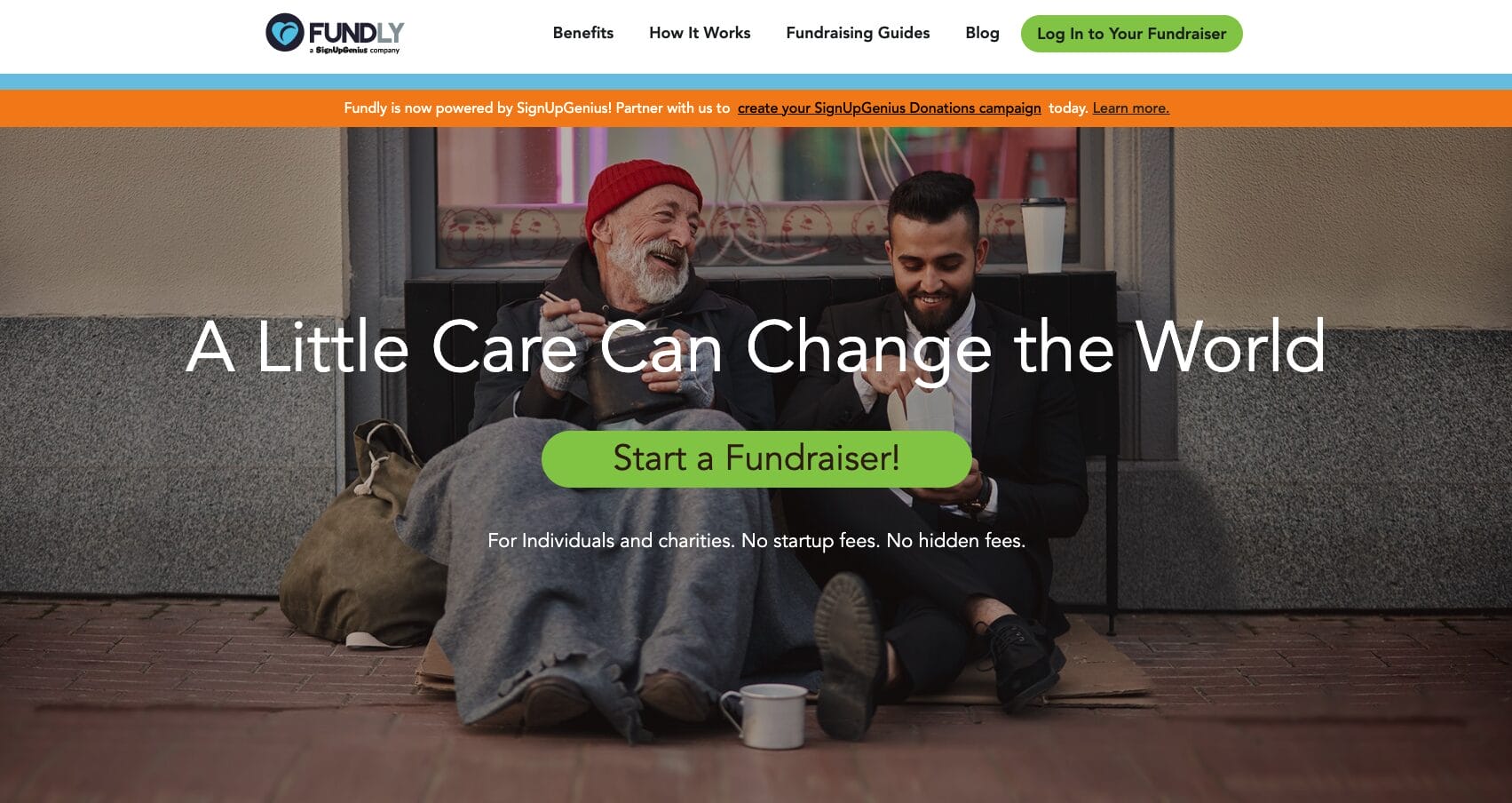
Quick summary
Fundly CRM was created by a team with nonprofit backgrounds, and it shows. Every feature is purpose-built around how nonprofits actually work. If your nonprofit manages grants, tracks detailed giving history, and needs to monitor event registrations and donor engagement across multiple campaigns, Fundly provides a comprehensive dashboard purpose-built for these workflows.
Key features
- Detailed donor profiles with giving history and engagement tracking
- Campaign participation tracking
- Event registration management with custom ticket options
- Grant application and tracking module
- Donor segmentation and filtering
- Matching gift tracking
- Sponsor assignment
- Custom reporting
- Donor communication tools
Pros
- Nonprofit-purpose-built: Every feature reflects how actual nonprofits manage donors, grants, and campaigns, not generalized business workflows.
- Exceptional grant management: Track grant applications from submission through approval, see how approved funds are being used, and manage grant deadlines in one place.
- Detailed donor profiles: Each donor gets a personal profile showing giving history, event participation, membership status, and funding contributions—all visible at a glance.
- Event management integration: Track who registered, attended, and gave at your events. Sync event data with donor profiles automatically.
- Custom reporting: Build custom reports based on the metrics that matter to your nonprofit, not pre-built reports you’ll never use.
Cons
- Limited automation: Email automation and workflow automation are basic compared to platforms like Nutshell or Bonterra.
- Smaller integrations ecosystem: Integrates with key tools but doesn’t have the 500+ app integrations of larger platforms.
- User experience: While functional, the interface feels dated compared to newer competitors and requires some learning curve.
- Limited scalability: Works well for mid-sized nonprofits but can feel sluggish with very large donor databases.
- Customer support concerns: Some users report slower support response times compared to competitors.
Pricing
Starting at ~$60/month for the Starter plan. Enterprise and larger organizations negotiate custom pricing.
4. Bonterra
Rating: 4.2 out of 5
Best for: Nonprofits prioritizing sophisticated email marketing and donor segmentation
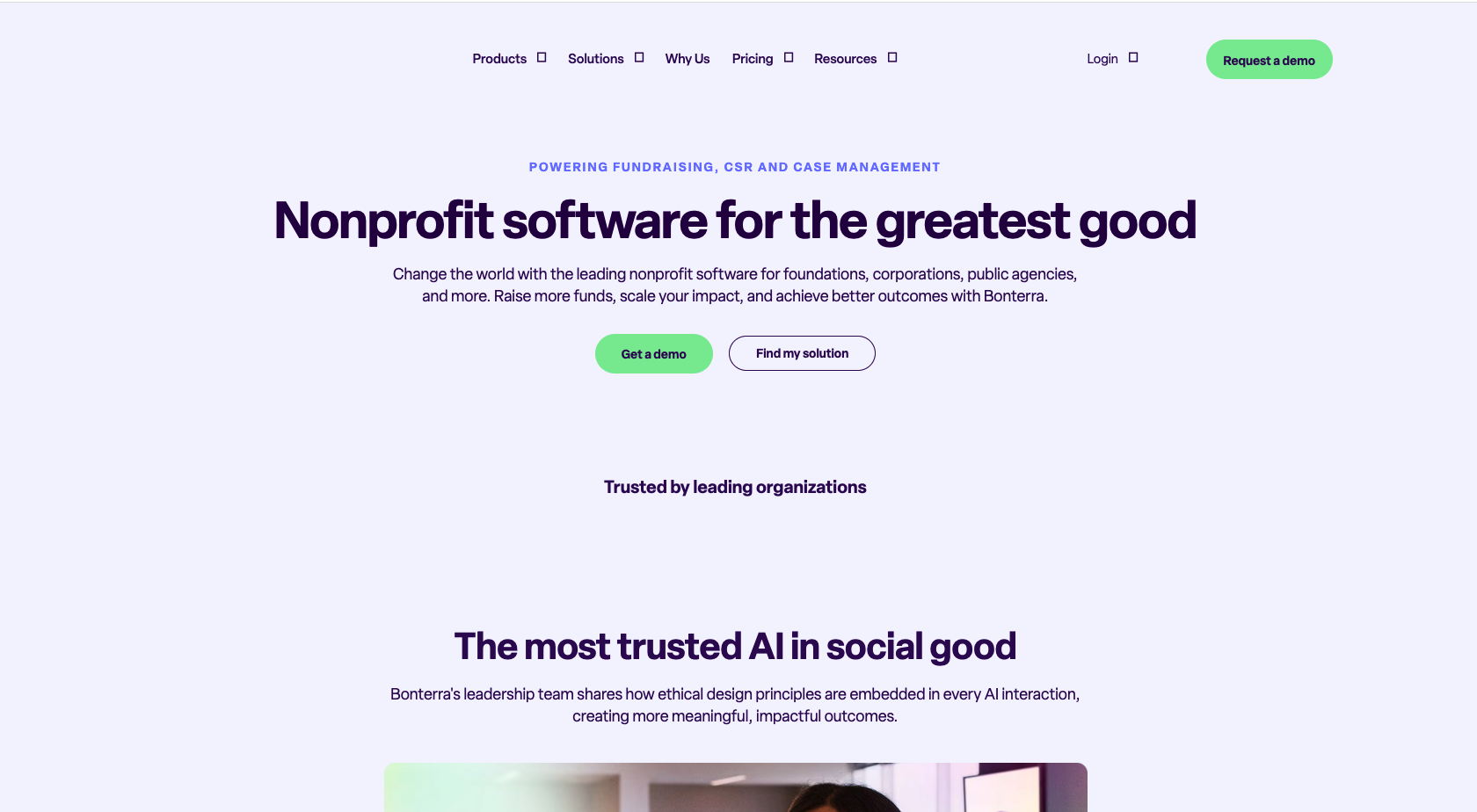
Quick summary
Bonterra (formerly Salsa) is the CRM for nonprofits that live and breathe email marketing. If your nonprofit runs frequent email campaigns to different donor segments, uses triggered email sequences, and needs powerful segmentation tools, Bonterra’s marketing automation is unmatched. It combines CRM capabilities with enterprise-class email marketing features in one platform.
Key features
- Drag-and-drop email campaign builder
- Email automation with triggered sequences
- Advanced donor segmentation (pre-built and custom)
- Behavior-based segmentation (gift size, frequency, event attendance)
- Social media integration and monitoring
- Content library for email templates
- A/B testing for email campaigns
- Donor database and contact management
- Reporting and campaign analytics
Pros
- Powerful email marketing: Build, design, and send sophisticated email campaigns without needing a separate email marketing platform.
- Advanced segmentation: Pre-built segments for major donors, new supporters, petition signers, and custom segments based on any criteria.
- Behavior-triggered campaigns: Automatically send welcome series, re-engagement emails, or thank-you sequences based on donor actions.
- Social media integration: Find your current supporters on social networks using their email addresses and encourage word-of-mouth engagement.
- Design flexibility: Drag-and-drop editor lets you create beautiful, branded campaigns without coding knowledge.
Cons
- Pricing opacity: Requires custom quote; hard to understand exact costs until you’re deep in conversations with sales.
- Steeper learning curve: More powerful features mean more complexity. Smaller nonprofits might find it overwhelming.
- Less focus on donor management: While the CRM works well, Bonterra’s real strength is email marketing. Core donor management features feel secondary.
- Limited free options: No free tier or trial period; you’ll need to commit to see if it works for your nonprofit.
- Integration complexity: While integrations exist, setting them up sometimes requires technical support.
Pricing
Custom quote required. Pricing varies based on list size, user count, and features needed. Expect higher costs for larger nonprofits.
5. Donorbox
Rating: 4.1 ⭐️ out of 5
Best for: Nonprofits combining fundraising and donor management in one platform
Quick summary
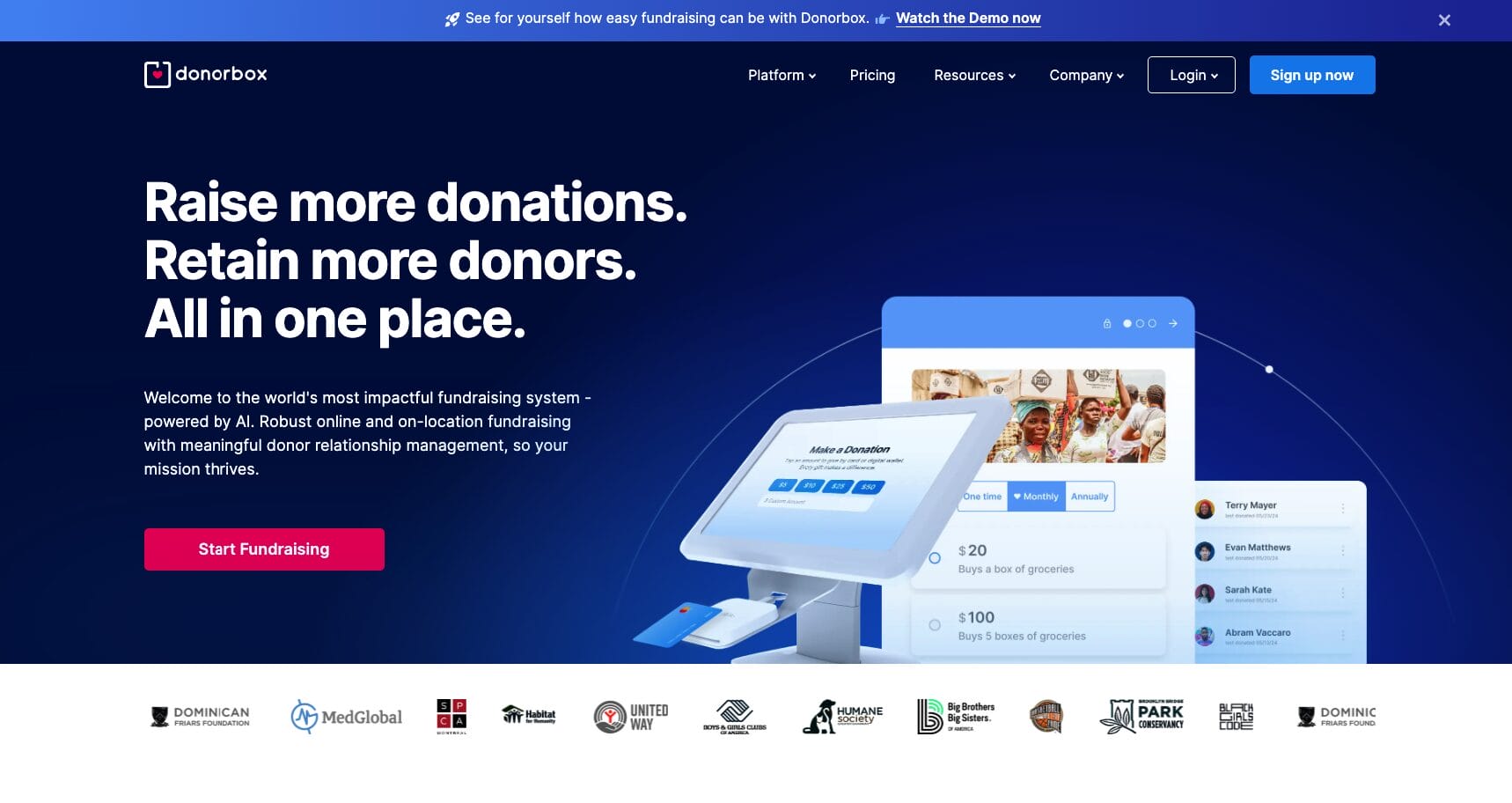
Donorbox is an all-in-one platform that brings together donation processing, fundraising pages, and donor management into a single system. Rather than juggling separate tools for donations (PayPal, Stripe) and donor management (Salesforce, Nutshell), Donorbox puts everything in one place. It’s particularly powerful for nonprofits that want seamless online giving integrated directly with donor records.
Key features
- Customizable online donation forms
- Recurring donation management
- Multiple payment methods (PayPal, Stripe, credit card, Venmo, cryptocurrency)
- Donor management and segmentation
- Campaign and fundraising page tracking
- Offline contribution logging
- Donor communication tools
- Reporting and analytics
- Integration with email marketing platforms
- Recurring giving program tools
Pros
- Seamless donation + CRM combination: Process donations and instantly update donor records in the same system. No data sync delays.
- Payment flexibility: Accept donations via credit cards, PayPal, Venmo, and even cryptocurrency. Donors use their preferred method.
- Recurring giving focus: Donorbox was built with recurring donors in mind. Set up automated giving programs easily.
- Simple to use: Both donors and nonprofit staff find Donorbox intuitive. Setup is straightforward.
- Affordable pricing: Pay only on what you process. No monthly subscription if you don’t want one.
- Customizable donation forms: Match your brand and ask the questions that matter to your nonprofit.
Cons
- Narrower feature set: While excellent for fundraising + CRM, it lacks some advanced features of specialized platforms (complex reporting, sophisticated automation).
- Less marketing automation: Email sequences and automation are basic. Nonprofits doing extensive email marketing need supplementary tools.
- Limited integrations: Doesn’t have the breadth of integrations that platforms like Nutshell or Salesforce offer.
- Not nonprofit-specialized: While it works well for nonprofits, it serves all nonprofit types generically (no grant management, limited volunteer tracking).
- Reporting limitations: Pre-built reports are solid, but custom reporting is limited.
Pricing
Fee-based: 1.5% per donation (plus payment processing fees). No monthly subscription fee if you use the tip-based model. Optional $29/month for Donorbox Plus (advanced automation).
6. Bloomerang
Rating: 4.0 ⭐️ out of 5
Best for: Nonprofits focused on reducing donor attrition and improving retention
Quick summary
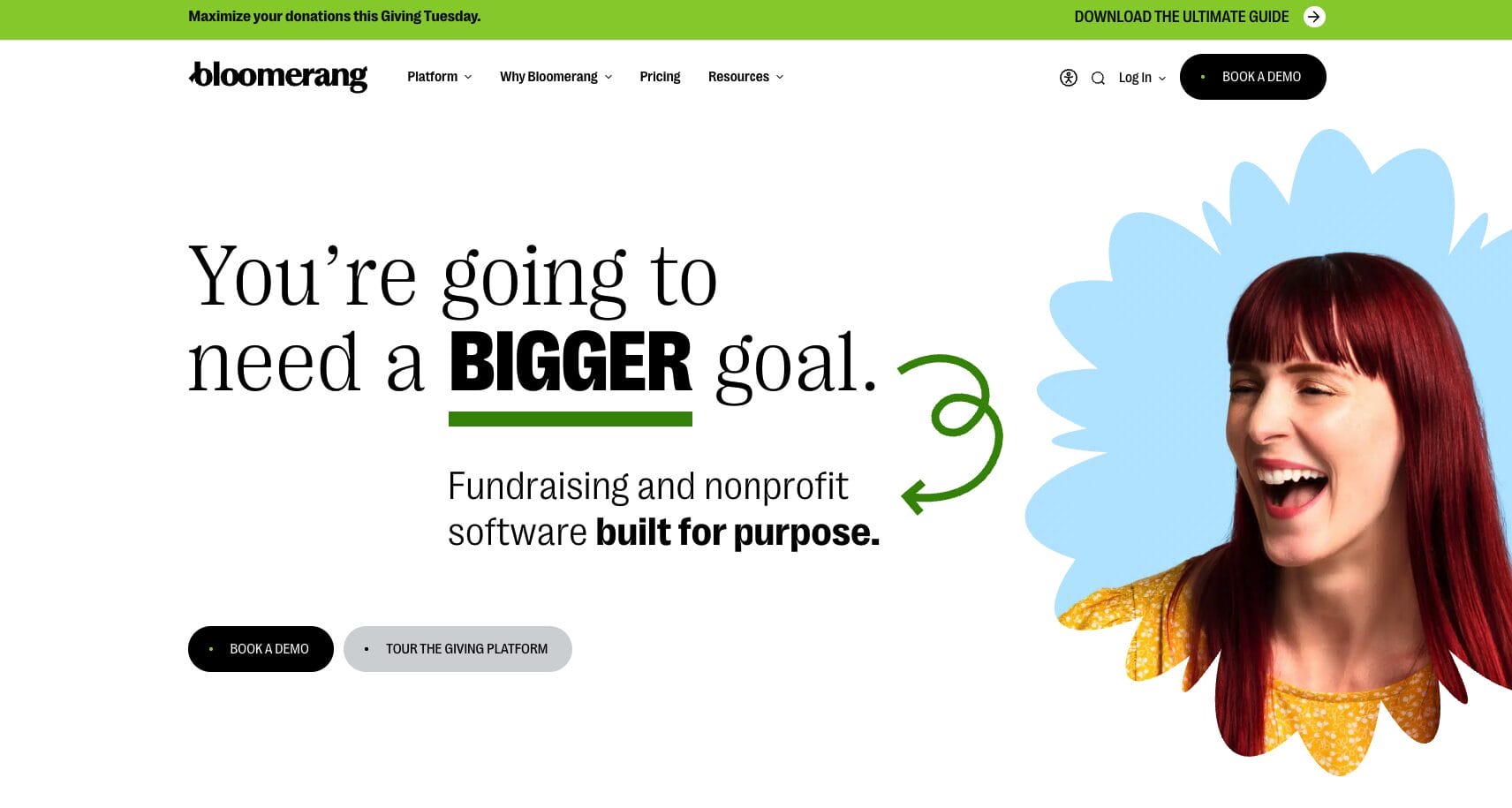
Bloomerang is a specialized donor database solution laser-focused on one mission: helping nonprofits reduce donor attrition and increase lifetime donor value. If your nonprofit’s top priority is keeping donors engaged and coming back year after year, Bloomerang’s approach—analyzing donor behavior patterns and surfacing at-risk donors before they lapse—is its superpower.
Key features
- Donor database with giving history
- At-risk donor detection
- Donor engagement scoring
- Email marketing tools
- Peer-to-peer fundraising
- Event tracking
- Activity logging and task management
- Mobile app for on-the-go donor management
- Customizable dashboards
- Reporting focused on donor retention metrics
Pros
- Donor retention focus: Bloomerang’s entire platform is built around keeping donors engaged. It surfaces at-risk donors before they lapse.
- Easy to use: Bloomerang is known for user-friendly software. Nonprofits typically onboard quickly without extensive training.
- Excellent customer service: Real people, responsive support, and guided implementation is a hallmark of Bloomerang.
- Unlimited users: Every plan includes unlimited users and seats, unlike other platforms that charge per user.
- Flexible pricing: Plans scale based on contact volume, making it accessible to small and large nonprofits.
- Peer-to-peer fundraising: Built-in tools for launching peer-to-peer campaigns without integrating a separate platform.
Cons
- Narrower feature set: Bloomerang excels at donor management and retention, but lacks advanced grant management, sophisticated automation, or program management.
- Limited customization: You get what Bloomerang built. Less flexibility to customize workflows to your unique nonprofit needs.
- Basic email marketing: While email tools exist, they’re functional but not as sophisticated as Bonterra or platforms like Klaviyo.
- Smaller integration ecosystem: Doesn’t integrate with as many third-party tools as larger CRM platforms.
- Not all-in-one: Nonprofits doing volunteer management, event registration, or complex fundraising typically need supplementary tools.
Pricing
Starts at $49/month based on annual billing, with pricing tiers based on the number of contacts in your database. Unlimited users included.
7. CiviCRM
Rating: 3.9 ⭐️ out of 5
Best for: Budget-conscious nonprofits willing to invest in technical expertise
Quick summary
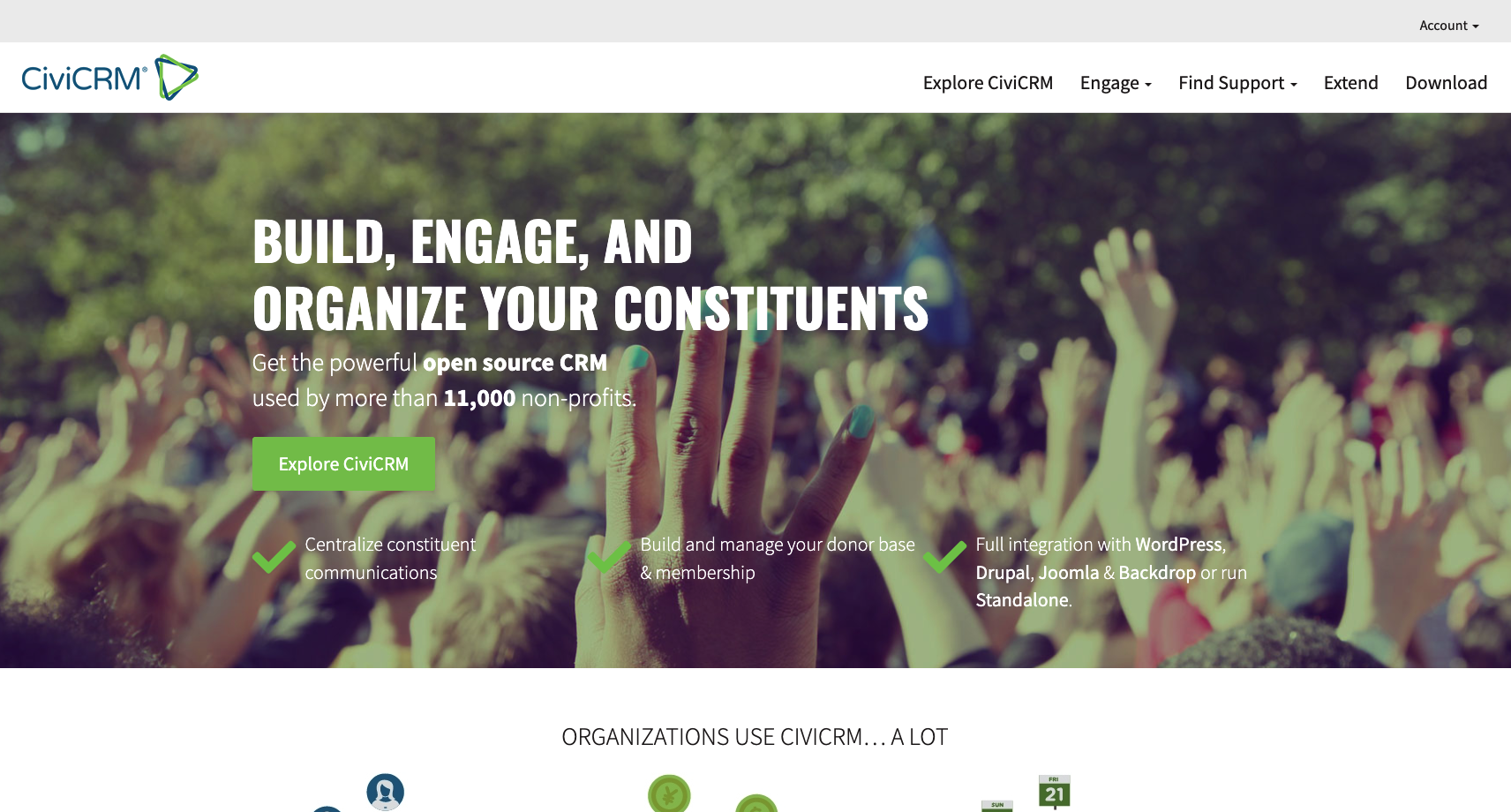
CiviCRM is the open-source alternative for nonprofits that want powerful features without the premium price tag—but with an important caveat: it requires someone on your team (or a hired consultant) with technical expertise to set up and maintain. If you have in-house technical talent or a budget for implementation support, CiviCRM delivers sophisticated functionality at a fraction of the cost of proprietary platforms.
Key features
- Open-source and free to download
- Contact management with unlimited customization
- Donation and pledge tracking
- Membership management
- Event registration and management
- Advocacy campaign tracking
- 40+ pre-built reports or custom report builder
- Email campaign tools
- Grant management features
- Volunteer management
- Self-hosted or cloud-hosted options
Pros
- Completely free: Download CiviCRM at no cost. You only pay for hosting (if cloud) or development/implementation support.
- Highly customizable: Open-source architecture means virtually unlimited customization possibilities for nonprofits with unique workflows.
- Advocacy campaign focus: CiviCRM excels at tracking advocacy campaigns, making it ideal for nonprofits focused on policy or activism.
- Powerful reporting: Build custom reports from 40+ pre-built templates or create entirely custom reports based on your metrics.
- Strong community support: Active nonprofit community, documentation, and forums provide peer support.
- Volunteer and event tools: Integrated volunteer management and event registration features are robust.
Cons
- Steep technical barrier: Implementation and ongoing administration require someone with technical skills (PHP, database management) or hired consultants.
- Longer implementation timeline: Expect 2-6 months to fully implement and configure CiviCRM for your nonprofit.
- Limited built-in design: The interface, while functional, is less polished than modern SaaS platforms.
- Learning curve: Even non-technical staff need training to use CiviCRM effectively.
- Requires maintenance: You’re responsible for updates, backups, and security patches (or hiring someone to manage these).
- Limited integrations: Integrations exist but aren’t as abundant as commercial platforms.
Pricing
Free to download. Optional: cloud hosting (~$50−$200/month depending on provider) and/or implementation consulting (varies by consultant, typically $100−$200/hour).
Related: Can your sales team be fully effective with a free online CRM?
8. Bitrix24
Rating: 3.8 ⭐️ out of 5
Best for: Nonprofits needing team collaboration, volunteer coordination, and group communication
Quick summary
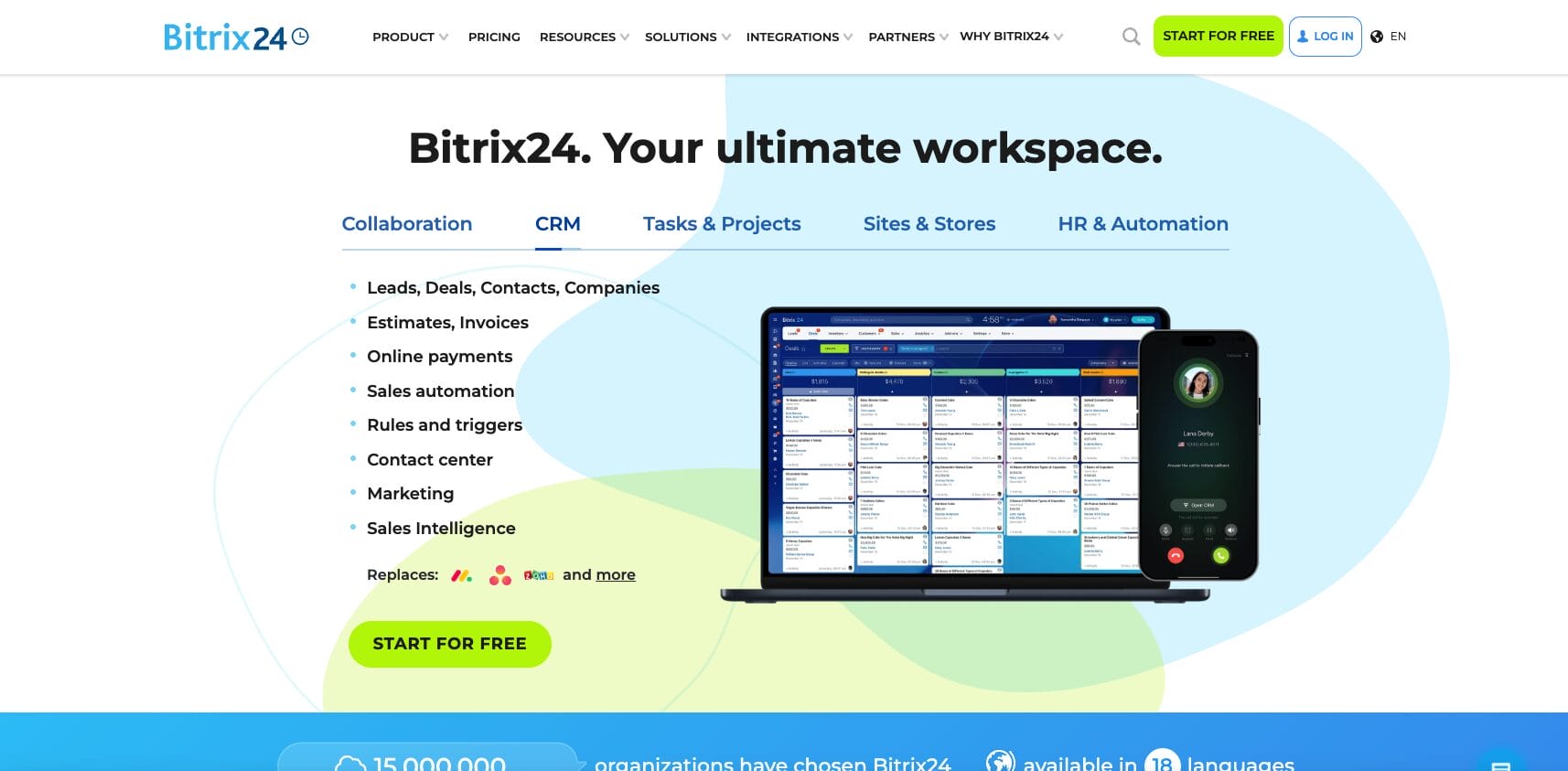
Bitrix24 is a broad platform that combines CRM, collaboration tools, communication features, and project management into one system. It’s ideal for nonprofits where volunteers and staff need to coordinate events, communicate in real-time, and share files alongside managing donor relationships. Think of it less as a CRM-first platform and more as a unified workplace where CRM is one piece of a larger picture.
Key features
- Contact and lead management
- Email marketing tools
- Workflow automation
- Activity stream for team updates
- Group chat and instant messaging
- File sharing and document collaboration
- Contact, lead, and product catalog
- Quotes and invoicing
- Free plan with unlimited users (cloud only)
- Paid plans with additional storage and features
- Mobile app for volunteers and staff
Pros
- Free unlimited users: The free plan includes unlimited users on the cloud version, making it accessible for nonprofits with large volunteer teams.
- All-in-one workspace: Chat, files, CRM, and projects in one place means less tool-switching for volunteers and staff.
- Team collaboration focus: Activity streams, group chats, and file sharing make team coordination easier, especially for event planning.
- Volunteer-friendly: The free tier makes it easy to add volunteers to the platform without per-seat licensing costs.
- Flexible deployment: Choose cloud or on-premise hosting depending on your nonprofit’s preferences.
- Affordable paid tiers: Paid plans start at ~$49/month and include additional storage and features.
Cons
- CRM is secondary: Bitrix24’s strength is collaboration, not donor relationship management. The CRM features feel like an afterthought.
- Less sophisticated CRM functionality: Compared to platforms built specifically for CRM, Bitrix24’s donor management is basic.
- Interface complexity: The all-in-one approach means a steeper learning curve. Users need time to find what they need.
- Limited nonprofit-specific features: Features like grant management, sophisticated donor segmentation, and fundraising automation are minimal.
- Email marketing limitations: Basic email tools, but nothing compared to Bonterra or specialized email marketing platforms.
- Community features need work: The large feature set sometimes means individual features aren’t polished or intuitive.
Pricing
Free plan: Unlimited users with limited storage. Paid plans start at ~$49/month with additional features and storage. Annual billing offers discounts.
How do I choose a CRM for a nonprofit?
Choosing a CRM for your nonprofit is similar to selecting a CRM for any other organization–consider your unique needs and goals and then compare CRMs to determine which one will best help you meet them.
Here are a few specific steps you can take to find the best CRM for your nonprofit:
- Compare CRM features with your nonprofit’s needs: Because many CRMs aren’t custom-built for nonprofits, you may find it helpful to consider whether their features will still help you accomplish your goals. Do you need the ability to create email fundraising campaigns, track donor communications, and track and report on donations? Look for a CRM that will help you accomplish your most important tasks.
- Look through charity CRM reviews: Look for reviews from other nonprofits that have used the software and see how it worked for them. Searching for the best CRM for nonprofits on a software review site or a site like Reddit could turn up some valuable insight.
- Consider the available integrations: Being able to integrate your other software, like online fundraising, payment processing, and accounting tools, lets you get more from your CRM and keep all your data organized.
- Balance budget with features: As you create a budget, consider which features you may be willing to pay more for and which ones you can do without. Your nonprofit may not need all the bells and whistles, but certain functions may be nonnegotiable.
- Evaluate ease of use: Look at how user-friendly each charity CRM option is. Consider the amount of training your team would require and how long it would take them to become comfortable with the platform. A CRM that is intuitive and easy to navigate allows your team to adapt quickly, reduces the need for extensive training, and lowers the risk of mistakes. Ultimately, the best CRM is the one your team will confidently use and navigate every day.
At the end of the day, make sure you consider your options.
Which CRM has the features you need?
Our interactive worksheet compares the benefits offered by Nutshell, your existing contact management solution, and any other CRMs you’re currently evaluating.
What is the average cost of a CRM for a nonprofit?
The average cost of a CRM for nonprofits is between $16 and $120 per month. You can generally expect a higher monthly cost the more users you have on the CRM.
While you can find free CRMs for nonprofits, carefully consider what features you’ll be giving up. A low-cost CRM for charities may or may not be able to provide the functions your organization needs. Be sure to watch out for hidden costs as well. An option that appears more affordable at first glance may end up costing more than expected due to additional fees you weren’t aware of. Always review the pricing details carefully to avoid any surprises down the line.
What is the best CRM for small NPOs?
The best CRM for your nonprofit is the one that fits the organization’s needs and goals. A CRM for small nonprofits should offer powerful features in an easy-to-use dashboard, plenty of automation and customization options, and helpful customer support.
When you’re searching for the best CRM for small nonprofit organizations, look no further than Nutshell. Nutshell has the robust CRM features you need to build more and better donor relationships, grow your organization, and make the biggest impact you can. From tracking donors through your pipeline and automating personal email sequences to collaborating with your team and generating reports, Nutshell helps nonprofits accomplish more.
Supercharge donor management with the perfect CRM software
Nonprofits all have ambitions to reach their goals and complete their mission. To make this a reality, they need donors to help them get there.
That’s why a CRM solution makes a lot of sense for nonprofits: They’re relationship-building machines. Using CRM, nonprofits can make sure a donor never slips through the cracks again, and they’re welcomed into their nonprofit with customized email campaigns and follow-ups.
However, not all CRMs are built the same. Since CRMs are traditionally built for sales teams, it’s crucial for nonprofits to pick a software solution that is geared towards nurturing relationships instead of just closing sales.
Invest in a CRM that’s focused on nurturing your donors, fine-tuning your fundraising efforts, and helping you interact with all your donors on a personal level. After all, the happier your donors are, the easier it will be for your nonprofit to make the biggest impact.
FAQs
-
Are free CRMs for nonprofits really free, or are there hidden costs?
Free CRMs often have hidden costs beyond the sticker price. Setup and customization may require technical expertise (or hiring someone). Limited features in free versions often force paid upgrades once you grow. Some free platforms require payment for integrations, advanced features, or migration support. More importantly, time investment is substantial—free software often requires more staff time to maintain and troubleshoot.
User-friendly paid CRMs like Nutshell offer transparent pricing and often deliver better long-term value when you factor in staff time saved.
-
How can a CRM help improve donor retention rates?
A CRM improves retention by automating personalized communications, tracking donor engagement patterns, and identifying at-risk donors before they lapse. Features like email sequences, segmentation, and activity tracking help you send timely, relevant messages that keep donors engaged and connected to your mission’s impact.
-
What’s the difference between a donor management system and a CRM?
There’s no real difference—donor management is simply a CRM function tailored for nonprofits. A CRM manages all relationships (donors, volunteers, partners), while “donor management” specifically refers to tracking donations and donor interactions. Modern nonprofit CRMs like Nutshell handle both seamlessly in one platform.
-
How long does it take to implement a CRM for a nonprofit?
Implementation typically takes 2-8 weeks for small to mid-sized nonprofits, depending on data complexity and team size. User-friendly CRMs like Nutshell can be set up faster with proper planning (often within days for basic setup). Larger migrations from legacy systems or implementing complex platforms like Salesforce may take 4-6 months, including data migration, testing, customization, and training.
-
Can a nonprofit CRM help with grant management and volunteer coordination?
Yes. A flexible CRM like Nutshell can track grant applications, deadlines, and reporting requirements using custom pipelines. You can manage volunteer data, availability, event assignments, and communications. While not grant-specific software, CRMs centralize all stakeholder relationships—including grantors and volunteers—in one place.
-
How did you rate these CRMs?
We aggregated ratings from multiple independent review platforms including Findstack, TrustRadius, G2, and SoftwareReviews, which reflect thousands of real user reviews. We then cross-referenced these ratings with our own evaluation of nonprofit-specific functionality, ease of implementation, automation capabilities, and affordability.
Our 5-point scale with one decimal place (e.g., 4.8, 4.3) reflects meaningful differences in user satisfaction and platform capability. Higher-rated CRMs excelled across multiple dimensions important to nonprofits, while lower-rated options serve specific use cases well but may have trade-offs in other areas.

Let’s Talk
Have a question? Need a CRM for a nonprofit? Send us a message or book a meeting with a Sales rep to start the conversation.
 BACK TO TOP
 Written by
Kevin Randolph Partnerships and Outreach SpecialistEdited by
Will Gordon Sr. Director of MarketingReviewed by
Andy Fowler Co-FounderReady to try
Nutshell for Free?Thank you! Your submission has been received!Oops! Something went wrong while submitting the form.





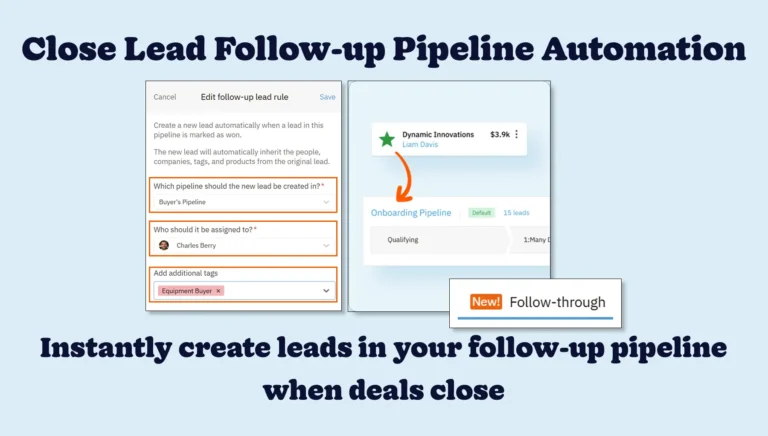
Overcome closed lead management challenges with follow-up pipeline automations
Published on: August 11, 2025

Better Together: Nutshell Named One of the Best Mailchimp CRM Integrations
Published on: December 8, 2022Sales Performance Reviews: 9 Tips to Make Them Valuable
Published on: November 10, 2022Join 30,000+ other sales and marketing professionals. Subscribe to our Sell to Win newsletter!










