






The Best Webform Software for Small Businesses (Under $50/Month)
-
Last updated on: May 7, 2026
If you think you might need webform software but don’t know where to start, you’ve come to the right place. We’ve done the research, we’ve used the products, we’ve experienced all the webform software highs and lows so that you don’t have to.
Here’s our breakdown of the best budget-friendly webform software for small businesses and why they deserve your time.
Key Takeaways
Webform software enables small businesses to create and embed online forms on their websites to capture valuable lead and customer information. When choosing a tool, it’s important to consider factors like ease of use, customization options, and its ability to integrate with other essential software, such as a CRM. The right webform builder helps streamline the lead generation process and ensures that new contact data is automatically organized and ready for follow-up.
What is webform software?
Webforms are forms that collect user data of varying types. Chances are, you’ve used them before if you’ve shopped online, signed up for an email list, or created an online account.
Webform software enables you to create and publish forms to your website or online profiles. Webforms empower you to understand your visitors and customers, allowing you to make informed business and marketing decisions.
Grrreat content alert: For a deeper dive into the technology and functionality behind webforms, check out our primer on webforms for marketing.
The importance of webform software for small businesses
Webforms are a great way to make your small business accessible. From lead generation to e-contracts to feedback, collecting data is an essential part of online business.
Webform software allows you to create forms that collect data of varying types, including email addresses, signatures, payment info, and more.
By collecting voluntary user data, webforms add some tangibility to the anonymous users on the other side of the screen.
What should I be looking for in webform software?
It’s a good idea to take a quick needs assessment before looking for new software. Here are a few starter questions:
- What kind of forms do I see benefiting my small business?
- How many forms do I think I’ll need?
- How much storage do I need for the data I’m collecting?
- Which integrations am I looking for?
- How much am I willing to spend?
So, to keep things fair and relevant, we stuck to the following criteria:
- Price of “best value/most popular” plan: Will the software work for your team without breaking your budget?
- Integrations: Does the software play nicely with your favorite tech stack?
- Storage: Does the software hold enough data to accurately store and use for your business?
- Customization features: Can you add different types of questions or change the format to fit the user’s device?
Summarize with AI:
The best online webform software solutions:
With our established criteria in mind, we’ve compiled a list of affordable and robust software to meet your small business needs.
Webform software Plan cost Notable features Why we love it Nutshell Forms Included with every Nutshell plan (starting from $16/month) – Custom web form designer
– Unlimited forms
– Automatic lead updates and creation from form submissionsSeamlessly connects to your CRM for simplified lead capture and contact management Cognito Forms $35/month for 5 seats (Team plan) – 10,000 API calls per day
– Form customization options, such as conditional logic
– Bulk downloadsSolid and flexible form software Jotform $39/month (Silver plan) – 50 customizable forms
– 100,000 monthly form views and reports
– Removable brandingCost-effective webform software solution Typeform $50/month for 3 seats (Plus plan) – 500+ integrations with Zapier
– Unlimited forms
– WebhooksTons of integrations Nutshell

Why we love it: Seamlessly connects to your CRM
Plan Cost:
Included with every Nutshell subscription (starting at $16/user/month)
Notable features:
- Custom web form designer
- Unlimited forms
- Copy-and-paste website embed codes
- Automatically-generated hosted pages
- Real-time performance tracking
Summary:
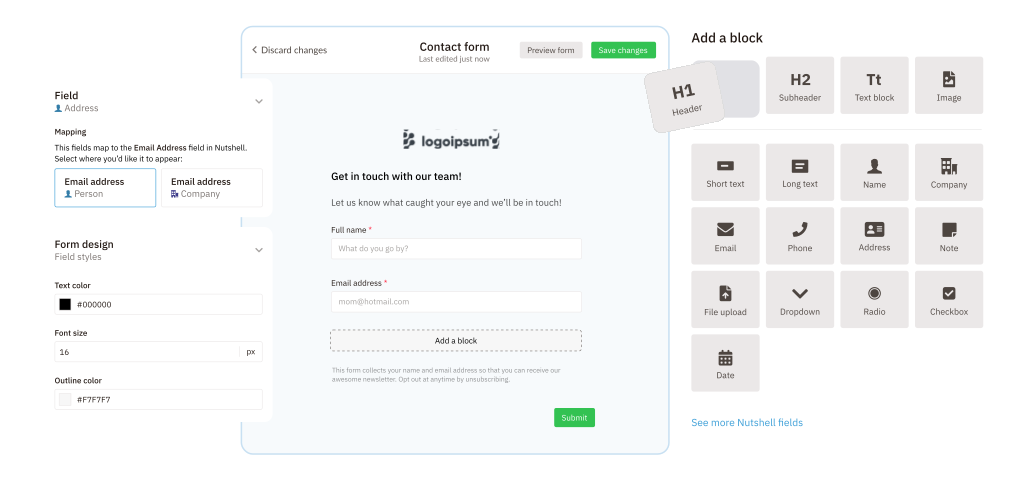
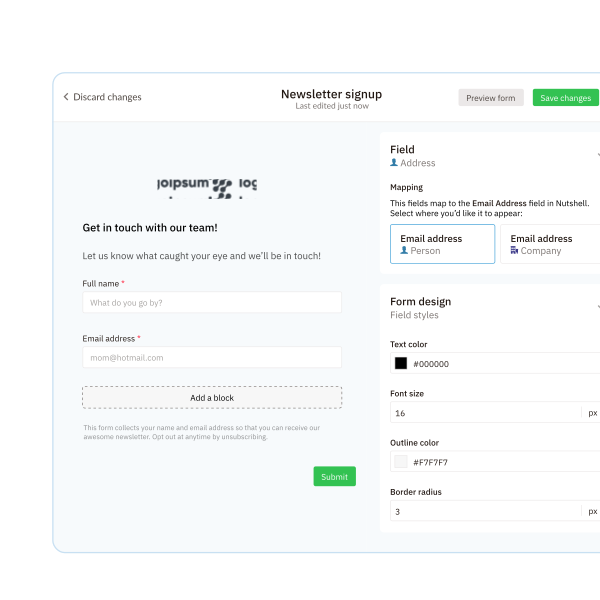
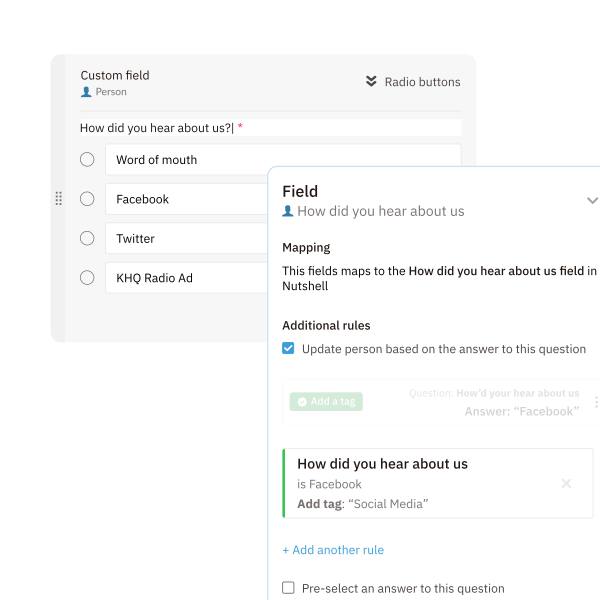
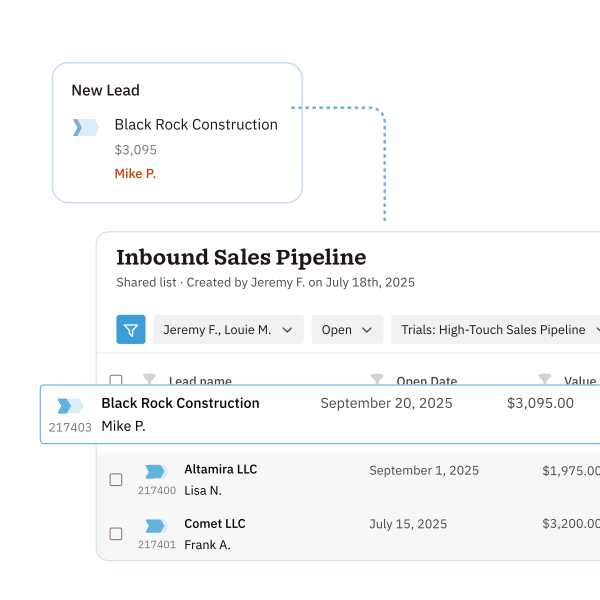
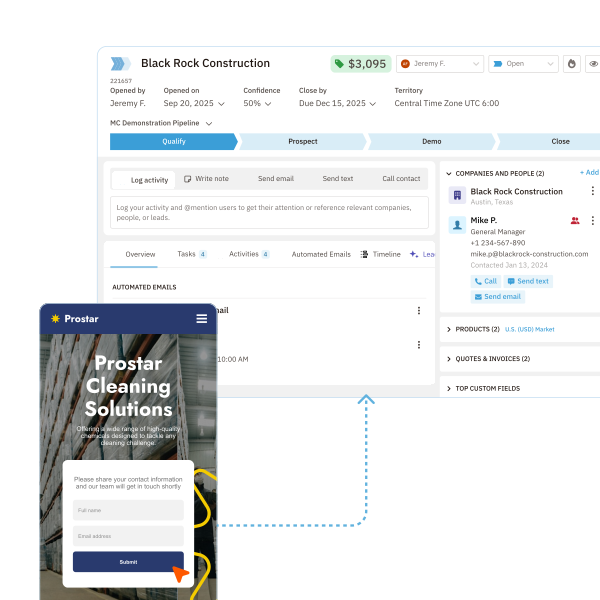
Nutshell is an award-winning growth software platform best known for its CRM and email marketing features. In February 2022, Nutshell released a native form-builder that automatically creates new CRM contact records and leads from form submissions and updates existing records, without the need for complicated integrations.
Nutshell customers can embed forms on their websites using a code snippet or share their forms on a simple hosted page accessible by custom URL.
Not only do Nutshell Forms provide all the basic web form functionality that inbound sales and marketing teams need, but the subscription price of Nutshell is lower than many forms-only solutions.
NUTSHELL FORMS
Turn website visitors into sales leads
Design and embed simple web forms, track their effectiveness, and quickly reach out to form-fillers, all out of Nutshell.
Cognito Forms

Why we love it: Solid and flexible
Plan Cost:
$35/month for 5 seats
Notable features:
- 10,000 API calls per day
- Conditional logic
- Calculations
- Table fields
- Rating scales
Summary:
We’d recommend Cognito Forms to small business owners who have experience with webforms and want versatility from their forms. With 5 seats available at $35 per month (Cognito Forms Team subscription), you get super customizable forms with form folders, email notifications, bulk downloads, and entry sharing.
Customers’ main complaints seem to be that Cognito Forms can be difficult to learn to use and time-consuming, but what the software lacks in simplicity, it seems to make up for in flexibility.
Jotform

Why we love it: Cost-effective webform solution
Plan Cost:
$39/month
Notable Features:
- 10 GB of storage space
- 2,500 monthly submissions
- 50 forms
- 100,000 monthly form views and reports
- Removable branding
Summary:
Jotform’s Silver plan fits comfortably in our price range at $39/month, billed yearly. Jotform is perfect for small businesses that need a good amount of storage for forms, payment submissions, and user data at an affordable price range.
The Silver plan also features 2,500 monthly submissions and 250 monthly payment submissions. While it may not have the integrations that other softwares offer, it is certainly worth considering.
Jotform customers rave about its ease of use, professional layouts, and customer service. The biggest complaint seems to be the lack of integrations and their mobile app user experience.
Typeform

Why we love it: Tons of integrations
Plan Cost:
$50/month for 3 seats
Notable Features:
- 500+ integrations with Zapier
- Unlimited forms
- Webhooks
- Email notifications
- Custom meta descriptions
Summary:
Typeform’s Plus plan is a great webform software for the business owner who wants their forms to really pop. At $50/month when paid yearly, it features webhooks, email notifications, and over 500 integrations with Zapier in addition to Asana, Automate.io, Hubspot, Mailchimp, Airtable, Pipedrive, and Slack.
With advanced logic, 1,000 responses per month, 3 seats, and unlimited customizable webforms, this plan allows you to create forms that suit a wide range of needs.
Typeform customers love how easy Typeform is to use but caution that the reporting is a little more basic than other software and the plans are inflexible.
SO MANY INTEGRATIONS
Is Nutshell a perfect match for your favorite software?
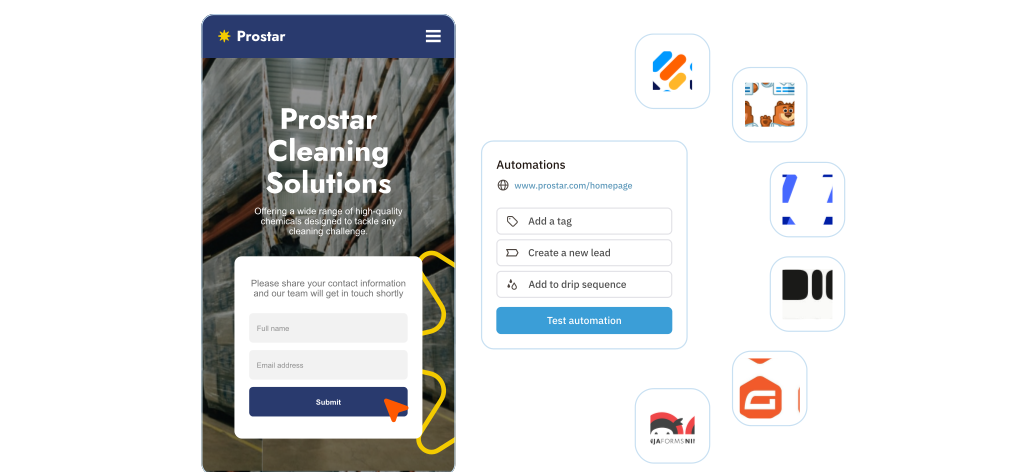
Nutshell integrates with tons of software, both natively and through Zapier. See if your favorites are on the list.
Honorable mentions
SurveySparrow

Plan cost:
$39/month for 1 full user (Individual plan), starting at $79/month for Business plans (3 users)
SurveySparrow is on the more expensive side of webform software. Their pricing is split into personal and business, each of which contains 2 subplans.
As a small business owner, it’s a safe bet that you can get away with using a $39 per month personal plan if you’re the only user who needs to access the forms, as the business plans start from $79 per month.
SurveySparrow’s premium personal plan features extremely customizable forms that include unlimited questions, randomization, logic, scoring, cross-tabulation, custom CSS, redirects, and question-and-answer piping. It’s powerful webform software that goes above and beyond what some small businesses will need, but we think it’s great and certainly worth the mention.
SurveySparrow customers rave about how beautiful and easy the forms are, but many complain that the pricing is steep. To quote one G2 review, “You definitely get what you pay for!”
PandaDoc

Plan Cost:
$49 per seat per month
Notable Features:
PandaDoc is great for the on-the-go business owner who wants to be able to send contracts and collect payments without being at their desk. While not as fine-tuned and customizable as some of the other software we’ve listed, the easy-to-use drag-and-drop editor and mobile app are definite time savers.
We’d recommend this software to the small business owner that relies on a smooth electronic signature process and wants high-power document analytics.
Other features include CRM and Zapier integrations, pricing tables, bulk sending, unlimited signatures and document uploads, templates, and custom branding.
It is worth noting that while PandaDoc boasts about 24/7 support, you are more likely to have to navigate your way through a chatbot conversation before reaching a real support person– a feature that, while at times helpful, can be extremely frustrating.
PandaDoc’s customers love it and have very few complaints aside from features the software lacks, such as filters and multiple linked emails. PandaDoc is another more expensive software and we encourage you to take a good look at the pricing available that is best suited for you.
Wufoo by SurveyMonkey

Plan cost:
$29 per seat per month
Notable features:
Wufoo is a solid webform software that features great UX, 25,000 API Requests, 5 GB of storage, payment collection, and unlimited forms and reports. The forms are simple and are not the most impressive we’ve seen, but at $29.08/month they’re pretty good.
The reporting is not as powerful as other software in this list, but it’s a good choice if you’re looking to add a webform to your marketing funnel.
Other features we like include their field encryption, password-protected forms, form rules, customization features, and redirects.
Customers seem quite happy with Wufoo’s webforms, occasionally complaining about the software being a bit dated and clunky to use.
Complete the customer journey from lead-capture to close with Nutshell
We believe webform software is a worthwhile investment, but if you’re not sure, most of the above software offers a free version or trial to make up your mind.
What do you think? Ready to take your customer interactions and lead generation to the next level with one of these webform software picks?
If lead nurturing is key to growing your business, then why not get the complete customer journey package with Nutshell CRM? Nutshell Forms seamlessly integrates with the CRM to capture and update your lead and contact information.
What’s more, you can use the form information to follow up with your leads using sales task automation, customizable sales pipelines, and advanced reporting, among other revenue-boosting features.
Try Nutshell–and Nutshell Forms–free for 14 days!
SMB webform software FAQs
-
1. How do I embed webforms on my website without coding knowledge?
Most modern form builders offer simple copy-and-paste embed codes or one-click integrations. Simply create your form, copy the provided HTML snippet, and paste it into your website’s editor. Many platforms also provide WordPress plugins, direct CMS integrations, or hosted form pages with custom URLs—no technical skills required.
-
2. Is my customer data secure when using online form builders?
Reputable form builders use SSL encryption, secure data storage, and comply with regulations like GDPR. Look for features like data encryption in transit and at rest, DPA availability, and clear privacy policies. Choose providers that offer EU data storage options if handling European customer data.
-
3. Do I need separate form software if I already have a CRM?
Not necessarily. CRM-integrated forms like Nutshell Forms eliminate data silos and manual entry. Standalone form builders require extra integration steps and can create duplicate data. Integrated solutions automatically create leads, update records, and trigger workflows—saving time while ensuring data accuracy.
-
4. What’s the difference between webforms and survey tools?
Webforms focus on data collection for business processes (leads, orders, registrations) with CRM integration and workflow automation. Survey tools specialize in feedback analysis with features like branching logic and detailed analytics. Choose webforms for lead generation and survey tools for market research.
-
5. How can I track and improve my form conversion rates?
Monitor key metrics like completion rates, abandonment points, and time-to-complete using built-in analytics. Improve conversions by reducing form fields, using single-column layouts, adding progress indicators for multi-step forms, and implementing inline error messages. A/B test different versions to optimize performance.
Looking for an easy-to-use CRM with all the features you need to boost sales?
Nutshell has what you’re looking for.
BACK TO TOPWritten by
Audrey Braun Contributor, Sell to WinReady to try
Nutshell for Free?Thank you! Your submission has been received!Oops! Something went wrong while submitting the form.
What Is Lead Scoring? Definition, Lead Scoring Models, and Best Practices
Published on: January 30, 2023
Organize, Analyze, and Sell Faster With Product Categories in Nutshell
Published on: October 9, 2025Sales Performance Reviews: 9 Tips to Make Them Valuable
Published on: November 10, 2022Highly Effective Strategies for Elevating Sales Team Performance
Published on: November 10, 2022What Are the Top 3 Go-To-Market Strategies?
Published on: November 10, 2022Join 30,000+ other sales and marketing professionals. Subscribe to our Sell to Win newsletter!
- Product
- Nutshell Overview
CRM & Sales
Our powerful and easy-to-use flagship product.Marketing
Email marketing, forms, landing pages, and more.Engagement
Your omni-channel inbox in your CRM.Prospecting
Prospect for new leads and new contacts in your CRM.Quotes & Invoices
Quickly create quotes & invoices in your CRM.
AI
See why Nutshell is the leading AI CRM.Integrations
Connect to Google/Microsoft and over 5,000 Apps.
ReportingCreate reports and forecasts in an instant.CRM Advisor
Get a dedicated point of contact to get the most out of Nutshell.Partner Marketplace
Find trusted partners to help optimize your Nutshell CRM.
- Pricing
Nutshell AI
- Resources
- Contact Us
Contact Sales
Send us your questions or book a 1-on-1 demo.Join a Demo
Join a group demo for a general overview of Nutshell.
Contact Support
Contact our support team via live chat in app or via email.Become a Partner
Refer businesses to Nutshell & earn commissions.
Contact Marketing
Questions about our website or our marketing opportunities?Careers
Join our growing team! See current openings.