The Best CRM Software for Construction Companies

-

Key takeaways
- A CRM automates tasks, manages leads, and provides data-driven analytics, improving efficiency and enabling smarter decisions for construction businesses.
- Key CRM features for construction include contact management with mobile scanning, visual pipeline management, sales automation, and team collaboration tools.
- Nutshell offers a user-friendly CRM with strong automation and reporting, while Buildertrend, Builder Prime, and Procore cater to specific needs, like estimating or project management.
Construction businesses face mounting pressure to do more with less—managing complex projects, coordinating multiple stakeholders, and maintaining client relationships while keeping costs under control. Customer relationship management (CRM) software enables construction firms to work smarter by centralizing information, automating repetitive tasks, and ensuring that no opportunities slip through the cracks.
If you’re looking for the best CRMs for construction companies, you’re in the right place. This guide rounds up the top construction CRMs you can invest in, complete with ratings, pros and cons, pricing details, and guidance on choosing the right solution for your business.
But first, let’s explore how a CRM can transform your construction business operations.
Best construction CRMs at a glance
Here’s a quick overview of our top picks to help you identify which CRM might be the best fit for your construction business:
- Nutshell (4.8/5) – Best for small to mid-size businesses seeking affordable, easy-to-use CRM with strong automation
- Procore (4.6/5) – Best for large commercial construction firms managing complex projects with multiple stakeholders
- Buildertrend (4.5/5) – Best for residential builders and remodelers needing bundled estimating, CRM, and project management
- JobNimbus (4.4/5) – Best for specialty trades like roofing and exteriors with industry-specific workflows
- Fieldwire (4.3/5) – Best for field teams needing mobile-first collaboration tools with offline access
- Builder Prime (4.2/5) – Best for construction companies focused on automated follow-ups and professional proposals
Each of these CRMs excels in different areas, so your ideal choice depends on your business size, project types, and specific workflow needs. Read on for detailed reviews of each platform.
Table of Contents
- Common business challenges in the construction industry
- Why use a CRM in construction?
- Must have features for construction CRM software
- How we selected the best construction CRMs
- Best construction CRM comparison table
- The 6 best construction CRMs to invest in
- How to choose the right construction CRM
- Construction CRM FAQs
Common business challenges in the construction industry
The construction industry faces unique operational pressures that make efficient business management more critical than ever, such as:
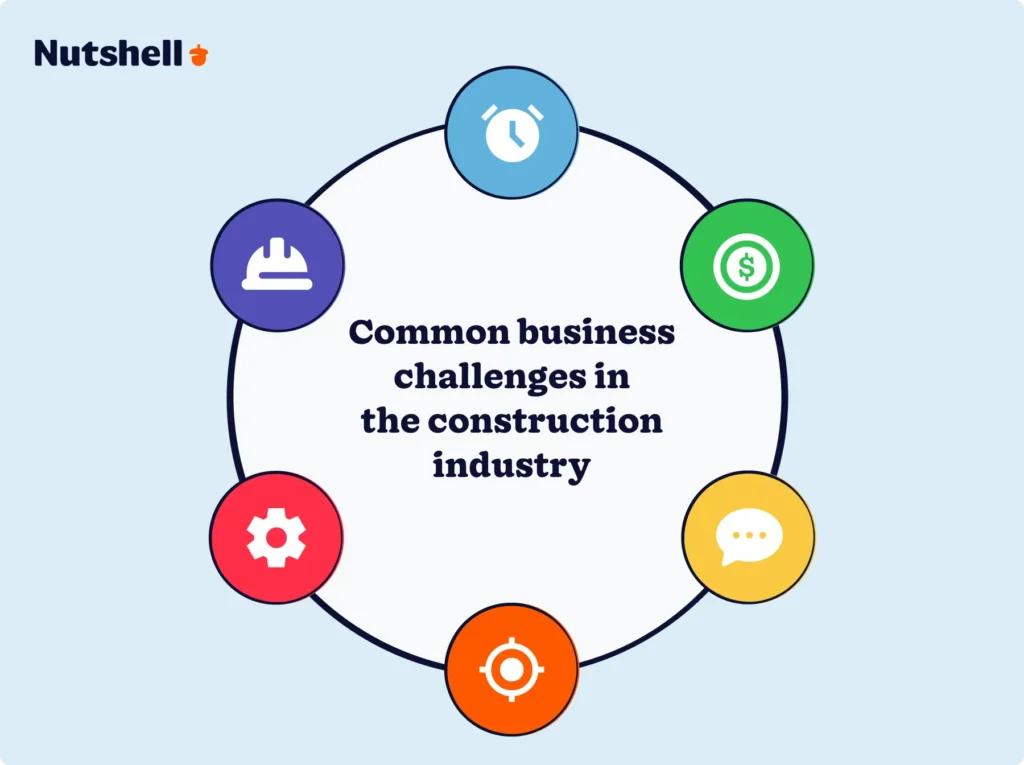
- Workforce shortages continue to strain the industry, with approximately 439,000 additional workers needed to meet current demand. When you can’t simply hire more people, you need better systems to maximize your existing team’s productivity.
- Payment delays have driven up costs by an estimated $280 billion for the U.S. construction industry. Without clear documentation and automated payment reminders, construction businesses struggle to maintain healthy cash flow.
- Project volatility is increasing, with 43% of contractors reporting at least one project canceled, postponed, or scaled back due to higher costs in recent months, according to Associated General Contractors of America. This makes accurate bid tracking and cost management more important than ever.
- Communication breakdowns remain a persistent problem. Research from the Construction Industry Institute identifies working relationships and team dynamics as leading variables affecting project cost and schedule. When information is scattered across emails, texts, and handwritten notes, critical details get lost—leading to costly mistakes and rework.
- Lost bids from poor follow-up represent significant missed revenue. Research shows many firms lose opportunities not because they lack technical capabilities, but because they fail to follow up effectively on proposals.
- Digital transformation pressure is mounting as construction companies move toward integrated software platforms. According to McKinsey research, this platform consolidation trend is reshaping how construction businesses operate.
A CRM addresses these challenges by centralizing information, automating repetitive tasks, and providing the data visibility that construction businesses need to make smarter decisions.
Why use a CRM in construction?
Introducing CRM software into your construction management workflow will give your team better control over each project. Team members can keep track of tasks, budget, billing, and much more from a centralized, easy-to-use database.
In fact, 67% of large-scale contractors now integrate CRM into their project management workflows, with 52% of construction firms prioritizing features like automated follow-ups, centralized communication, and mobile access. This isn’t a niche trend—it’s how modern construction businesses operate.
Here’s what a CRM can do for your construction business:
- Automate repetitive tasks: Stop manually entering lead data, assigning bids to team members, or sending follow-up emails. A construction CRM handles these tasks automatically, freeing your team to focus on closing deals and managing projects.
- Never miss a follow-up: Construction deals often move slowly. A CRM tracks every proposal, reminds you when it’s time to check in, and ensures no opportunity slips through the cracks—even when you’re juggling multiple projects.
- Make smarter decisions with data: Which project types are most profitable? Which marketing channels bring the best leads? A CRM’s reporting tools answer these questions, helping you refine your strategy and forecast revenue with confidence.
- Keep your team aligned: When everyone can see the same project information, communication improves, deadlines are met, and surprises are minimized. Your field teams, office staff, and management are all working from the same playbook.
Need a user-friendly CRM to boost sales and team efficiency?
Take our guided tour to explore Nutshell’s incredible features!

Must have features for construction CRM software
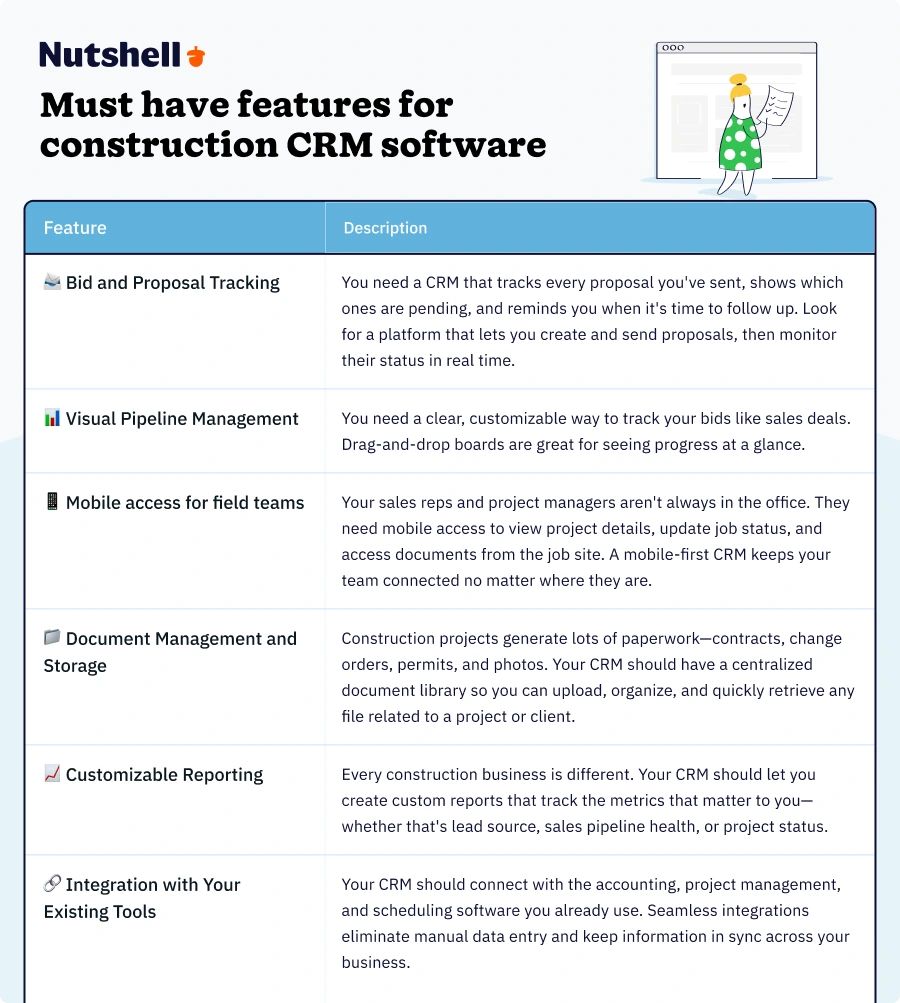
When evaluating CRM options for your construction business, prioritize these core features:
- Bid and proposal tracking: You need a CRM that tracks every proposal you’ve sent, shows which ones are pending, and reminds you when it’s time to follow up. Look for a platform that lets you create and send proposals, then monitor their status in real time.
- Visual pipeline management: You need a clear, customizable way to track your bids like sales deals. Drag-and-drop boards are great for seeing progress at a glance.
- Mobile access for field teams: Your sales reps and project managers aren’t always in the office. They need mobile access to view project details, update job status, and access documents from the job site. A mobile-first CRM keeps your team connected no matter where they are.
- Document management and storage: Construction projects generate lots of paperwork—contracts, change orders, permits, and photos. Your CRM should have a centralized document library so you can upload, organize, and quickly retrieve any file related to a project or client.
- Customizable reporting: Every construction business is different. Your CRM should let you create custom reports that track the metrics that matter to you—whether that’s lead source, sales pipeline health, or project status.
- Integration with your existing tools: Your CRM should connect with the accounting, project management, and scheduling software you already use. Seamless integrations eliminate manual data entry and keep information in sync across your business.
See Nutshell in action!
Try Nutshell free for 14 days or let us show you around before you dive in.
How we selected the best construction CRMs
To ensure our recommendations truly serve the needs of construction businesses, we evaluated dozens of CRM platforms using a rigorous methodology that focuses on the unique needs of contractors, builders, and construction firms.
Our evaluation criteria
- Ease of use for construction teams: We prioritized CRMs that construction professionals can easily adopt without requiring extensive technical training. Many construction workers spend more time on jobsites than in offices, so we sought intuitive interfaces that both field crews and office staff can navigate easily.
- Construction-specific functionality: We evaluated how well each CRM handles construction workflows like bid tracking, project pipeline management, subcontractor coordination, and payment milestone tracking. Generic CRMs that don’t accommodate construction business processes were not included on our list.
- Mobile accessibility: Since construction work happens on jobsites, we tested each CRM’s mobile app for functionality, offline access, and ease of use in field conditions. CRMs without robust mobile capabilities were eliminated.
- Integration capabilities: We assessed how well each CRM integrates with tools that construction businesses already use, particularly accounting software such as QuickBooks and Xero, as well as project management platforms. Seamless data flow between systems is essential for construction firms.
- Pricing and value: We analyzed pricing structures to ensure recommendations align with various budget levels, ranging from small contractors to large commercial firms. We considered not only the monthly cost, but also the total value delivered relative to the price.
- Customer support quality: Construction businesses need responsive support when issues arise. We evaluated each vendor’s support offerings, response times, and availability to ensure contractors can get help when they need it.
- Market adoption and reviews: We researched user reviews on platforms such as G2, Capterra, and industry forums to gain insight into real-world experiences from construction professionals. We also considered market adoption rates within the construction industry specifically.
Construction CRM comparison table
CRM Rating Best For Key Features Starting Price Nutshell ⭐ 4.8/5 Small to mid-size businesses seeking affordable automation Lead scoring, email automation, customizable pipelines, mobile access $13/user/month Procore ⭐ 4.6/5 Large commercial construction firms managing complex projects Project management, document control, financial tracking, team collaboration Custom pricing Buildertrend ⭐ 4.5/5 Residential builders needing bundled estimating + CRM Estimating, scheduling, CRM, photo management, customer portal Custom pricing JobNimbus ⭐ 4.4/5 Specialty trades (roofing, exteriors) Mobile-first design, before/after photos, customer communication, job tracking Custom pricing Fieldwire ⭐ 4.3/5 Field teams needing mobile-first collaboration Real-time collaboration, task management, photo markup, site plans Free plan available Builder Prime ⭐ 4.2/5 Construction companies focused on automated follow-ups Automated workflows, lead nurturing, pipeline management, reporting Custom pricing The 6 best construction CRMs to invest in
What are the best CRMs for the construction industry? Check out our top six picks below:
1. Nutshell
Rating: 4.8/5
Best for small to mid-size construction businesses seeking affordable, easy-to-use CRM with strong automation
Summary
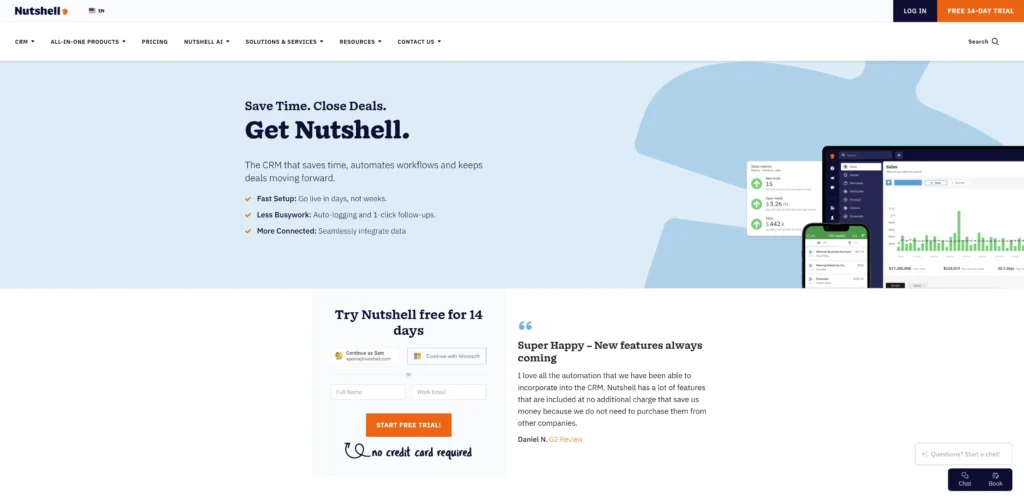
Nutshell is an intuitive growth platform designed to help construction companies build stronger client relationships and streamline their sales process. With powerful automation features, customizable pipelines, and excellent customer support, Nutshell makes it easy for construction businesses to manage bids, track leads, and close more deals without the complexity of enterprise-level systems.
Key Features
- Contact management with business card scanner for job site networking
- Sales automation and workflow builder for bid follow-ups
- Customizable pipeline management for different project types
- Native QuickBooks integration for financial sync
- Mobile app for iOS and Android with offline access
- Reporting and analytics for bid win rates and lead sources
- Email sequences for automated client communication
Pros
- Easy to use with minimal learning curve for construction teams
- Strong sales automation capabilities reduce manual follow-up work
- Excellent customer support via email and live chat for all users
- Affordable pricing for small to mid-size teams
- Customizable pipelines adapt to residential, commercial, or specialty work
Cons
- Limited project management features compared to construction-specific platforms
- Lacks built-in estimating and bidding tools (requires integration with third-party software)
- No subcontractor or vendor management capabilities
Pricing
Starts at $13 per user per month
View Nutshell’s pricing and plans here.
2. Procore
Rating: 4.6/5
Best for large commercial construction firms managing complex projects with multiple stakeholders
Summary
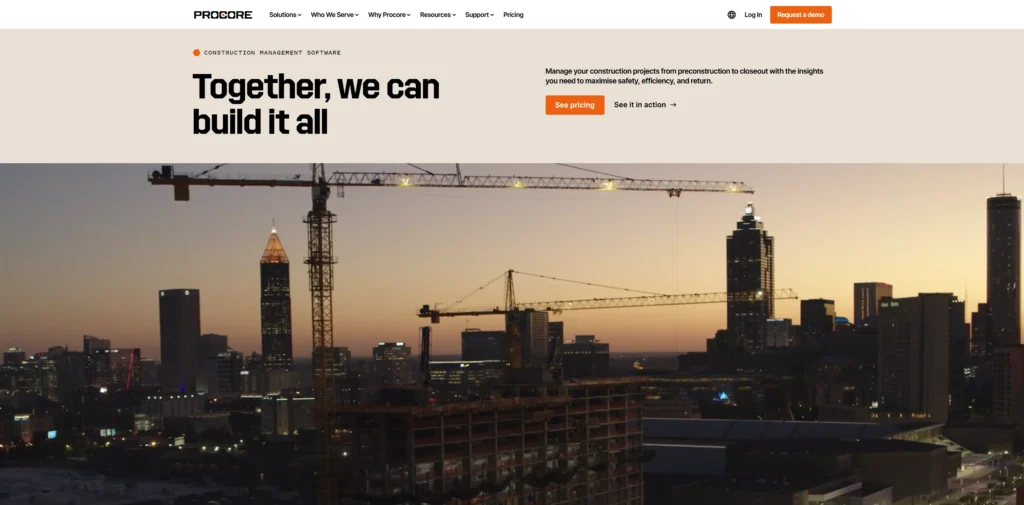
Procore is a comprehensive construction management platform with integrated CRM capabilities designed for large-scale commercial projects. It excels at coordinating multiple teams, tracking project financials in real-time, and managing the complex workflows that come with major construction builds.
Key Features
- Centralized project financials with budget vs. actual cost tracking
- RFI (Request for Information) and submittal workflow management
- Drawing and document version control
- Subcontractor and vendor management tools
- Safety and quality management features
- Real-time project collaboration across all stakeholders
- API-first platform with 300+ integrations
Pros
- Comprehensive project management features beyond basic CRM
- Real-time financial tracking helps prevent budget overruns
- Robust mobile app for field teams and project managers
- Extensive integration ecosystem connects with existing tools
- Strong security and compliance features for enterprise clients
Cons
- No lead generation, nurturing, or sales pipeline management features
- Pricing can be prohibitive for small to mid-size contractors
- Steeper learning curve requires more extensive training
Pricing
Custom
3. Buildertrend
Rating: 4.5/5
Best for residential builders and remodelers needing bundled estimating, CRM, and project management
Summary
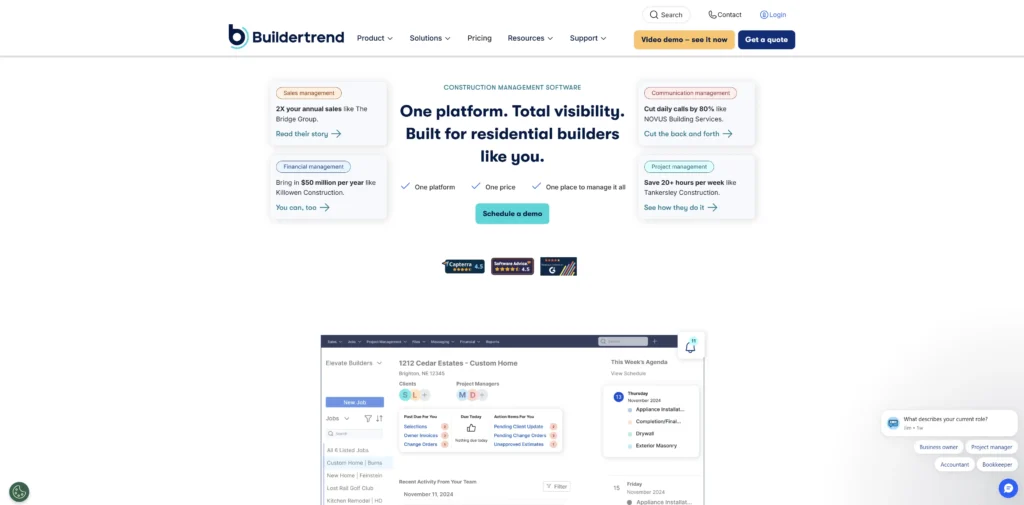
Buildertrend offers an all-in-one solution that combines CRM, estimating software, and project management tools specifically designed for residential construction. It’s particularly strong for home builders and remodelers who want a single platform to manage the entire customer journey from initial bid through project completion.
Key Features
- Client portal with real-time project updates for homeowners
- Integrated estimating and bidding tools
- Daily logs and photo documentation
- Change order management and approval workflows
- Payment tracking and invoicing
- Email marketing tools for lead nurturing
- Schedule management with Gantt charts
Pros
- All-in-one solution reduces need for multiple software subscriptions
- Client portal improves communication with homeowners
- Extensive customer support including live webinars and onsite consulting
- Purpose-built for residential construction workflows
- Strong mobile app for field updates
Cons
- No free trial available to test before committing
- Higher monthly cost compared to standalone CRMs
- May include features smaller residential builders don’t need
Pricing
Custom
4. JobNimbus
Rating: 4.4/5
Best for specialty trades like roofing and exteriors with industry-specific workflows
Summary
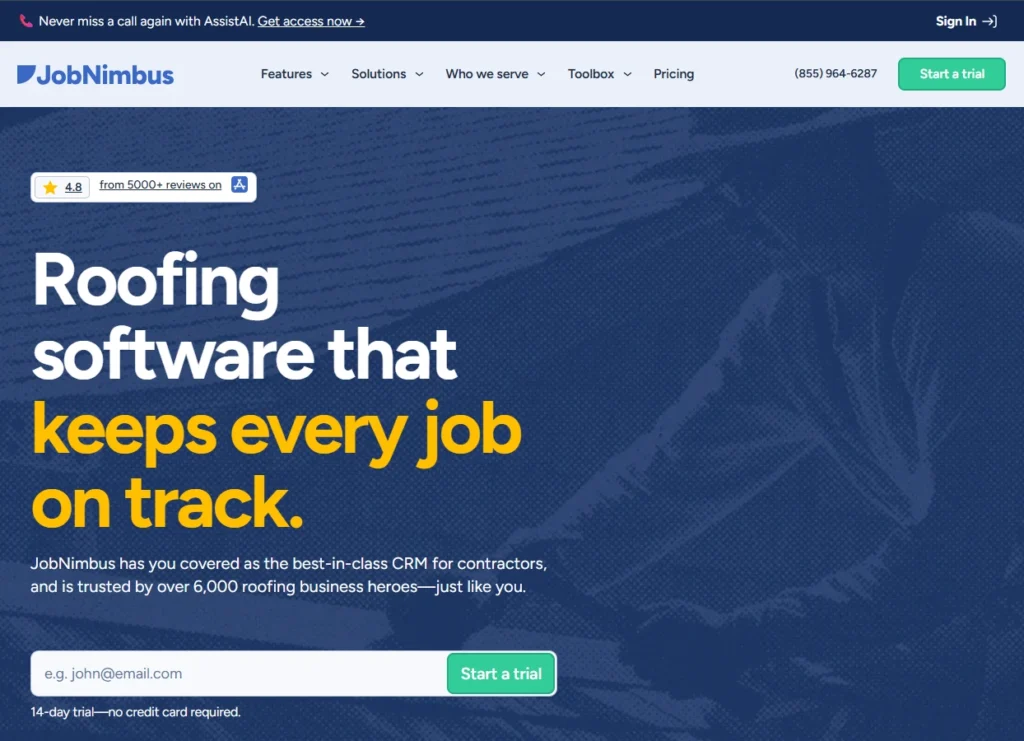
JobNimbus understands the specific needs of specialty trade contractors, particularly in roofing and exterior work. It offers industry-specific workflows, insurance claim tracking, and material ordering integrations that make it ideal for construction firms that need more than a generic CRM.
Key Features
- Drag-and-drop job boards for visual pipeline management
- Integrated email and SMS for client communication
- Insurance claim tracking and documentation
- Material ordering integrations with suppliers
- Photo documentation and annotation tools
- Workflow automation for follow-ups
- Mobile app with simple field update interface
Pros
- Industry-specific workflows for roofing and exterior trades
- Insurance claim tracking simplifies restoration work
- Intuitive drag-and-drop interface requires minimal training
- Strong mobile app for field crews
- 14-day free trial allows testing before purchase
Cons
- Highly specialized for certain trades; may not fit general contractors
- Reporting features are simpler compared to more comprehensive CRMs
- Some users report occasional mobile app bugs
- Limited customization options for automation workflows
Pricing
Custom
5. Fieldwire
Rating: 4.3/5
Best for field teams needing mobile-first collaboration tools with offline access
Summary
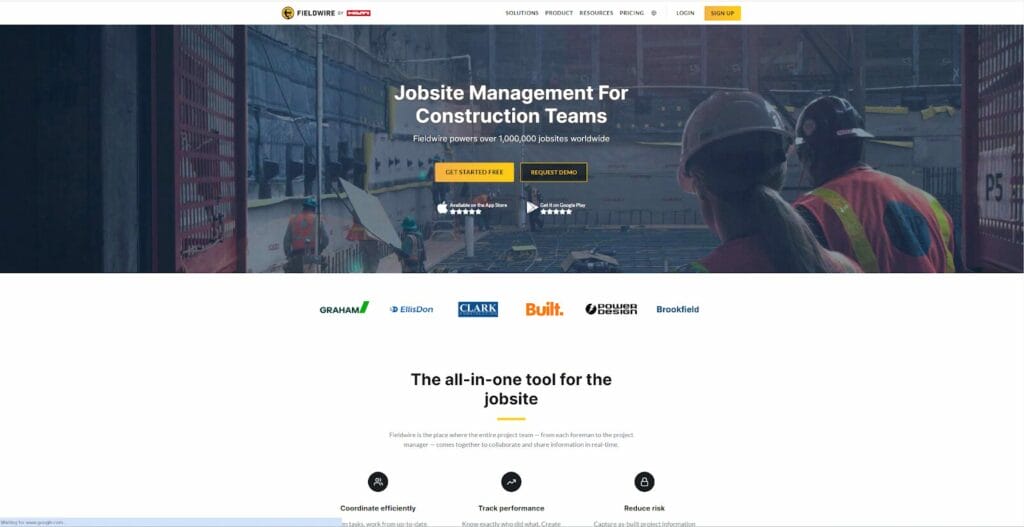
Fieldwire is a job site software solution that prioritizes mobile functionality and team collaboration. It’s designed for construction teams who spend most of their time in the field and need tools that work reliably even without internet connectivity.
Key Features
- Offline mobile access for job sites with limited connectivity
- Plan viewing, markup, and version control
- Task management with photo attachments
- Punch list creation and tracking
- Real-time team collaboration and updates
- Document storage and sharing
- Integration with project management platforms
Pros
- Works offline, crucial for remote job sites
- Intuitive mobile interface designed for field use
- Strong plan viewing and markup capabilities
- Free basic plan available for small teams
- Free trial allows testing before upgrading
Cons
- Lacks client tracking and bid management features
- Limited CRM functionality compared to dedicated CRM platforms
- May need to integrate with another tool for sales pipeline management
- Reporting capabilities are basic
Pricing
Free basic plan available, paid plans start at $39 per user per month
6. Builder Prime
Rating: 4.2/5
Best for contractors focused on automated follow-ups and professional proposals
Summary
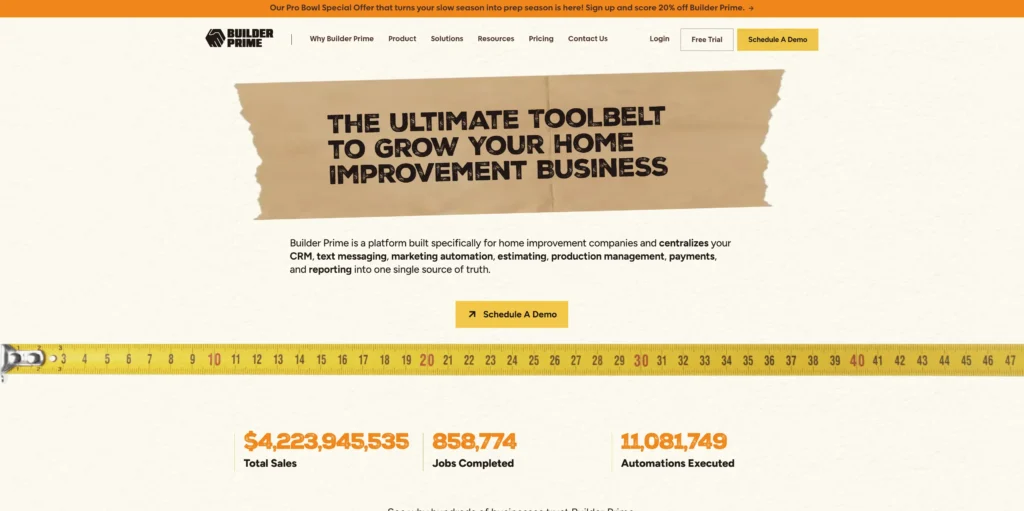
Builder Prime emphasizes sales automation and professional presentation, making it ideal for construction companies that want to streamline their bidding process and ensure no leads fall through the cracks. Its automated follow-up system and proposal creation tools help businesses close more deals.
Key Features
- Pipeline management with visual deal tracking
- Automated follow-up system for bids and proposals
- Customized and branded estimate creator
- Contract and invoice generation
- Email appointment confirmations
- Payment reminder automation
- Mobile app for field access
Pros
- Strong automation reduces manual follow-up work
- Professional proposal and estimate templates
- Automated payment reminders improve cash flow
- Customizable branding for estimates and contracts
- Free trial available to test features
Cons
- No email campaign management feature for marketing efforts
- Limited interaction tracking compared to full-featured CRMs
- Sales forecasting capabilities are basic
- Reporting features could be more robust
Pricing
Custom
How to choose the right construction CRM for your business
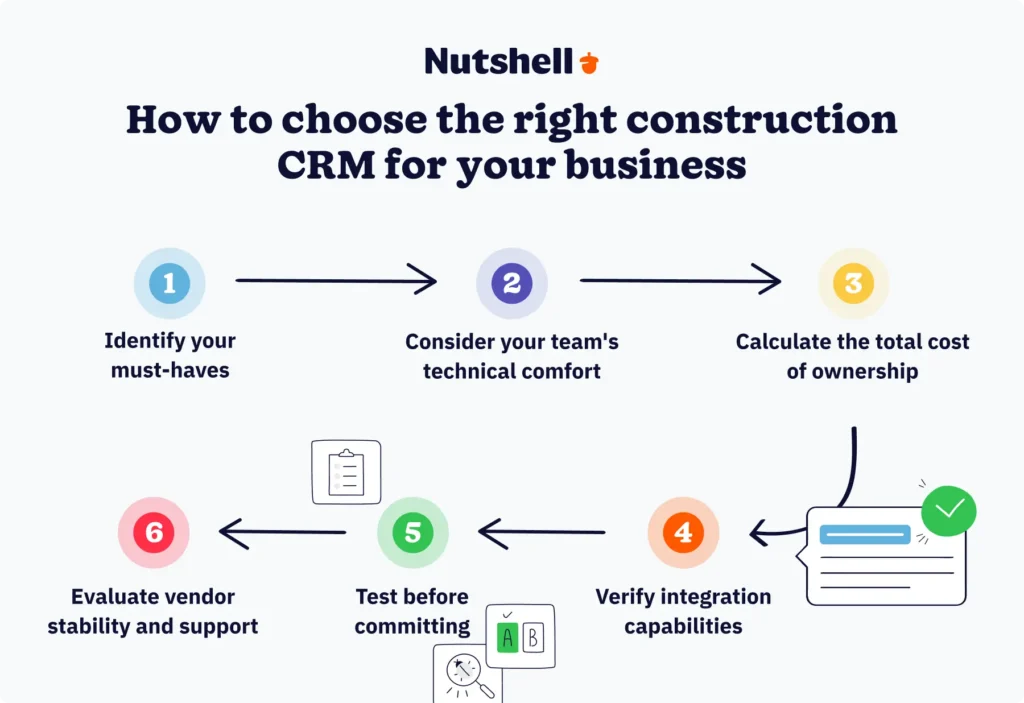
Selecting the right CRM impacts your team’s workflow and your business’s growth. Here’s how to make the right choice:
- Identify your must-haves: Start by listing essential features for your business. Most construction companies prioritize mobile access for field teams, document management, customizable pipelines, accounting software integration, and automated communication tools.
- Consider your team’s technical comfort: Even the best CRM fails if your team won’t use it. Request demos focused on daily tasks—how quickly can a field supervisor log a site visit? Look for platforms with intuitive design and role-based interfaces that reduce complexity.
- Calculate total cost of ownership: Look beyond monthly fees. Factor in per-user pricing, integration costs, training time, and efficiency gains. A $13/user/month CRM that saves each team member 5 hours per week delivers far more value than a free option requiring manual workarounds.
- Verify integration capabilities: Your CRM must connect seamlessly with accounting software (QuickBooks, Xero), email platforms, calendars, and project management tools you already use. Native integrations built by the vendor typically offer better reliability than third-party options.
- Test before committing: Most vendors offer free trials or demos. Import sample data, have multiple team members test relevant features, try the mobile app in field conditions, and contact support to evaluate responsiveness.
- Evaluate vendor stability and support: Choose a vendor with a solid track record and responsive customer support. For construction businesses, live support during business hours is critical—you can’t wait 48 hours for an email response when a bid deadline looms.
The right CRM will accommodate your workflows, fit your budget at current and projected growth, integrate with existing software, offer an interface your team will use, and provide responsive support.
Construction CRM FAQs
-
1. Why is a CRM useful for construction businesses?
The best construction CRMs save customer and prospect information and help you track your projects’ progress, store pertinent documents, and analyze customer information to provide better service.
-
2. What are the challenges that a construction CRM can help you with?
A construction business’s sales process is a complex one. Combine that with projects happening simultaneously, and tracking every detail of your projects and bids becomes quite a chore.
The best CRMs for construction can help contractors:
-
- Manage and monitor several projects in one platform
-
- Automate follow-ups, thank-you messages, and billing reminders
- Store documents and customer info in one repository that your team can easily access when needed
-
-
3. How long does it take to implement a construction CRM?
Most construction companies can implement a CRM in 4-6 weeks with 6-10 hours of total setup time. This includes data migration, team training, and workflow configuration. The timeline depends on your database size, workflow complexity, and number of integrations needed. Cloud-based CRMs like Nutshell offer faster deployment with dedicated onboarding support.
-
4. Can construction CRM software integrate with QuickBooks and other accounting tools?
Yes, most construction CRMs integrate with QuickBooks and popular accounting software. These integrations sync customer data, invoices, and financial records in real time, eliminating duplicate data entry. Nutshell offers native integrations with QuickBooks, Xero, and other accounting platforms to streamline your financial workflows.se
-
5. What’s the difference between a construction-specific CRM and a general CRM?
Construction-specific CRMs incorporate industry-specific features, including bid tracking, project management, job scheduling, and subcontractor management. General CRMs primarily focus on basic contact management and sales pipeline management. While general CRMs like Nutshell can serve construction businesses well, industry-specific platforms often include more specialized features—though these are typically available at significantly higher costs.
-
6. Do I need a CRM if I’m a small construction company with under 10 employees?
Yes, small construction companies benefit significantly from CRMs. Even with a small team, you’re managing multiple bids, client relationships, and project timelines. A CRM prevents leads from falling through the cracks, automates follow-ups, and keeps your team organized as you grow without adding administrative burden.
-
7. Is there a free construction CRM option available?
Some CRMs offer free plans with limited features, like Fieldwire’s basic plan. However, free versions typically lack construction-specific features, such as advanced project management and integrations. Nutshell offers a 14-day free trial with full access to all features, letting you test the platform before committing.
-
8. How does a CRM help with bid management and tracking?
A CRM tracks every bid from initial inquiry through contract signing. You can create custom pipeline stages matching your bidding process, set automatic follow-up reminders, store all bid documents in one place, and analyze which project types you win most often. This visibility ensures no opportunities slip through the cracks.
-
9. Can field crews use a construction CRM from jobsites?
Yes, modern construction CRMs offer mobile apps for job sites. Field crews can access contact and project information, update job statuses, log site notes and photos, and view schedules. Look for CRMs that offer offline access, allowing your team to work in areas with limited connectivity.
Streamline your construction business with the right CRM
The construction industry’s challenges—from workforce shortages and payment delays to rising costs and communication breakdowns—require modern solutions. A CRM isn’t just software; it’s a strategic investment that helps your construction business work smarter, win more bids, and build stronger client relationships.
If you want to grow your construction business and improve your processes with CRM software, Nutshell delivers the features businesses need at prices that make sense. A user-friendly CRM with powerful tracking and automation, Nutshell helps you manage your projects and bids so your team can work more efficiently.
Want to try Nutshell? Sign up for a free 14-day trial to experience one of the best CRMs for construction businesses firsthand.

Let’s Talk
Have a question? Need a volume discount? Send us a message or book a meeting with a Sales rep to start the conversation.
 BACK TO TOP
 Written by
Kevin Randolph Partnerships and Outreach SpecialistEdited by
Will Gordon Sr. Director of MarketingReviewed by
Andy Fowler Co-FounderReady to try
Nutshell for Free?Thank you! Your submission has been received!Oops! Something went wrong while submitting the form.





What Is Revenue Intelligence? An All-Encompassing Guide
Published on: January 24, 2024Highly Effective Strategies for Elevating Sales Team Performance
Published on: November 10, 2022Join 30,000+ other sales and marketing professionals. Subscribe to our Sell to Win newsletter!










