The 6 Best Outlook CRM Systems for Office 365 Integration

-

Key takeaways
- Nutshell leads our list as the top Outlook CRM with a 4.8/5 rating, offering the only entry-level plan with full Outlook integration across all features. Our top three recommendations are:
- Nutshell (4.8/5): Best for growing businesses needing seamless Outlook integration at an affordable price
- Microsoft Dynamics 365 (4.2/5): Best for enterprises with complex Microsoft ecosystem requirements
- HubSpot CRM (4.0/5): Best for businesses wanting to build a marketing and sales hub ecosystem
- We rated each CRM based on Outlook integration quality (40%), ease of use (30%), pricing value (20%), and customer support (10%). The key takeaway? The best Outlook CRMs keep your team in their familiar email interface while adding powerful CRM capabilities—no app-switching required.
- According to our research, 43% of businesses report that CRM reduces employee workload by 5 to 10 hours per week through email automation and centralized data management. But you’ll only see these benefits if the Outlook integration is seamless.
Office 365 users know that Microsoft Outlook is the communication workhorse for anyone who sends and receives emails. With over 400 million active users representing 38% of the global email market, Outlook isn’t going anywhere. But here’s the challenge: Outlook alone can’t do what a true CRM can.
While Outlook excels at email and calendar management, it lacks critical CRM capabilities like pipeline tracking, sales forecasting, lead scoring, and team collaboration. That’s why integrating Outlook with the right CRM is the perfect way to expand its usefulness and empower your sales and marketing teams.
Quick answer: What is the best CRM for Outlook?
The best Outlook CRM offers native Office 365 integration that auto-logs emails and syncs contacts and calendars where you already work. Nutshell ranks highest at 4.8/5, followed by Microsoft Dynamics 365 for complex enterprise Microsoft environments.
An Office 365 Outlook CRM tool integration allows you to do so much more with your email service, including advanced sales management, team collaboration, email marketing, and lead generation—without leaving the inbox your team already knows and loves. In fact, bringing these formidable tools together is the ideal way to boost team efficiency: 43% of businesses report that CRM reduces workload by 5 to 10 hours per week through automation and centralized data management.
This comprehensive guide highlights the best CRM solutions for Outlook users, breaking down their pros, cons, pricing, and Outlook integration quality. We’ve tested over 20 solutions, rated 6 finalists, and identified which platforms offer the most seamless Outlook experience for teams of all sizes.
The 6 best Outlook CRMs at a glance
- Nutshell (4.8/5): Best for growing businesses that need simplicity with full Outlook integration at all pricing tiers
- Microsoft Dynamics 365 (4.2/5): Best for enterprises requiring deep Microsoft ecosystem integration and advanced features
- HubSpot CRM (4.0/5): Best for businesses wanting to combine CRM with marketing and service hub functionality
- Zoho CRM (3.9/5): Best for budget-conscious teams already invested in the Zoho ecosystem
- Pipedrive (3.8/5): Best for sales-focused teams prioritizing deal velocity and visual pipeline management
- Insightly (3.7/5): Best for professional services firms needing project management alongside CRM
Table of Contents
- How we selected the best Outlook CRMs
- Benefits of using an Outlook CRM
- Essential Outlook CRM features to look for
- The 6 best CRM systems for Outlook and Office 365
- How to choose the best Outlook CRM integration for your business
- Real-world example: How one law firm transformed email management with Outlook CRM
- Frequently asked questions
Which CRM has the features you need?
Our interactive worksheet compares the benefits offered by Nutshell, your existing contact management solution, and any other CRMs you’re currently evaluating.
How we selected the best Outlook CRMs
We tested over 20 CRM solutions with hands-on evaluation, specifically focusing on how well each integrated with Microsoft Outlook and Office 365. Rather than relying on feature lists, we built real sales pipelines, synced actual email data, and assessed real-world adoption scenarios.
Evaluation criteria
- Outlook integration quality (40%): Two-way email/calendar/task synchronization, reliability of add-ins, speed of data sync, setup complexity
- Ease of use & adoption (30%): Intuitive interface design, training time required, team adoption rates, mobile functionality
- Pricing transparency (20%): Entry-level pricing, what features are included at base tier, no hidden integration fees, realistic implementation costs
- Customer support (10%): Response time, support availability, Outlook-specific expertise
With over 400 million active Outlook users representing 38% of the global email market, seamless Outlook integration is no longer optional—it’s essential. Sales teams that have Outlook built into their CRM workflow report faster email processing, better data accuracy, and higher adoption rates.
Not all CRMs offer Outlook integration on entry-level plans. We specifically flagged which platforms charge premium prices for Outlook add-ons versus which ones include it across all tiers.
Benefits of using an Outlook CRM integration
Perhaps you’re still on the fence about an Outlook customer relationship management (CRM) system marriage and need to know what it can do for your organization before you begin your CRM search. The benefits of implementing an Office 365 Outlook CRM tool within your operation are many and include the following:
- Streamline communication: With your favorite email service and CRM neatly bundled together, you can read and respond to emails and view calendars from one convenient dashboard.
- Maximize productivity: Bringing your Outlook messages into your CRM system saves time and improves your team’s productivity, inevitably impacting your bottom line.
- Enhance customer experiences: Your CRM creates a platform for better team collaboration, making sure all team members are on the same page and increasing customer experiences at every touchpoint.
- Improve data management: Melding your Office 365 and Outlook with a CRM gives you a centralized repository of data shared across your company, encouraging more transparency between departments and improved data accuracy.
- Consolidate processes: Bring sales, marketing, support, and other departments together through a CRM, creating a powerhouse team working together to boost revenue and growth.
Essential Outlook CRM features to look for
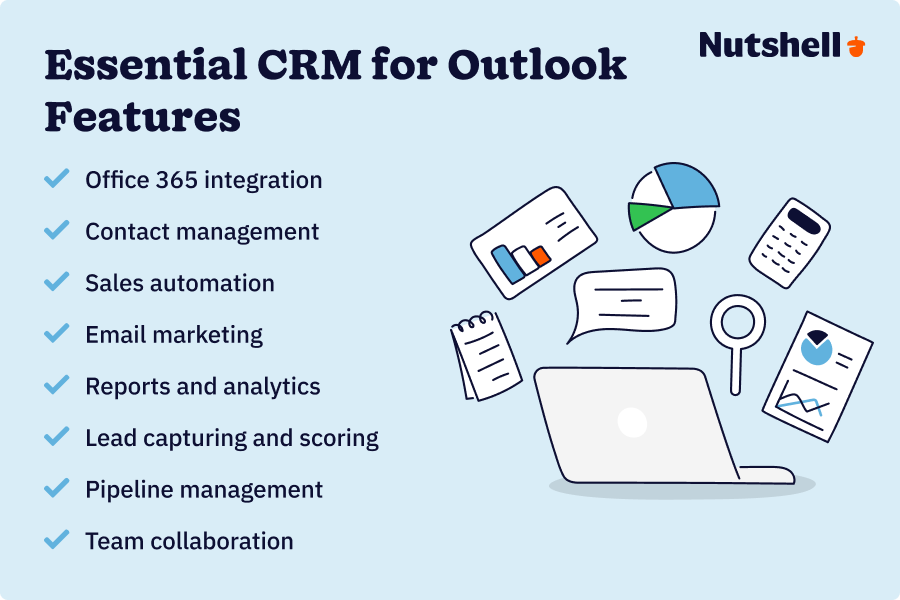
As you begin your quest for the best CRM for Outlook and Office 365, you’ll need a checklist of critical features to guide you through the decision-making process. Here are some of the core features you’ll want to keep an eye out for:
- Office 365 integration: Most importantly, make sure that Microsoft Outlook integrates effortlessly with your chosen CRM solution, including email and calendar synchronization. Choose a CRM that stipulates Office 365 integration and has a support team ready to guide you through the process.
- Contact management: Pick a CRM with robust features to create, manage, and share detailed contact records, notes, and related activities.
- Sales automation: Look for a CRM solution that offers automation capabilities, allowing your team to automate non-selling and repetitive tasks and giving them more time to focus on relationship building.
- Email marketing: Find a CRM system with email marketing features that let you set up email campaigns, drip sequences, newsletters, and broadcasts and track open and click-through rates.
- Reports and analytics: Ensure your chosen CRM provides detailed reports for the metrics that matter most and offers the option to customize reporting to suit your needs.
- Lead capturing and scoring: A CRM platform that makes bringing new leads into the system effortless, with lead capturing features like web form and landing page builders, as well as automated lead assigning and scoring.
- Pipeline management: Your CRM should let you customize your pipeline stages, automate tasks and lead progression based on specified criteria, track sales performance, and much more.
- Team collaboration: Choose a CRM system that facilitates collaboration and information sharing, helping teams across departments improve productivity and outcomes.
The 6 best CRM systems for Outlook and Office 365
Now that you have a better idea of the advantages of a great Outlook CRM and what features you should look out for, let’s dive into the best CRM options on the market for your Outlook integration.
Quick Outlook CRM comparison table
CRM Rating Outlook integration Starting price Best for Free trial Nutshell 4.8/5 ⭐⭐⭐⭐⭐ Native (All Plans) $13/user/month Growing SMBs wanting simplicity 14 days Microsoft Dynamics 365 4.2/5 ⭐⭐⭐⭐☆ Native (All Plans) $65/user/month Enterprise Microsoft ecosystem 30 days HubSpot CRM 4.0/5 ⭐⭐⭐⭐☆ Add-on (Pro+ Plans) $0-$20/month Multi-hub marketing/sales seekers Free tier Zoho CRM 3.9/5 ⭐⭐⭐⭐☆ Limited (Paid Plans) $18/user/month Budget-conscious Zoho ecosystem users 15 days Pipedrive 3.8/5 ⭐⭐⭐⭐☆ Add-on (Advanced+) $24/user/month Sales velocity-focused teams 14 days Insightly 3.7/5 ⭐⭐⭐⭐☆ Limited (Paid Plans) $29/user/month Professional services with projects 14 days 1. Nutshell
Rating: 4.8/5
Best for growing businesses that need seamless Outlook integration without sacrificing simplicity or affordability
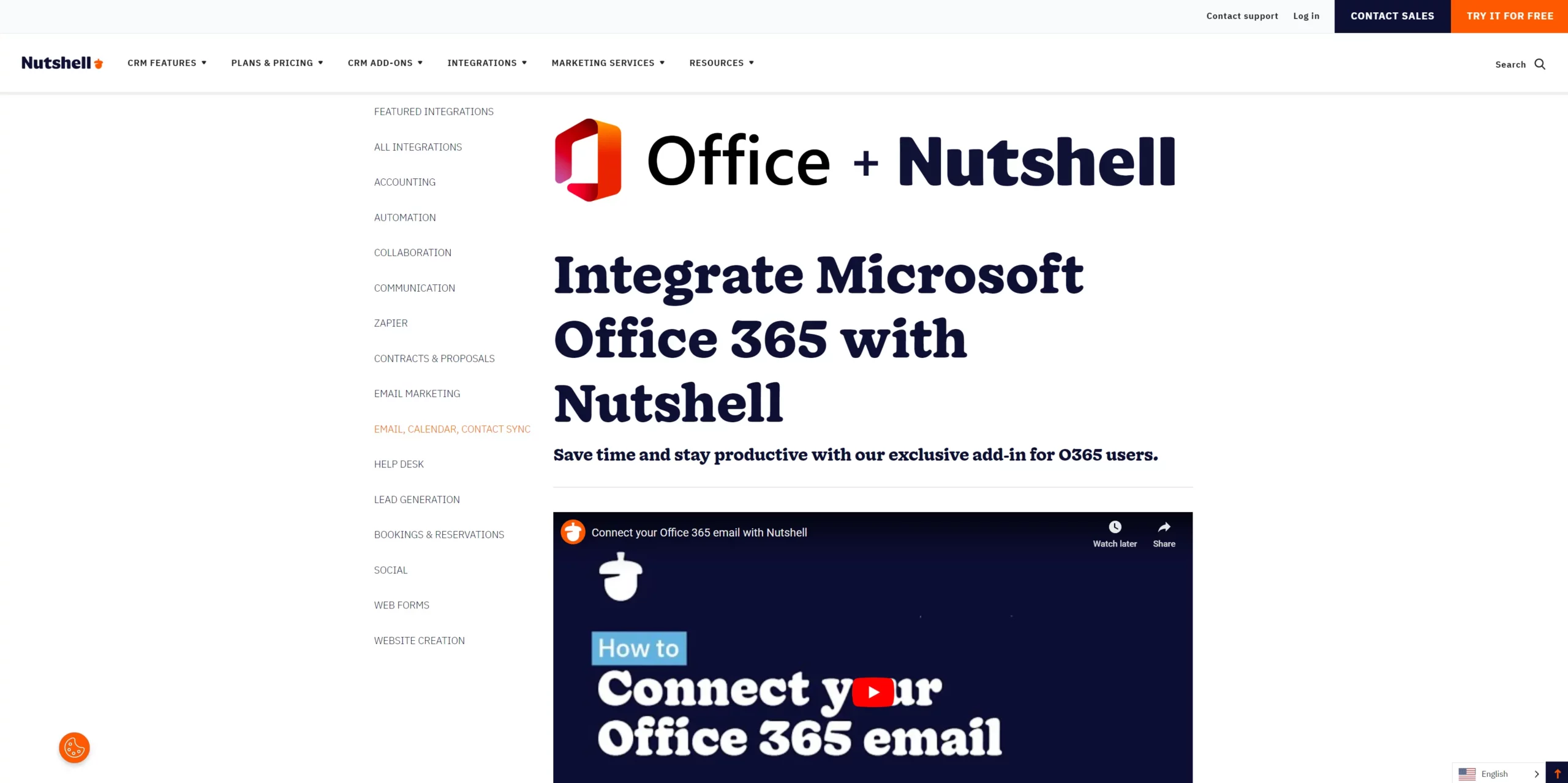
Nutshell is the all-in-one CRM solution for teams that need an easy-to-use system that works harmoniously with Outlook and Office 365. With Nutshell, you get two solutions for Outlook integration, namely:
- Standard Nutshell Outlook integration for users working on the Nutshell platform
- Nutshell Office 365 Outlook add-on for users working in Outlook (free via Microsoft AppSource)
What’s great about Nutshell is that even users on the entry-level Foundation plan have access to this integration and add-on, unlike some of its competitors.
Is Nutshell a perfect match for your favorite software?
Nutshell integrates with tons of software, both natively and through Zapier. See if your favorites are on the list.

Key features
These are the key Nutshell features you should be aware of:
- Native integration: Implement Nutshell’s native one-click Office 365 and Outlook integration and eliminate the need to use multiple tools, allowing you to work directly from Nutshell.
- Contact management: Bring contact records into one central database accessible across departments to elevate data management and sharing.
- Email marketing: Take advantage of Nutshell’s email marketing tools to create powerful email campaigns and sequences using designer templates.
- Pipeline management: Use advanced pipeline management features and tailored sales processes to turn contacts into customers.
- Task automation: Automate repetitive sales-related tasks and activities with Nutshell’s sales automation tools to save time and boost productivity.
- Reporting: Create custom reports to measure performance, identify trends, and spot areas for improvement.
- Team collaboration: Bring sales, marketing, and support teams together with better team collaboration through the Nutshell platform.
- Outlook add-in: Manage contacts, tasks, and activities from your email interface with the Outlook add-in.
- Native add-ons and suites available: Nutshell CRM is suitable for sales, marketing, and customer service teams. Scale your CRM with seamless native add-ons for your ever-growing business needs.
Pros
When you choose Nutshell as your CRM partner for Outlook integration, you can look forward to the following advantages:
- Easy two-way synchronization of your Outlook emails, calendars, tasks, and contacts.
- See all relevant information related to contacts, including designation, lead evolution, and all interactions.
- Free Outlook add-on to use across sales, marketing, and support teams in Outlook.
- Access to sharable email templates and an AI email writing assistant.
- Advanced pipeline creation and management for optimal lead nurturing.
- Detailed lead and sales reports for evaluation and campaign optimization.
- Nutshell mobile app for staying in touch with customers and colleagues on the go.
Cons
Apart from the incredible features and pros highlighted above, Nutshell still comes with a few cons, including:
- No free plan—Only a 14-day free trial, but with access to all the features.
- Limited click-to-call and phone recordings on entry-level plans.
- Email click tracking and notifications are only available from the Pro plan upward.
Price
The following pricing illustrates Nutshell’s affordability:
- Starting at $13 per user per month.
A 14-day free trial is available (no credit card required).
Outlook integration quality
5/5 – Native integration with seamless two-way sync across email, calendar, and tasks.
2. Microsoft Dynamics 365
Rating: 4.2/5
Best for large enterprises requiring deep Microsoft ecosystem integration
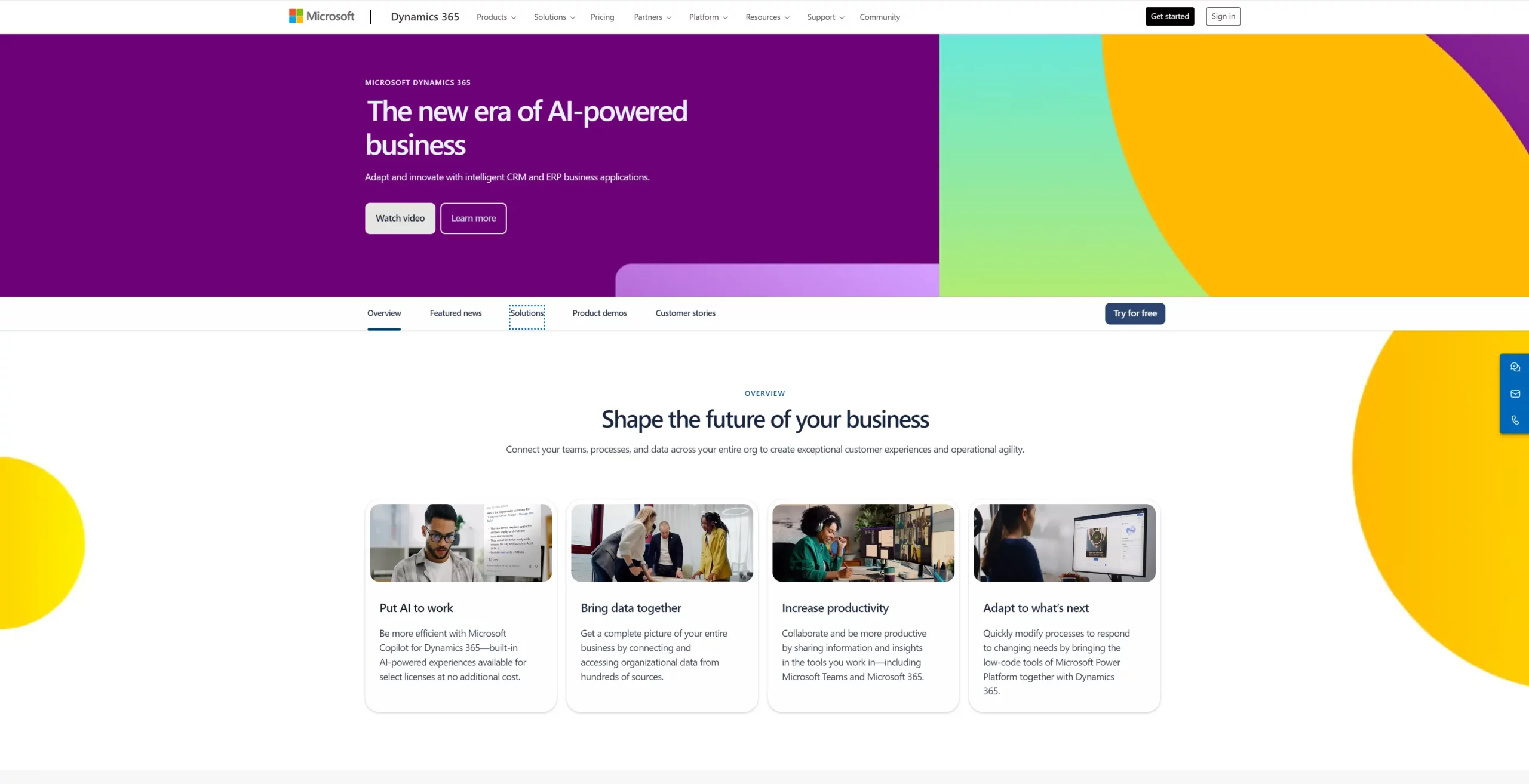
Microsoft users who want their CRM system to integrate with all their Microsoft tools may consider Microsoft Dynamics 365 as a Microsoft Office 365 Outlook CRM. With it, you can bring Microsoft products like Excel, OneNote, Teams, OneDrive, and more into a unified system to streamline processes.
Key features
You can expect to receive the following features when you choose Microsoft Dynamics 365:
- Sales reports: Extract standard sales and performance reports and view updated metrics on your dashboard.
- Lead management: Bring prospect information into your CRM for qualification and pipeline assignment, which you can manage through Microsoft Dynamics 365.
- Audience segmentation: Segment your audience for improved targeting through email and marketing campaigns.
- Product management: Oversee product-related information and activities, including pricelists and bundling.
- Order administration: Facilitate orders and generate quotes and invoices from within your CRM software.
Pros
Let’s take a look at the benefits Microsoft Dynamics 365 has to offer its users:
- An advanced system for lead scoring, pipeline monitoring, and sales forecasting.
- A native solution that integrates with all Microsoft software for a combined, central platform.
- Integrates with LinkedIn Sales Navigator, letting you gather essential lead information from the platform.
Cons
Here are some Microsoft Dynamics 365 pitfalls to bear in mind:
- A costly solution compared to its peers.
- Comprises complex advanced tools, creating a learning curve and making user adoption a challenge.
- Software is designed to focus on sales activities, while customer support, marketing, and other operations require add-ons.
Price
Your Microsoft Dynamics 365 pricing looks like this:
- Starting at $65 per user per month.
- 30-day free trial available.
Outlook integration quality
5/5 – Complete native integration as a Microsoft product, but implementation complexity is significant.
3. HubSpot CRM
Rating: 4.0/5
Best for businesses wanting marketing, sales, and service hubs in one ecosystem
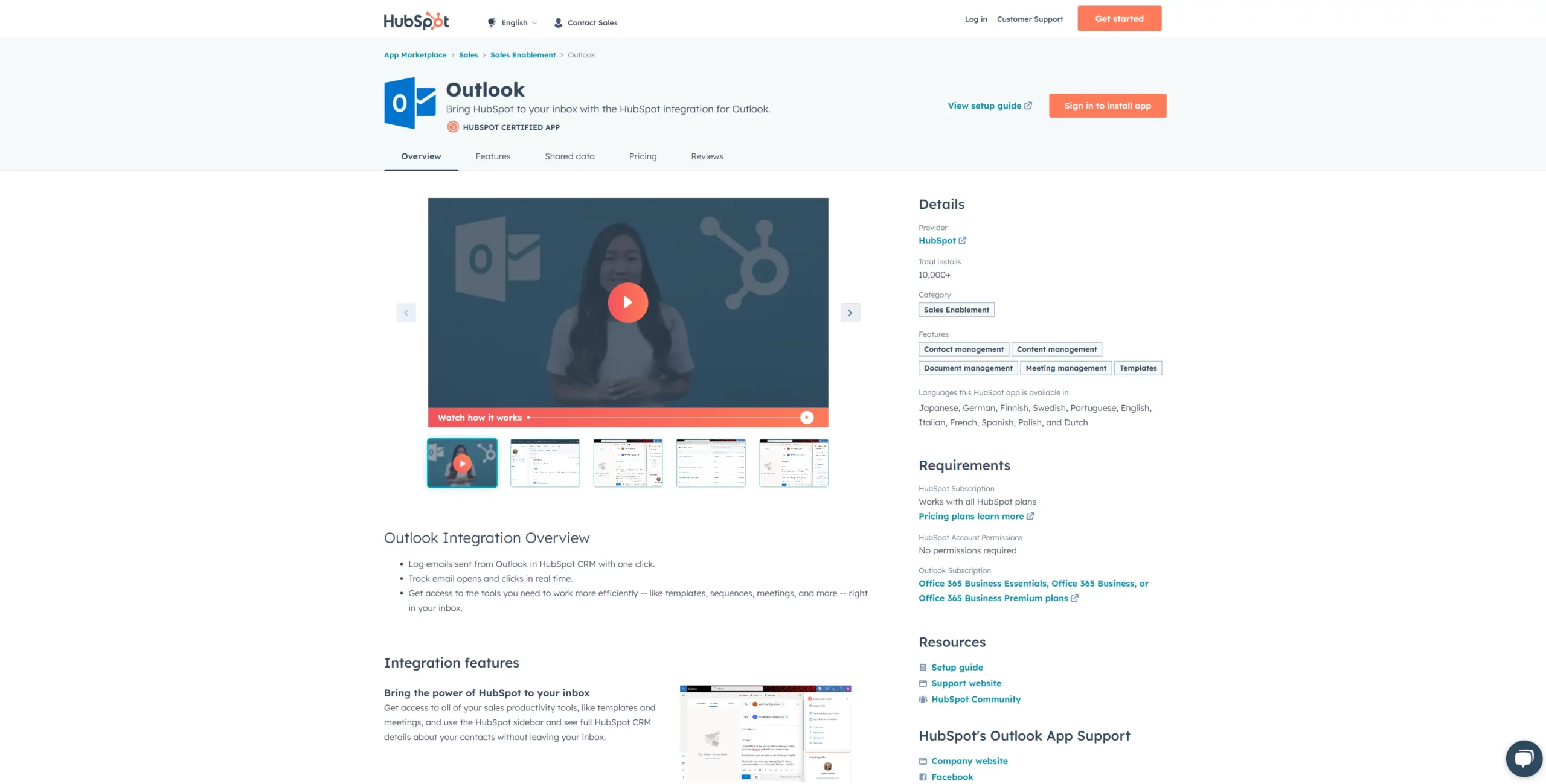
HubSpot is well-known in sales and marketing circles as one of the first enhanced CRM systems. Some of its popularity stems from the free tools and integrations it offers, in addition to its paid plans. This system lets you synchronize data, contact information, templates, and more from your CRM interface.
With HubSpot’s CRM solution, you can manage contacts either through your CRM software or directly from Outlook.
Key features
What features can you expect with the HubSpot CRM? Here are a few of the primary features that come with this software:
- App integrations: Access the HubSpot app marketplace, where you can shop for third-party integrations, including the HubSpot Outlook integration.
- Email management: Send individual or bulk emails and track their performance through the HubSpot CRM platform.
- Outlook synchronization: Synchronize your Outlook emails going out and coming in so you can see the full picture in both your Outlook and HubSpot interfaces.
- Lead tracking: Keep an eye on leads and deals through a single pipeline.
- Activity tracking: Manage contact and company information and monitor interactions through data stored within the records.
Pros
Some of the upsides to incorporating HubSpot CRM into your organization include:
- CRM system suitable for sales, marketing, and customer service teams.
- User-friendly, with a straightforward Outlook integration process.
- Get the HubSpot CRM extension for Outlook and gain access to data, templates, and more from your CRM system via Outlook.
Cons
You might want to keep the following cons in mind when considering HubSpot CRM:
- A free plan with limited capabilities exists, but paid plans can prove costly.
- You’ll need HubSpot CRM’s Professional plan to set up email sequences or use email automation tools.
- Upgrading to a paid plan is required to sync more than five email templates.
Price
You can expect the following costs associated with HubSpot CRM:
- Paid plans start at $20 per month per seat.
- There is a free plan available with limited tools and features.
Outlook integration quality
4/5 – Works well but requires a paid plan and isn’t as seamless as native integrations.
4. Zoho CRM
Rating: 3.9/5
Best for budget-conscious teams already using other Zoho products
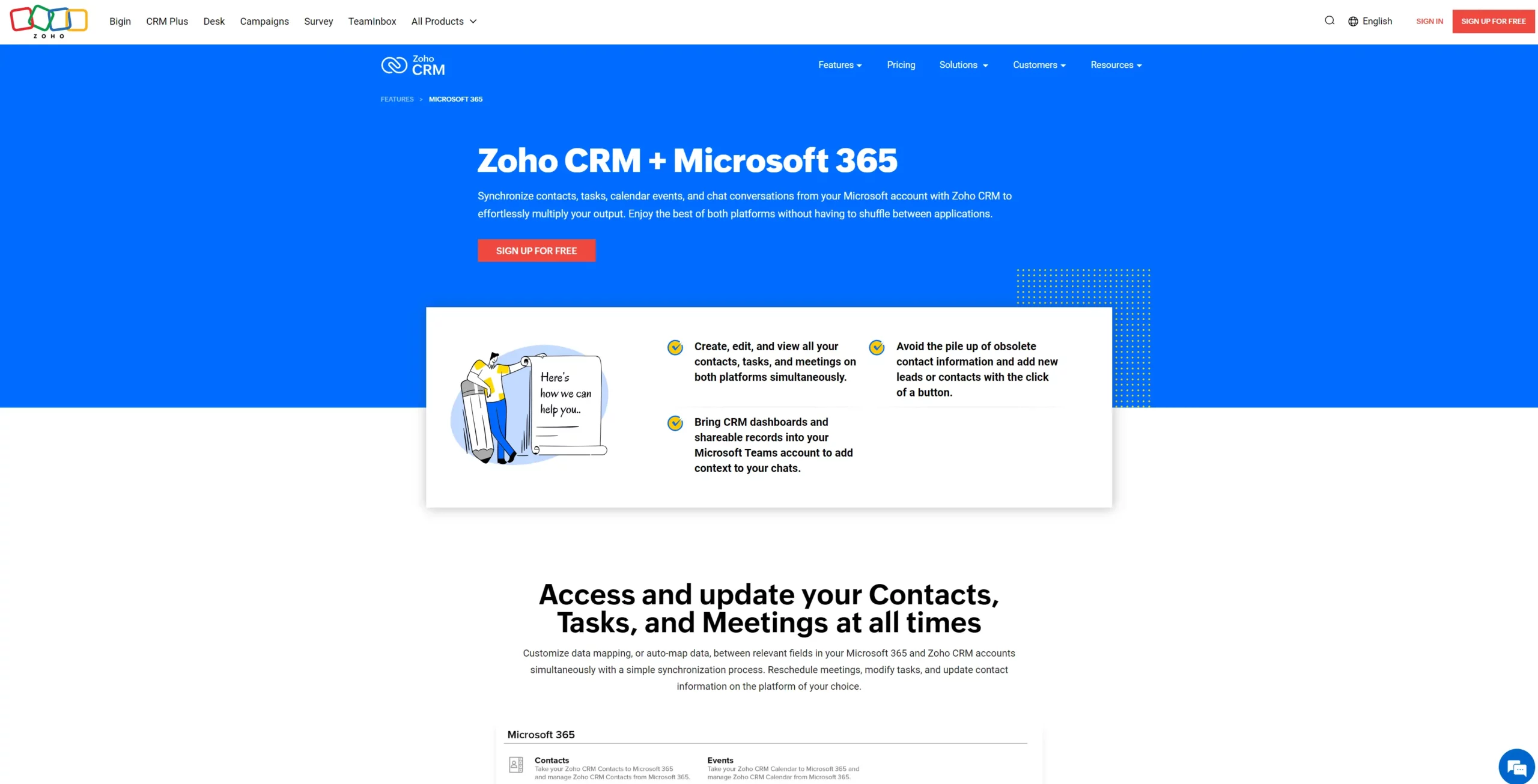
Although noted as one of the more difficult CRM platforms to use, Zoho CRM offers a free Outlook email add-in that provides several helpful features accessible directly through Outlook. Its on-platform Outlook CRM integration is also relatively robust and can be customized to meet your needs. However, those with less CRM experience will likely face a significant learning curve.
Key features
Zoho CRM offers the following useful features with Outlook integration:
- Outlook add-in: A free Outlook add-in that lets you draw information from Zoho for use in Outlook, such as creating contacts and leads, adding notes, recording activities, and tracking campaigns.
- Record keeping: Store documents and information regarding sales activity and customer interactions.
- Sales tracking: Monitor leads and deals for one pipeline, no more.
- Email design: Create and store templates for quick and easy email creation.
- Standard reporting: Access basic sales reports to determine sales rep performance and conversion rates.
Pros
Opting for Zoho CRM provides you with the following benefits:
- Offers the ability to score leads automatically using AI.
- Zoho CRM Outlook add-in can be used in Outlook on the free plan but in a limited capacity.
- Integrates with phone and live chat communications tools for enhanced connectivity.
Cons
On the downside, Zoho CRM fails to impress in the following areas:
- Integrating Zoho CRM with Outlook to work through Zoho can only be done on a paid plan.
- Incredibly complex and confusing user interface.
- Poor customer support when you need assistance.
- Syncing events from Zoho CRM to Outlook requires a paid plan.
Price
While Zoho CRM’s pricing isn’t bad, you’ll need to upgrade to gain access to many of the essential sales and marketing features. Here’s what you can expect to pay:
- The entry-level Standard plan is $18 per month per user.
- A limited free plan is available.
- Zoho CRM offers a 15-day free trial for each pricing tier.
Outlook integration quality
3/5 – Functional but not seamless; add-in feels separate from the platform rather than integrated.
5. Pipedrive
Rating: 3.8/5
Best for sales-focused teams prioritizing deal velocity and visual pipeline
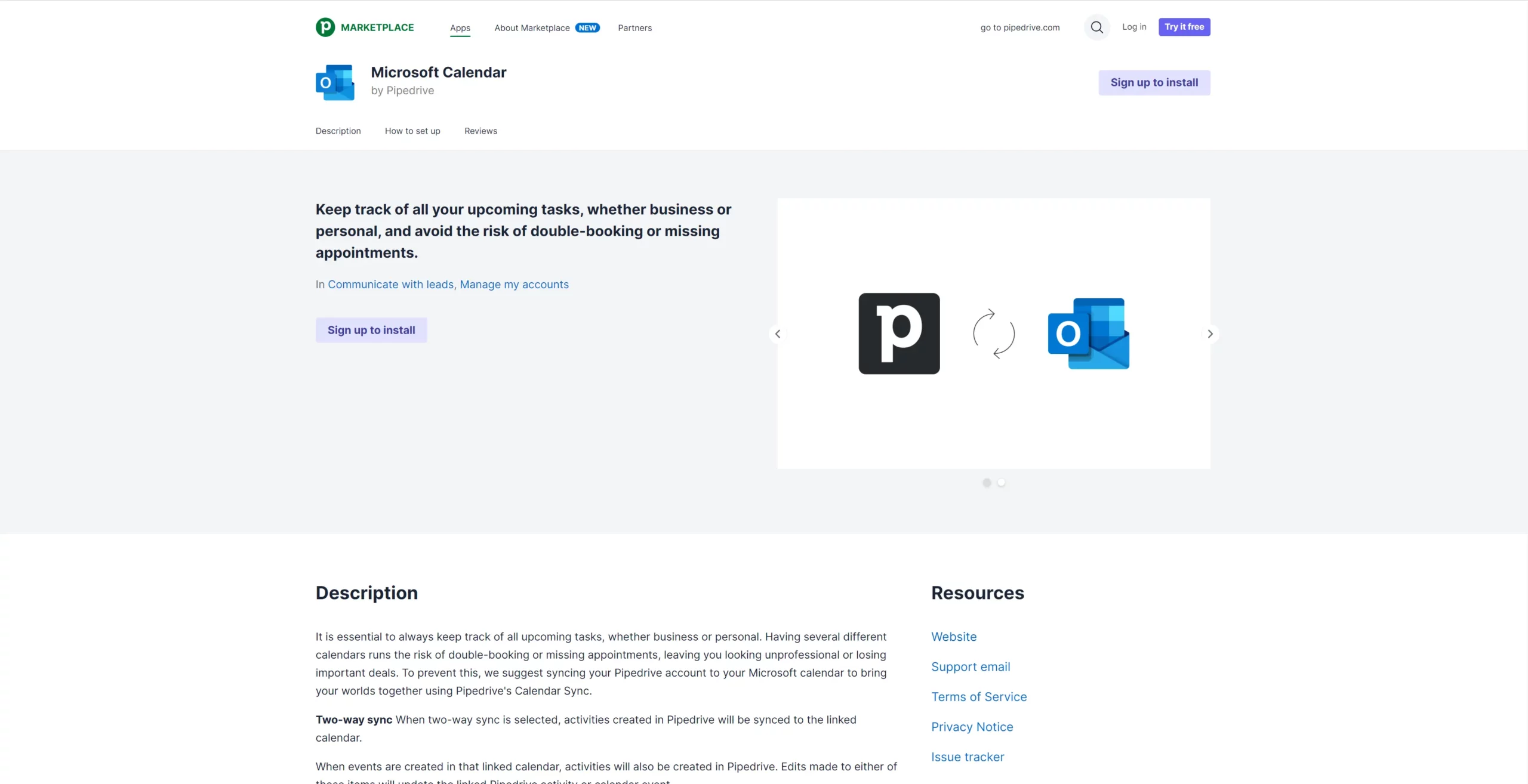
Companies that want additional features to create processes and workflows for departments other than sales, marketing, and customer support may find Pipedrive a useful CRM. In fact, it has become a popular CRM for teams that want to add project management operations to their CRM system.
Pipedrive is also a reliable CRM for Outlook integration, allowing you to sync everything from emails to contact records and even scheduled video conference meetings. Let’s examine Pipedrive’s features in more detail to determine whether it’s the best Outlook CRM for your business.
Key features
When it comes to features, you’ll have access to the following in Pipedrive:
- Comprehensive syncing: Sync your calendars and contacts with your Office 365 account for access in Outlook.
- Tracking capabilities: Track lead and contact interactions and activity from your CRM or Outlook interface.
- Store attachments: Save all documents attached to emails to your CRM contact records.
- AI assistant: Offers AI assistance for reminders and notifications, tips, task and activity updates, and sales forecasting.
- Sales reports: Draw reports to track sales activities and targets.
Pros
The advantages of signing up with Pipedrive for Outlook and Office 365 CRM integration include:
- On-platform project management features—no third-party integrations required.
- Schedule in-person, virtual, and conference call meetings in Pipedrive and sync them with your Outlook calendar.
- See more than just events and communication data from your CRM system in Outlook with syncing for sales activities also available.
Cons
Unfortunately, a few cons are associated with using Pipedrive as your chosen Office 365 Outlook CRM, such as:
- No Pipedrive plugin for Outlook, so you can’t access synchronized data from your Outlook interface.
- Not equipped with many high-level features needed by bigger businesses and enterprises.
- Outlook integration is only available for Pipedrive customers on the Advanced plan and above.
Price
Signing up with Pipedrive for Outlook integration will cost as follows:
- Outlook integration is possible from the Advanced plan upward, costing $24 per month per user.
- You can sign up for a 14-day free trial to test the software.
Outlook integration quality
3/5 – Available on higher plans but not as seamless as native solutions; requires higher tier.
6. Insightly
Rating: 3.7/5
Best for professional services firms needing project management alongside CRM
Insightly is a CRM platform that allows sales, marketing, and project management teams to work together through one platform. With Insightly, you can synchronize Outlook and CRM data both ways, meaning you can access the information you need from both the Outlook and Insightly interfaces.
Is Insightly the best CRM system for Office 365 and Outlook for your business? Let’s find out.
Key features
A few standout features you can look forward to when working with Insightly include:
- Event syncing: Easily sync your meetings and events between Insightly and Outlook to access them on other platforms.
- Save emails: Save your Outlook emails, contacts, and notes in Insightly for better contact record-keeping in a central database.
- Several integrations: The platform offers several integration options with prominent apps over and above Outlook.
- Lead management: Use Insightly’s pipeline and lead management tools to turn your Outlook contacts into leads as you filter them through to your sales pipelines.
- Project management: Leverage project and task management features to bring all your company’s departments together through your CRM platform.
Pros
These are the positives when it comes to using Insightly:
- A user-friendly CRM with a minimal learning curve for new users.
- Share Outlook emails, contacts, tasks, events, and more with Insightly so you can access and work with everything from your CRM.
- Track performance with real-time insights and reports, viewable from your Insightly dashboard.
Cons
Consider these cons when looking at Insightly as an Outlook CRM option:
- A basic CRM which doesn’t allow for significant customization for a more tailored solution.
- Limited customer support and support team knowledge.
- Extremely high pricing for the features you get.
Price
So, what will investing in Insightly cost you? Here’s a breakdown of the costs:
- Paid plans start at $29 per user per month, billed annually.
- There is a free plan with limited features for a maximum of two users, but you won’t have access to the Outlook CRM system integration.
- You can sign up for a 14-day free trial for any of the paid plans.
Outlook integration quality
3/5 – Works for basic use cases but isn’t the primary strength—better suited for project-focused teams.
Need a user-friendly CRM to boost sales and team efficiency?
Take our guided tour to explore Nutshell’s incredible features!

How to choose the best Outlook CRM integration for your business
Sourcing the best Outlook Office 365 CRM system for your organization begins with this list of factors you should consider before making your final decision:
- Outlook integration: Make sure your chosen CRM offers integration with Outlook and an Outlook plugin, allowing you to sync data on both platforms and choose to work in Outlook or your CRM.
- Compatibility with business objectives: When you understand what your business goals are, you can decide how a CRM will help you achieve them. Then you can create a list of non-negotiable features to compare each CRM system and determine the best fit.
- Ability to scale: Your business is growing, and it stands to reason that you want your tech stack to grow with you. Choose a CRM that offers you the flexibility to scale when your business does.
- Within budget: Consider your CRM implementation budget, including costs beyond the fees paid for the software. Bear in mind that you may need to employ a CRM implementation team, and additional training costs may be involved for new users.
- Positive reviews: As an integral part of any business’s tech stack, CRMs are reviewed regularly online. Read user reviews on G2, Capterra, and GetApp to determine the CRM’s rating and whether it meets your needs.
- Option to customize: Not all businesses and workflow processes are the same, so a certain level of CRM customization is expected. Ensure you can customize the CRM’s fields, dashboards, pipelines, and reports.
- Additional integration capabilities: Make sure the CRM can integrate with the other tools you’re already using.
- Mobile capabilities: Look for a CRM with a mobile app compatible with both Apple and Android devices. With a mobile app, you should have access to all core CRM functionality on the go.
- Easy to use: Finding a user-friendly CRM will make adoption easier and should reduce the level of training needed to get your team on board. When CRM systems are complex and difficult to understand, teams often struggle to adapt to the software, leaving many unengaged.
- Access to support resources: Some CRM providers offer live customer support only to their premium plan users. Other CRMs offer support at all plan levels. CRM systems can be difficult to implement on your own, so choosing one with plenty of support resources is key.
- Demo and trial: Make sure you can register for a live CRM demo with the ability to ask the host questions about the product. You should also have access to a free trial of the full product for a specified period without paying or providing your credit card details.
Real-world example: How one law firm transformed email management with Outlook CRM
David Bell is a shareholder at a top-rated Kansas City criminal law firm. Managing multiple attorneys, complex cases, and critical filing deadlines meant constant challenges with email organization, team coordination, and document management.
The challenge
Before implementing an Outlook-integrated CRM, the firm faced critical pain points:
- Emails scattered across individual attorney inboxes with no team visibility
- Manual filing of client emails eating 5+ hours per attorney per week
- No centralized record of client communications
- Risk of missed deadlines due to poor information sharing
- Teams unable to collaborate effectively on cases
The solution
The firm implemented an Outlook-integrated CRM that provided:
- Centralized email tracking: All team members gained immediate access to emails from and to any team member—eliminating the need for CC/BCC
- Auto-tagging and auto-filing: The CRM automatically tagged and filed emails to the correct client file based on contacts already saved in the system
- Team-based task and calendar management: All attorneys could view and modify shared tasks and calendar items, ensuring everyone stayed informed
- Instant email visibility: Real-time access to all client communications meant no message fell through the cracks
The results
The transformation was remarkable:
- ✅ Zero missed deadlines: With centralized visibility and automated task tracking, critical dates are never missed
- ✅ 5+ hours saved per week: Instead of spending time on administrative filing and email organization, attorneys focus on legal work
- ✅ Better team coordination: All attorneys have instant access to case communications and history
- ✅ Improved client service: Cases move faster with better team collaboration
- ✅ 10-year partnership: The solution proved so valuable that the firm has maintained the integration partnership since 2015
Key takeaway: This law firm’s experience demonstrates that when Outlook CRM integration is done right, it transforms not just email management but the entire way a business operates. Teams work smarter, clients receive better service, and the administrative burden drops dramatically.
Frequently Asked Questions
-
How long does it take to set up a CRM Outlook integration?
Basic setup takes 15-30 minutes for individual users, while enterprise deployments can take 24-72 hours. Cloud-based CRMs like Nutshell connect in minutes through add-ins, but complex server configurations may require IT support.
-
Can I use Outlook as a CRM without additional software?
No. While Outlook has basic contacts and calendar features, it lacks essential CRM capabilities like pipeline tracking, reporting, lead scoring, and team collaboration. You’ll miss automated workflows and customer interaction history needed for sales success.
-
What data syncs between Outlook and my CRM?
Most CRM integrations sync emails, calendar events, contacts, and tasks between Outlook and your CRM. This two-way sync ensures your team has access to complete customer communication history and scheduled activities in both platforms without manual data entry.
-
Can I integrate multiple email accounts with one CRM system?
Yes, most modern CRMs support multiple email account integration. Typically, each user can sync one primary account and connect additional accounts for sending emails, allowing teams to manage communications from different departments or domains in one system.
-
How does CRM integration affect Outlook’s performance?
CRM integration typically adds 1-2 seconds to email loading times. Impact varies by data volume and network speed. Modern cloud-based integrations minimize slowdowns, while older desktop add-ins may cause more noticeable delays with large contact databases.
Get started with the best Office 365 CRM for Outlook today!
For an affordable CRM solution with more than just the core CRM features and comprehensive Outlook integration, look no further than Nutshell. Our CRM offers users stress-free sales and marketing features that help teams close more deals and boost revenue.
Enjoy a host of advanced CRM features packaged in one of the most user-friendly interfaces you’ll experience. In fact, because Nutshell is so easy to use, it has become one of the few CRM systems sales and marketing teams actually love using.
Apart from the broad array of features mentioned in the post, you can look forward to thousands of app integrations, incredible lead generation, competitor tracking, marketing add-ons, and award-winning customer support from our Ann Arbor-based support team.
Give Nutshell a try today, and find out why it’s one of the top-rated CRM systems on G2. Start your 14-day free trial today, or contact our sales team to discuss your needs and view a live demo.
See Nutshell in action!
Try Nutshell free for 14 days or let us show you around before you dive in.
 BACK TO TOP
 Written by
Sam Poole Associate Content MarketerEdited by
Will Gordon Sr. Director of MarketingReviewed by
Andy Fowler Co-FounderReady to try
Nutshell for Free?Thank you! Your submission has been received!Oops! Something went wrong while submitting the form.


Nutshell Now Integrates With More Phone Providers, Enhancing Conversation Management
Published on: December 1, 2025
5 of the Best CRM for Shopify: Top Integrations For Your E-commerce Business
Published on: January 30, 2023
What Is Revenue Intelligence? An All-Encompassing Guide
Published on: January 24, 2024Highly Effective Strategies for Elevating Sales Team Performance
Published on: November 10, 2022Join 30,000+ other sales and marketing professionals. Subscribe to our Sell to Win newsletter!










