Finding CRM software that integrates seamlessly with Zapier is essential for an optimal workflow experience. To help you invest in the right solution for your business, we’ve created a list of the five best CRMs for Zapier. This list allows you to compare features and test the top options to reveal the ideal fit.
Sales, marketing, support, and other teams employ resources and tools to improve individual and team performance, and a good CRM system is typically at the center of it all. Businesses then supplement the CRM software with other programs to facilitate specific tasks and often integrate them with the CRM where possible.
But today’s CRM solutions offer far more than just the run-of-the-mill contact management capabilities. Modern CRMs provide a means to nurture leads, automate activities, engage with contacts, keep detailed client interaction records, send personalized email sequences, and so much more.
Zapier offers businesses the means to integrate all their applications to ensure all tools and resources communicate as one. It’s particularly useful for connecting third-party software with your CRM, allowing the two to work together to share information when triggered by a specified action.
Increased workflow efficiency: When Zapier transports information from your CRM to a third-party app, or vice versa, it’s known as a Zap. When Zapier automatically transports information from your CRM to a third-party app, or vice versa, it’s known as a Zap. These automations reduce repetitive non-selling tasks and give your team time to focus on building customer relationships.
Enhanced system capabilities: Depending on your chosen CRM system, you could integrate with up to 6,000+ applications through Zapier. This would make your CRM system a robust nucleus that supports and streamlines your entire operation.
Improved data accuracy: The marriage between Zapier and your CRM ensures all systems are integrated, and the same information is shared across platforms and departments. This reduces the risk of inaccurate data due to human error or siloed teams, ensuring a better customer experience.
Examples of common CRM-Zapier task automations
Thousands of applications can be integrated with your CRM through Zapier, making it easy to automate numerous tasks. You’ll specify a trigger and a particular action you’d like to take once the trigger occurs, allowing you to customize automations as needed.
The core automations you can set up with a CRM-Zapier integration include the following:
Send information to the integrated app: You can set up a trigger to send company, person, lead, or activity information from your CRM to the third-party app.
Bring information into your CRM: Your trigger could also set off an action that sends information from the third-party app into your CRM to create a new record, update information, or add a lead to one of your pipelines.
Search your CRM: Source information within your CRM from your third-party app for data sharing or updating.
COMPARE
Which CRM has the features you need?
Our interactive worksheet compares the benefits offered by Nutshell, your existing contact management solution, and any other CRMs you’re currently evaluating.
Determining the best CRMs for Zapier comes down to a few core features and factors. But it’s important to take note of these to ensure you get the most out of your CRM-Zapier integration.
Essential CRM features for Zapier integration
These are the core CRM features you should look out for:
Compatibility is vital when looking for the best CRMs for Zapier, and the best way to determine whether your CRM is compatible with Zapier is to check the Zapier website. Zapier hosts a page on its website for each compatible CRM system detailing all the app integration options between the two.
When you’ve identified a CRM solution with an official Zapier partnership, you’ll also want to make sure that it offers as much customization as possible. A customizable CRM allows you to tailor your pipelines, record fields, reports, dashboards, and more the way you prefer. That way, you can ensure your CRM meets your unique business requirements.
Scalability is another factor to consider when choosing an ideal CRM for Zapier. You want a CRM system that can grow with your business and avoid having to migrate to a new system when your company outgrows your current system.
With these factors in mind, along with a list of the features your business and team need, you can narrow down your list of Zapier-compatible CRMs and find the right fit for your business.
Top CRMs for Zapier integration
Let’s dive into our recommendations for the best CRMs for Zapier. Opting for one of the following CRMs will ensure you get the most out of your Zapier integration.
1. Nutshell
Pricing: 4 comprehensive plans, starting at $16 per month, with a 14-day free trial available
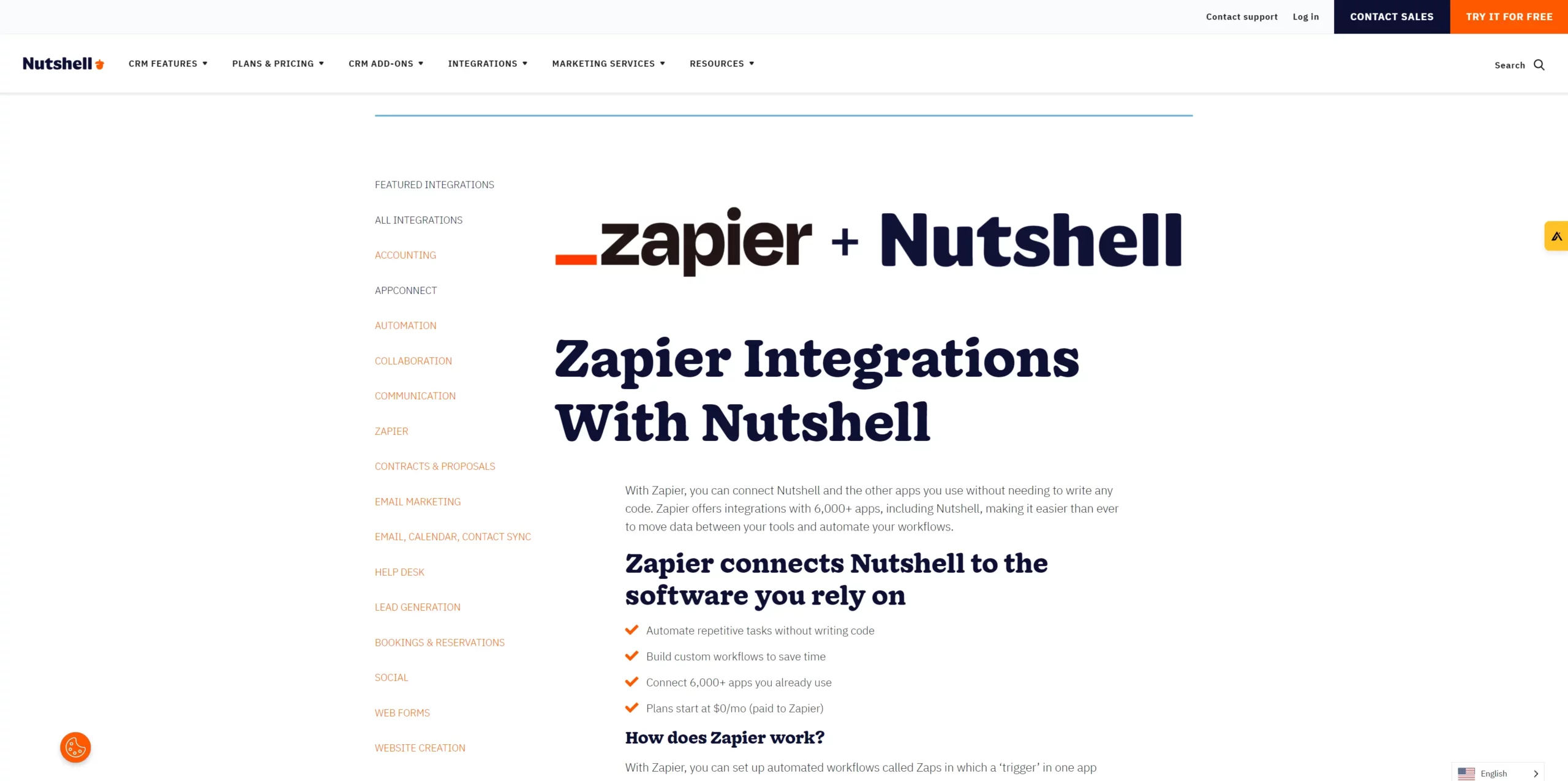
Nutshell is an all-in-one CRM solution offering thousands of software integrations, including easy integration with Zapier. Some of the features you can look forward to when you choose Nutshell as your CRM platform include:
Task automation: Bringing Nutshell and Zapier together lets you automate a host of repetitive and administrative tasks to help you and your team save time. The best part is that you can set up these integrations with just a few easy clicks—no coding required.
Custom workflows: Use the ability to automate tasks and activities to build workflows tailored to your sales cycle and business needs. Create triggers and actions through Zapier that deliver and populate the data you need for your unique process.
Connected apps: With Nutshell’s Zapier integration, you can connect over 6,000 apps to create the ultimate integrated business tech stack. In fact, you’ll likely find that you can integrate all the apps your company currently uses, making for easier adoption.
Affordable solution: Nutshell is one of the most cost-effective CRM systems available, and a Zapier integration could potentially be free. The extent of your tech stack and required integrations would depend on this, but Zapier plans start at $0 per month and offer several core features.
Nutshell-Zapier integration examples
These are just a few of the thousands of apps you can integrate Nutshell with using Zapier:
Freshbooks
Xero
Klaviyo
Twilio
Wrike
ClickFunnels
Google Ads
Analytics
Facebook
Instagram
WordPress
Shopify
What makes Nutshell the best CRM?
Nutshell offers users an affordable CRM solution with a broad catalog of features that rivals most of their more costly competitors. These features include:
Native automations: Take task automation through Zapier and third-party apps up a notch with enhanced native automation features, allowing you to build the sales pipelines and workflows that make the most sense for you.
Email synchronization:Sync your email address from your preferred email service provider and send and receive emails from Nutshell.
Custom reporting: Draw custom reports that align with the metrics most important to your business and team KPIs and goals.
Contact management: One thing you won’t have to integrate with Nutshell through Zapier is contact management software with Nutshell’s robust customer data organization features.
Team collaboration: Nutshell makes it easy for teams to collaborate through the platform, including alerts, notifications, and access via its mobile app.
Pipeline management:Create custom sales pipelines with advanced lead tracking features and filtering and the option to view pipelines in list, map, chart, or board view.
Email marketing: Take advantage of professional email, newsletter, or broadcast templates to set up automated drip campaigns. These campaigns can include detailed tracking and reporting and A/B testing.
Integrations done for you: With Nutshell’s AppConnect add-on, you can connect all the apps you need to Nutshell. More on that below!
Integrate your preferred software to your CRM with AppConnect
Zapier is a handy third-party tool for your CRM, and Nutshell supports thousands of Zapier integrations. In addition to our Zapier integration capabilities, we’ve made it even easier to seamlessly connect your preferred tech stack to your CRM.
With Nutshell’s AppConnect, you can integrate your data and workflows between Nutshell and the applications your company already uses without opening and paying for a third-party account!
How does this work? Behind the scenes, our team of integration engineers uses tools like Zapier to set up, monitor, and maintain your AppConnect integration.
The setup and Zapier fees are all on us!
AppConnect is included free with most subscriptions. Besides enjoying our many built-in integrations– such as Google, Microsoft, and Quickbooks– you can get the benefits of seamless integration with:
Pricing: 3 plans, starting at $249 per month for 2 users and up to 1,500 contacts, with a 14-day free trial available
Keap is a prominent growth-focused CRM offering all the sales and marketing basics, including lead management and tracking, sales reporting, and pipeline automation. This CRM platform was created with small businesses in mind, providing structured, easy-to-use tools for quick adoption and implementation.
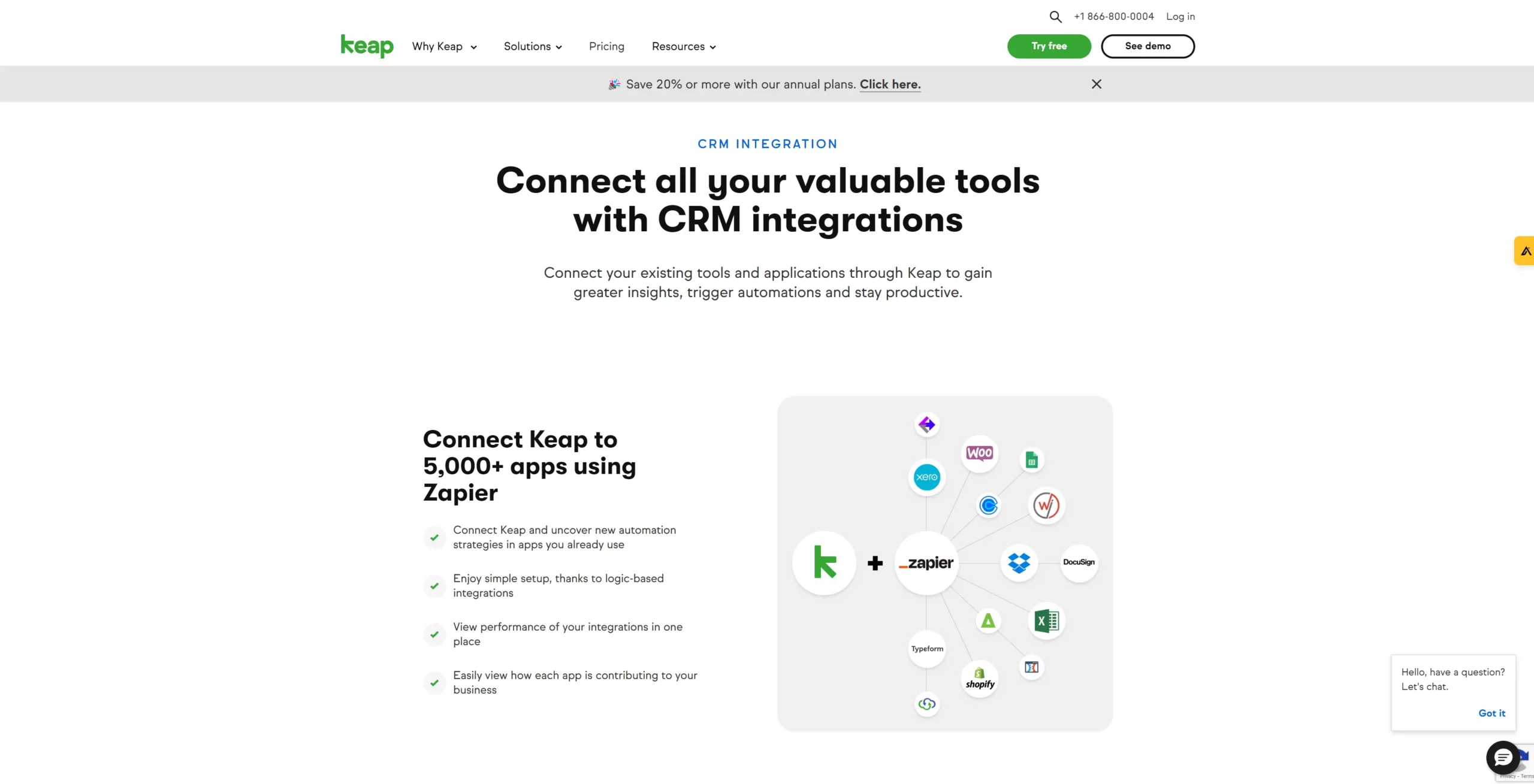
In terms of integrations, Keap offers the ability to integrate with over 5,000 third-party apps through Zapier. This makes Keap an ideal CRM for Zapier integration, with the likelihood that you’ll be able to integrate Keap with many of the applications you already use.
Keap also allows its users to connect with software via its Keap-certified integrations. And if your company needs a custom integration, Keap provides assistance through one of its Certified Developer Partners.
With a Zapier integration, you can automate dozens of tasks and activities and connect your Keap CRM with apps like Dropbox, Shopify, DocuSign, Xero, Calendly, Typeform, and more.
3. Close CRM
Pricing: 3 plans, starting at $49 per user per month, with a 14-day free trial available
Close CRM is a Google-centric solution, meaning it’s built primarily to service clients who use Google Workspace tools, such as Gmail, Google Calendar, Google Docs, etc. This CRM system offers several integration options, with Zapier at the top of its list.
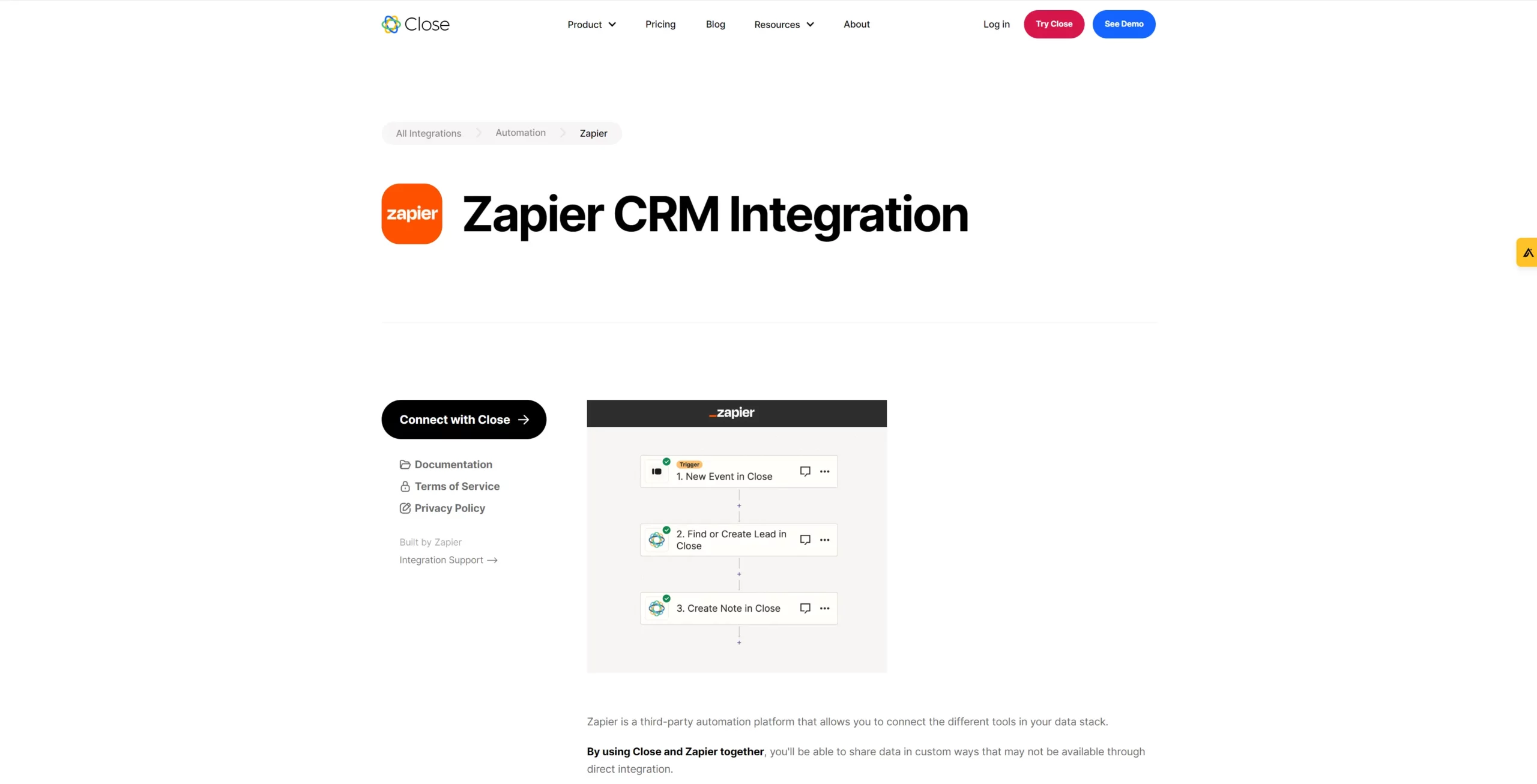
With a Zapier-Close integration, users can create tailored sales and workflow automations within Close for added customization, including many different trigger and action options. This ensures their automations align with their operations.
While Close’s library of integrations isn’t as extensive as many other CRM platforms, it still offers integration with most of the popular apps on the market via Zapier. Users can also take advantage of direct application integrations built by Close, which include the likes of Calendly, ChatGPT, Zoom, and Google Calendar.
4. Pipedrive
Pricing: 5 plans, starting at $12 per user per month, with a 14-day free trial available
Pipedrive has been in the CRM game for a while and offers users five different plans, from the affordable Essential plan with a few core simplified features to the pricier Enterprise plan with more customization options and fewer feature limits. App integrations are offered on all Pipedrive plans.
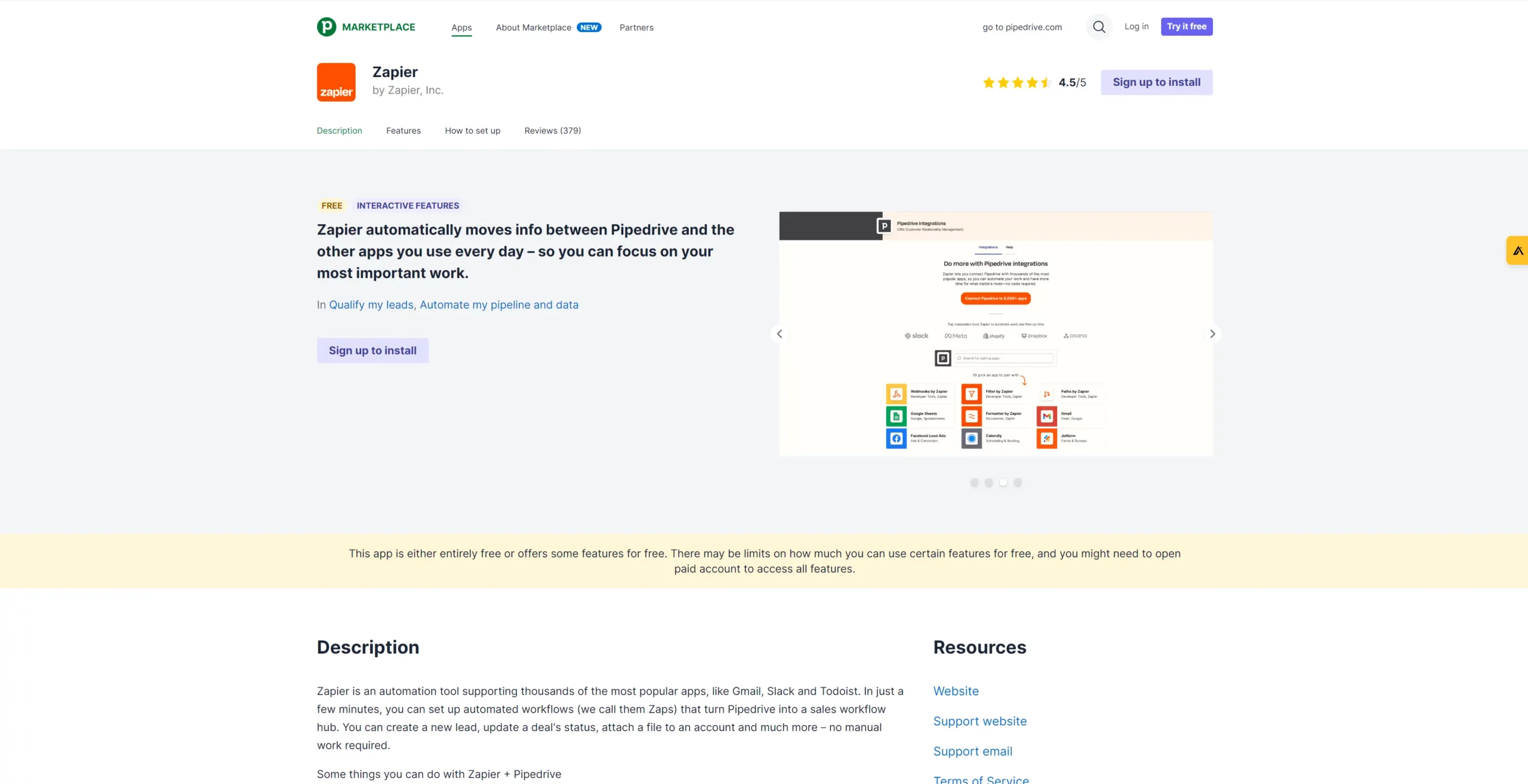
Finding a compatible app to integrate with your CRM is done via the Pipedrive Marketplace, where users can choose from over 400 different app integrations. Integrating Pipedrive with Zapier allows users to move data from the CRM to connected applications and vice versa. This includes qualifying leads, automating pipelines, and setting up automated triggers and actions for specific activities.
Some of the more common third-party apps integrated into Pipedrive through Zapier include Mailchimp, Slack, Calendly, Gravity Forms, Facebook, Asana, and Google Sheets.
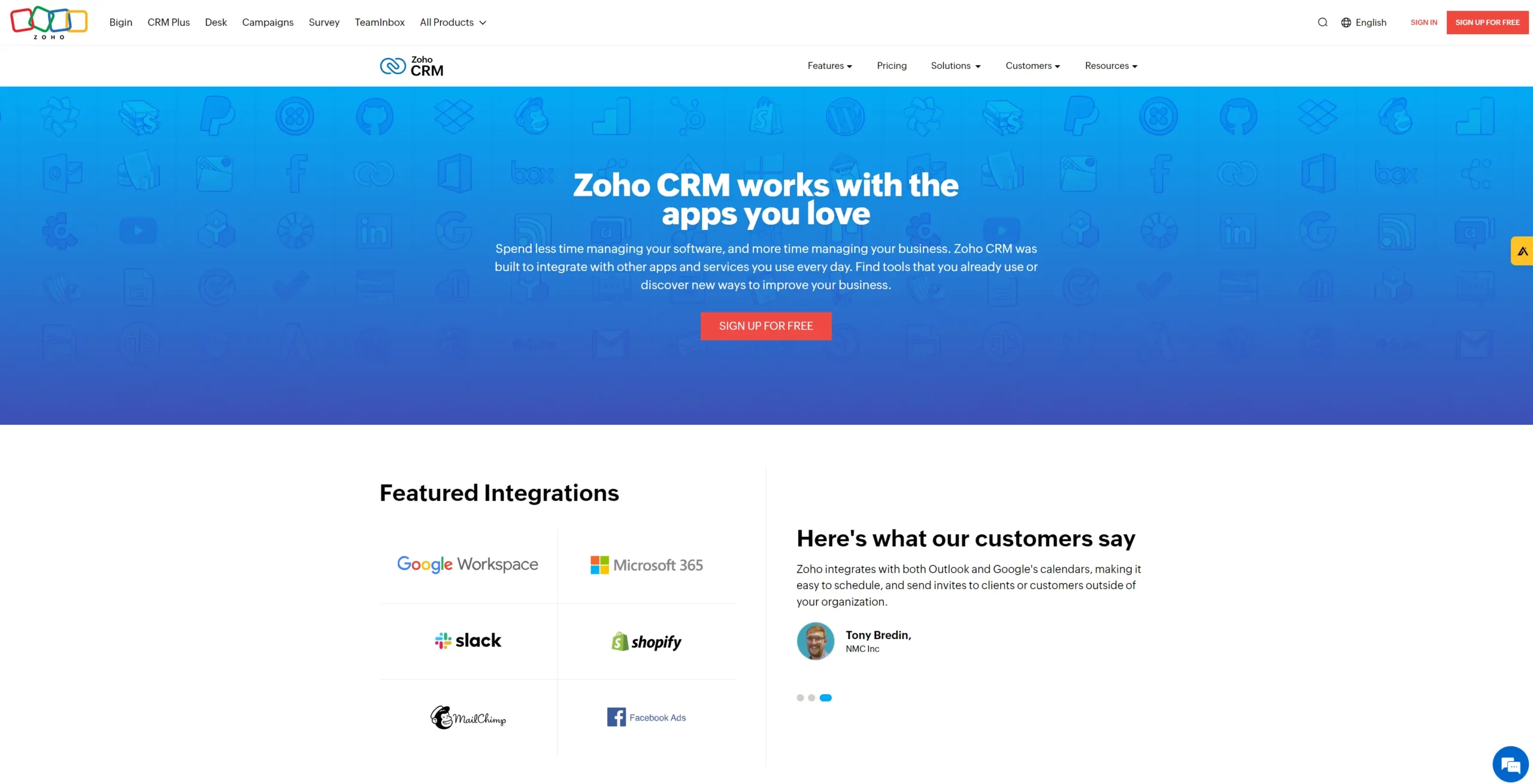
5. Zoho CRM
Pricing: 4 plans, starting at $12 per user per month, with a 15-day free trial available
Zoho is renowned for its various web-based business software solutions, including marketing, service, collaboration, finance, legal, security, and sales apps. Its CRM offering, Zoho CRM, provides integrations from its app marketplace in limited amounts per plan.
Zapier is one of the many integrations on offer. In fact, Zoho CRM offers Zapier integrations for a host of its native tools through its extensive marketplace, making it one of the best CRMs for Zapier. With Zapier for Zoho CRM installed, users can build custom workflows and automations to make passing critical data between the CRM and third-party app seamless.
When Zoho CRM is connected to Zapier, users can choose from over 1,000 leading apps to simplify their internal processes and improve operational efficiency. Some of the most popular apps to integrate with Zoho CRM via Zapier include RingCentral, WhatsApp, Zoom, Intuit Quickbooks, DocuSign, MailChimp, PandaDoc, and more.
SO MANY INTEGRATIONS
Is Nutshell a perfect match for your favorite software?
Nutshell integrates with tons of software, both natively and through Zapier. See if your favorites are on the list.
Register with Zapier: Head over to the Zapier website and sign up for a Zapier account.
Create a Zap: Once signed up, you’ll have access to your Zapier dashboard, where you can search for and select your CRM app and click “Make a Zap!” to initiate the connection.
Select triggers and actions: Choose the triggers and actions you want to enable communication between your CRM and third-party app and select “Use Zap” to create each Zap.
Authenticate your software: Before Zapier and your CRM can successfully connect, you’ll need to permit them to communicate by inputting your CRM login email address and API key.
Build trigger/action template: Next, Zapier will ask you to map fields from your preferred trigger app to your action app (your CRM or the third-party app), with the option to customize data fields.
Activate your Zaps: To complete your setup, activate the automations you’ve built and use Zapier’s test function to ensure they work correctly.
Zapier workflow optimization tips
To get the most out of your CRM-Zapier connection and improve operational efficiency, we recommend taking note of the following Zapier workflow optimization tips:
Avoid duplicates: Use Zapier’s search functionality to search your existing automations and ensure you don’t duplicate them.
Review and update: Evaluate your Zaps at regular intervals to ensure they’re still working and that they continue to meet your workflow requirements.
Leverage multi-step Zaps: Zapier’s multi-step automation capabilities simplify your most complex workflows, letting you set up multiple actions linked to a single trigger event.
Troubleshooting common integration issues
While connecting Zapier to your CRM system is typically straightforward, it’s still helpful to know some of the vital elements to double-check when faced with common integration issues.
These are the items to look out for if you struggle to get your automations set up or find they aren’t working as they should:
Verify your credentials: Some users hit a snag at the authentication step during setup because their API key or credentials are incorrect. When creating your new API key, make sure you select “API + user impersonation” and use the same email address you use to log into your CRM account.
Provide sample data: Testing a new Zapier automation requires data. To facilitate a successful test, make sure you have sample data in your CRM and third-party app related to the trigger and action you’ve created.
Check field mappings: One of the reasons an automation might fail is due to a field mapping error. Double-check your automation settings to ensure data fields within your trigger and action apps match.
Get additional support: Zapier provides users with a host of information through its support resources online. Users can reference the Zapier help center to identify error codes and troubleshoot issues.
After creating an automation (or Zap), it’s best to test it to ensure it works properly. Zapier offers a “Test & Continue” button with each new Zap, making it quick and easy to verify Zap functionality before moving on to the next one.
Best practices for maintaining a Zapier-CRM connection
Prepare your team for success when setting up a Zapier CRM integration by following these best practices and tips:
Communicate with your team: Communicate how you’d like to use your Zapier integrations to get everyone on board and simplify the onboarding process. Encourage feedback and suggestions from the people who will be most affected by the software changes.
Develop a roadmap: Understand how you will use your integrations once they’re set up. For example, if you have multiple integrations connected, you may want to set up rules or stagger steps to ensure that one integration step is completed before proceeding to the next.
Provide training: Many CRM integration initiatives fail because of a lack of adequate training. Increase the chance of team adoption by taking time to train your members on how to best use the integrations and software involved.
Test and deploy: Before going live, make sure to test each connection. If you’ve integrated your CRM with email marketing software, for example, you can create a sample email list to test the data syncing.
FAQs
1. Do I need a paid Zapier plan to integrate with my CRM?
Zapier’s free plan allows unlimited Zaps with 100 tasks per month, but limits each Zap to two steps. Most CRM workflows need multi-step automation, requiring a paid plan starting at $29.99/month. With Nutshell’s AppConnect, we cover Zapier fees and handle setup for you.
2. How often does Zapier sync data between my CRM and other apps?
Zapier checks for new data every 1-15 minutes, depending on your plan (free plans check every 15 minutes, paid plans every 1-5 minutes). It’s not real-time but near-instant for most workflows. Zapier also offers webhook triggers for immediate updates when apps support them.
3. What’s the difference between Zapier integration and native CRM integrations?
Native integrations are built directly into your CRM for faster, more reliable data sync and better security. Zapier acts as middleware, connecting apps that lack native integrations. Use native integrations for critical workflows and Zapier for flexibility. Nutshell offers both native integrations and AppConnect for maximum flexibility.
4. Do I need coding skills to set up Zapier with my CRM?
No coding required. Zapier uses a visual, drag-and-drop interface to build automations. Simply select your trigger app, choose an action, and map your data fields. However, with Nutshell’s AppConnect, our integration engineers handle the entire setup, monitoring, and maintenance for you—no technical skills needed.
5. What happens if my Zap fails or stops working?
Zapier automatically retries failed tasks and sends email notifications when errors occur. You can view detailed error logs in your task history and set up error handling steps to create backup workflows. With Nutshell’s AppConnect, our team monitors your integrations and proactively fixes issues before they impact your workflow.
Choose Nutshell: The best CRM for Zapier integration
Sourcing the best CRM for Zapier integration could be the difference between a cumbersome sales process and a productive one that drives business growth. Boost your company’s productivity and success by choosing Nutshell—The best CRM for Zapier.
Nutshell has the power to turn your tech stack into a sales and marketing powerhouse through first-class Zapier integration. Streamline sales, marketing, and support workflows, making teams more efficient and allowing them to spend more time focusing on your customers.
You can also enjoy the Nutshell AppConnect add-on, which connects your CRM data with the apps you already use, so you can get the most out of Nutshell.
When you need engineer support for your software, use apps with complex requirements in your tech stack, or can’t get an integration anywhere else, AppConnect is the solution.
Sign up for our 14-day free trial today to learn what a Nutshell-Zapier integration can do for your business. Then, explore AppConnect for even more flexible integrations. Speak to our team to discuss your CRM integration needs and find out how we can help you meet them.
Fill in the missing pieces of your tech stack with Nutshell integrations
Explore our current integrations and upcoming tools that will help you get even more out of Nutshell.