As an IT company, you know the importance of software and the necessity of having the right tools at your side to keep a business, project, or device running smoothly.
That’s where a technology stack, or tech stack for short, comes in. It’s a collection of software for IT companies that covers all the major areas of running your company efficiently.
So, what should you include in your tech stack to set your business up for success? Keep reading to find out!
An IT company tech stack is a group of tools and software that, when brought together, equip you with everything you need to run and grow your business. Your tech stack can include marketing tools, sales platforms, analytics and data software, employee management tools, and more.
Every business needs some kind of tech stack to run efficiently, even IT companies like yours. An IT company tech stack is your key to unlocking more revenue and growth for your business.
Your tech stack gives you everything you need to run your business right from the get-go. Instead of jumping into a new task and frantically trying to find a tool that can help, a tech stack ensures you already have the best tool in your back pocket, saving you tons of time and effort.
Building a tech stack with the best IT company software is the best way to help you stay ahead of competitors, implement smart marketing campaigns and strategies, and run your business smoothly.
Ready to start building an effective tech stack for your IT company? We’ve got you covered.
Here are some of the most essential types of software for IT companies:
One of the most important tools for an IT company to have is a CRM. A CRM is a tool that helps you manage relationships with leads and customers and keep all of their information and interactions with your company in one place.

Essentially, it helps you collect, store, and analyze information about your customers and leads. For example, you can:
A CRM is essential for learning more about your audience and customers. The more you know about your audience, the better you can implement effective sales processes and marketing strategies that attract more customers.
Some popular CRM platforms include:
Every business needs data to improve and grow. For example, you can use data to implement more effective marketing strategies and improve your website.
That’s why every IT company should have data management and analytics software in their tech stack.
Data management and analytics software can help you analyze important metrics about your website like traffic and engagement, monitor the sources of your leads, understand how your leads and customers interact with your company, and much more.

With the right data-tracking tools, you can better understand the performance of your processes and strategies and gain insights into how to improve them to drive better results.
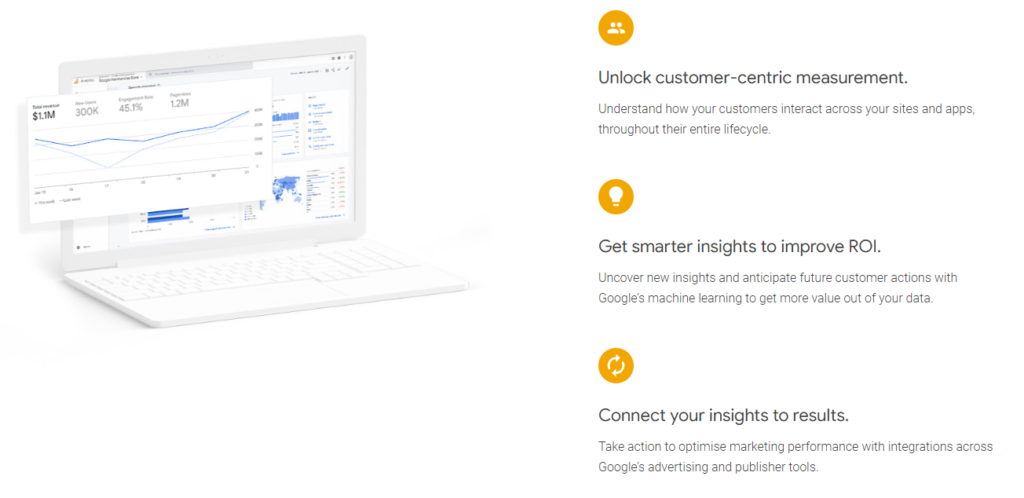
Some popular data management and analytics software options include:
Another essential IT company software option is a project management platform. This tool is super handy for helping you track ongoing projects and assignments.

Many project management platforms allow you to assign tasks to team members, collaborate on projects, set due dates, and track a project from beginning to end.
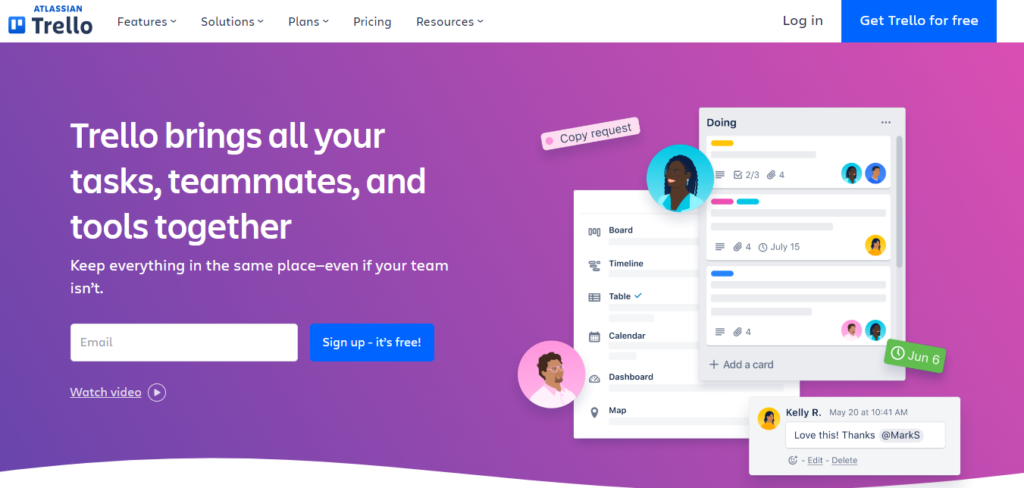
A few examples of project management software are:
Next on our list of the best types of software for IT companies is employee tracking and management platforms.
These tools enable you to track when your team members are working and what they are working on. You can also use this software to pay your employees and track how long team members spend on certain projects.

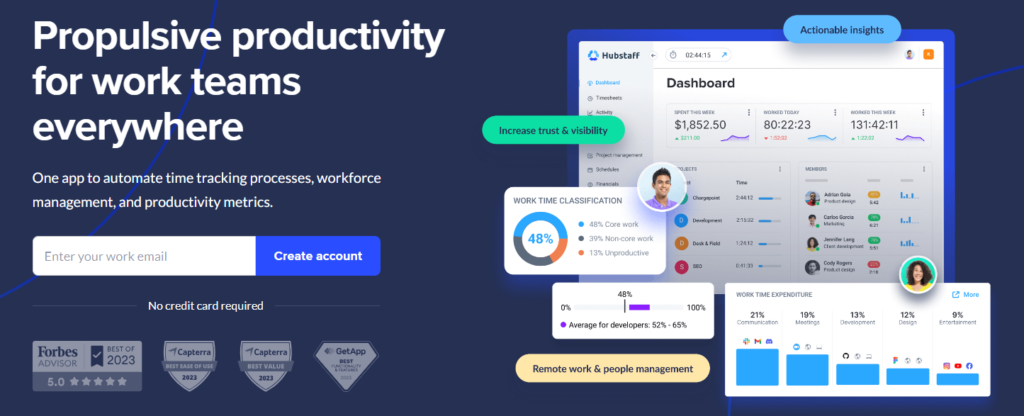
Popular employee tracking and management tools include:
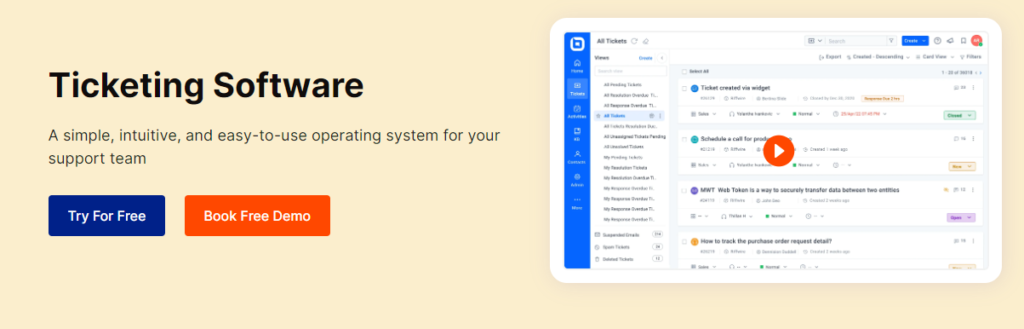
Support ticket software is another tool you’ll want to have in your tech stack. Any IT company needs to allow their customers to submit tickets when something goes wrong or they need help.

Support ticket software enables you to create custom support tickets to record the information you need and also allow your customers to fully explain their issue so you can provide them with the best support possible.
Some popular support ticket software options include:
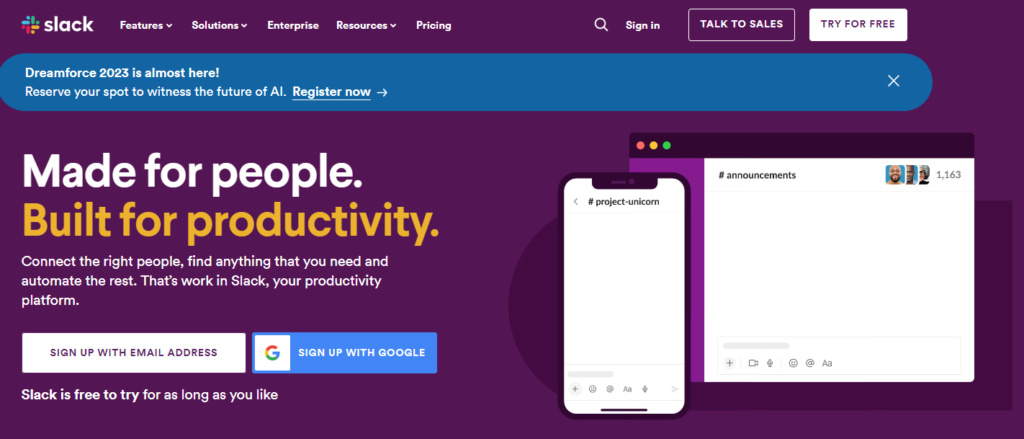
Like the name suggests, communication and collaboration software helps your team effectively communicate with one another and work together on tasks.

This software is really handy if your team works in different offices or locations. This type of tool makes it easy for your team to get in touch with someone when they have a question or need support with a task.
A few of the best communication and collaboration tools include:
Looking for a top-tier CRM to add to your tech stack? Say hello to Nutshell!
Nutshell is an industry-leading CRM platform that gives your IT company everything you need to improve your sales and marketing processes and get more clients.
Boasting over 400 five-star reviews and glowing testimonials, Nutshell is trusted by businesses worldwide to drive sales and revenue.
You don’t have to take our word for it, though. Start a free 14-day trial to see how Nutshell gives you and your team the tools you need to grow your IT company!
Start by identifying your core needs: lead management, sales automation, reporting, or customer retention. Create a requirements checklist with input from sales, marketing, and support teams. Evaluate vendors on ease of use, integration capabilities, mobile support, and pricing structure. Request demos and ask about implementation support. Choose a solution that scales with your growth without overwhelming your team.
CRM software manages customer relationships and sales pipelines, helping you track leads and close deals. PSA (Professional Services Automation) software manages project delivery, resource allocation, and billing for service-based work. Many IT companies use both together—CRM handles the sales side while PSA manages project execution. They work best when integrated so deals flow seamlessly from sales to delivery.
Choose tools with strong API integrations or use middleware platforms to connect systems. Establish a single source of truth for customer data so all teams access the same information. Map out your data flow before implementation and test integrations thoroughly. Prioritize tools that sync in real-time rather than batch updates. Regular audits ensure data stays consistent across platforms.
Automate repetitive tasks like lead assignment, follow-up emails, and pipeline updates using your CRM’s workflow automation. Set up triggers for specific actions—like sending a proposal when a deal reaches a certain stage. Use email automation to nurture leads with targeted messaging. Track which automations drive results and refine them over time. Automation frees your team to focus on relationship-building and closing deals.
Start with a phased rollout rather than a big bang approach. Begin with your core tool (like a CRM) and get teams comfortable before adding integrations. Assign a project lead to oversee implementation and maintain documentation. Provide hands-on training and identify power users who can support their peers. Set clear success metrics and gather feedback regularly. Plan for data migration carefully to avoid losing critical information.
Join 30,000+ other sales and marketing professionals. Subscribe to our Sell to Win newsletter!